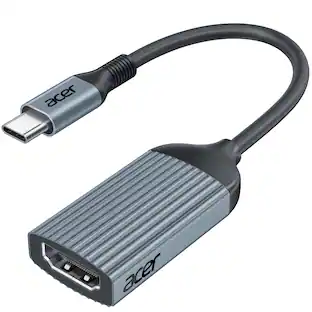
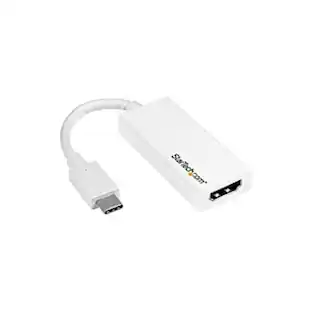
StarTech.com - USB Type-C to HDMI External Video Adapter - White
About this product
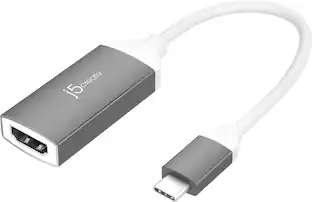
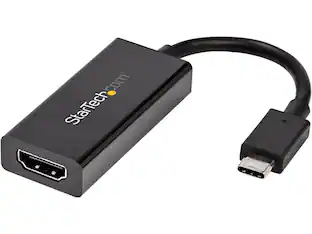
Screen high-definition multimedia content to an external display with this StarTech USB-C to HDMI adapter. It connects a computer to a projector, monitor or HDTV for streaming 4K movies or presenting dynamic reports and discussions. This plug-and-play StarTech USB-C to HDMI adapter is also compatible with Thunderbolt 3.0 ports and is easy to set up with its reversible connector.
Compatible with PC
For use with your existing computer.
Secure connection
Offers reliable signal transfer.
Type-C port
Supports up to 60W pass through of power so you can charge your devices.
- Connector Type (End 1)USB-CGender (End 1)MaleConnector Type (End 2)HDMI Type AGender (End 2)Female
Reviews
Rating 4.6 out of 5 stars with 27 reviews
The vast majority of our reviews come from verified purchases. Reviews from customers may include My Best Buy members, employees, and Tech Insider Network members (as tagged). Select reviewers may receive discounted products, promotional considerations or entries into drawings for honest, helpful reviews.
Compare similar products
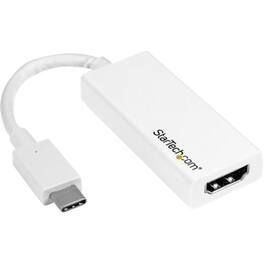
Screen high-definition multimedia content to an external display with this StarTech USB-C to HDMI adapter. It connects a computer to a projector, monitor or HDTV for streaming 4K movies or presenting dynamic reports and discussions. This plug-and-play StarTech USB-C to HDMI adapter is also compatible with Thunderbolt 3.0 ports and is easy to set up with its reversible connector.

You can have an easy and hassle-free connection from your laptop or tablet to your video display with USB Power Delivery at the same time. The plug-and-play compatibility works with Mac and Windows laptops and other USB-C devices. You can charge while you’re using your video display with pass-through USB Power Delivery up to 60W. This cable supports HD-quality resolution up to 3840x2160 at 60Hz, so the video on the compatible display will look as good as on your device.
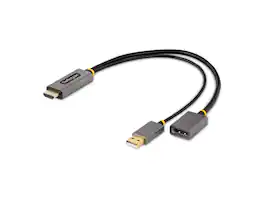
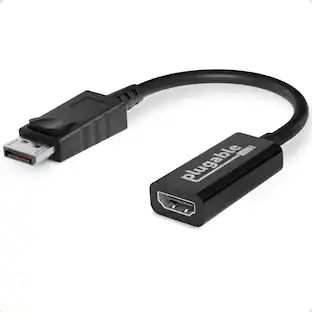
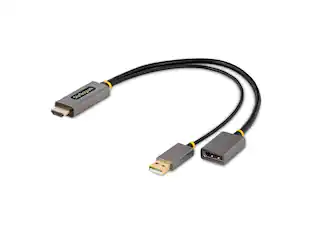
StarTech.com 1ft (30cm) HDMI to DisplayPort Adapter, 4K 60Hz HDR HDMI Source to DP Monitor, USB Bus Powered, HDMI 2.0 to DisplayPort 1.2

The USB Type-C digital AV multiport adapter lets you connect your USB Type-C enabled Mac or iPad Pro to an HDMI display, while also connecting a standard USB device and a USB Type-C charging cable.
| Pros for StarTech.com - USB Type-C to HDMI External Video Adapter - White | |||
|---|---|---|---|
| There were no pros for this product— | HDMI, Overall Performance, Ease of use, Compatibility, Video Quality | There were no pros for this product— | Compatibility, Overall Performance, HDMI, Ease of use, Connectivity |
| Cons for StarTech.com - USB Type-C to HDMI External Video Adapter - White | |||
| There were no cons for this product— | Cable Length, Power | There were no cons for this product— | Price, Ports, Size, Heat |
Specs
Find more like this






More to consider
 Top Deal$54.99The price was $69.99



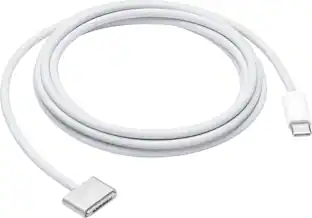
Explore tech essentials Sponsored
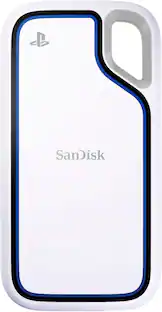 $404.99The price was $465.99
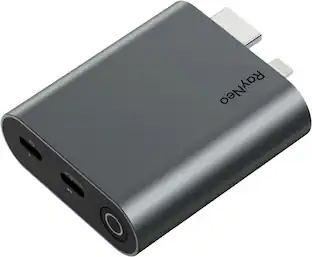




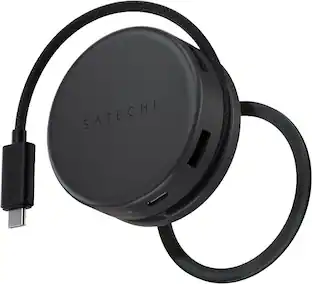
Discover related products
 $24.99The price was $27.99