Startech - Dual-Monitor USB-C Dock (MST30C2HHPD)
About this product
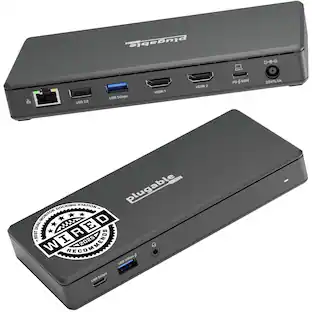
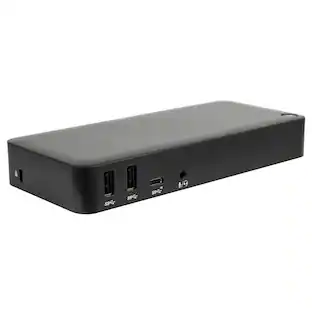
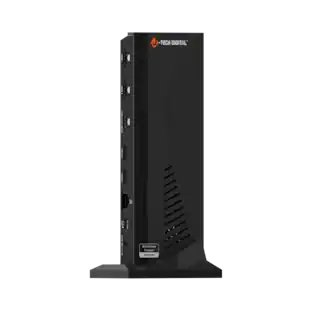
Turn a Windows USB-C laptop into a full workstation with this MST-enabled dual-monitor USB-C dock that provides two HDMI outputs (with HDMI-to-DVI adapters included), five USB 3.0 ports (1x USB-C + 4x USB-A), Gigabit Ethernet, audio/microphone jack and up to 60W USB Power Delivery in a compact plug-and-play design backed by a 3-year warranty.
Features
Dual-monitor MST support
Supports two external displays via MST: 2x HDMI or 2x DVI at up to 1920 x 1200 @ 60Hz, or a single 4K HDMI display (3840x2160 @30Hz or 4096x2160 @24Hz).
60W USB Power Delivery
Provides up to 60W USB Power Delivery to charge the connected laptop while powering peripherals.
Five SuperSpeed USB 3.0 ports
Includes one USB-C and four USB-A SuperSpeed (5 Gbps) ports, including a front fast-charge port for smartphones and accessories.
Gigabit Ethernet and audio
Built-in Gigabit Ethernet (PXE boot support) for full network throughput and 3.5 mm combo audio/microphone jack for headsets.
Plug-and-play for Windows
Automatic driver installation and compatibility with Windows 7/8/8.1/10/11; requires a USB-C port that supports DP Alt Mode and USB Power Delivery for full functionality.
Specifications
- Maximum Number of Displays Supported2Number of DisplayPort Outputs (Total)0Passthrough PowerYes
Reviews
This product doesn't have any reviews yet.

Compare similar products
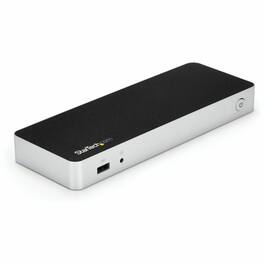
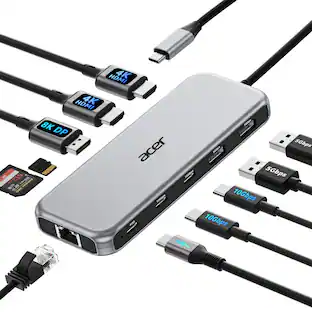
Turn a Windows USB-C laptop into a full workstation with this MST-enabled dual-monitor USB-C dock that provides two HDMI outputs (with HDMI-to-DVI adapters included), five USB 3.0 ports (1x USB-C + 4x USB-A), Gigabit Ethernet, audio/microphone jack and up to 60W USB Power Delivery in a compact plug-and-play design backed by a 3-year warranty.
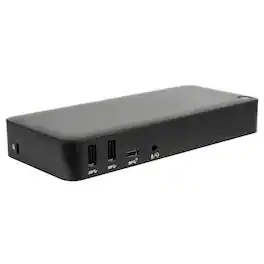
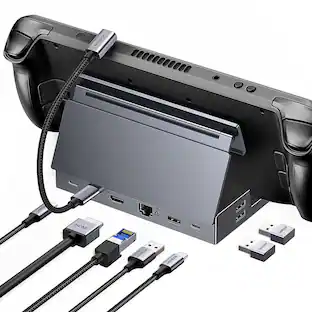
Create a more powerful, productive workstation with the Targus USB-C™ DisplayPort™ Alt. Mode Triple Video Docking Station with 85W Power. This Alternate Mode dock packs all of the ports and power you need and is designed to support and power a wide variety of laptop brands and operating systems – up to 85W. With video performance up to 3840x2160 p60 for single display, 2560x1440 p60 for dual displays, and 1920x1080 p60 for three displays, you are sure to get crisp and clear images. Connect all of your favorite accessories with a combination of USB-A (4 USB 3.2 Gen1 ports, 1 fast-charging) and USB-C (1x 3.2 Gen2), plus Ethernet and audio ports.

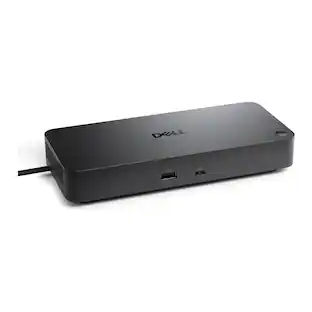
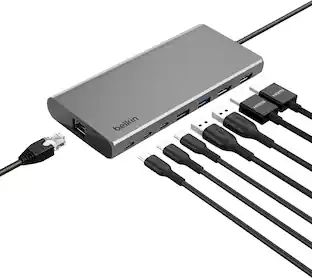
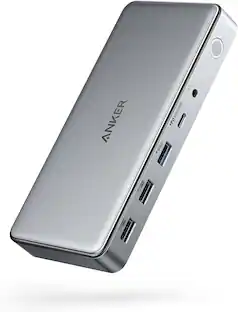
Expand to 8 ports from one Universal USB-C connection and connect to dual monitors (one at 4K 60Hz and one at 4K 30Hz). More points of connection make up for lost ports on newer laptops and the Silicon Motion technology delivers more power and productivity. This product is compatible with the iPhone 17, 17 Pro Max and 17 Pro.

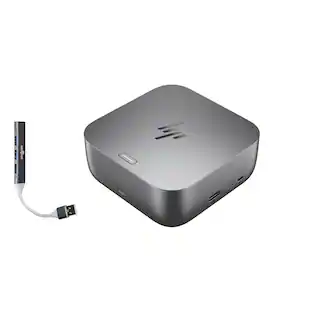
Universal docking for today's laptops. Connect your USB-C-enabled laptop to your displays, accessories, and wired network with the versatile, elegant, and space-saving HP USB-C Dock G5.
| Pros for Startech - Dual-Monitor USB-C Dock (MST30C2HHPD) | |||
|---|---|---|---|
| There were no pros for this product— | Connectivity | Overall Performance, Connectivity, Portability, Port Quantity | Overall Performance, Connectivity, Setup, Design |
| Cons for Startech - Dual-Monitor USB-C Dock (MST30C2HHPD) | |||
| There were no cons for this product— | There were no cons for this product— | Compatibility, Heat Dissipation, Cord Length | Compatibility, Port Quantity |
Specs
Be the first to ask a question.
We’ll try to get your question answered within 24 hours by a Best Buy customer or brand representative.
Customers often buy these together
 Top Deal$124.99The price was $139.99




More to consider
- Top Deal$124.99The price was $139.99
Explore tech essentials Sponsored
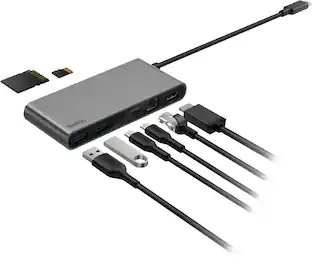 Top Deal$44.99The price was $49.99
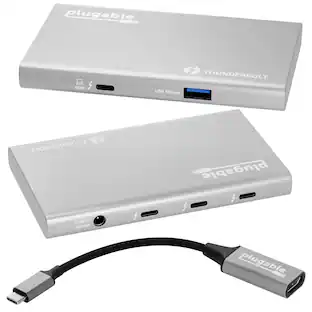
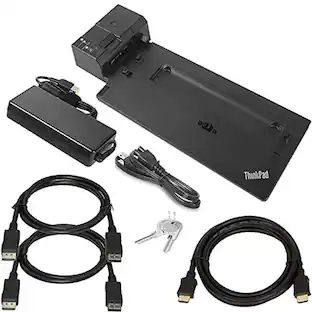

Keep exploring
 $38.99The price was $45.99