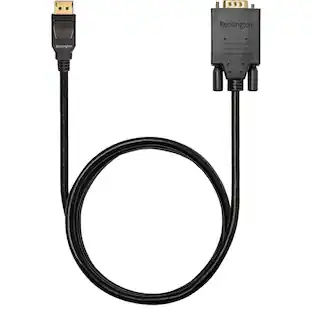
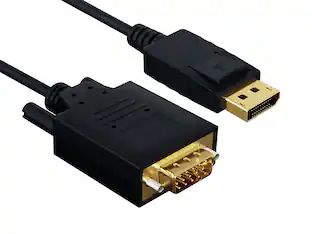
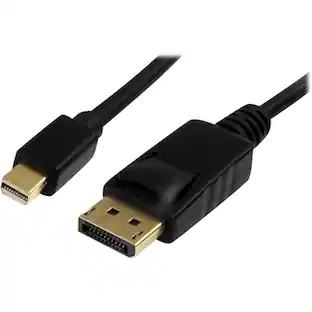
Visiontek - 901216 DisplayPort to VGA 6ft.(2 Meter) Cable (M/M)
Reviews coming soon
About this product
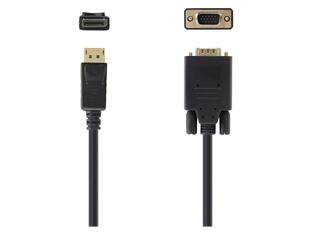
VisionTek 901216 DisplayPort to VGA 6ft.(2 Meter) Cable (M/M)
Requires DisplayPort and VGA for Connection
DisplayPort Source and VGA Monitor/Projector Required
2 Meter (6ft) Length
Active chipset for expanded compatability
Male/Male Connections
No Supplementary Power connectors, just plug and play
- Cable Length6.0 feetConnector Type (End 1)DisplayPortConnector Type (End 2)VGA
Reviews
This product doesn't have any reviews yet.
Compare similar products
VisionTek 901216 DisplayPort to VGA 6ft.(2 Meter) Cable (M/M)

This VGA cable extends and mirrors the screen of your computer to a VGA display, such as a TV or monitor. The corrosion-resistant cable transmits reliable video signals at resolutions up to 1920 × 1200, letting you watch movies, videos and more in full HD. A 6 ft. length ensures you’ll be able to position your devices wherever you want them.
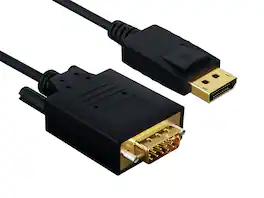
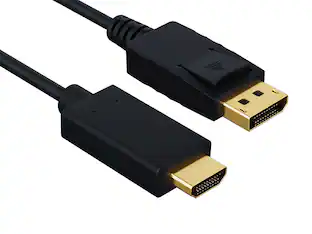
Got a DisplayPort graphics card and a legacy VGA monitor or conference-room projector that you don't want to replace? This DisplayPort to VGA cable converts the digital DP signal to analog VGA at up to 1920x1200 (1080p Full HD), built into a single cable so there's no separate adapter dangling on the back of your machine. Latching DP connector locks into the port; HD-15 VGA end has captive thumbscrews. Built with 28 AWG tinned copper conductors, integrated active conversion circuitry, and gold-plated DP contacts. Compatible with NVIDIA GeForce, AMD Radeon graphics cards, Dell, HP, Lenovo desktops and laptops, and any HD-15 VGA monitor, projector, or conference-room display. Best for: DP source to analog VGA monitor or projector at up to 1080p Full HD. Not for: VGA-to-DP reverse direction, digital DVI or HDMI displays, or USB-C sources without DisplayPort Alt Mode. RoHS compliant.
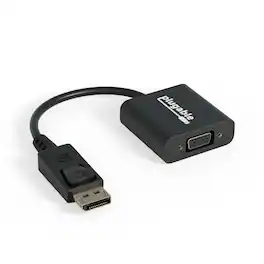
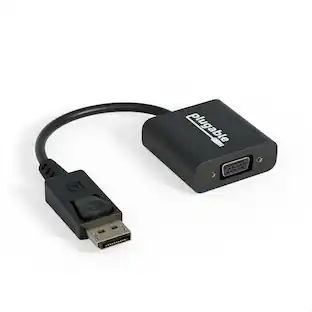
Plugable's Display Port to VGA Port adapter allows you to connect from a DisplayPort (DP) output on your laptop, desktop, or tablet to virtually any VGA-enabled display. Active adapters are compatible with both Single-mode and Dual-mode DisplayPort outputs. Our adapter supports resolutions up to 1920x1200 @ 60Hz refresh rate. This versatile adapter complements a docking station dual monitor setup, making it easy to expand your workspace with multiple monitors. Compatibility Plugable's DPM-VGAF adapter is compatible with systems that have a DisplayPort output port (DP) on a laptop, desktop or tablet PC to add a VGA capable monitor, TV or projector. Whether you need a DisplayPort to VGA, Display Port to VGA or DP to VGA adapter, this product provides seamless intergration. Note that adapter is not bi-directional and will not convert in the other direction. Compliant with VESA DisplayPort 1.1 In the Bag Plugable DisplayPort to VGA Active Adapter (VGA cable not included)
| Pros for Visiontek - 901216 DisplayPort to VGA 6ft.(2 Meter) Cable (M/M) | |||
|---|---|---|---|
| There were no pros for this product— | Quality, Ease of use, Cable Length, VGA, Connectivity | There were no pros for this product— | Overall Performance |
Specs
Be the first to ask a question.
We’ll try to get your question answered within 24 hours by a Best Buy customer or brand representative.
Customers often buy these together
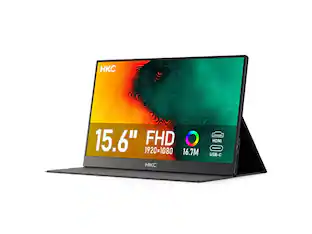 $70.19The price was $88.55
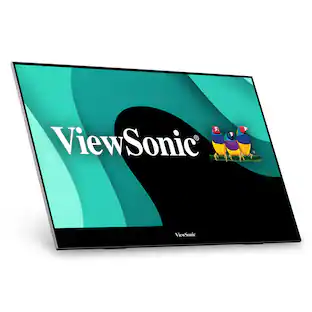 $499.99The price was $519.51
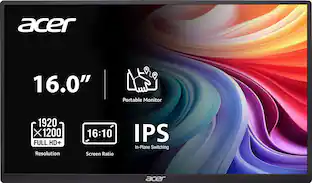 Top Deal$99.99The price was $109.99

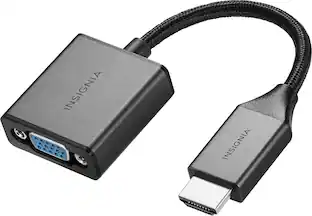
More to consider
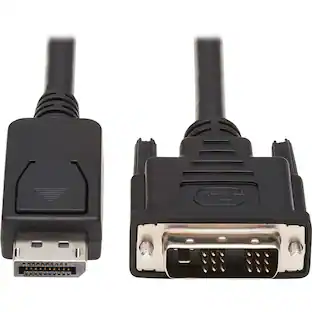
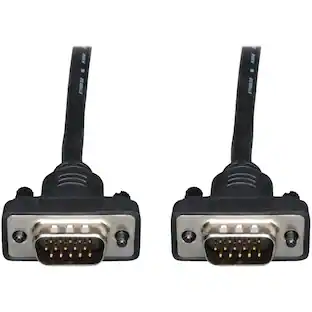

Explore tech essentials Sponsored
 $379.99The price was $579.99
 $404.99The price was $465.99

Keep exploring
 $12.99The price was $13.99