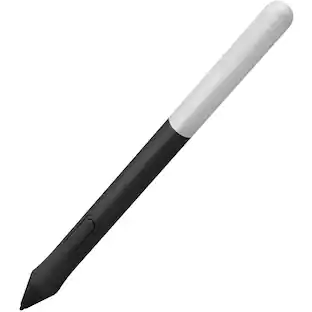
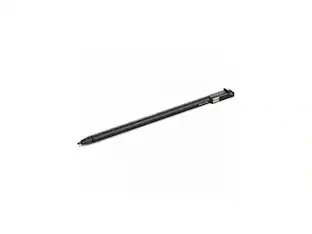
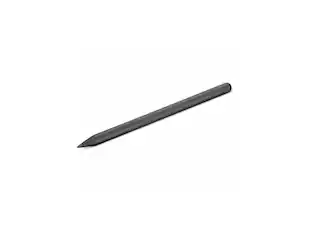
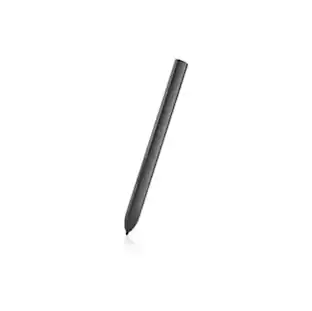
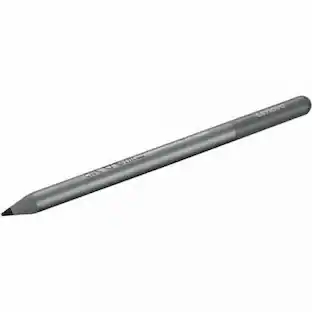
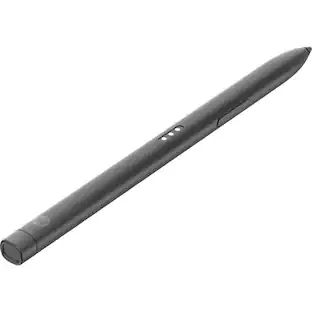
Wacom - 4K Pen - Black
Customers are saying
Customers consistently note that the product is highly valued for its ease of use, as it significantly improves the editing experience compared to manual input. Users also report that the device delivers excellent overall performance when paired with drawing pads. However, some customers have expressed frustration regarding its limited compatibility, specifically noting that the hardware is only forward compatible.
Features
Compatible with select Wacom graphic tablets
For use with Wacom Intuos creative pen tablets, small and medium (CTL4100, CTL6100WLK0, CTL6100WLE0, CTL4100WLK0, and CTL4100WLE0). Not compatible with prior Intuos, Intuos 3, 4, 5, Intuos Pro tablets or Cintiq products.
Ergonomic design and durable construction
Ensure an excellent in-hand feel.
Fine tip with 4,096 levels of pressure
Its 7mm low reading height, higher linearity, and weight balance calibration deliver better precision and control, enabling you to glide across the tablet like a pen on paper.
Two programmable side-switch buttons
Put the shortcuts you need at your fingertips.
Battery-free EMR functionality
Allows light and comfortable use thanks to the EMR (Electro-Magnetic Resonance) technology.
Made for both left-/right-handed users
Designed for your comfort.
Specifications
- Model CompatibilityWacom Intuos CTL-4100, Wacom Intuos CTL-6100Screen CompatibilityBuilt for Windows Ink (Active)
Reviews
Rating 3.7 out of 5 stars with 32 reviews
- Ease of Use (6)
- Overall Performance (5)
- Compatibility (4)
Customer Images
The vast majority of our reviews come from verified purchases. Reviews from customers may include My Best Buy members, employees, and Tech Insider Network members (as tagged). Select reviewers may receive discounted products, promotional considerations or entries into drawings for honest, helpful reviews.

- Logitech - Slim Folio Keyboard Folio for Apple iPad (7th, 8th & 9th Generation) - Graphite$71.99The price was $99.99
Compare similar products

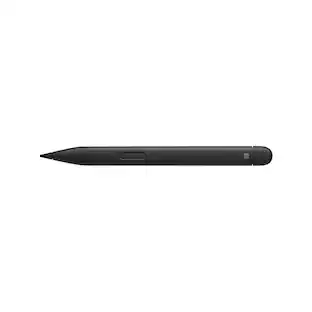
Get creative with this Wacom Pen 4K stylus. It's highly pressure-sensitive for accurate drawing on a compatible Intuos pen tablet, and it has a programmable side switch for quick access to your favorite functions. This Wacom Pen 4K stylus is wireless and battery-free, so you can use it for hours without recharging.

Express yourself with this Wacom Pro Pen 2 stylus. Its high pressure sensitivity and virtually lag-free tracking let you draw with accuracy and natural flow on a compatible Intuos Pro, Cintiq Pro or MobileStudio Pro tablet. Perform different drawing styles with the included three nibs of this Wacom Pro Pen 2 stylus.

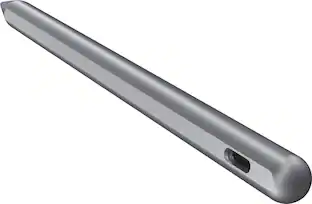
The Lenovo Digital Pen 2 is a testament to innovation and user-centric design. With an enhanced grip, elastomer pen tip for precision, extended battery life, and quick-access buttons, it provides an elevated creative experience. Whether you're a professional artist, a student, or simply someone who values seamless functionality, this pen is designed to transform your digital interactions into natural and fluid expressions. Unleash your creativity, sign documents with finesse, and sketch your imagination into reality with the Lenovo Digital Pen 2.
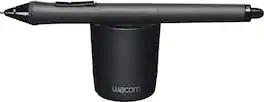
Sketch and write on an Intuos tablet or Cintiq display comfortably with this Wacom Grip Pen stylus. It has a contoured body and ergonomic weight to help prevent wrist fatigue during extended use, and its tilt sensitivity provides a natural feel for accurate drawing. Maximize productivity with the programmable side switches and pressure-sensitive eraser of this Wacom Grip Pen stylus.
| Pros for Wacom - 4K Pen - Black | |||
|---|---|---|---|
| Ease of Use, Overall Performance | There were no pros for this product— | Overall Performance, Ease of Use, Weight, Battery Life, Connectivity | There were no pros for this product— |
| Cons for Wacom - 4K Pen - Black | |||
| Compatibility | There were no cons for this product— | Compatibility | There were no cons for this product— |
Specs
Questions & Answers
is this pen compatible with my hp touchscreen laptop?
Answered by WacomIt is not. This pen is a factory replacement for an specific model of Wacom tablet. If your HP is a 2in1 device, and it has built in technologies of either MPP (Microsoft Pen Protocol) or AES (Active Stylus) then you may try out Bamboo Ink. If you are not sure, I suggest to reach out to HP directly and confirm the Pen input capabilities of your device. Hope that helps. Best.

Is this pen compatable with a Dell inspirion?
Answered by WacomHi there, thank you for asking. While many Dell laptops work, we have not tested all the models as you were not specific on the actual version. However, the Bamboo Ink Smart Stylus product works with 2-in-1 Windows devices that have built-in inside their hardware, either Wacom Active ES protocol (AES) or Microsoft Pen Protocol (MPP). I hope that helps! Best
Will this pen work for a Kindle Fire?
Answered by WacomHello and thank you for the question about the Wacom 4K pen. The Wacom 4k Pen only works on the Wacom Intuos based products and not other products. Regards
Will this pen work with my wacom intuos 5 ? If not ,which one will.
Answered by WacomNo. For the Intuos5 you will want to look for the KP501E2 Grip Pen. It would also support the KP300E2 Classic Pen.
Is it compatible with the asus pro art pz14
Answered by WacomThank you for the question. The Wacom 4K Pen is not compatible with the ASUS Pro Art PZ14

Find more like this
Tronsmart Kreda 10 Active Stylus Pen, Digital Pencil for Apple iPad 2018-2025, iPad Pro, iPad Air & iPad mini, Tilt Sensitivity
Holiday Deal$16.99The price was $24.99










Customers ultimately bought
Explore tech essentials Sponsored


Discover related products
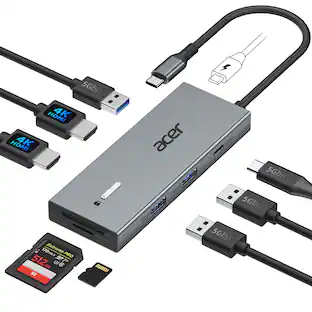
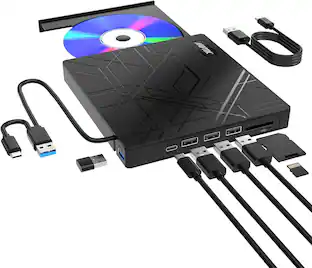
Acer USB C Docking Station With 2 HDMI, 9-IN-1 Docking Hub with USB A&C 3.0, SD/Micro SD, 100W Charging
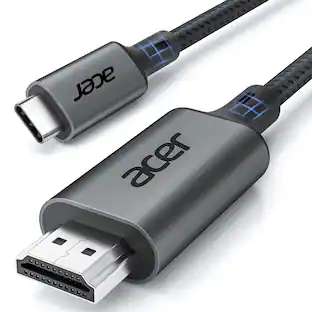
$42.99The price was $47.99Acer USB C to HDMI Cable for Home Office 6.6FT (4K@60Hz), High-Speed Type C to HDMI 2.0 Braided Cord
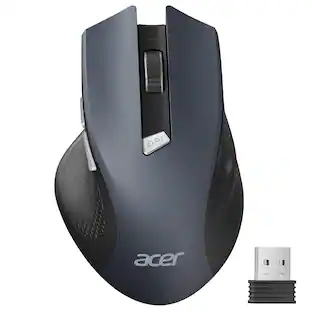
Holiday Deal$10.99The price was $13.99Acer Wireless Mouse for Laptop, 2.4GHz Computer Mouse 3 Adjustable DPI Office Cordless USB Mice with USBA Receiver
Holiday Deal$10.99The price was $12.99Z Z-Edge 2K 2592x1944 Stream Webcam Auto Focus Web Camera for PC/Desktop/Laptop
$24.99The price was $39.99Delton 10X Noise Isolating Bluetooth Over-the-Head Headset for Office & Remote Work (DBTHEAD10X)
$29.99The price was $32.82


Keep exploring
Dell PN7320A Latitude 7320 Detachable Active Pen - Notebook Device Supported
$67.03The price was $69.47Lenovo Integrated Pen for L13 Yoga Gen 3 & Gen 4 - Notebook Device Supported
$46.99The price was $68.03