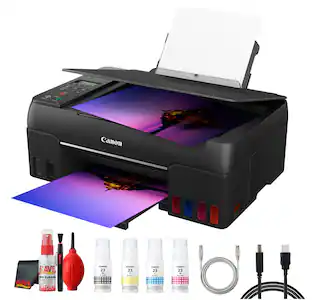
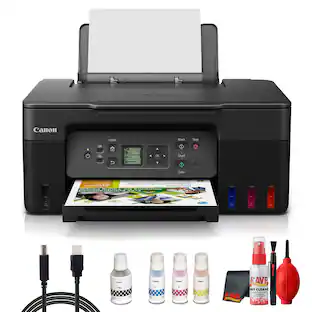
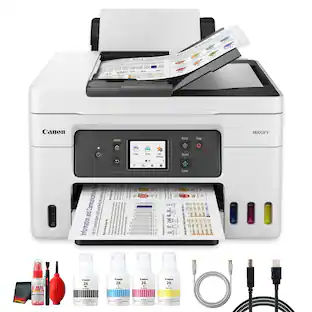
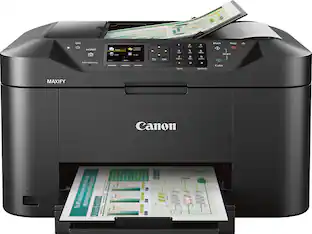
Canon - MAXIFY MB2720 Wireless All-In-One Printer - Black
About this product
Satisfy all home office or small business printing needs with this Canon MAXIFY printer. This all-in-one printer lets you manage scan, copy and print jobs via built-in Wi-Fi to reduce reliance on cords. The 500-sheet paper capacity and high-yielding ink cartridge options ensure this Canon MAXIFY printer handles big printing jobs at a reasonable cost. .
Features
Be sure you have the right cartridge
Enter your printer's model number into our Ink and Toner Finder to find compatible cartridges.
Prints up to 24 ISO ppm* in black, up to 15.5 ISO ppm* in color
To generate documents quickly.
Inkjet printers are best for home or small business use
They offer excellent print quality for photos and documents and accept a variety of paper types and sizes.
Wireless and mobile printing capability
Connect this printer to your home or office network with built-in Ethernet or wireless LAN. Plus, print from your mobile device with the Canon PRINT app.
Apple® AirPrint enabled
For Apple iPad® and iPhone® printing.
Up to 600 x 1200 dpi (dots per inch) color and black resolution
High resolution for producing incredible quality and detail in documents and photos.
4 individual print cartridges are economical
Only replace ink cartridges (black, cyan, magenta and yellow) when a color runs out.
Large paper trays for high-volume printing and copying
Reload less often with two 250-sheet trays. Copy, scan or fax multiple pages easily with the 50-sheet automatic document feeder.
3" high-resolution LCD touch screen
Easily input commands for printing, copying and scanning directly from the printer.
USB port for simple connectivity
1 high-speed USB port offers a standard connection to your PC or a simple way to plug in and print with a USB drive, camera or other device.
Built-in duplex printing
Print on both sides of the page without turning it over manually, to minimize your printing costs and help the environment.
Apple, the Apple logo, iPod, iPad and Apple AirPrint are trademarks of Apple Computer, Inc., registered in the U.S. and other countries.
*Requires a high-speed Internet connection.
Print speeds vary with use. See manufacturer for info on print speeds.
Specifications
- NetworkingWired, WirelessENERGY STAR CertifiedYesPrinter TypeCopier, Fax, Printer, ScannerISO Color Print Speed15.5 pages per minuteISO Mono Print Speed24 pages per minuteOutput Tray Capacity500
Reviews
Rating 4.3 out of 5 stars with 533 reviews
Customer Images
The vast majority of our reviews come from verified purchases. Reviews from customers may include My Best Buy members, employees, and Tech Insider Network members (as tagged). Select reviewers may receive discounted products, promotional considerations or entries into drawings for honest, helpful reviews.

Compare similar products
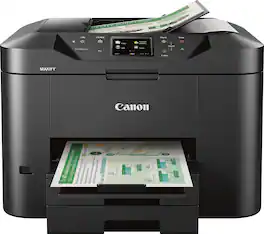
Satisfy all home office or small business printing needs with this Canon MAXIFY printer. This all-in-one printer lets you manage scan, copy and print jobs via built-in Wi-Fi to reduce reliance on cords. The 500-sheet paper capacity and high-yielding ink cartridge options ensure this Canon MAXIFY printer handles big printing jobs at a reasonable cost. .
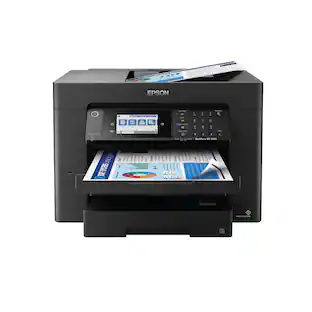
Supercharge workplace efficiency and productivity with the ultra fast WorkForce Pro WF-7840. Offering high-speed wide-format printing, this reliable all-in-one consistently delivers sharp, professional-quality, prints using innovative PrecisionCore Heat-Free Technology and vivid DURABrite Ultra inks. Built from the ground up to meet the demands of fast-paced businesses, the WF-7840 tackles a variety of tasks with wide-format printing up to 13" x 19", auto 2-sided print, copy, scan and fax, a 50-sheet rear tray, and a large, 500-sheet paper capacity. Convenient and easy-to-use, this complete duplex solution offers an abundance of features for simplified operation and navigation, including a 4.3" color touchscreen and wireless setup using mobile devices
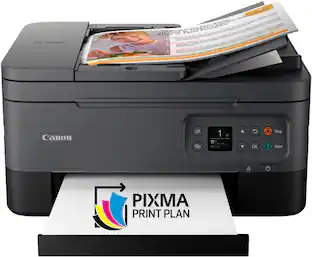
When you need a compact home office printer that can handle all your work needs, the PIXMA TR8620a has you covered. With front and rear paper feeding, a 5-Individual Ink System, 4.3” LCD Touchscreen, and impressive wired and wireless5 connectivity options, you’ll be able to do it all. The PIXMA TR8620a can easily transition from scanning a multi-page contract with the built-in Auto Document Feeder to printing double-sided homework assignments from online classrooms systems, or a family photo wirelessly from your smartphone. Whether it’s printing documents and reports, or faxing and scanning, the PIXMA TR8620a is the ultimate compact home office printer that’s big on performance and productivity.
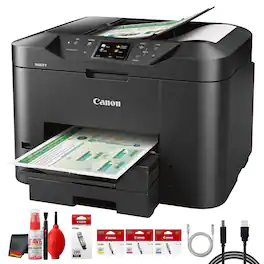
The Canon MAXIFY MB2720 Wireless Home Office All-in-One Printer is made for buyers who need a printer that fits into real life instead of demanding extra effort every time a job appears. Important features such as Print, Scan, Copy, Fax, Max Print Resolution 1200 x 600 dpi, Print Speed 24 ipm Black/15.5 ipm Color, 500-Sheet Capacity help create a dependable setup for printing documents, color pages, photos, forms, cards, and other everyday materials. Whether the goal is supporting a home office, simplifying schoolwork, organizing family paperwork, or handling small business tasks, this model is built to keep the workflow clear and approachable. Beyond the headline specs, the strength of this printer is how it supports the way people actually work. Wireless capability, practical paper handling, and support for common media types make it easier to move from laptops, phones, and tablets to finished pages without unnecessary friction. For all-in-one models, scan and copy functions add more value by helping digitize records, duplicate forms, and manage incoming paperwork in one place. Where fax or duplex features are included, they add another layer of convenience for office-style tasks. The MB2720 is a strong choice for shoppers comparing printers based on usability, output, and day-to-day flexibility. It is suited to homes, remote workstations, creative spaces, and small businesses that want reliable performance with straightforward controls.Manufacturer Included Items:Canon MAXIFY MB2720 Wireless Home Office All-in-One PrinterSetup CD-ROMFull set of ink tanksPower CordTelephone CableBundle Items Include:Canon MAXIFY MB2720 Home Office All-in-One Printer for Home Office, Small Business, Reports, Forms, Invoices, Labels and Efficient Wireless PrintingPrinter CableCleaning KitEthernet Cable
| Pros for Canon - MAXIFY MB2720 Wireless All-In-One Printer - Black | |||
|---|---|---|---|
| There were no pros for this product— | Print Quality, Ease of use, Overall Performance, Paper Tray, Price | Print Quality, Ease of use, Overall Performance, Size, Setup | There were no pros for this product— |
| Cons for Canon - MAXIFY MB2720 Wireless All-In-One Printer - Black | |||
| There were no cons for this product— | Size, Connectivity, Weight | Paper Tray | There were no cons for this product— |
Specs
Customers often buy these together




More to consider
Epson WorkForce Pro WF-7840 Wireless Wide-format All-in-One Inkjet Printer
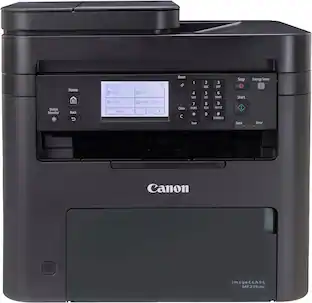
$199.99The price was $379.99Canon imageCLASS MF273dw Wireless Black-and-White All-In-One Laser Printer
$144.55The price was $269.99Epson WorkForce Pro WF-4930 Wireless Color All-in-One Inkjet Printer (C11CM03201)
$149.99The price was $279.99Canon imageCLASS MF275dw Wireless Black-and-White All-In-One Laser Printer with Fax
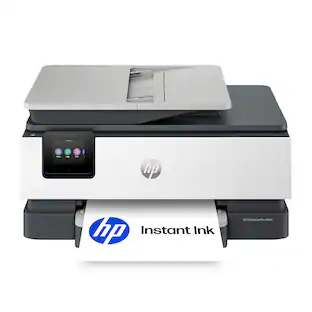
$237.00The price was $303.92HP OfficeJet Pro 8139 Wireless All-in-One Inkjet Printer, Scanner, Copier, AI-Enabled with 12 Months of Instant Ink
Black Friday Deal$179.99The price was $279.99

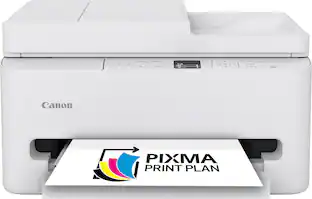
Explore tech essentials Sponsored
Epson WorkForce Pro WF-7840 Wireless Wide-format All-in-One Inkjet Printer
$199.99The price was $379.99HP Smart Tank 7001 Wireless AI-Enabled All-In-One Supertank Inkjet Printer with 3 Years of Ink Included¹
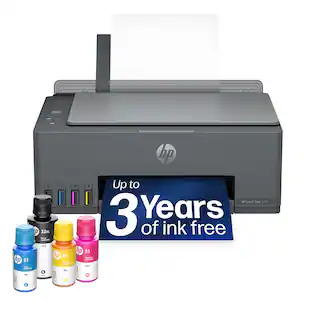
$269.99The price was $429.99HP Smart Tank 5001 Wireless All-in-One AI-Enabled Cartridge-Free Supertank Inkjet Printer with 3 Years of Ink Included¹
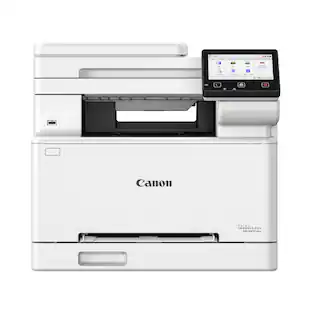
Black Friday Deal$149.99The price was $189.99Canon imageCLASS MF663Cdw Wireless Duplex Color Laser All-In-One Printer with 50-Sheet ADF
$349.99The price was $479.99
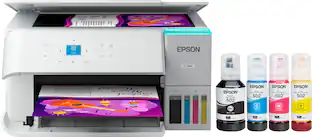
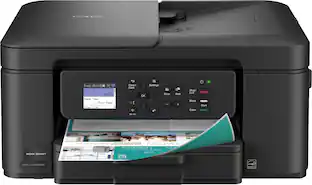
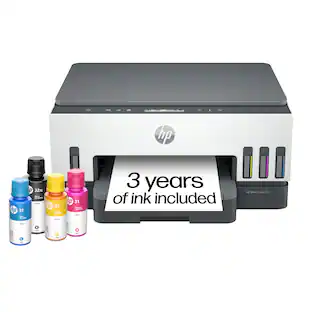
Discover related products
GEEKOM Air12 Lite Mini PC, Intel Processor N95 Desktop Computer, 8GB DDR4 RAM & 256GB SSD, Windows 11 Pro Pre-installed
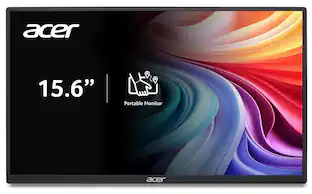
Black Friday Deal$259.00The price was $599.00Acer PM161Q 15.6" Portable Monitor Full HD 1920x1080 IPS USB-C HDMI Refurbished
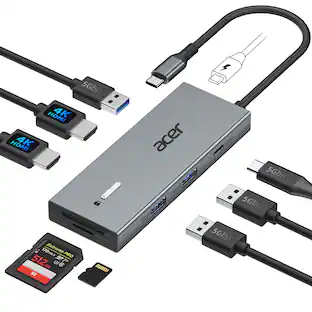
$44.99The price was $48.99Acer USB C Docking Station With 2 HDMI, 9-IN-1 Docking Hub with USB A&C 3.0, SD/Micro SD, 100W Charging
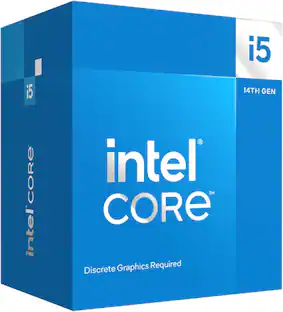
$42.99The price was $47.99Intel Core i5-14400F 14th Gen 10-Core 16-Thread - 4.7GHz Turbo Socket LGA1700 Unlocked Desktop Processor
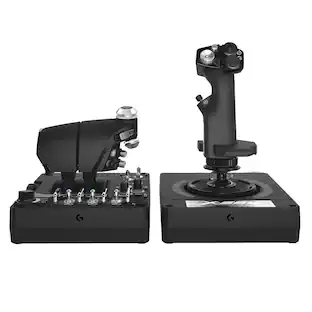
$149.99The price was $197.23Logitech X56 HOTAS Microsoft Flight Simulator RGB Dual-Throttle and Joystick
$248.62The price was $297.23


Keep exploring
xTool Apparel Printer Plus, One Click DTF Printer, Effortless Customization for Business.
$4,899.00The price was $5,399.00Epson WorkForce Pro WF-M5899 Wired & Wireless Inkjet Multifunction Printer - Copier/Fax/Printer/Scanner
$705.36The price was $1,200.00HP DesignJet T630 Large Format 36-inch Plotter Printer w Auto Sheet Feeder, Media Bin, & Stand
$1,944.90The price was $1,994.90