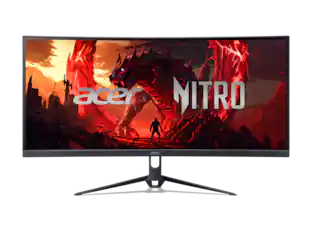
Insignia™ - 27" Class IPS FHD 144Hz Monitor with AMD FreeSync (HDMI, VGA) - Black
About this product
Enjoy a vibrant view for work, gaming, and everyday browsing on the Insignia 27" IPS FHD 144Hz Monitor with AMD FreeSync (HDMI, VGA). Fast-moving games and videos look smooth and detailed, while AMD FreeSync™ helps reduce image tearing for a seamless experience. HDMI and VGA connections make it easy to connect your computer, game console, or other compatible device. A 178° wide viewing angle lets you enjoy a clear view from nearly any position.
Screen Size
27"Highlights
Features
Form and function
Enjoy crisp, vibrant visuals on this 27-inch class LED-backlit display featuring a slim bezel design that maximizes screen space and complements everyday entertainment or office workspaces.
Clear resolution
Features a standard 16:9 display 1920 x 1080 at 144Hz to stream your favorite shows, surf the web, or create spreadsheets in full high definition in your home office.
AMD FreeSync certified
Provides a tear-free, flicker-free gaming experience and smooth video playback.
Low Blue Light technology
Stay focused longer with Low Blue Light technology, engineered to help reduce eye strain during prolonged screen use.
Wide viewing angle
With IPS technology, enjoy a clear view from almost any position with 178° horizontal and vertical viewing angles.
Flexible positioning
Tilt your screen for your desired viewing angle (+22°/ -6°) or mount to a 100 × 100 VESA-compatible mount (not included).
HDMI and VGA connections
Connect a desktop or laptop computer, game console, or other device to the monitor's HDMI or VGA port. A 4.9 ft. HDMI cable is included for simple connections.
Brought to you by Best Buy
Insignia brings you affordable, dependable products with all the features you need.
Specifications
- Refresh Rate144HzMaximum Resolution1920 x 1080Response Time5 millisecondsPanel TypeIPSSynchronization TechnologyFreeSync (AMD Adaptive Sync)
Reviews
Rating 4.8 out of 5 stars with 8 reviews
Customer Images
The vast majority of our reviews come from verified purchases. Reviews from customers may include My Best Buy members, employees, and Tech Insider Network members (as tagged). Select reviewers may receive discounted products, promotional considerations or entries into drawings for honest, helpful reviews.
Compare similar products
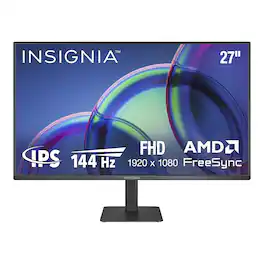
Enjoy a vibrant view for work, gaming, and everyday browsing on the Insignia 27" IPS FHD 144Hz Monitor with AMD FreeSync (HDMI, VGA). Fast-moving games and videos look smooth and detailed, while AMD FreeSync™ helps reduce image tearing for a seamless experience. HDMI and VGA connections make it easy to connect your computer, game console, or other compatible device. A 178° wide viewing angle lets you enjoy a clear view from nearly any position.
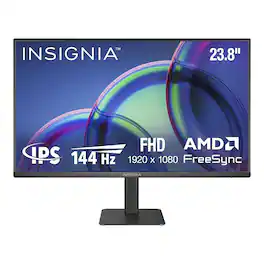
Enjoy a vibrant view for work, gaming, and everyday browsing on the Insignia 24" Class IPS FHD 144Hz Monitor with AMD FreeSync (HDMI, VGA). Fast-moving games and videos look smooth and detailed, while AMD FreeSync™ helps reduce image tearing for a seamless experience. HDMI and VGA connections make it easy to connect your computer, game console, or other compatible device. A 178° wide viewing angle lets you enjoy a clear view from nearly any position.
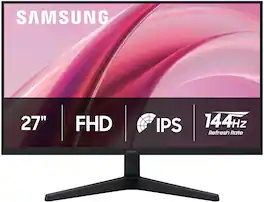
Samsung's 27" Essential Monitor G3 (G31H) offers sharp visuals from every angle ensuring a productive, comfortable experience for both work and entertainment. The IPS Panel keeps colors consistently bright and clear across the entire screen regardless of viewing angle, with reduced color washout. The 144Hz Refresh Rate and 1ms response time (MPRT) reduces lag and motion blur, while enabling fast reactions for smooth performance. By syncing the panel with the GPU, Variable Refresh Rate (VRR) and AMD FreeSync™ reduce choppiness, screen lag, and image tearing, ensuring fast-paced action remains stable with minimal stutter Game Mode, with optimizable game settings, allows instant adjustments to color and contrast. Eye Saver Mode and Less Screen Flickering decreases eye strain by reducing blue light and minimizing irritating screen flicker. Multiple connectivity (with HDMI and DP ports) makes it easy to connect peripherals to the monitor for increased flexibility and an easy, convenient setup. Samsung is the #1 Monitor Brand 4 years in a row.
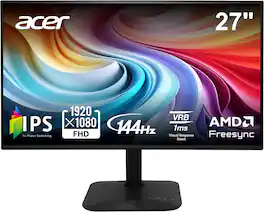
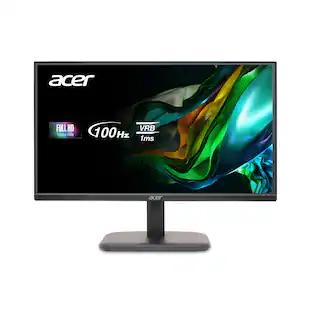
Introducing Acer's KA272 gaming monitor - the Full HD resolution monitor that can keep up with your game play. Through AMD FreeSync technology, the game’s frame rate is determined by your graphics card, not the fixed refresh rate of the monitor, giving you a serious competitive edge. Plus, users can enjoy comfortable viewing experience while gaming via flicker-less and low dimming display. The design saves space on your desk and lets you place multiple monitors side by side to build a seamless big-screen display.
Specs
Be the first to ask a question.
We’ll try to get your question answered within 24 hours by a Best Buy customer or brand representative.
Customers often buy these together
Computer Keyboards

Logitech - MK270 Full-size Wireless Membrane Keyboard and Mouse Bundle for PC - Black
Holiday Deal$19.99The price was $29.99
Logitech - MK540 Full-size Advanced Wireless Membrane Keyboard and Mouse Combo for PC - Black
$49.99The price was $59.99



![esc ! i 1 tab caps lock shift F1 2 Q A aas E4 F3 F2 $ % # 4 5 3 E R W F S D X C Z FS A 6 T G V F6 & 7 Y H B 17 * 8 U J N logi HI FI0 P9 FB ) - ( - 9 0 o P I K L > < M I P + = { [ A : I : ? I alt cmd3 2 0 3 10% 1 F12 page home up backspace ins page I delete end down } ] / enter shift ctrl fn opt^= Q I * / clear 8 9 + 7 pg up home 5 6 4 , 4 2 3 enter 1 dn pg end = 0 del ins ctrl start opt alt cmd](https://pisces.bbystatic.com/image2/BestBuy_US/images/products/6571/6571662_sd.jpg;maxHeight=232;maxWidth=233?format=webp)
![esc F1 F2 F3 F4 F5 F6 F7 F8 F9 F10 F11 F12 1 2 3 4 5 6 7 8 9 0 - = backspace tab Q W E R T Y U I O P [ ] \ caps lock A S D F G H J K L ; ' shift Z X C V B N M , . / shift ctrl alt logi](https://pisces.bbystatic.com/image2/BestBuy_US/images/products/6411/6411501_sd.jpg;maxHeight=232;maxWidth=233?format=webp)
![esc 1 2 3 4 5 6 7 8 9 0 - = tab Q W E R T Y U I O P [ ] \ caps lock A S D F G H J K L ; ' shift Z X C V B N M , . / ctrl fn opt cmd start alt end home pg up pg dn del backspace 1 2 3 4 5 6 7 8 9 0 - =](https://pisces.bbystatic.com/image2/BestBuy_US/images/products/6554/6554353_sd.jpg;maxHeight=232;maxWidth=233?format=webp)

Monitor Stands
More recommended items
 Monitor and Video Cables
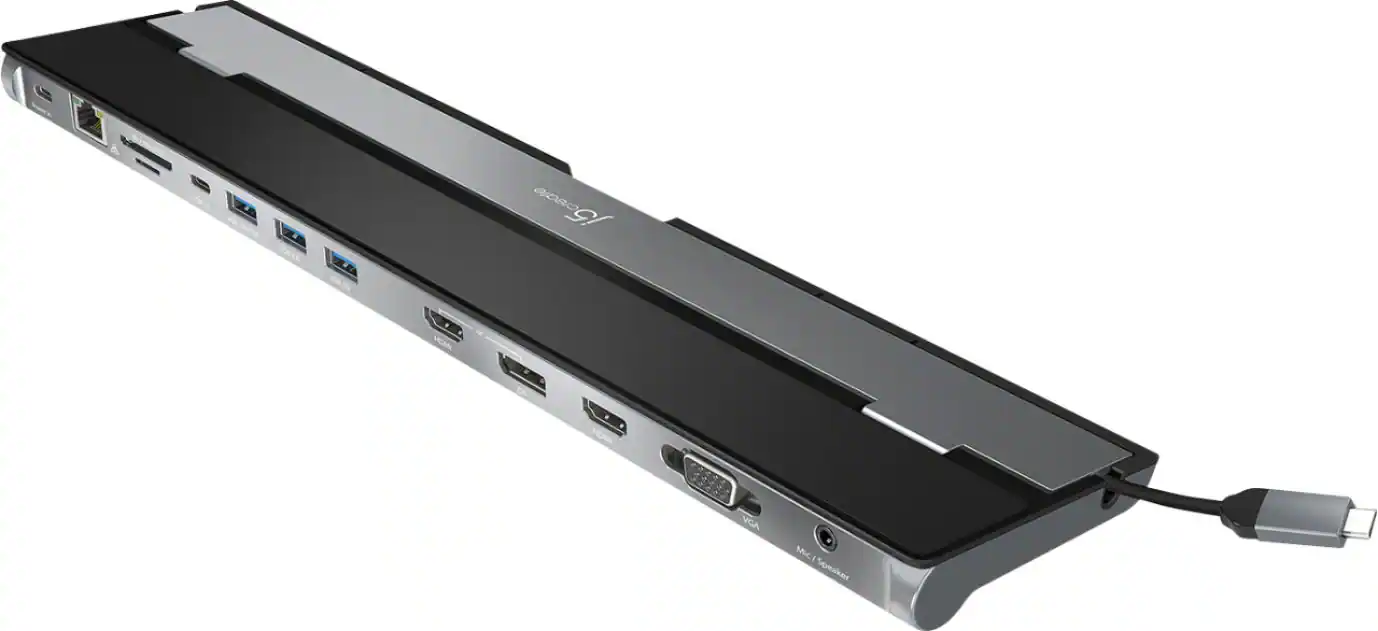 Laptop Docking Stations
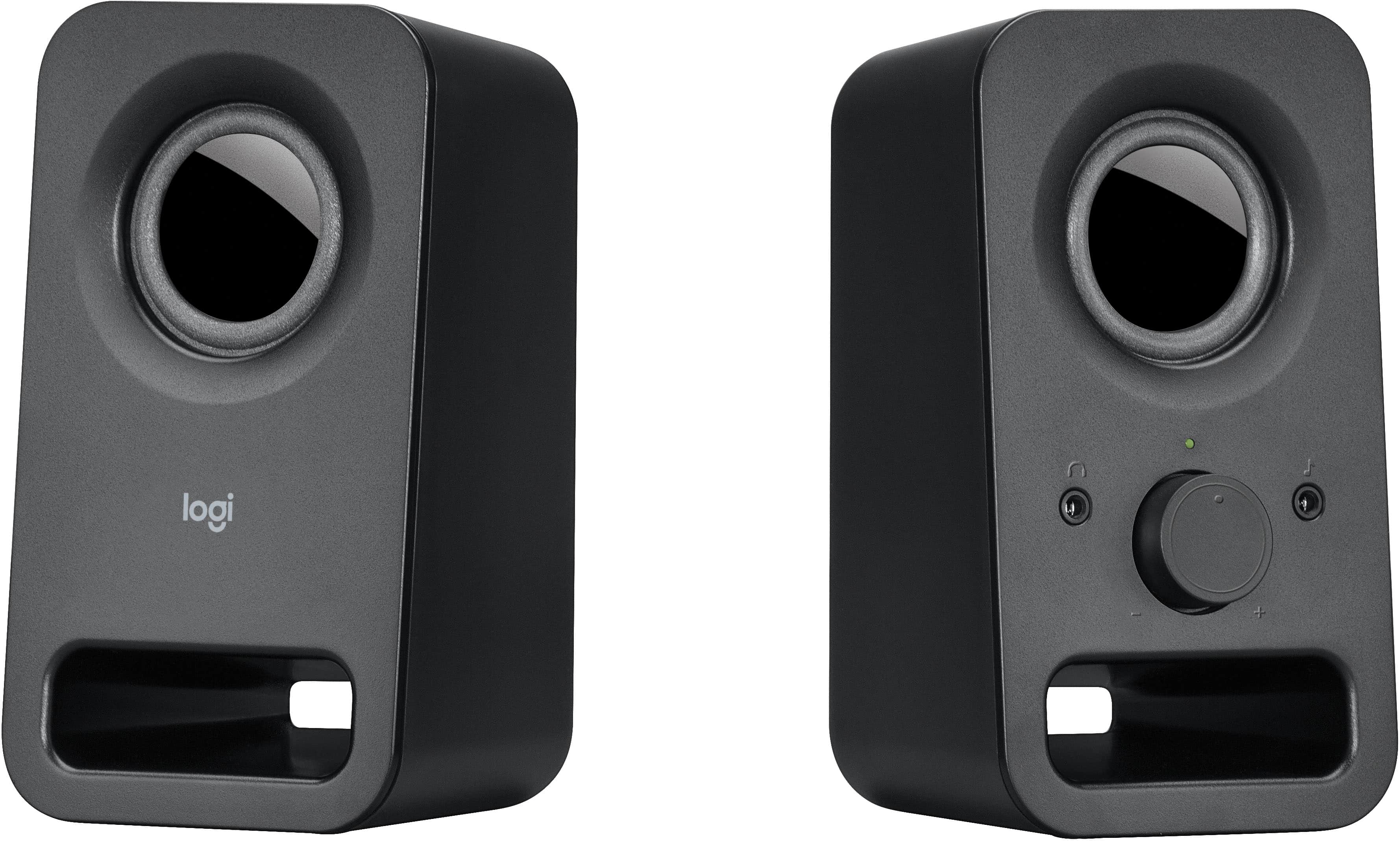 Computer Speakers
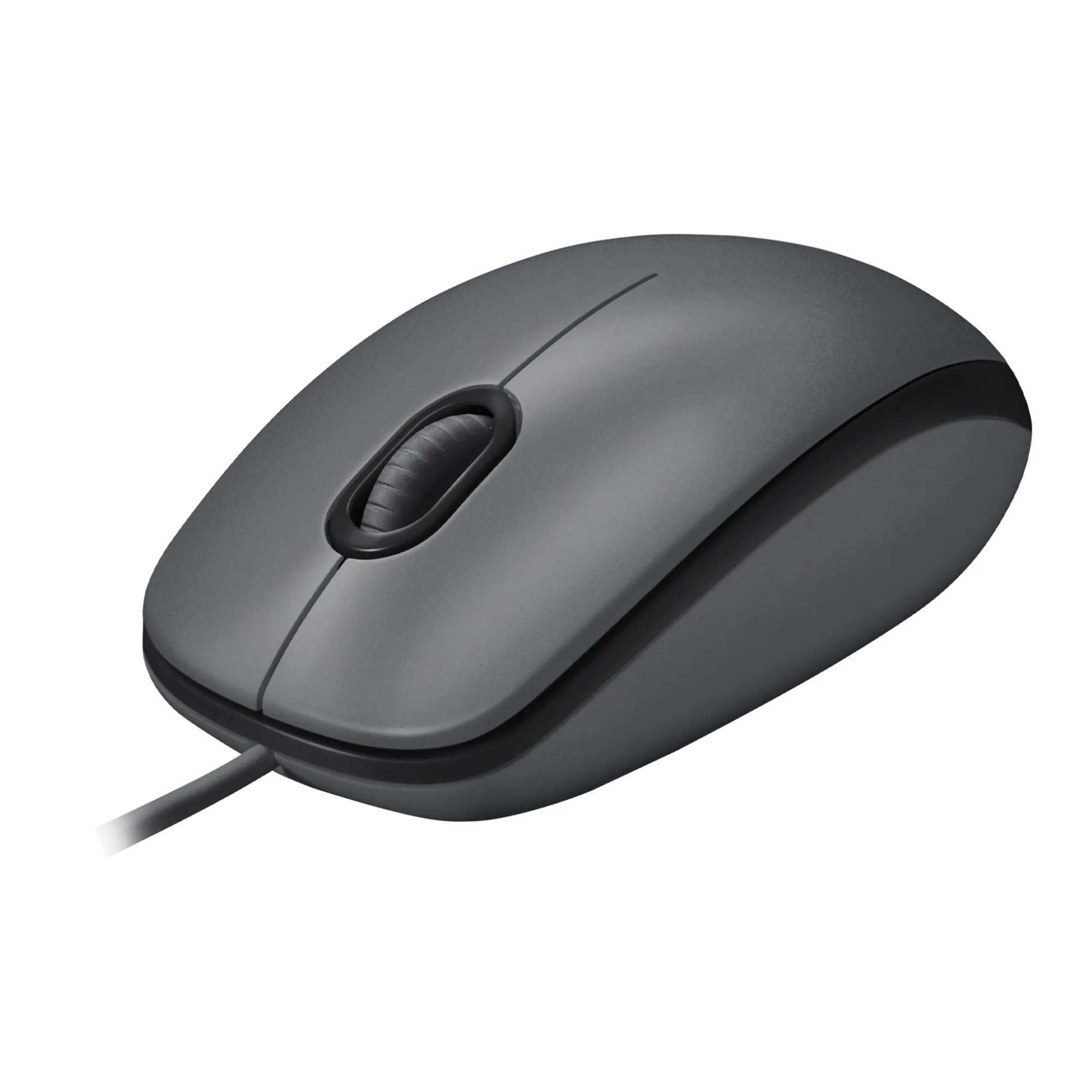 Mice
Mice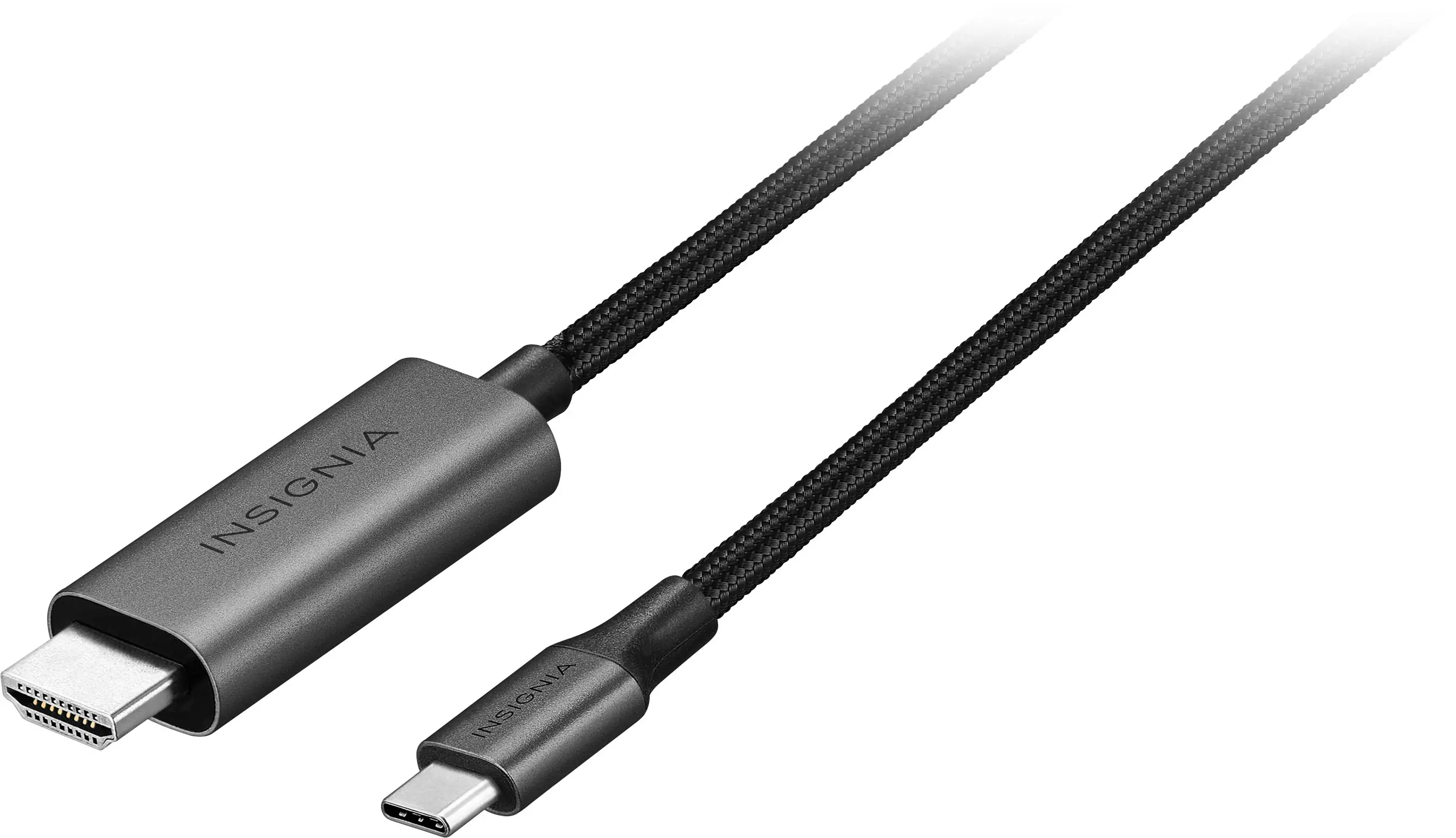 Cables and Adapters
 Web Cameras
 Mouse Pads
More to consider
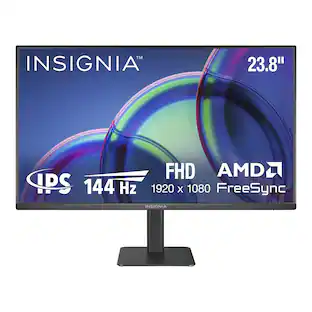
Insignia™ 24" Class IPS FHD 144Hz Monitor with AMD FreeSync (HDMI, VGA)
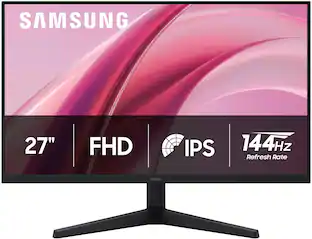
Holiday Deal$69.99The price was $119.99Samsung 27" G3 (G31H) IPS FHD 144Hz 1ms AMD FreeSync Monitor (HDMI, DisplayPort)
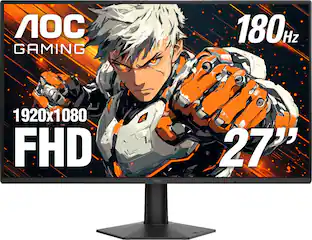
Holiday Deal$89.99The price was $139.99AOC 27G50F2 27" IPS Panel, LED, FHD, G-Sync Compatible, 180hz Gaming Monitor
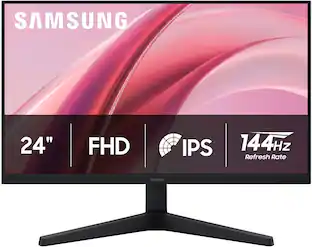
Holiday Deal$99.99The price was $179.99Samsung 24" G3 (G31H) IPS FHD 144Hz 1ms AMD FreeSync Monitor (HDMI, DisplayPort)
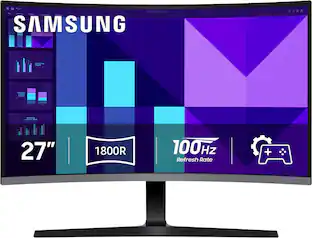
Holiday Deal$79.99The price was $119.99Samsung 27" S39GD Series Curved FHD 100Hz Monitor with Built-in Speakers
Holiday Deal$129.99The price was $199.99Acer EK220Q E3bi 21.5” IPS AMD FreeSync Monitor-100Hz Refresh Rate (HDMI Port 1.4 & VGA Port)
$69.99The price was $159.99MSI G275L E14 27" FHD IPS 144Hz 1ms Gaming Monitor with Adaptive Sync and HDR Ready (HDMI, DisplayPort)
$99.99The price was $109.99Acer Nitro KGB271U 27" WQHD IPS Up to 200Hz 0.5ms FreeSync Premium Gaming Monitor with HDR10 (DisplayPort, HDMI)
$149.99The price was $199.99

Explore tech essentials Sponsored
Discover related products
GEEKOM Air12 Lite Mini PC, Intel Processor N95 Desktop Computer, 8GB DDR4 RAM & 256GB SSD, Windows 11 Pro Pre-installed
Holiday Deal$269.00The price was $599.00Acer USB C Docking Station With 2 HDMI, 9-IN-1 Docking Hub with USB A&C 3.0, SD/Micro SD, 100W Charging
$42.99The price was $47.99Z Z-Edge MS05 Single Mount Stand Arm, supports 22-40" monitor, 360° adjustable, 75x75mm / 100x100mm
$49.99The price was $69.99







Keep exploring
ASUS ROG Strix 32" 4K OLED Gaming Monitor (XG32UQWMS) - 4K@240Hz/FHD@480Hz, 0.03ms, G-SYNC
$809.99The price was $971.99ASUS TUF Gaming 34" 1440P 1500R Curved Monitor - 180Hz, 1ms, Freesync Pro, HDR, 3 Year Warranty
$269.99The price was $323.99ASUS ROG Strix OLED XG32UCWMG 32" 4K 240Hz 0.03ms OLED FreeSync/G-Sync
$999.00The price was $1,053.88ASUS ROG 32" 4K 240Hz OLED Gaming Monitor (PG32UCDM) - 480Hz Dual Mode, 0.03ms, G-SYNC, DP2.1
$1,511.99The price was $1,661.90INVZI MagHub Dual 16" Laptop Screen Extender with Two Detachable 1920 x 1200 IPS Displays, USB-C & Mini HDMI
$399.99The price was $499.99MSI MAG 272QP QD-OLED 27" 240Hz Gaming Monitor, 0.3ms, WQHD, DP 1.4a, HDMI 2.1, HDR, G-SYNC & FreeSync
$426.46The price was $453.31Acer PM161Q 15.6" Portable Monitor Full HD 1920x1080 IPS USB-C HDMI Refurbished
$46.90The price was $48.99