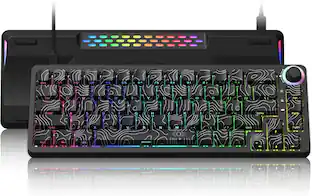
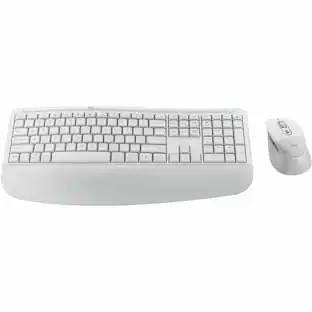
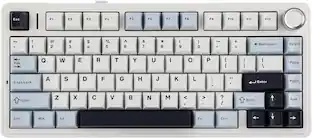
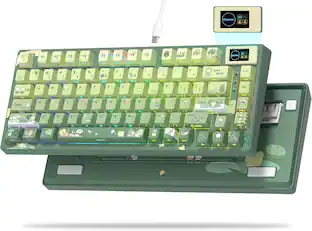
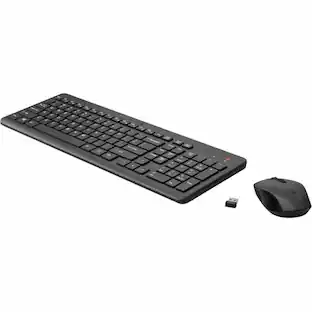
HyperX - Origins 2 Pro 65% Wired Magnetic Linear Switch Gaming Keyboard with RGB Back Lighting - Black
About this product
Built for players who want the feel as much as the win. Magnetic linear switches deliver a smoother, deeper, press with refined acoustics that make every keystroke satisfying. O-ring mounting style and frictionless actuation enhance the typing experience, transforming speed into something you can feel and hear. With tuning options like actuation adjustment and Rapid Trigger, plus personalization through swappable housings¹, hot swap switches², NGENUITY profiles³, and 3D-print designs⁴, you can shape both the look and the feel until it’s uniquely yours.
Features
Magnetic Motion
Magnetic linear switches reduce friction for smoother inputs and faster reactions. Each keystroke delivers a premium feel and cleaner sound profile, enhanced by O-ring mounting style for a more refined typing and gaming experience. It’s speed you can feel and sound you can enjoy.
Swap it. Style it. Own it.
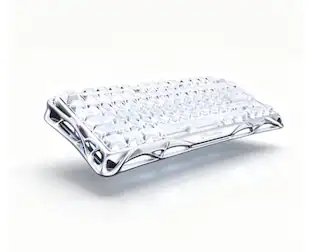
Easily swappable housing¹Additional housings and accessories sold separately lets you change the outer shell to match your setup or your mood. Go from clean and minimal to bold and expressive, without losing performance or responsiveness.
No Delay. No Doubt.
Rapid Trigger technology resets the keys the moment you lift, so you can fire off actions without hesitation. Whether you’re strafing, peeking, or stringing together combos, every input is sharp, clean, and ready the instant you are.
Cushioned Control
O-ring mounting adds subtle cushioning to each press, softening impact while reducing noise. The result is a keystroke that feels smoother under your fingers and sounds more balanced — perfect for long sessions or enthusiasts who demand a premium touch.
8K On Tap
With an adjustable polling rate up to 8,000Hz, your inputs are reported faster and more frequently than standard boards. That means smoother motion, lower latency, and a competitive edge when split-second reactions decide the match.
Small Frame. Big Game.
The 65% layout trims away unnecessary keys while keeping the essentials close at hand. Save valuable desk space for sweeping mouse movements without sacrificing functionality.
Find the Perfect Angle
A high-profile design with adjustable feet lets you dial in the typing and gaming position that feels best. Play longer, stay sharper, and help reduce strain without compromise.
Personalize with NGENUITY
HyperX NGENUITY software unlocks deep personalization. Adjust actuation points, set per-key lighting, or fine-tune performance profiles until your setup matches your exact style of play.
Print. Swap. Repeat.
With 3D-printable housing support⁴, you’re not limited to off-the-shelf designs. Create your own look, swap it in seconds, and make your keyboard as unique as your playstyle.
Specifications
- Lighting TypeRGBForm Factor65%Keyboard TechnologyMagnetic hall effectKey Switch BehaviorLinearConnection TypeWired
Reviews
Rating 4.8 out of 5 stars with 27 reviews
Customer Images
The vast majority of our reviews come from verified purchases. Reviews from customers may include My Best Buy members, employees, and Tech Insider Network members (as tagged). Select reviewers may receive discounted products, promotional considerations or entries into drawings for honest, helpful reviews.

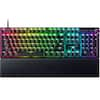
- Razer - Huntsman V3 Pro 8KHz Full Size Wired Analog Optical Linear Switch Gaming Keyboard with Snap Tap - Black$209.99The price was $249.99
Compare similar products

Built for players who want the feel as much as the win. Magnetic linear switches deliver a smoother, deeper, press with refined acoustics that make every keystroke satisfying. O-ring mounting style and frictionless actuation enhance the typing experience, transforming speed into something you can feel and hear. With tuning options like actuation adjustment and Rapid Trigger, plus personalization through swappable housings¹, hot swap switches², NGENUITY profiles³, and 3D-print designs⁴, you can shape both the look and the feel until it’s uniquely yours.

The HyperX Alloy Origins 65 is a durable, supremely portable 65% form factor keyboard which provides more room for sweeping mouse movements. It features a durable, full aluminum body, and reliable HyperX switches balanced for speed and performance. The pre-installed double shot PBT keycaps have secondary functions printed on them so you can quickly locate any additional functionality you need. Further customize your keyboard with macros, lighting effects, and more with HyperX NGENUITY software.

Lock in and game on with the HyperX Origins 2 1800 gaming keyboard. With easy-access housing and hot swap switches, Origins 2 can be customized to create your own unique typing and gaming platform. Change keycaps, switches, and housing! The 1800-style layout delivers essential functionality without sacrificing desktop space. With up to 8k polling, Origins 2 communicates your input back to your PC up to 8000 times per second. The high-profile housing is equipped with flip down feet so you can adjust your angles for comfort. This keyboard comes equipped with HyperX Linear Red switches with POM half-wall stems to add stability and reliability for up to 80 million keystrokes. The hot swap sockets are compatible with most 5 or 3 pin mechanical keyboard switches. Origins 2 is customizable with HyperX NGENUITY software.

Unleash new possibilities of customization and immersion. Take your battlestation further with a wireless, hot-swappable TKL mechanical keyboard powered by Razer HyperSpeed and Chroma RGB. From installing new switches to creating unique lighting effects, shape it to the way you love to play.
| Pros for HyperX - Origins 2 Pro 65% Wired Magnetic Linear Switch Gaming Keyboard with RGB Back Lighting - Black | |||
|---|---|---|---|
| There were no pros for this product— | Keyboard Quality, RGB Lighting, Size, Key Feel, Weight | Build Quality | Build Quality, Switch Sound |
| Cons for HyperX - Origins 2 Pro 65% Wired Magnetic Linear Switch Gaming Keyboard with RGB Back Lighting - Black | |||
| There were no cons for this product— | Software | There were no cons for this product— | There were no cons for this product— |
Specs
Customers often buy these together
Mice
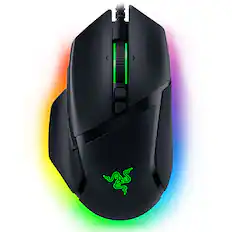
Razer - Basilisk V3 Optical Gaming Mouse with Chroma RBG Lighting - Wired - Black
$41.99The price was $69.99
Logitech - G502 HERO Wired Optical Gaming Mouse with RGB Lighting - Wired - Black
$37.99The price was $69.99

Mouse Pads





More recommended items
 PC Gaming Headsets
 Computer Keyboard Accessories
More to consider
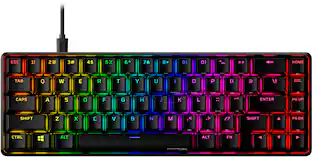
HyperX Alloy Origins 65% Compact Wired Mechanical Red Linear Switch Gaming Keyboard with RGB Lighting
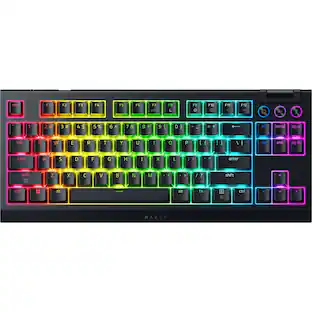
$68.99The price was $114.99Razer BlackWidow V4 TKL HyperSpeed Wireless Mechanical Orange Switch Gaming Keyboard with Hot-Swappable Design
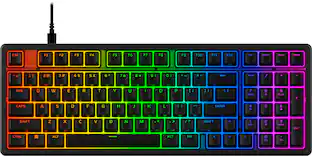
Holiday Deal$99.99The price was $179.99HyperX Eve 1800 Compact Wired Membrane Gaming Keyboard with RGB Back Lighting
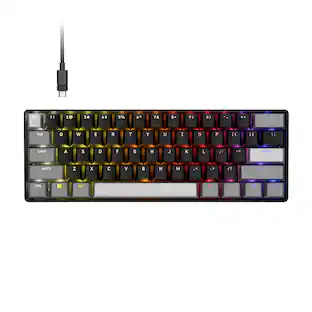
$44.99The price was $49.99HyperX Alloy Origins 60% Wired Mechanical Linear Red Switch Gaming Keyboard and RGB Back Lighting
$77.99The price was $114.99Higround Basecamp 65HE 65% Wired Magnetic Linear Dynamic Actuation Switch Gaming Keyboard w/ Rapid Trigger & RGB - 100 Thieves
Clearance$73.99The price was $184.95HyperX Alloy Origins 65% Compact Wired Mechanical Aqua Tactile Switch Gaming Keyboard with RGB Lighting
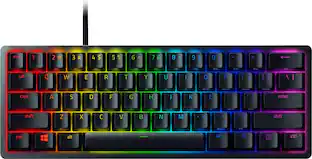
$79.99The price was $99.99Razer Huntsman Mini 60% Wired Optical Clicky Switch Gaming Keyboard with Chroma RGB Backlighting
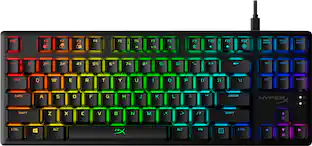
Holiday Deal$68.99The price was $119.99HyperX Alloy Origins Core TKL Wired Mechanical Tactile Aqua Switch Gaming Keyboard with RGB Back Lighting
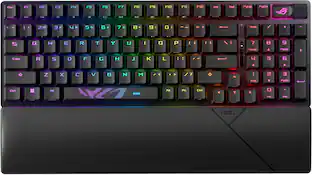
$79.99The price was $104.99ASUS ROG Strix Scope II 96 96% Wireless Mechanical Gaming Keyboard with Hot-Swappable ROG NX Snow Switches
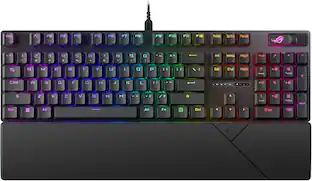
$125.00The price was $179.99ASUS ROG Strix Scope II X Full-size Wired Mechanical RGB Gaming Keyboard with Hot-Swappable ROG NX Snow Switches
$104.99The price was $129.99CORSAIR K65 PRO MINI RGB 65% Optical-Mechanical Gaming Keyboard Backlit RGB LED, OPX
$76.99The price was $149.99

Explore tech essentials Sponsored
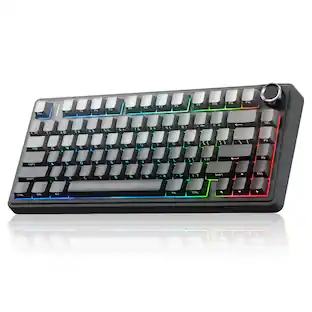
HyperX Alloy Rise 75 Wireless Mechanical Gaming Keyboard with RGB Lighting and Hot-Swappable Switches
$149.99The price was $229.99HyperX Alloy Origins 65% Compact Wired Mechanical Red Linear Switch Gaming Keyboard with RGB Lighting
$68.99The price was $114.99HyperX Alloy Rise 75 75% Wired Mechanical Linear Switch Gaming Keyboard with RGB Lighting
$84.99The price was $169.99HyperX Alloy Origins Core TKL Wired Mechanical Tactile Aqua Switch Gaming Keyboard with RGB Back Lighting
$79.99The price was $104.99HyperX Alloy Origins 60% Wired Mechanical Linear Red Switch Gaming Keyboard and RGB Back Lighting
$77.99The price was $114.99Alienware Pro 75% Wireless Mechanical Gaming Keyboard with RGB Back Lighting
$150.99The price was $199.99

Discover related products
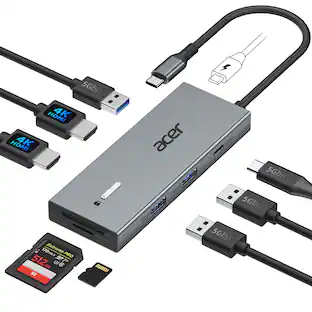
Acer USB C Docking Station With 2 HDMI, 9-IN-1 Docking Hub with USB A&C 3.0, SD/Micro SD, 100W Charging
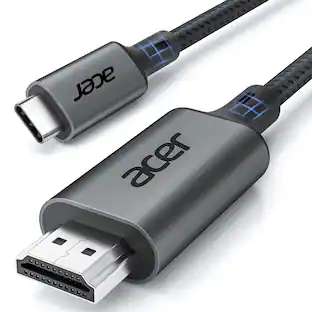
$42.99The price was $47.99Acer USB C to HDMI Cable for Home Office 6.6FT (4K@60Hz), High-Speed Type C to HDMI 2.0 Braided Cord
$12.99The price was $13.99Logitech X56 HOTAS Microsoft Flight Simulator RGB Dual-Throttle and Joystick
$247.00The price was $275.00Intel Core i5-14400F 14th Gen 10-Core 16-Thread - 4.7GHz Turbo Socket LGA1700 Unlocked Desktop Processor
$167.54The price was $191.99

Keep exploring
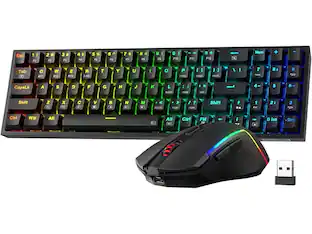
REDRAGON S136 75% Tri-Mode Wireless RGB Mech Keyboard & 7200 DPI Mouse Combo, Shared Dongle
$59.99The price was $64.49GravaStar Mercury V75 Wireless Hall Effect Gaming Keyboard, 75% Layout, 8000Hz Polling, Dynamic RGB
$189.95The price was $259.95