
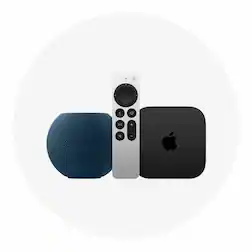



Starting at $799 with qualifying trade-in.
Mac
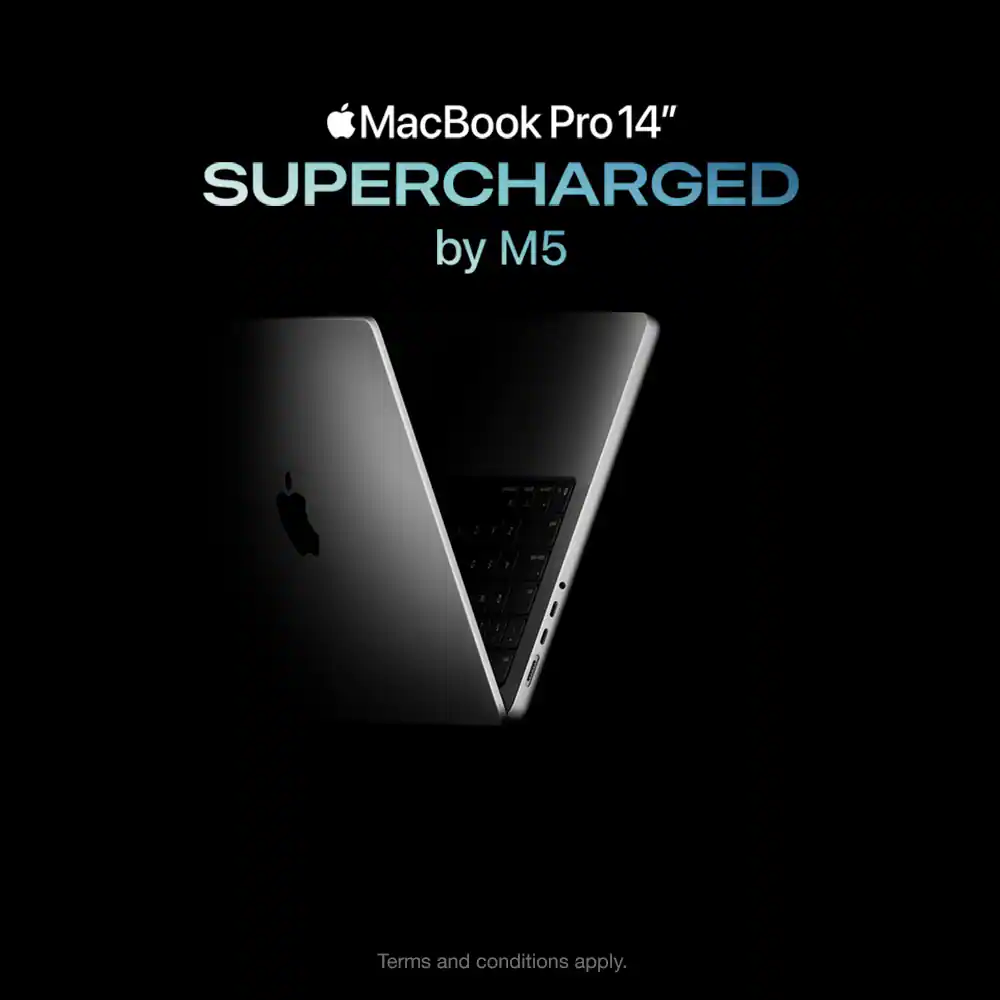
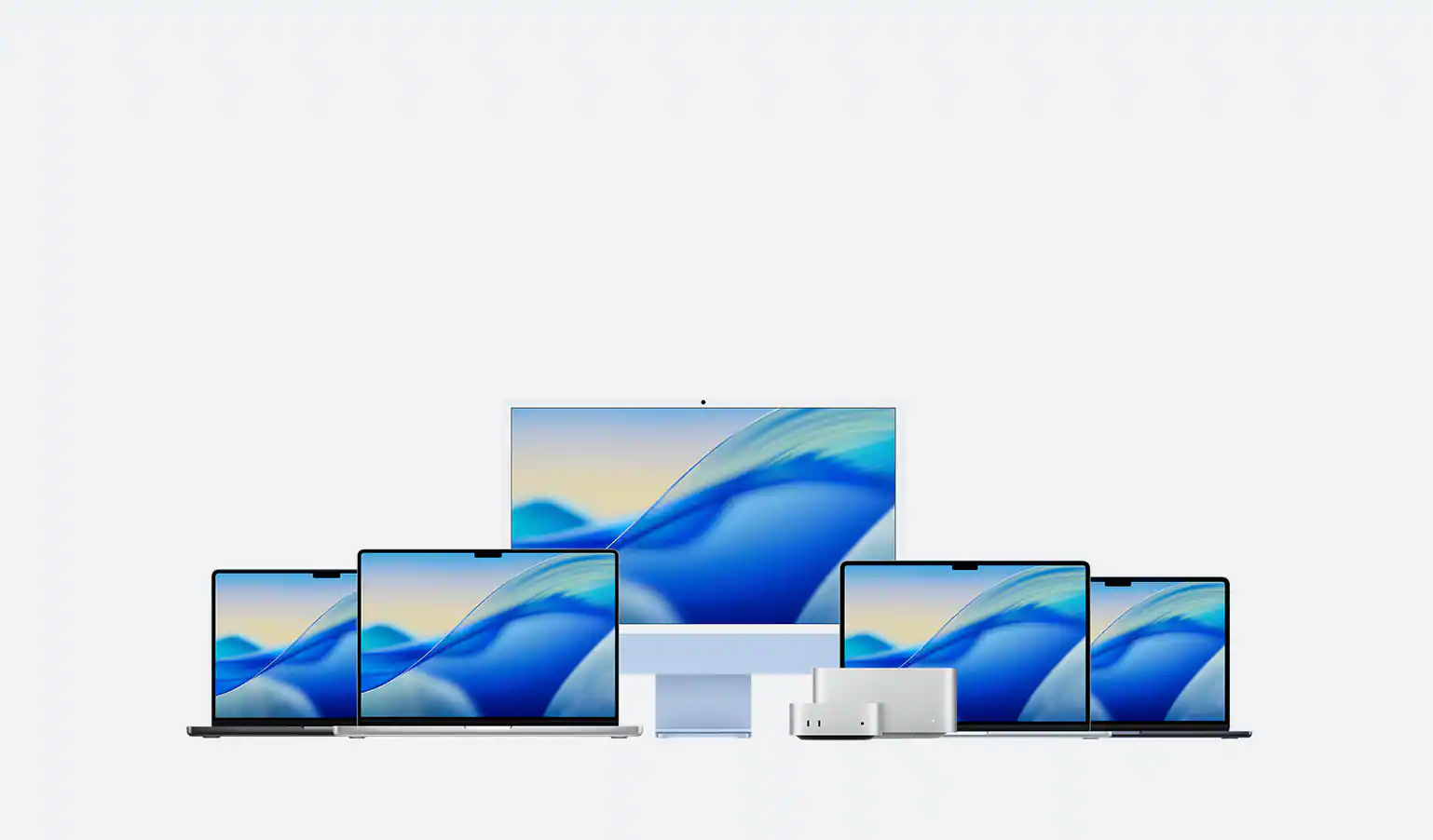
Which Mac is right for you?
Answer a few quick questions to see recommendations and meet your Mac.
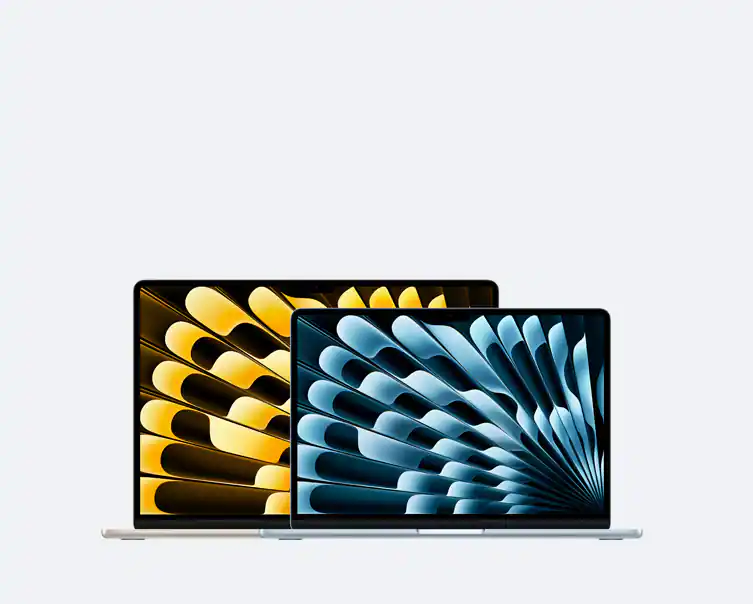
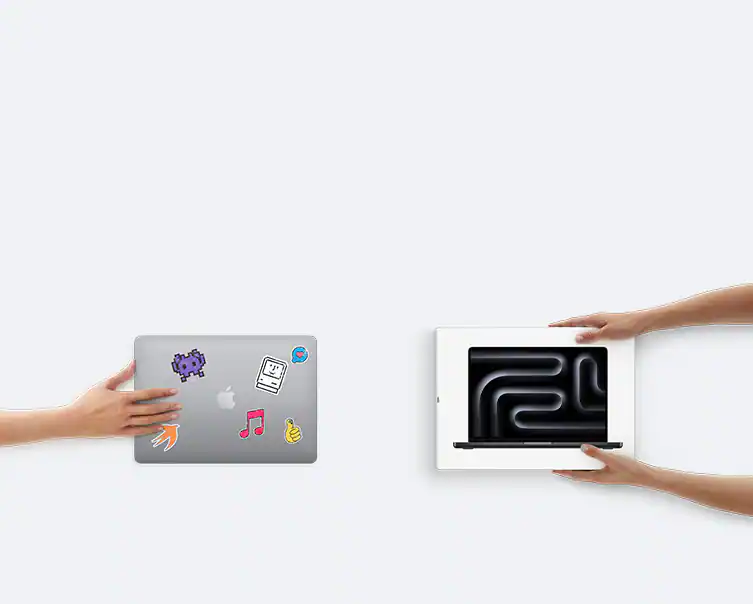
Save on a new device with qualified trade-in
Terms and conditions apply.
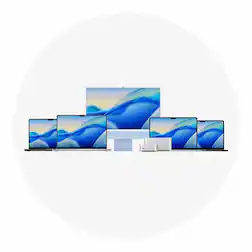
Shop Mac laptops
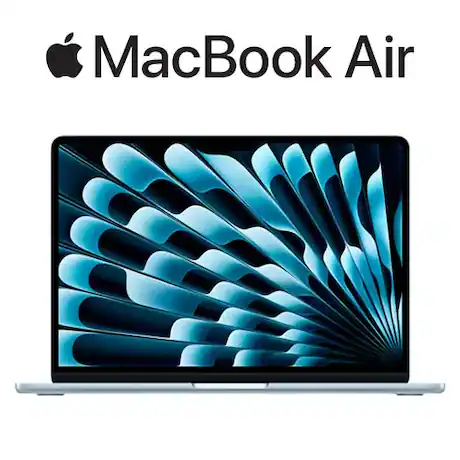
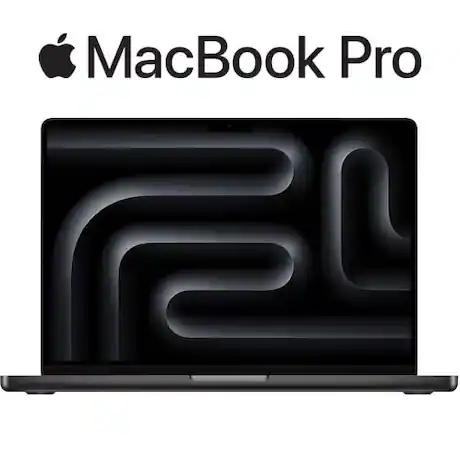
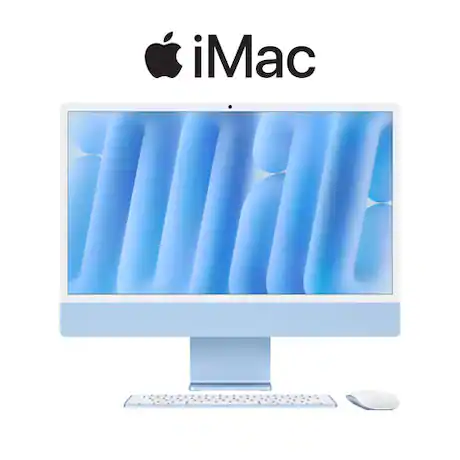
Shop Mac desktops



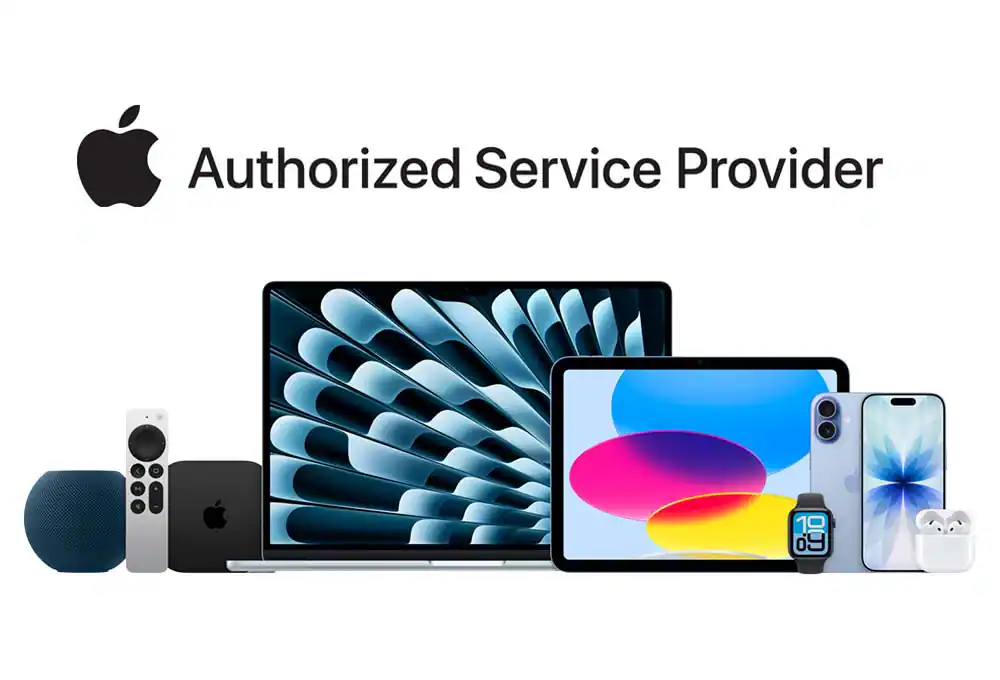
We’re an Apple Authorized Service ProviderOur Geek Squad® Agents are Apple-trained, so you can trust us with all your Apple devices. Plus, we offer guaranteed low prices and same-day services.

AppleCare+ for MacStay protected through life's ups, downs, drops and spills.

Free Apple TV for up to 2 months when you buy an eligible productWatch F1: The Movie exclusively on Apple TV.
Exclusions, terms and conditions apply.

Savings. Support. Protection.My Best Buy Total™ members get 24/7 Geek Squad® tech support, exclusive prices and protection plans including AppleCare+.
Exclusions, terms and conditions apply.
Disclosures
Power and Battery:
*Up to 24 hours of battery life applies to MacBook Pro with M5 and the 16-inch MacBook Pro with M4 Pro. Battery life for Apple TV app movie playback. Battery life varies by use and configuration. See apple.com/batteries for more information.
Types of Mac computers.
Mac computers give you power and efficiency, and their graphic abilities make Apple laptops and desktops favorites among many visual artists, designers and video editors. Comparing the Apple Mac laptop family reveals two categories: the MacBook Air and the MacBook Pro, both of which are available in variations of screen size, processing power and other specs. The MacBook Air, as its name suggests, prioritizes an extremely thin, lightweight and portable design, which makes it a great option if you are choosing a laptop for school. And the MacBook Pro offers configurations with more power, storage space and processing ability. Meanwhile, the Apple desktop series includes the iMac —a design that builds all the hardware directly into the display for a single-unit design, the Mac Studio —which offers configurations with high-end processing speeds and abilities, and the Mac Mini —a great option if you want a slimmer design that still offers quality specs.
Deciding which Apple computer is right for you.
Choosing which Mac to buy is about identifying what you need to support your computer activities. The first big choice you will have, of course, is whether to go with a Mac laptop or a Mac desktop computer. That depends on whether you need your device to be portable. If you’re selecting the best Mac for a workstation, either in the office or at home, you might enjoy the better specs available from desktop designs, but you won’t be able to take your work to the local coffee shop. It’s useful to look at the processing and memory requirements for the software you use. You can also do a little reading to help you answer questions like “ how much memory do I need on my computer ”? You can expand the capabilities of your Mac computer when you buy Mac accessories and add-ons, like a Mac external hard drive or a quality computer monitor. You may also want to connect a printer to your Mac for printing photos, business documents, school papers and more. And of course, you need Wi-Fi and networking technology that gets you the best online experience at home or at work.