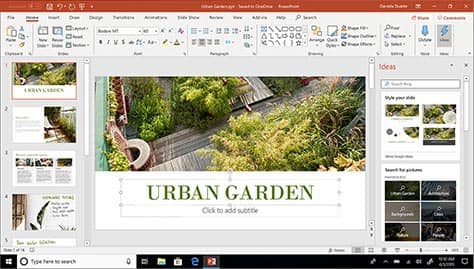
Windows 10 in S mode.
Do things that you want with protection you can count on and performance that lasts.

Microsoft-verified.
With Windows 10 in S mode, you'll find your favorite applications in the Microsoft Store where they're Microsoft-verified for security. And if you don't find the apps you want, you can easily switch out of S mode* and search the web for more choices.

Performance that lasts.
Start up and stream with speed and ease. Whether bingeing, browsing, or working in multiple programs, S mode is designed to provide you with a smooth and responsive experience.

Security comes standard.
Your device with Windows 10 in S mode comes with comprehensive security built in, at no extra cost. This includes firewall and internet protections to help safeguard against viruses, malware and ransomware.

The Windows you know.
Enjoy all the great Windows multitasking features. Plus, get the full suite of built-in apps and all the latest Windows innovations, like Windows Hello* — the fast and secure way to sign in without a password.
Save $20 on Office
with your qualifying new PC purchase.
Work smarter with Office 365 on Windows 10.
Exclusions, terms and conditions apply.