Keyboard & Mouse Combos
No results found
Try removing one or more filters to view results.
Featured products (12 items)
STARLINK - Standard 4 X AX Tri Band Wi-Fi System - White$299.99$29999The price was $349.99
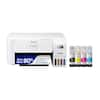
Epson - EcoTank ET-2800 Wireless All-in-One Supertank Inkjet Printer - White$199.99$19999The price was $239.99
NordVPN - Complete Cybersecurity Package (10 Devices) (1-Year) [Digital] - Android, Chrome, Linux, Mac OS, Windows [Digital]Not yet reviewed
Not yet reviewed$99.99$9999
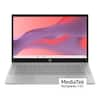
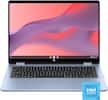
HP - 14" Chromebook - MediaTek Kompanio 540 - 4GB Memory - 64GB eMMC - Modern Gray$219.00$21900The price was $349.00
TCL - 85" Class QM7L Series 4K UHD HDR SQD-Mini LED Smart TV with Google TV with Gemini (2026)$1,499.99$1,49999The price was $2,499.99
Finding the best keyboard and mouse combo for you
You may think choosing a computer keyboard and mouse combo is a simple decision, but there are actually many features and design components to consider. For example, do you want to expand your keyboard size to incorporate a numeric keypad or do you want to choose a more compact keyboard design? A keyboard with a numeric keypad is highly useful for making calculations, hitting commands in PC games and creating numerical shortcuts.
If you spend long hours typing or navigating with your mouse, your hands and wrists will benefit from an ergonomic keyboard and mouse combo. Ergonomic designs take into account the most natural angle for your elbows and wrists. Given that each user is unique, there are a few things to look for in an ergonomic keyboard and mouse, like adjustable heights, split keyboards and curved designs.
If your keyboard and mouse needs are highly specific, you may be best served by choosing each component separately. Sold individually, there are numerous computer mouse and keyboard options from which to choose, but a combo may save you money and time.
Getting the most out of your computer keyboard and mouse combo
Whether you have chosen a wireless keyboard and mouse combo or a wired set, your computer will likely prompt you to install the associated drivers when hooking up your devices for the first time. Fortunately, this should be a fast and straightforward process. Simply follow the directions that pop up on your screen or consult the keyboard/mouse user manual.
To get the most out of your new keyboard, find out what keyboard shortcuts you can use on your computer and within individual programs. There are numerous keyboard shortcuts for everything from undoing an action to printing documents. Additionally, some keyboards come with programmable “hot keys” that allow you to open applications with just the touch of a button.
While wired keyboard and mouse combos draw power from your computer, wireless keyboard and mouse models need independent power. Most frequently they use batteries, so you may want to stock up on extras. Finally, you will want to outfit your desk with a mouse pad. You can choose a small one if you have limited space or go with an extra-large mousepad for improved navigation.
Explore related products Sponsored
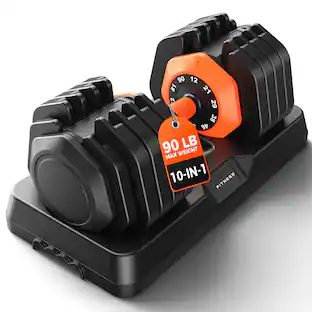
90LB Adjustable Dumbbell,10-in-1 Quick-Change Weights with Storage Tray for Home Gym Strength Training
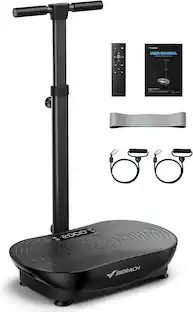
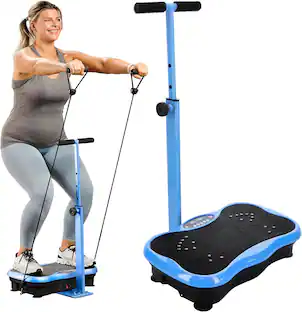
$199.99$19999The price was $219.99Vibration Plate Exercise Machine with Adjustable Handle, 10mm Amplitude, 99 Speeds, 5 Programs, 350 lbs Capacity
$149.99$14999The price was $199.99Exercise Bike Indoor Stationary Cycling Bike with 350lbs Weight Capacity 100 Resistance Silent Belt Drive
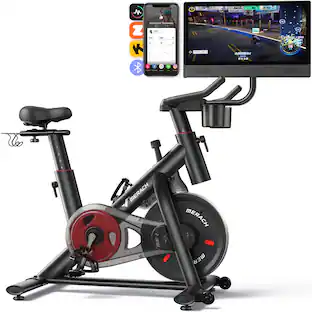
Holiday Deal$179.99$17999The price was $249.99Stationary Exercise Bike with 1080P HD screen and New RPM Game Mode,speakers,Low Noise,330lbs,Fitness Courses
$399.99$39999The price was $499.99