Microsoft - Surface Arc Mouse - Bluetooth BlueTrack Ambidextrous Mouse - Wireless - Ocean
Customers are saying
Customers commend the product for its exceptional portability, sleek design, and comfortable fit, which many users find significantly improves their daily workflow. While the battery life, lightweight build, and reliable Bluetooth connectivity are frequently praised, some users have noted concerns regarding the smoothness of the scrolling experience and the overall price point. Additionally, a small number of customers have expressed frustration with the right-click functionality. Overall, the device is highly regarded for its convenience and compatibility with modern computing setups.
Color
OceanFeatures
Surface Arc Mouse
Slim, light, and ready to travel, designed specifically for Surface devices
Available in four rich colors [1]
Black, Platinum and new Violet and Ocean.
Sleek, ultra-slim design
Slim, smooth and soft to the touch, Surface Arc Mouse fits discreetly within your workspace and is designed to sit comfortably in your hand. Connects wirelessly to your Surface device via Bluetooth.
Snaps flat for travel
Surface Arc Mouse goes anywhere without the weight or bulk of traditional mice. What’s more, you can snap it flat and easily slip it into your pocket or bag for travel.
Power up or down with a snap
Simply snap Surface Arc Mouse into its curved position to power up, and snap again to flatten and power down.
Scrolls in every direction
Surface Arc Mouse allows for vertical and horizontal scrolling for easier, more intuitive navigation. Plus, enjoy precise tracking with optimized left and right click.
Specifications
- Lighting TypeNoneMaximum Sensitivity1000 dots per inchNumber of Buttons (Total)2Connection TypeWireless
Reviews
Rating 4.6 out of 5 stars with 2784 reviews
- Portability (1095)
- Design (504)
- Comfort (219)
- Overall Performance (219)
- Battery Life (187)
- Scrolling (53)
- Price (48)
- Right Click (17)
Customer Images
The vast majority of our reviews come from verified purchases. Reviews from customers may include My Best Buy members, employees, and Tech Insider Network members (as tagged). Select reviewers may receive discounted products, promotional considerations or entries into drawings for honest, helpful reviews.


Compare similar products

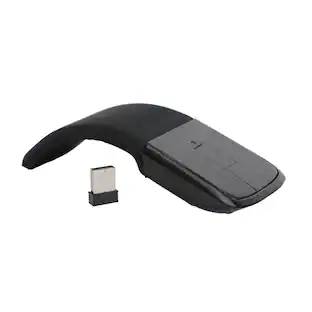
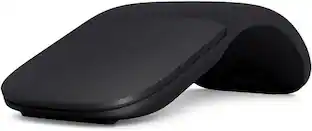
The perfect travel companion. Slim, light, and ready to travel, Surface Arc Mouse is designed to conform to your hand and snaps flat to fit easily in your bag. Connects via Bluetooth. Available in a choice of rich colors to complement your style [1]
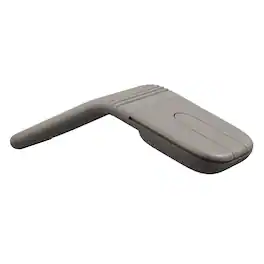
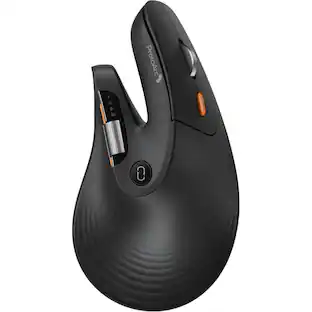
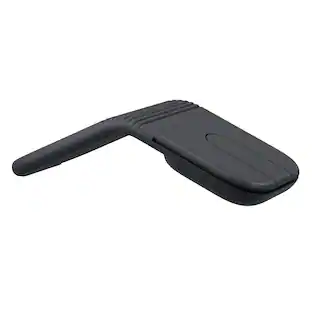
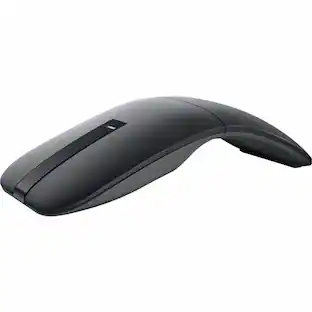
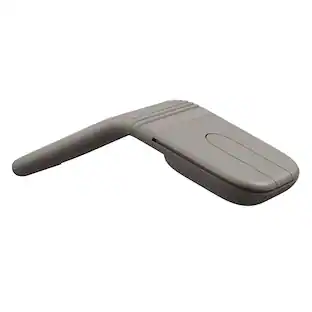
Meet Mobi Fold, the ultra-portable mouse that makes travel effortless. The slim, compact design unfolds to fit naturally in your hand, with 22% less muscle strain versus a trackpad. Get accurate tracking with 4K DPI, and line-by-line precision with Adaptive Touch Scrolling. Fast charge offers 22 hours of use on a 1-minute charge, and one month on a full charge. Customize 2 buttons with Logi Options+ App to streamline tasks. Pair up to 3 devices and switch between them with Easy-Switch. Mobi Fold is compatible with laptops, tablets, and phones across most major operating systems. For remote work, capturing ideas, or giving presentations, Mobi Fold keeps you productive and creative—anywhere.
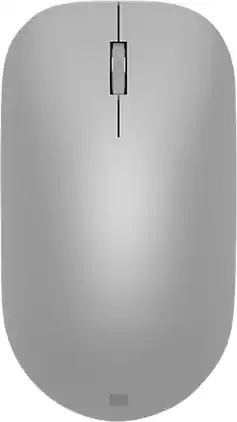
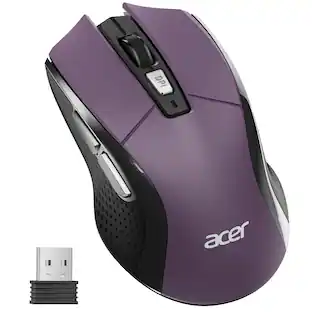
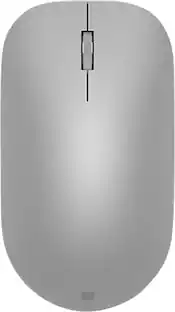
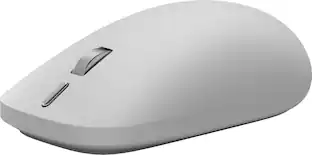
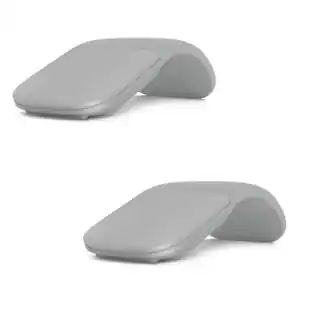
Maintain steady control over your internet browsing and other computing tasks with this Microsoft Surface mouse. It's ergonomically sculpted for comfort, and it has a metal scroll wheel for accurate navigation. This Microsoft Surface mouse is suitable for both left-handed and right-handed users, and Bluetooth connectivity lets you connect wirelessly to your computer.
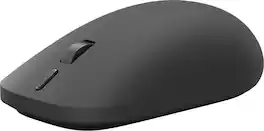
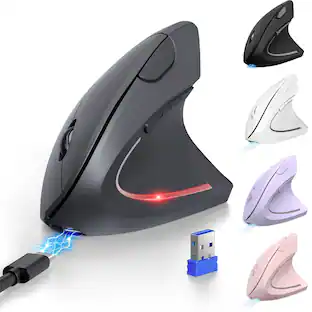
Meet the mouse designed to unlock the best of Surface. With precision feedback, seamless device switching, and a customizable action button, Surface Mouse helps you work smarter and stay focused from task to task [1, 3]. Feel greater control with every click, drag, and scroll thanks to advanced haptics designed to make interactions more natural and responsive [1].
| Pros for Microsoft - Surface Arc Mouse - Bluetooth BlueTrack Ambidextrous Mouse - Wireless - Ocean | |||
|---|---|---|---|
| Portability, Design, Overall Performance, Battery Life, Comfort | Portability, Overall Performance, Battery Life, Connectivity | Design, Battery Life, Ease of use, Bluetooth, Compatibility | There were no pros for this product— |
| Cons for Microsoft - Surface Arc Mouse - Bluetooth BlueTrack Ambidextrous Mouse - Wireless - Ocean | |||
| Scrolling, Price, Right Click | There were no cons for this product— | Connection, Scroll Wheel | There were no cons for this product— |
Specs
More to consider
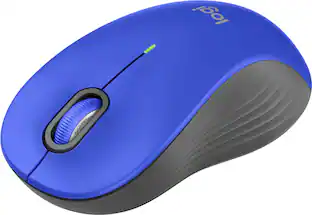
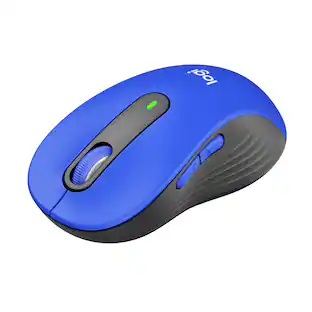
Logitech Signature M550 L Full Size Wireless Bluetooth Optical Ambidextrous Mouse with Silent Clicks
$19.99The price was $29.99




Explore tech essentials Sponsored
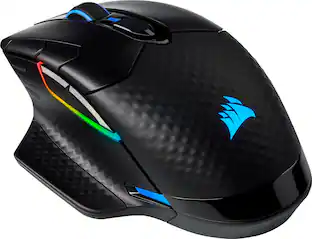
CORSAIR DARK CORE RGB PRO Wireless FPS/MOBA/MMO Optical Gaming Mouse with Slipstream Technology
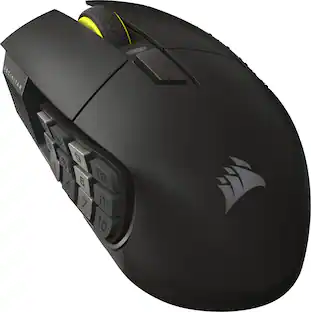
$70.99The price was $99.99CORSAIR Scimitar Elite Wireless SE MOBA/MMO Optical Gaming Mouse with 16 Programmable Buttons
Holiday Deal$99.99The price was $139.99



Discover related products
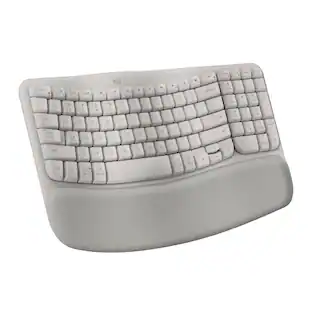
Logitech Wave Keys Ergonomic Wireless Membrane Keyboard for Windows/Mac with Integrated Palm Rest
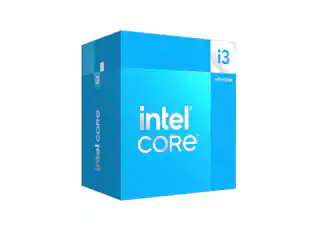
$89.68The price was $99.99Intel Core i3-14100 14th Gen 4-Core 8-Thread - 4.7GHz Turbo Socket LGA1700 Unlocked Desktop Processor
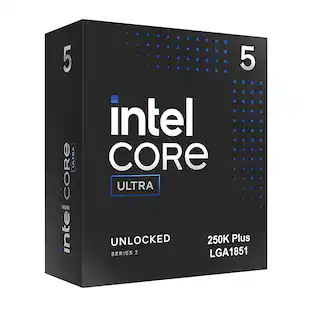
$144.99The price was $221.99Intel Intel® Core™ Ultra 5 Processor 250K Plus 18 cores (6 P-cores + 12 E-cores) up to 5.3 GHz
$209.99The price was $238.45Acer USB C Docking Station With 2 HDMI, 9-IN-1 Docking Hub with USB A&C 3.0, SD/Micro SD, 100W Charging
Holiday Deal$36.99The price was $47.99Acer USB C to HDMI Cable for Home Office 6.6FT (4K@60Hz), High-Speed Type C to HDMI 2.0 Braided Cord
$12.99The price was $19.99




Keep exploring
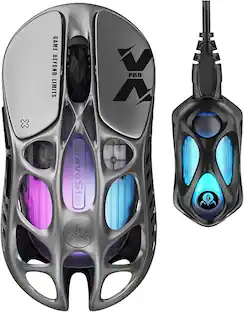
GravaStar Mercury X Pro Wireless 8K Hz Gaming Mouse with 32000 DPI and 49g Magnesium Alloy Frame
$139.95The price was $187.95GravaStar Mercury X Wireless Optical Gaming Mouse with 32000 DPI and 49g Magnesium Alloy Frame
$79.95The price was $109.95