Save up to 50% on 3-Day Sale deals.Ends 12/7.Shop now

Main Content

Computers & Tablets

Laptop

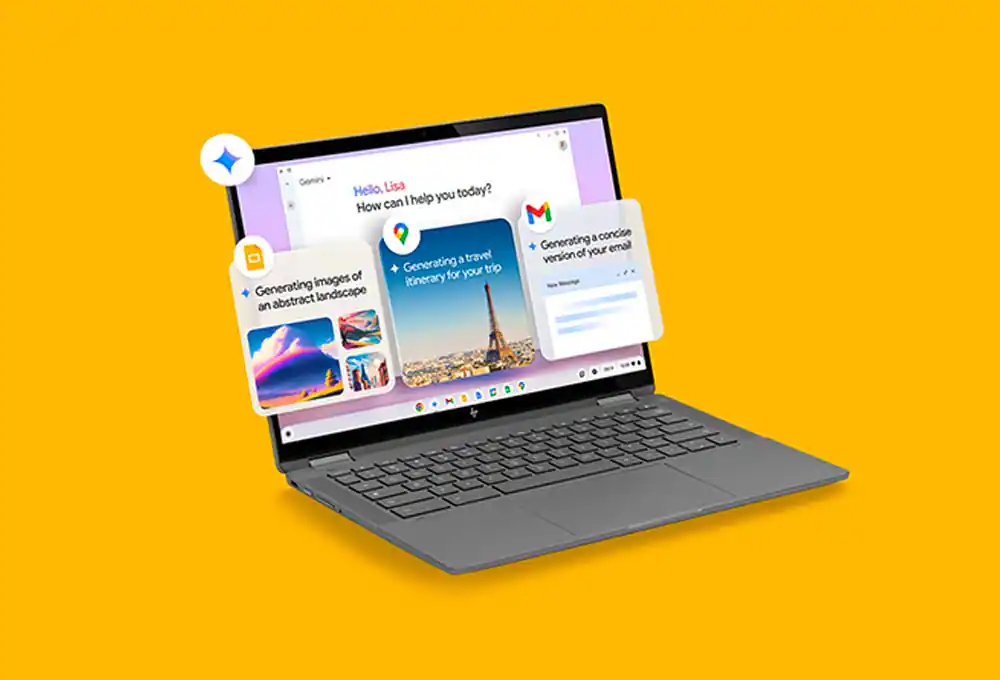
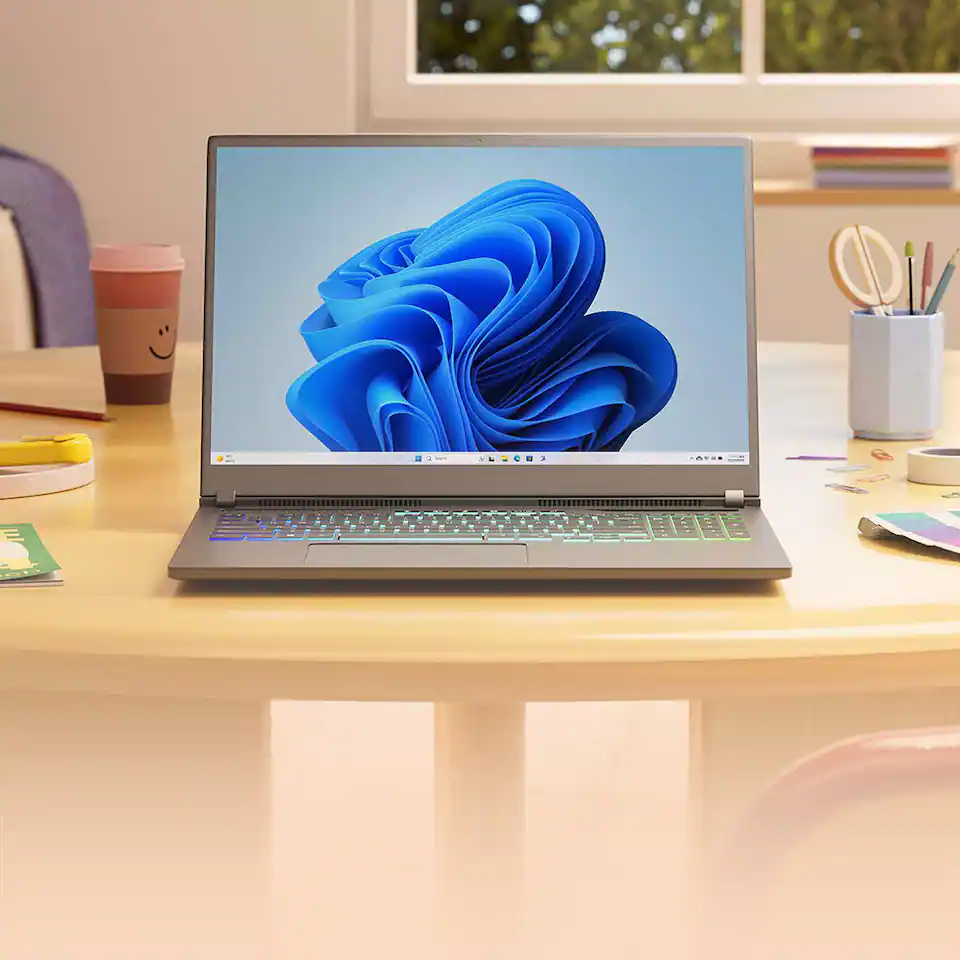
If you’re still using Windows 10, it’s time to upgrade to a Windows 11 device

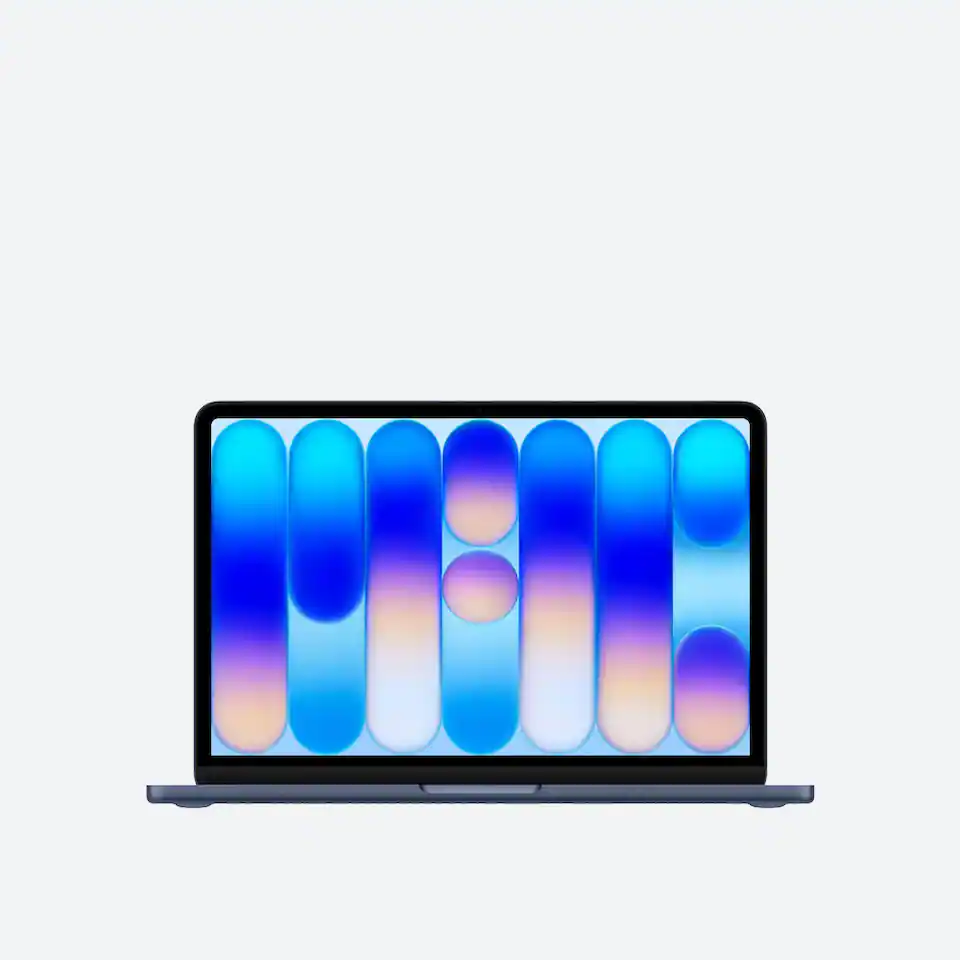
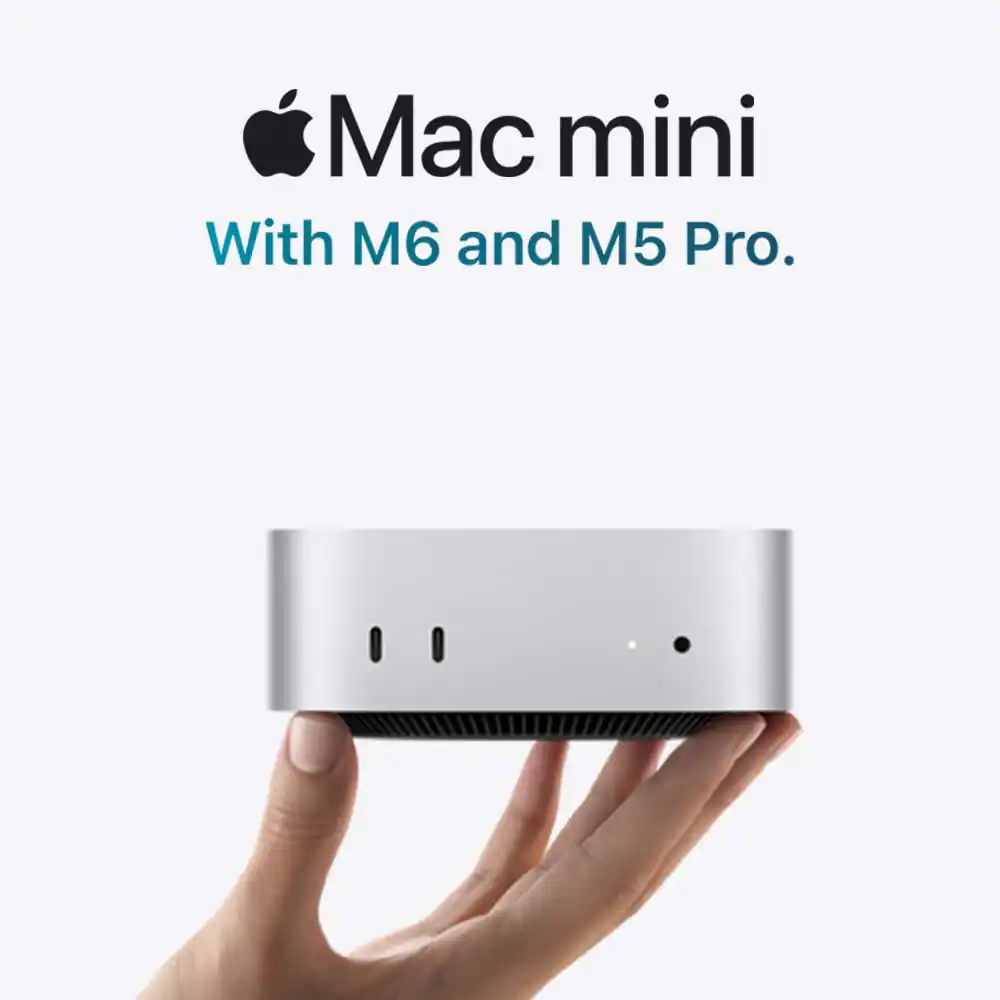
Do even more with Apple
Person at computer
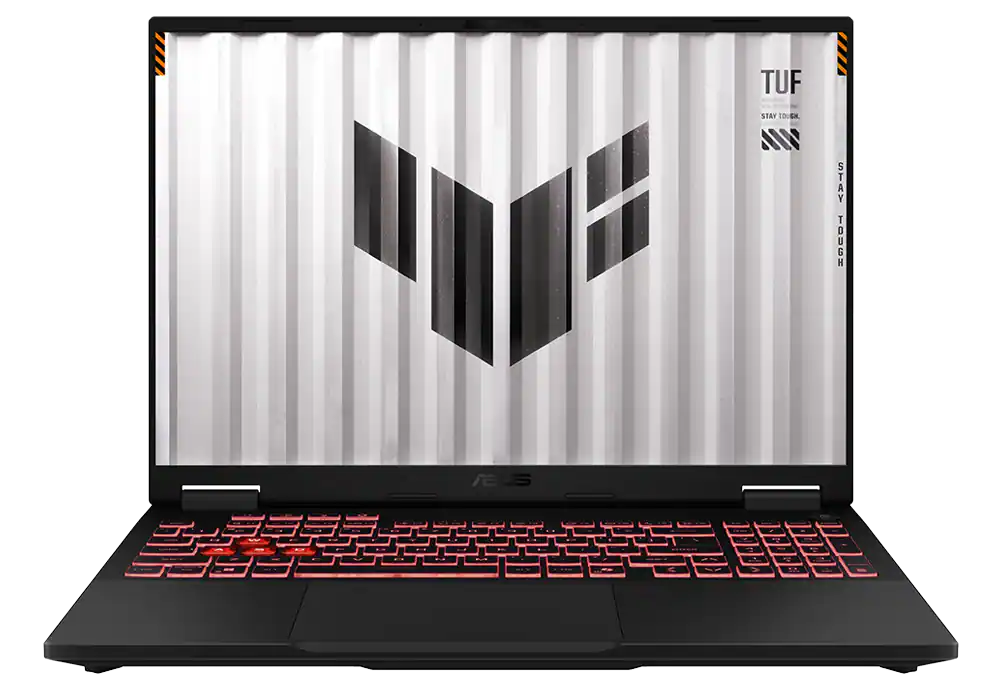
Find gear for every gaming level
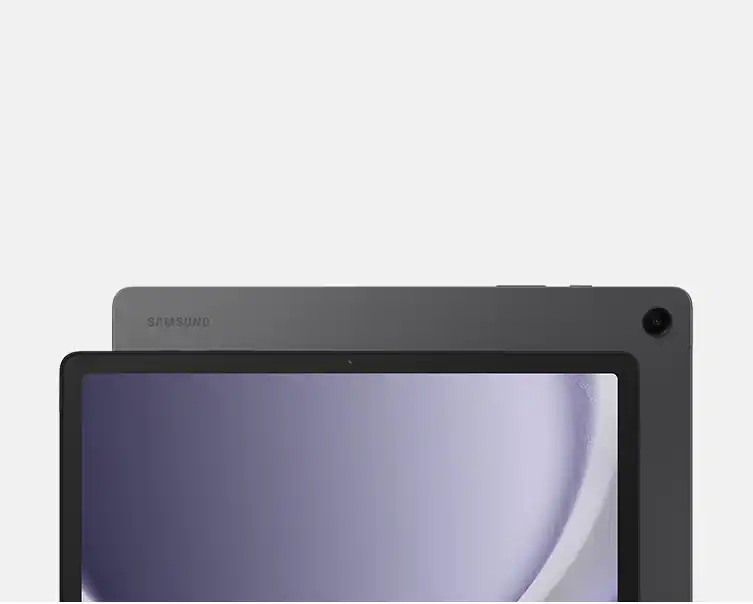
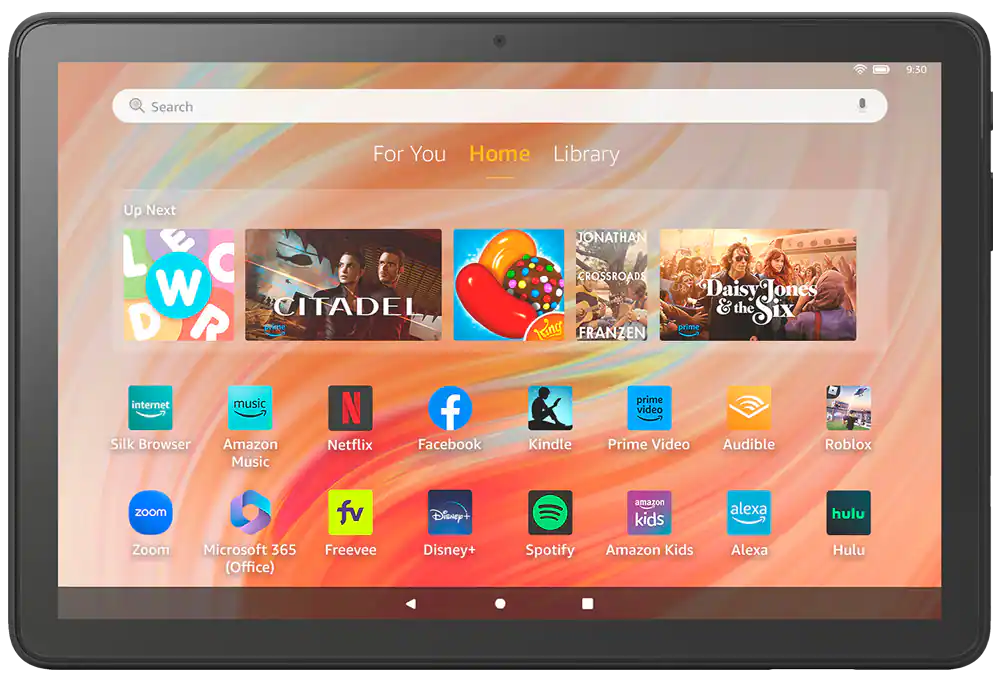
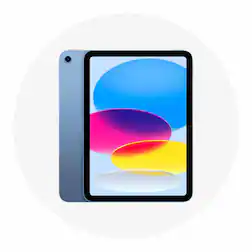
Work and play on the go with a tablet
My Best Buy PlusTM and My Best Buy TotalTM Get exclusive deals with a Plus or Total membership Exclusions, terms and conditions apply. Learn more
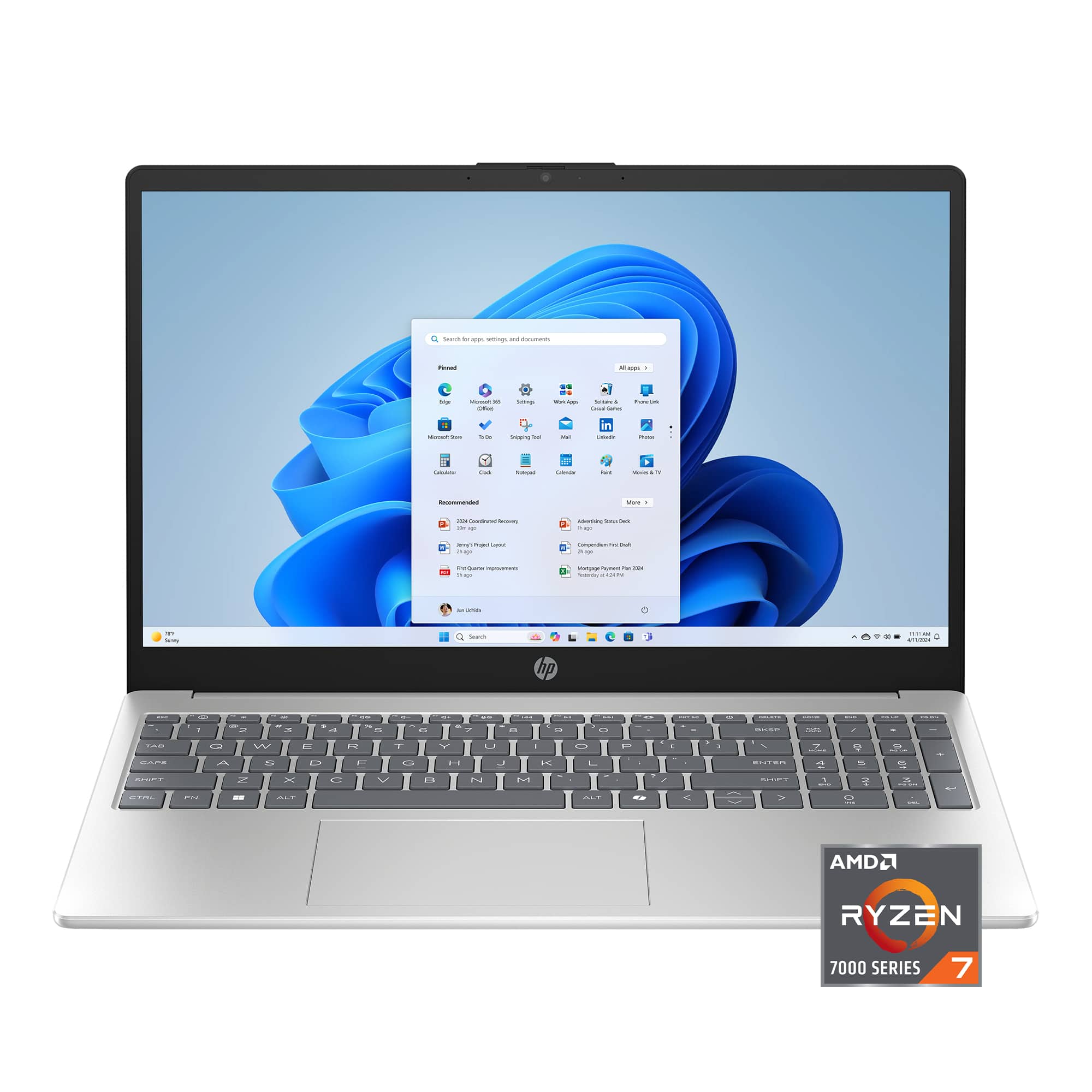
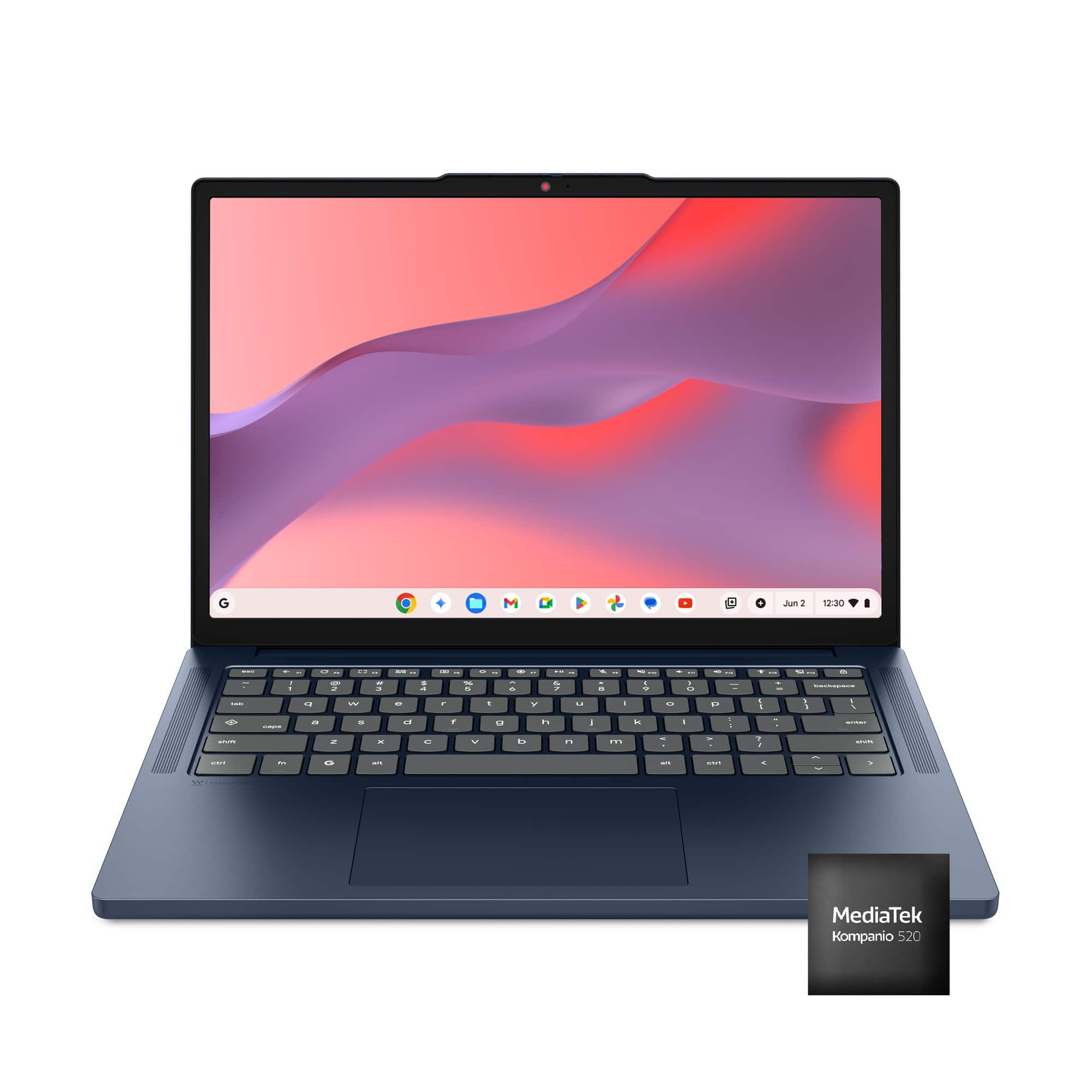
Laptop and desktop PCs
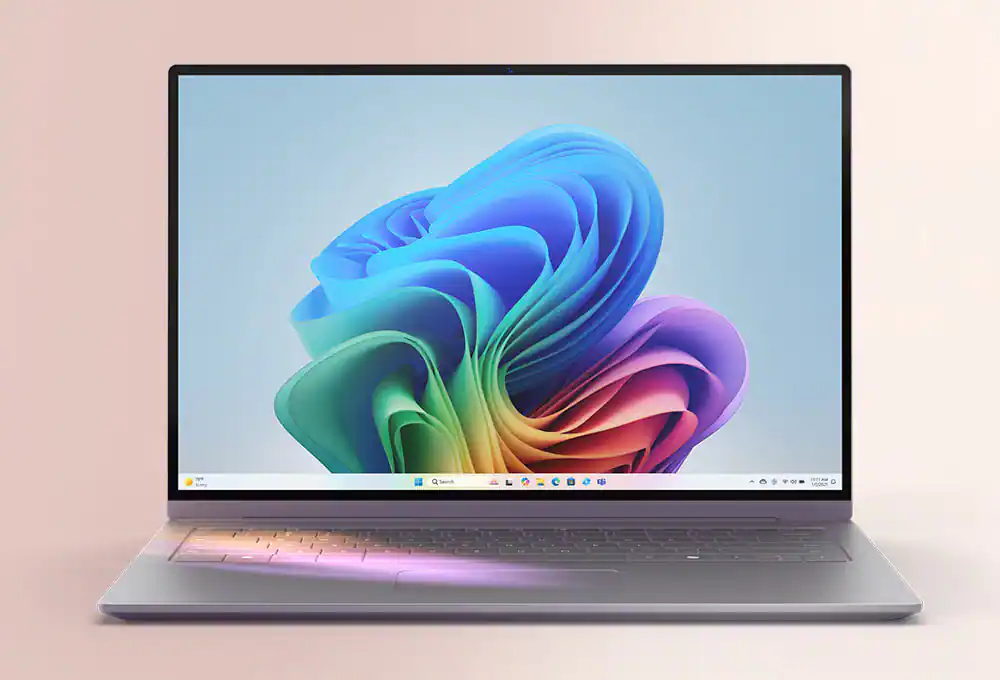
Copilot plus PC
Sponsored
Laptop

Find your Windows 11 PC

Apple devices

Answer a few questions to find your Mac

Person

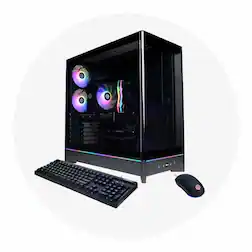
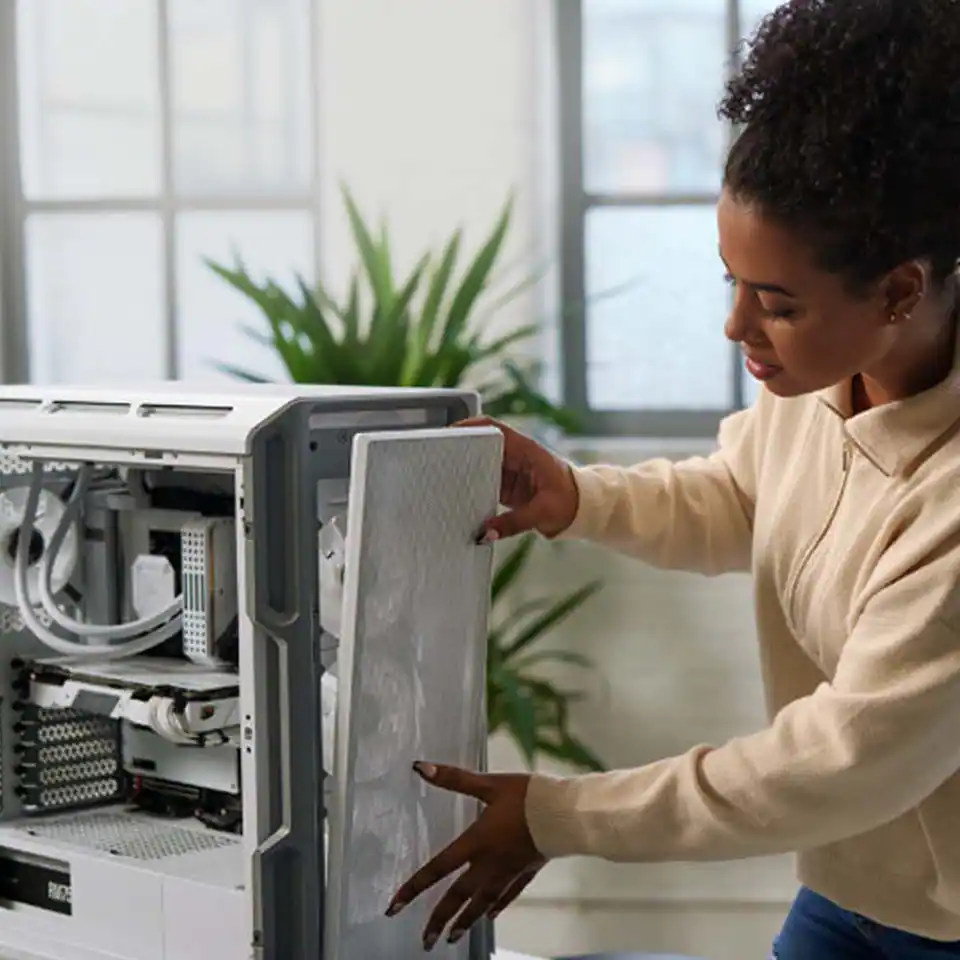
Start building your ideal gaming PC

Sponsored
Sponsored
Computers and tablets for all your needs
What’s the difference between a computer and a tablet?
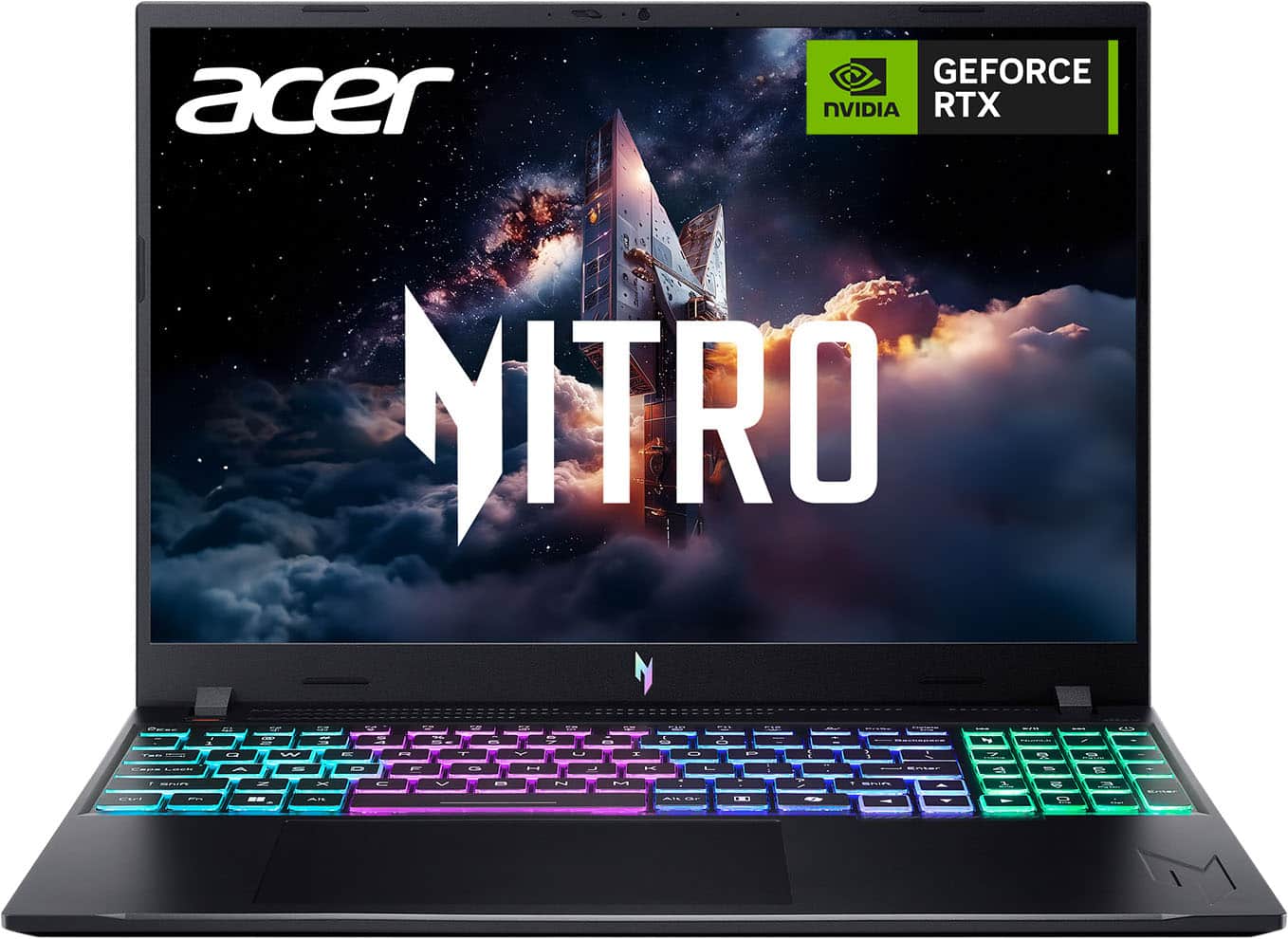
Computers and tablets are great tools for accessing the internet, playing games, completing work, and much more. But with so many options, how can you decide if a computer or tablet is right for you? If you’re looking for a more traditional PC, you may want to start exploring desktops and laptops. Desktops offer durability, performance, and easy upgrades. You can even find specific gaming PCs with increased graphics and fast processing speeds for your favorite PC games. And if you want a highly portable device that still offers excellent performance, a laptop computer can make it easy to take your work on the go. Or you can invest in a tablet, which is often smaller and lighter than most computers. Some tablets may not have the same high-powered computing capabilities as a desktop computer or laptop, but you can find high-end tablets designed with extra power for professionals. You can also find tablets for kids that provide safe access to parent-approved content. If you’re having difficulty choosing between devices, you may want to explore 2-in-1 laptops that let you transition between a PC and a tablet. No matter what type of computer or tablet you’re looking for, Best Buy can help you find great value with reduced prices for refurbished laptops, tablets and a large selection of computer deals. 
How to enhance your computer and tablet setup
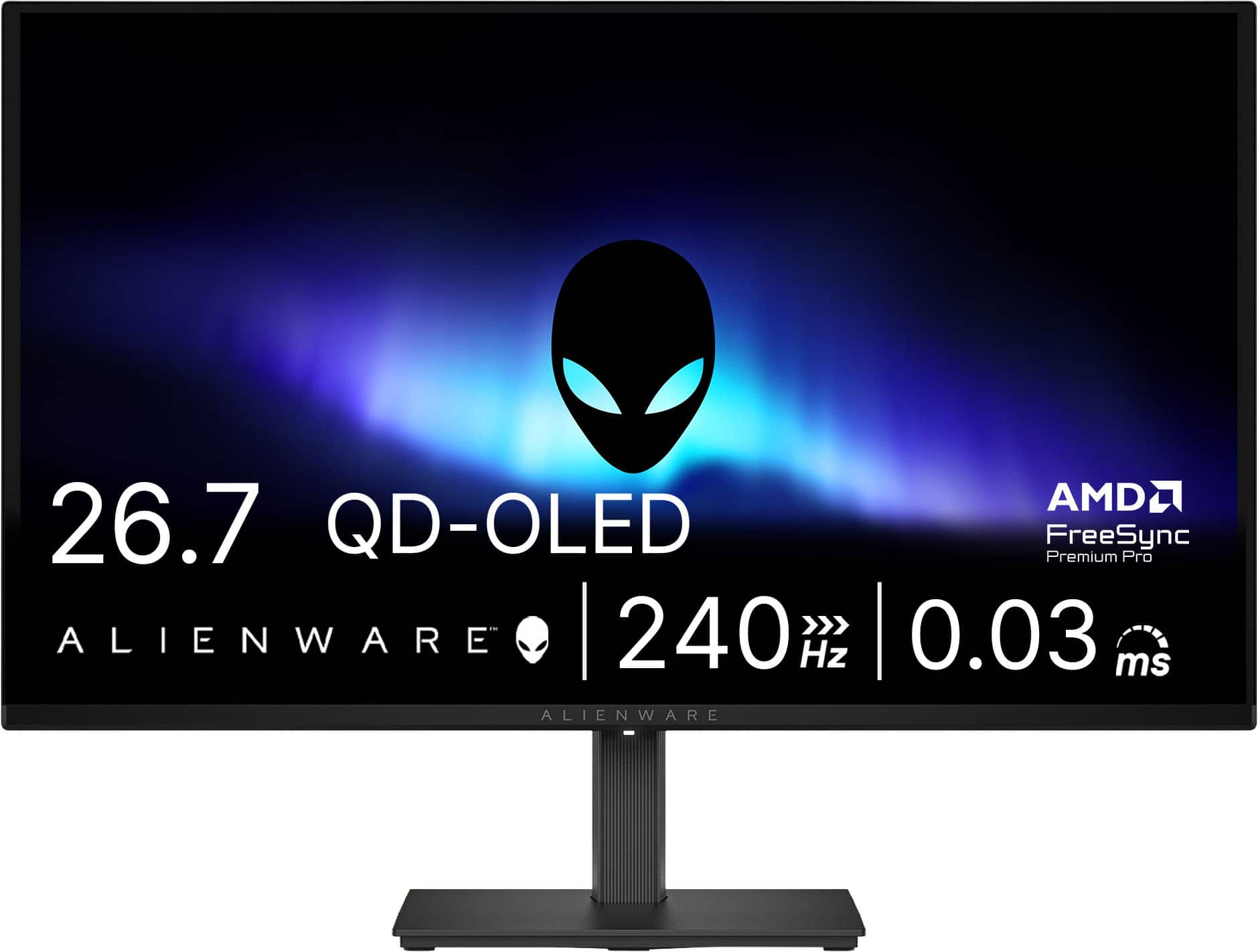
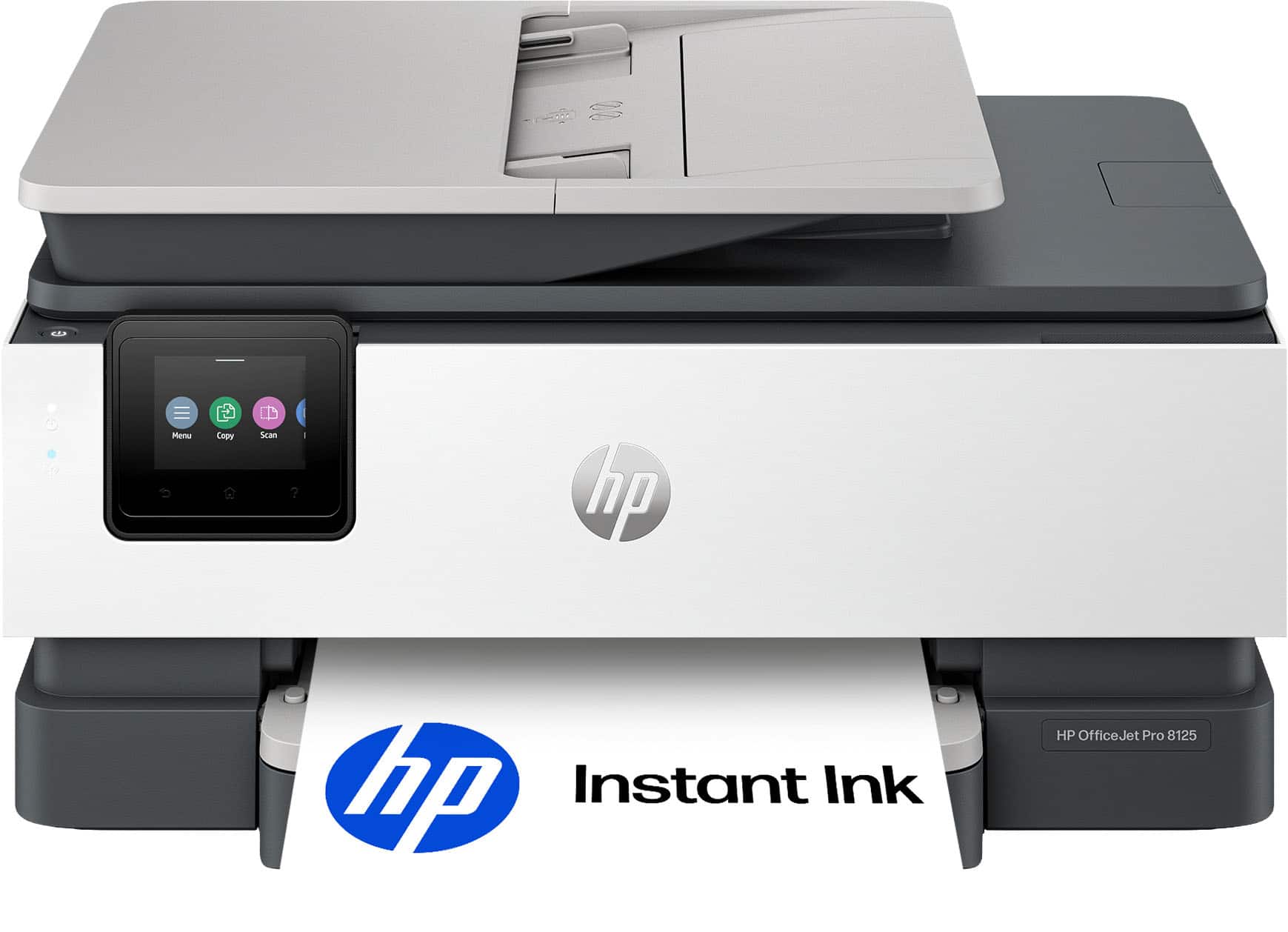
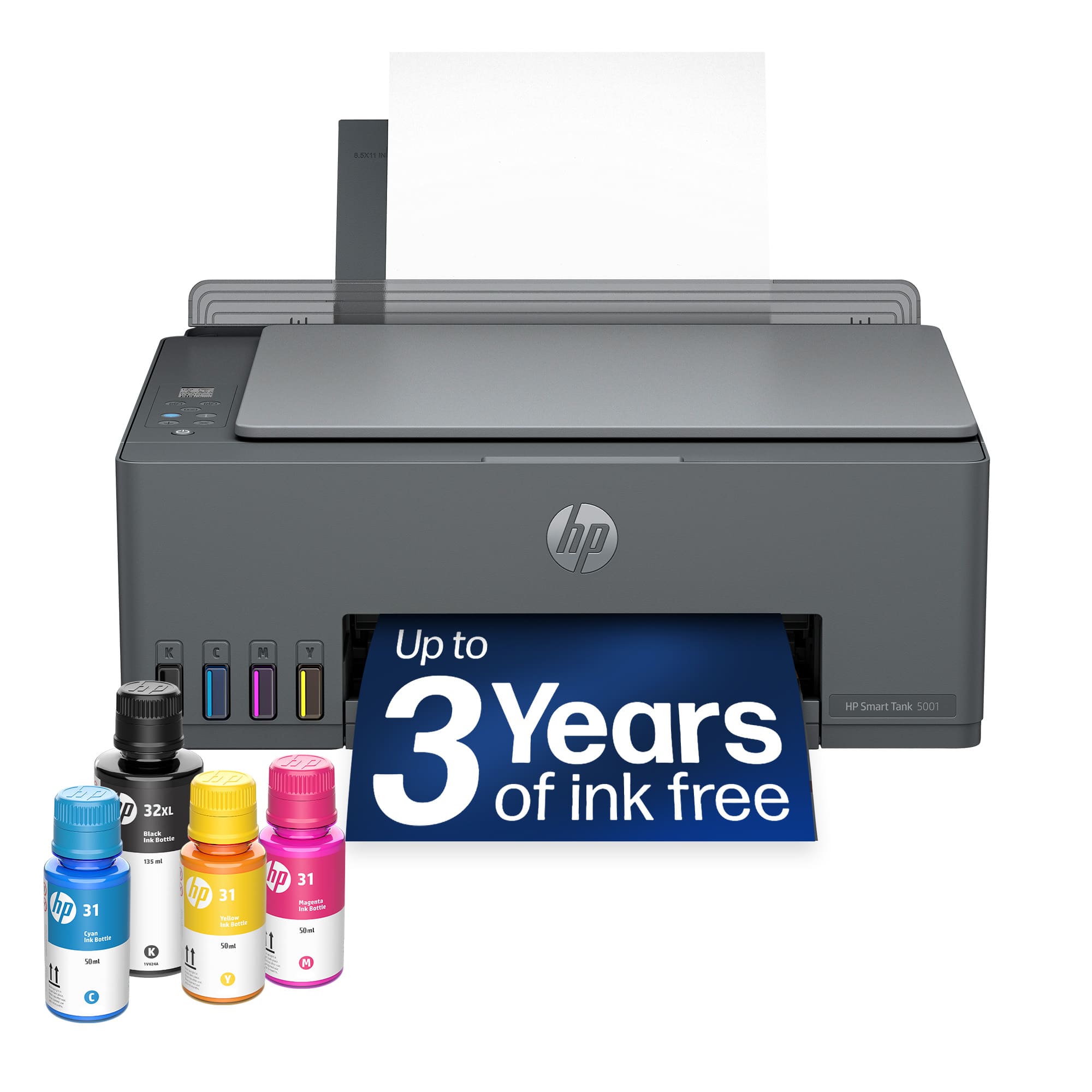
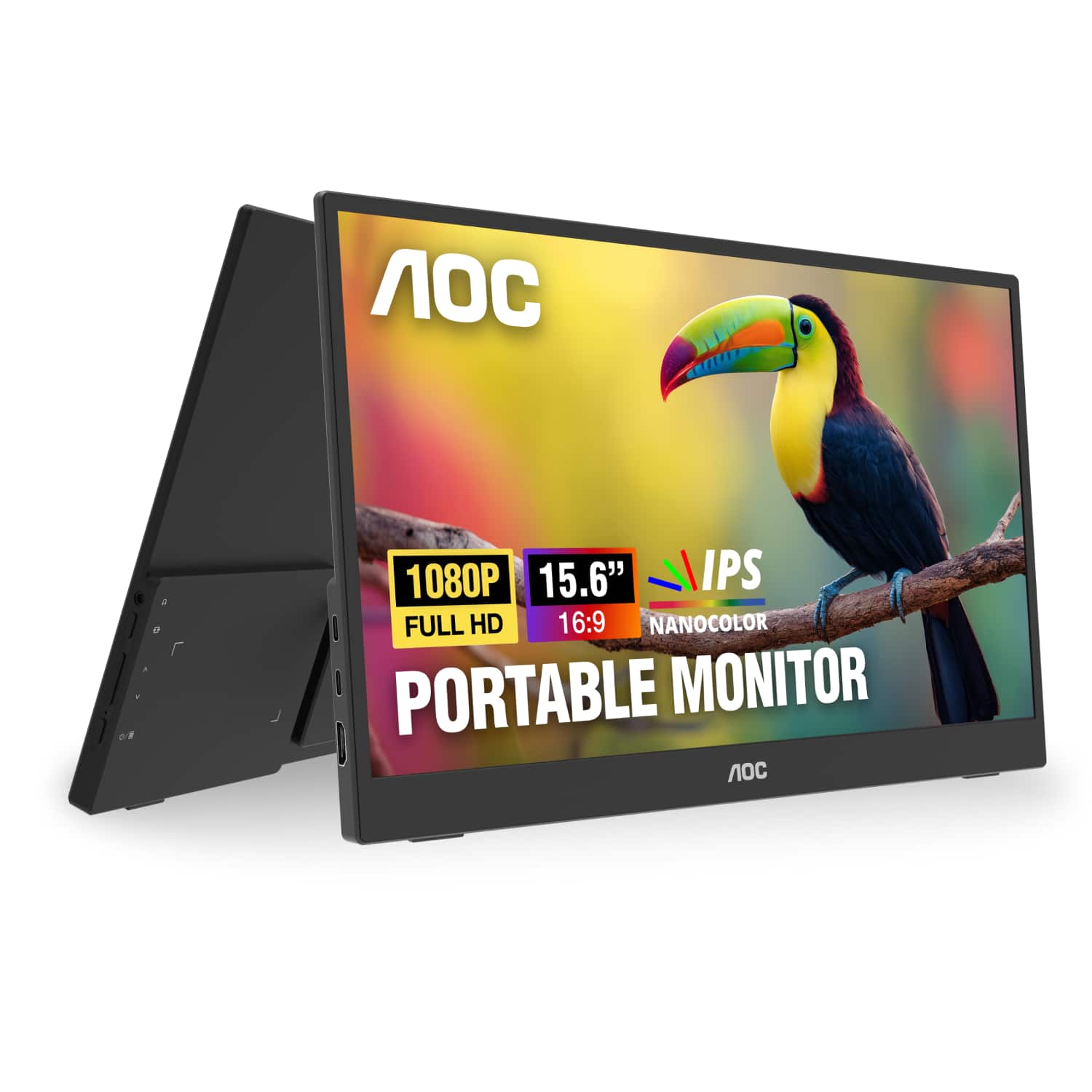
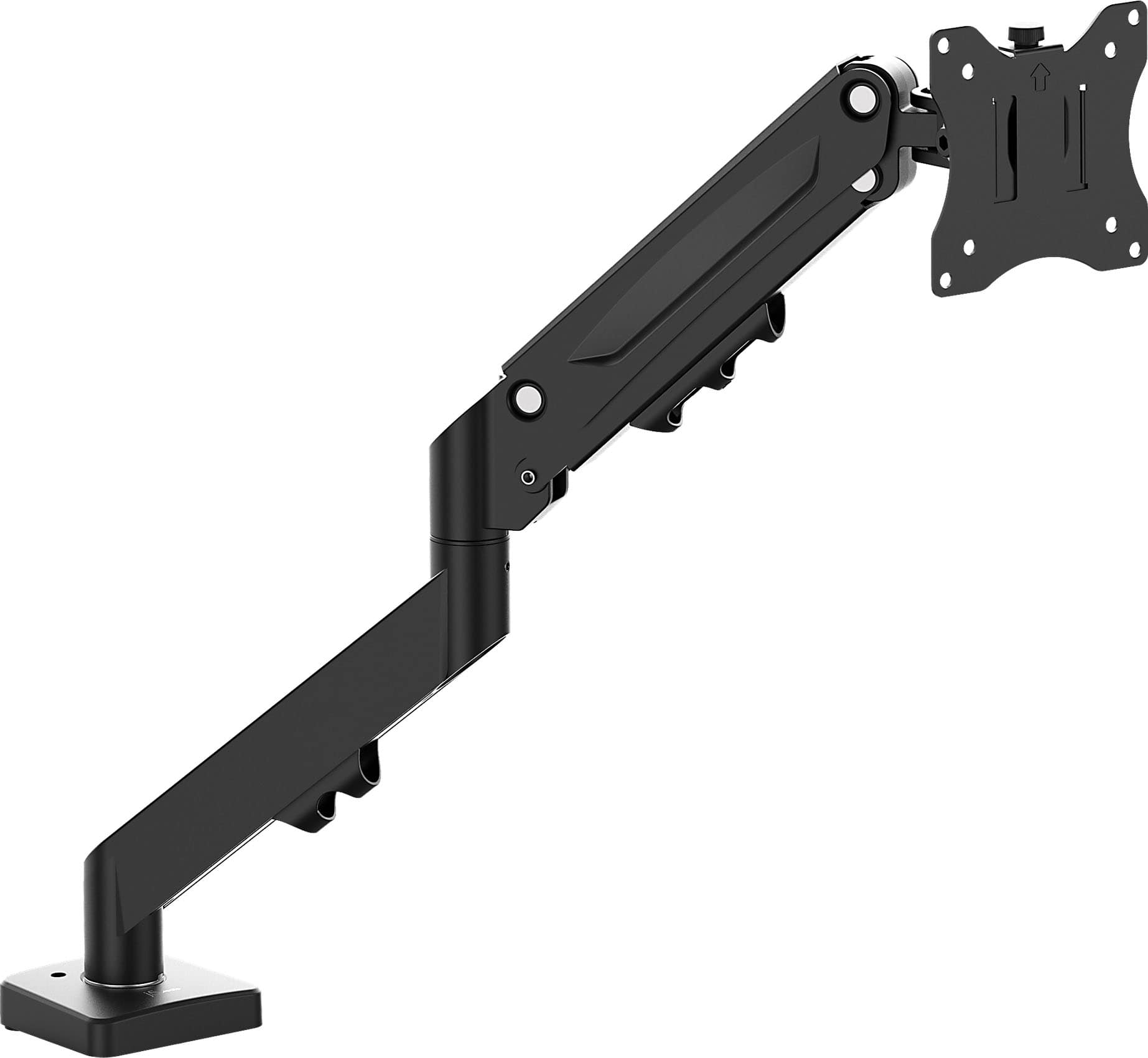
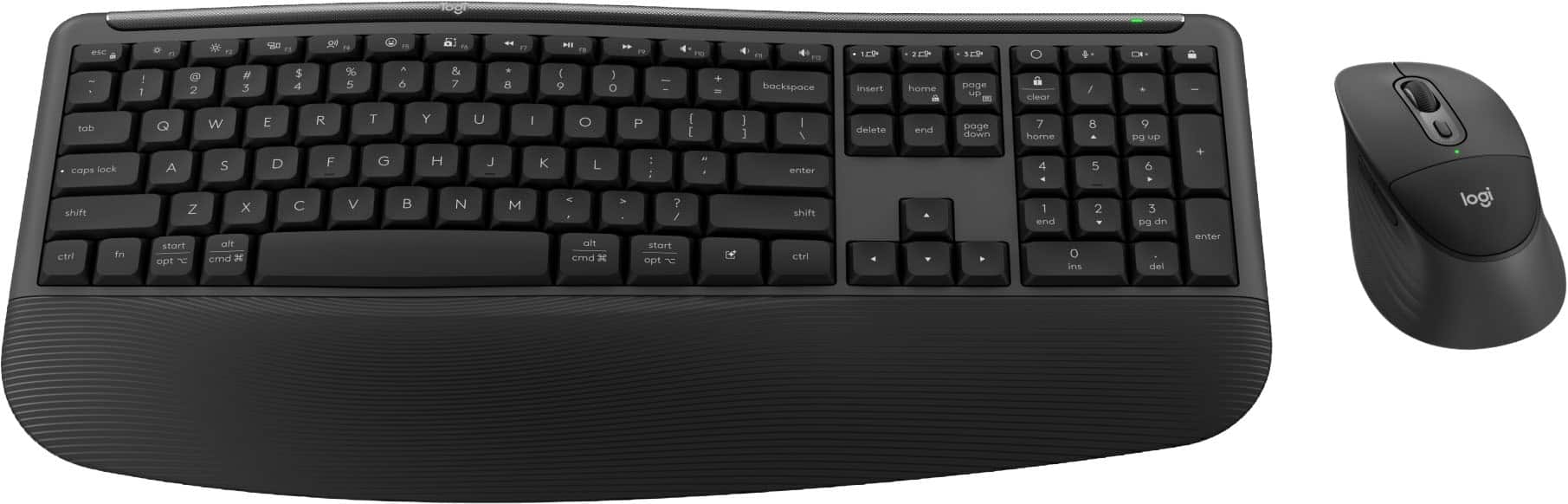
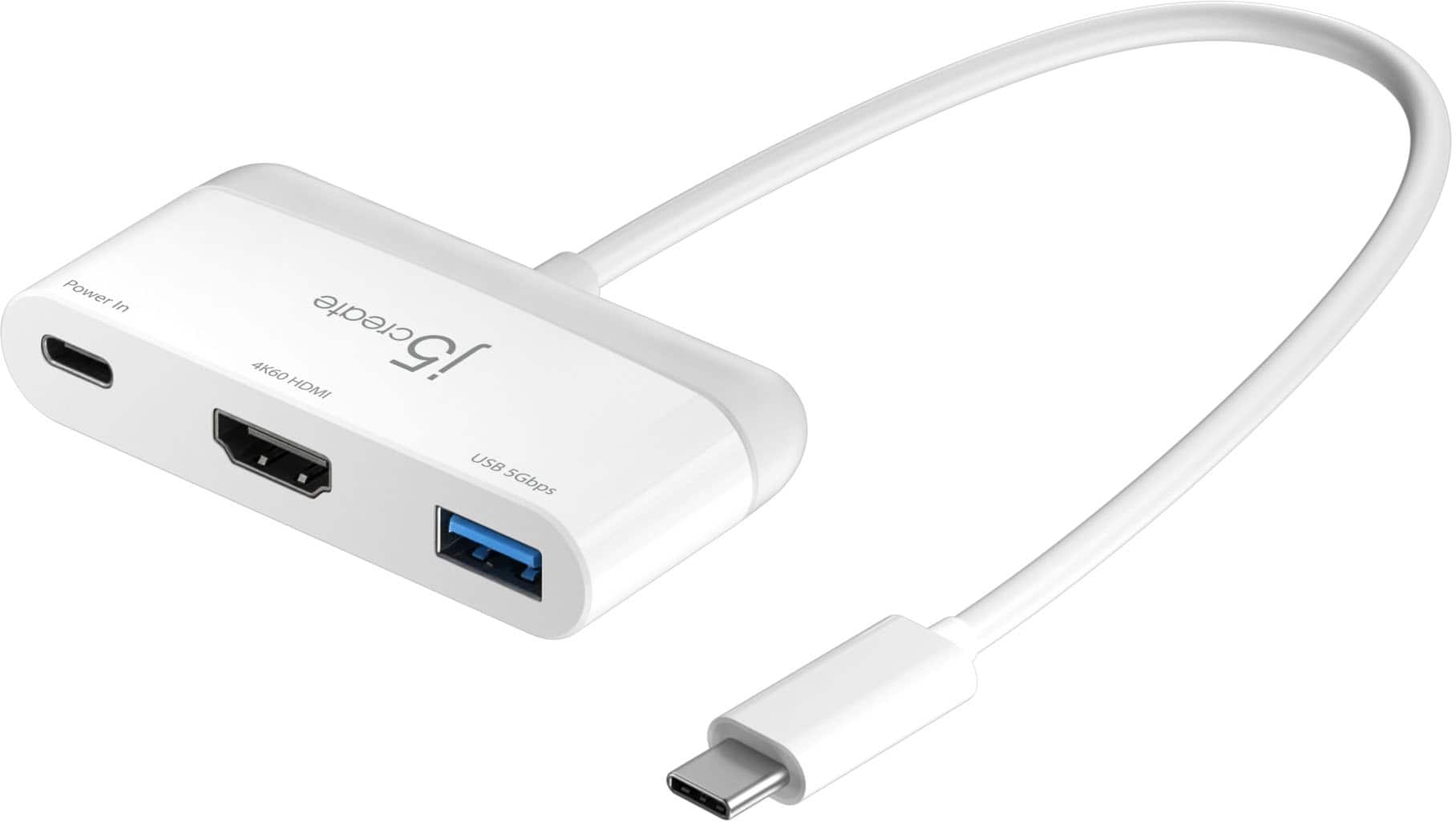
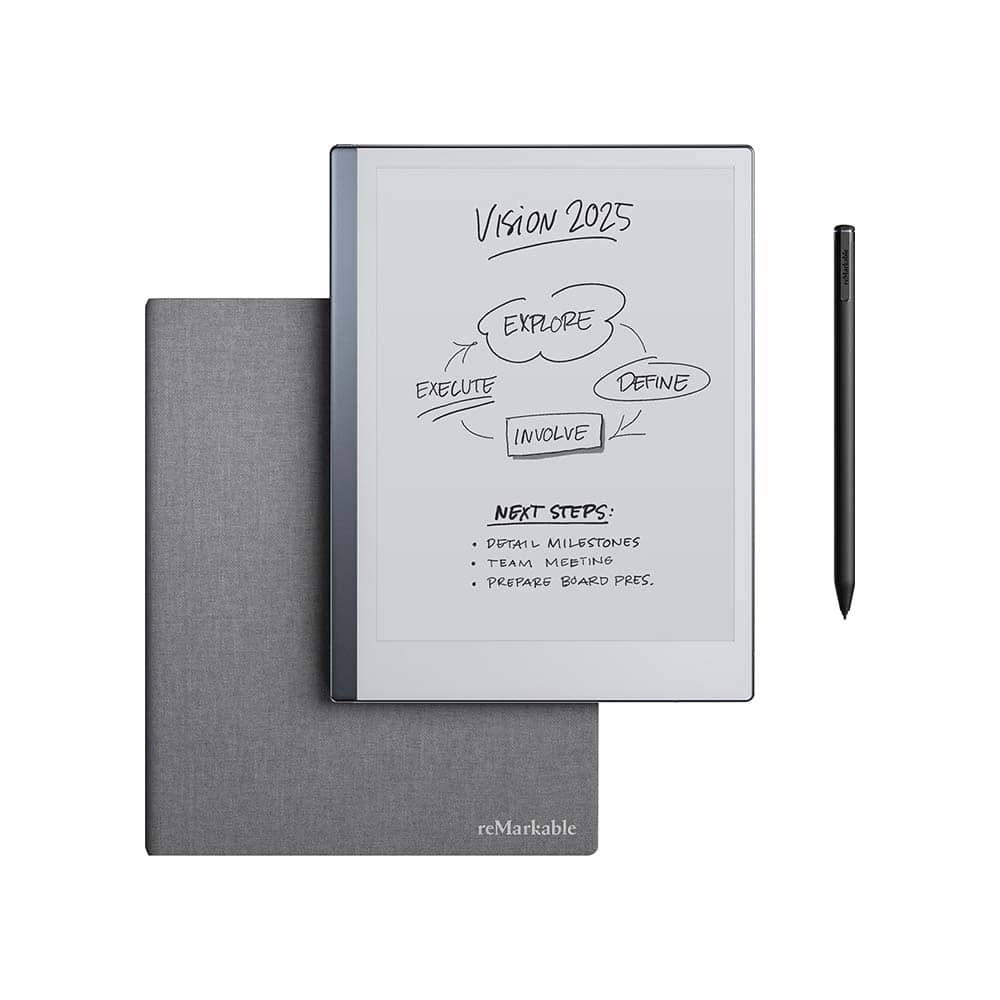
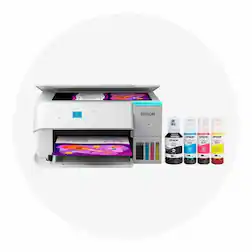
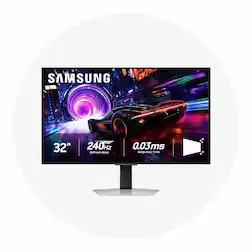
With today’s technological advances, you can transform your computer or laptop into an entire workstation. You can find internal upgrades, like computer software , and external computer accessories that can elevate your online experience. One aspect to consider is how you’d like to view your screen. Whether you’re using a mini tablet or a substantial desktop, you can connect your device to a computer monitor for bigger and brighter viewing. If you plan on working from a computer desk , you may need a stand, mount, or other laptop accessories to bring your computer to a more ergonomic position. Depending on what type of computer tablet you purchase and how you plan to use it, it could be helpful to have an external hard drive or storage device to keep all the files you need. You can even find printers that can directly or wirelessly connect to your computer or tablet. You can find more information at our discover and learn center for details on how to print from a tablet . If you’re choosing a new tablet for work or play, you can find several tablet accessories that increase efficiency and versatility. For example, a stylus pen can help you transform your new device into a drawing tablet. Ultimately, the best tablet or computer for you will be one that can accomplish the tasks you need, offer the right amount of portability and meet your preferred price points.