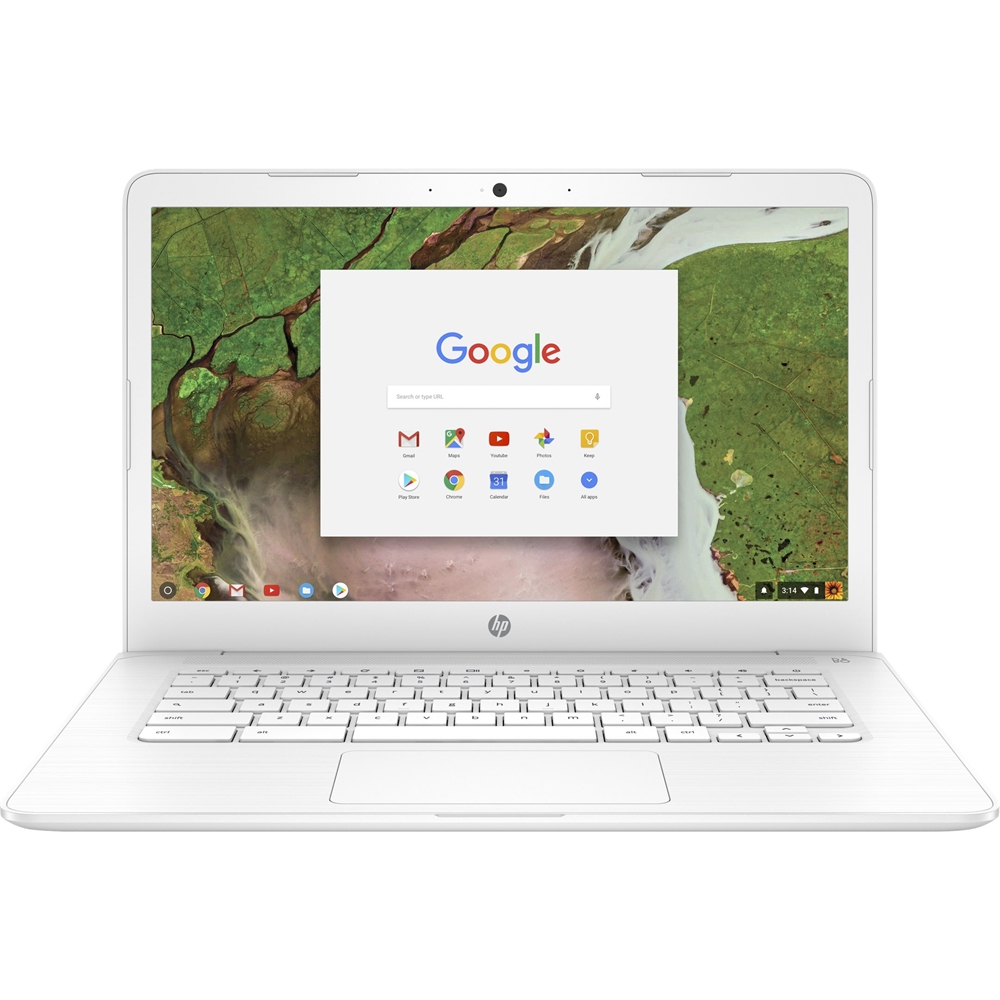
A:AnswerYes. Finger taps and swipes work fine for stuff like web browsing. It does not come with a pen for whatever people use them for so you'd have to buy that separately.
A:AnswerThis depends on the classes being taken and the software required. Chromebooks are designed for online use and you can't install Windows programs, so it will be good if the needs are primarily logging into websites and doing work and research online.
A:AnswerPerhaps. It does not run Windows like a standard computer so you would need a cloud print capable PC. If you are used to Windows check out the HP Stream series for a similar priced Windows Laptop.
A:AnswerChromebooks can use mobile versions of Office 365, but they cannot use the Microsoft Office 2016 software because the operating system the Chromebook uses does not support that software.
A:AnswerUnfortunately no, Microsoft 2016 will not operate on the Chromebook. There are mobile versions of the Office 365 software that can be accessed, as well as Google's alternatives to Office Software (Docs, Sheets, Slides, etc).
A:AnswerIt depends, if the applications you plan to run exist as Chrome or Android apps then its possible. You may need a Windows computer for your work depending on the programs you are running.
A:AnswerChromebooks come with Google Docs and Google Sheets instead of the Microsoft Office suite. You can also use Microsoft Office apps from the Google Play store, or you can use Microsoft Office 365 if you have a paid subscription to it.
A:AnswerAs long as there is an app you are familiar with, it should work. You would need to connect the SD card to the Chromebook. If you think you would want more editing abilities or run a program like Photoshop a Windows computer would be ideal.