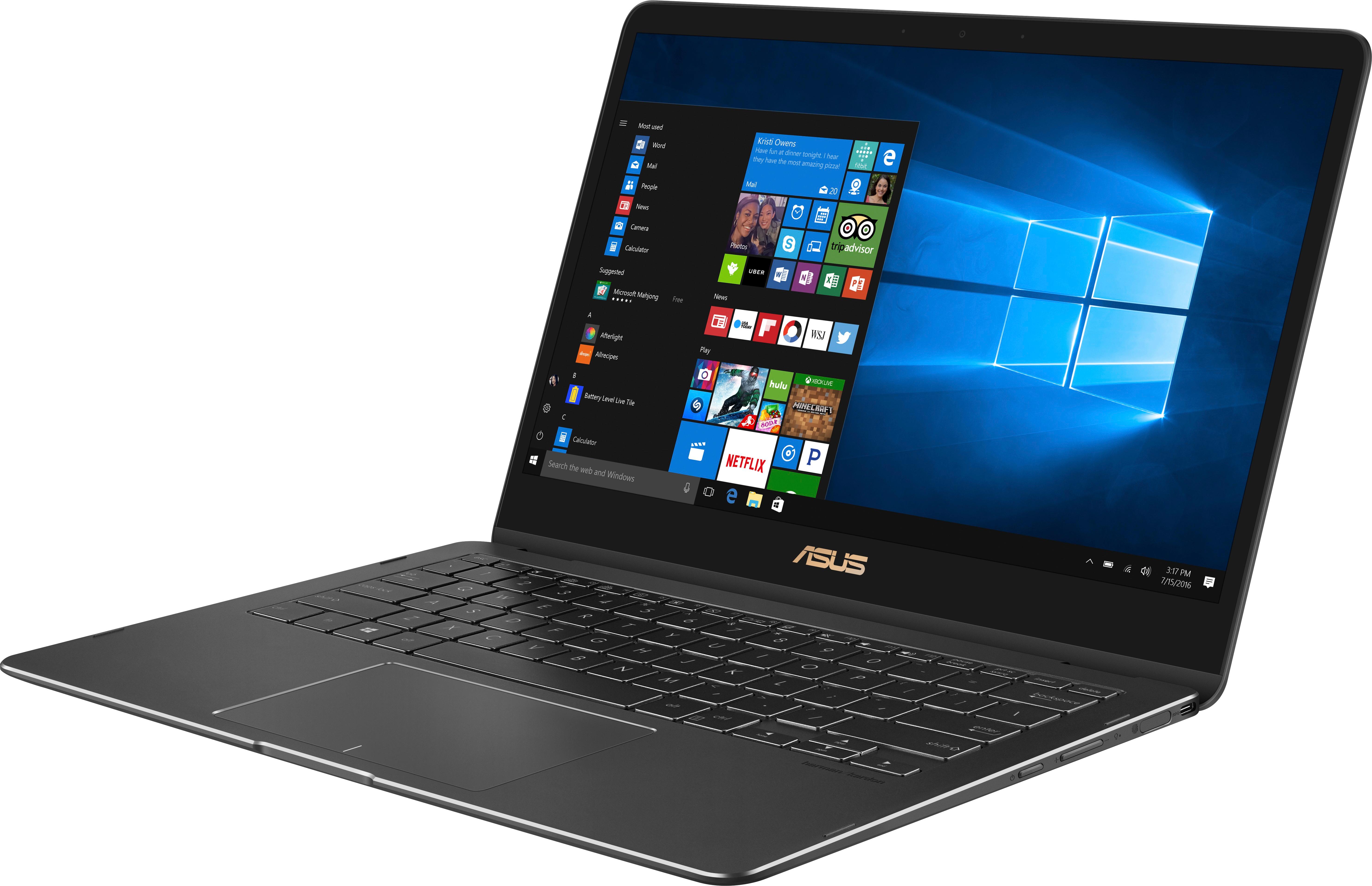
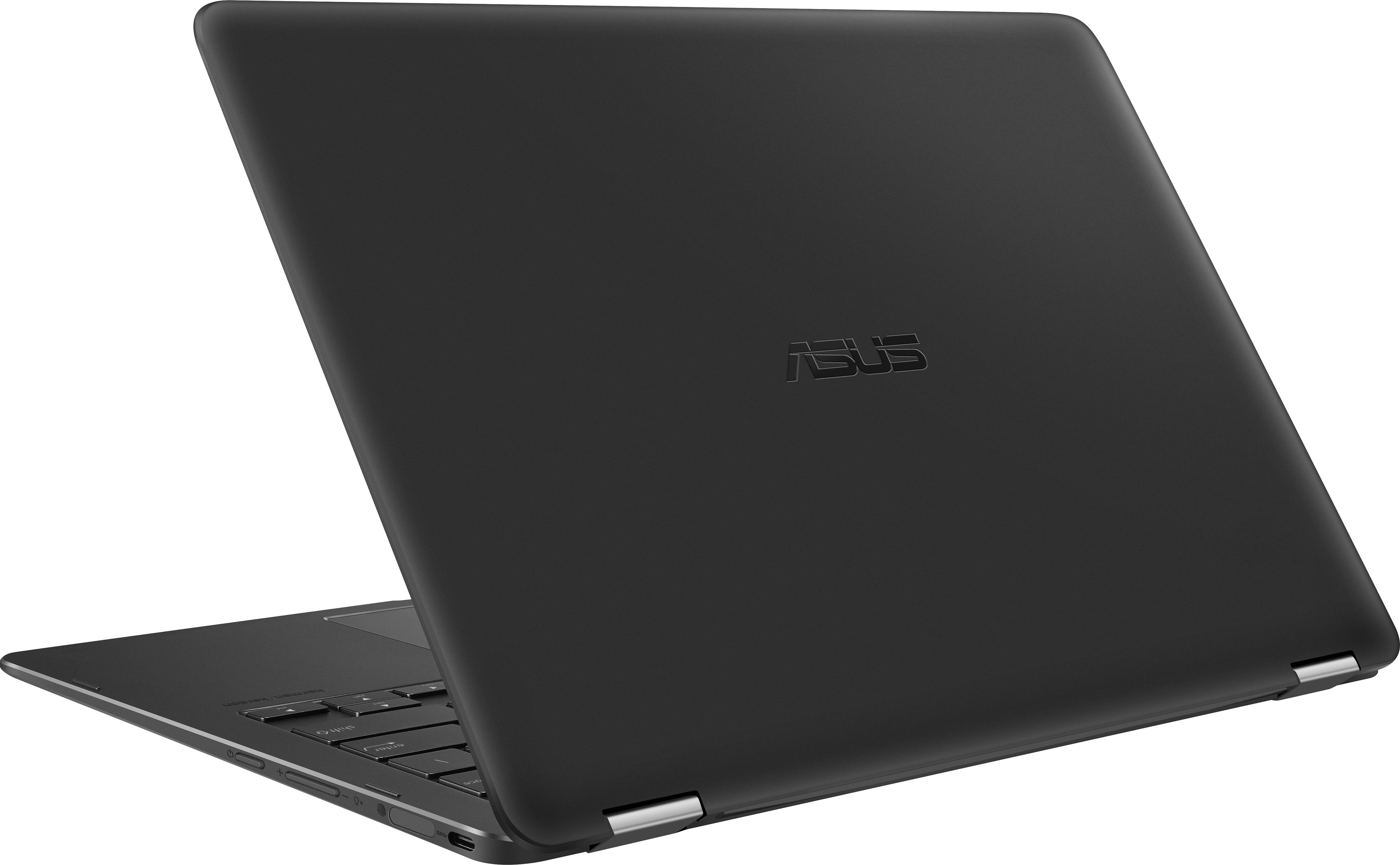
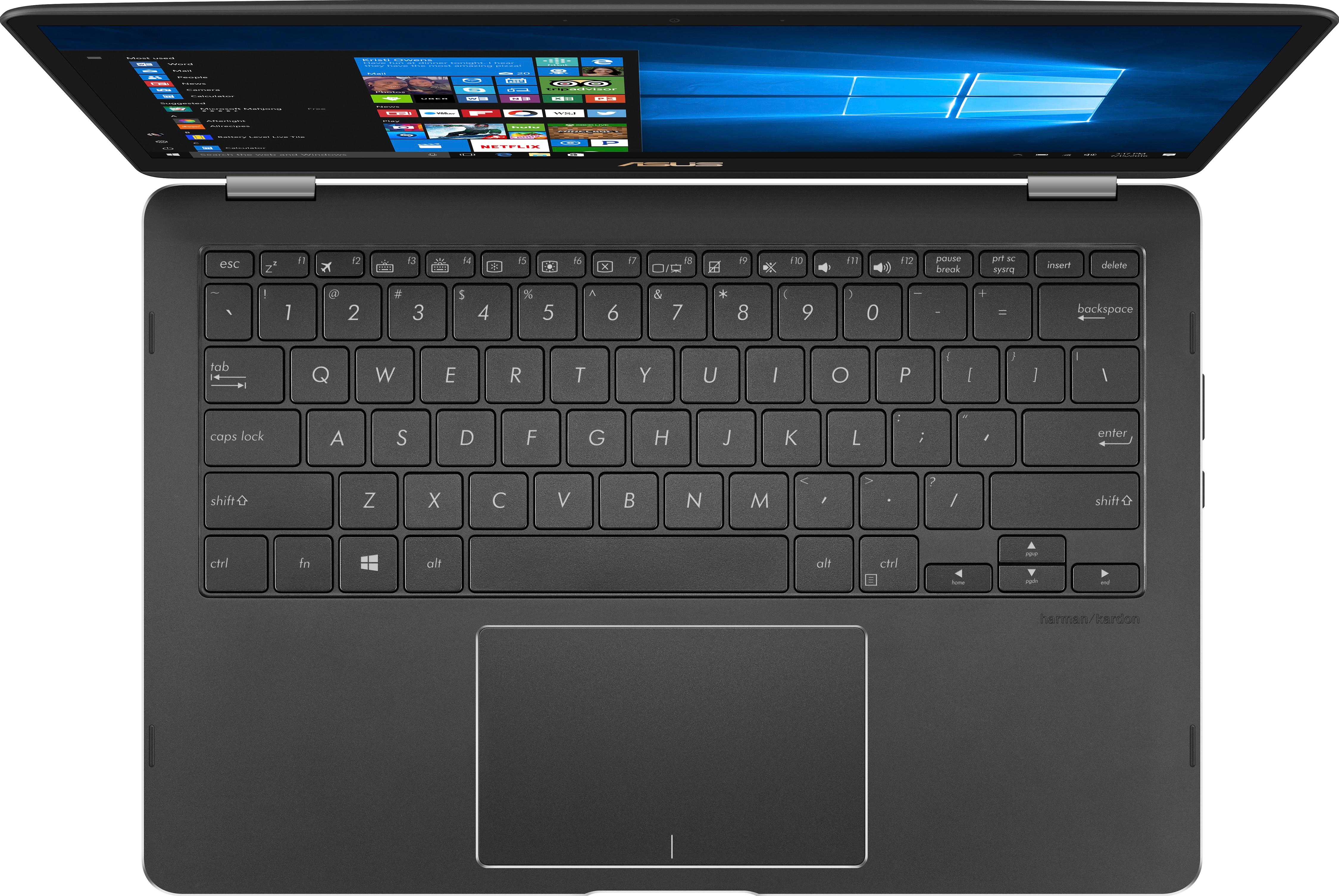
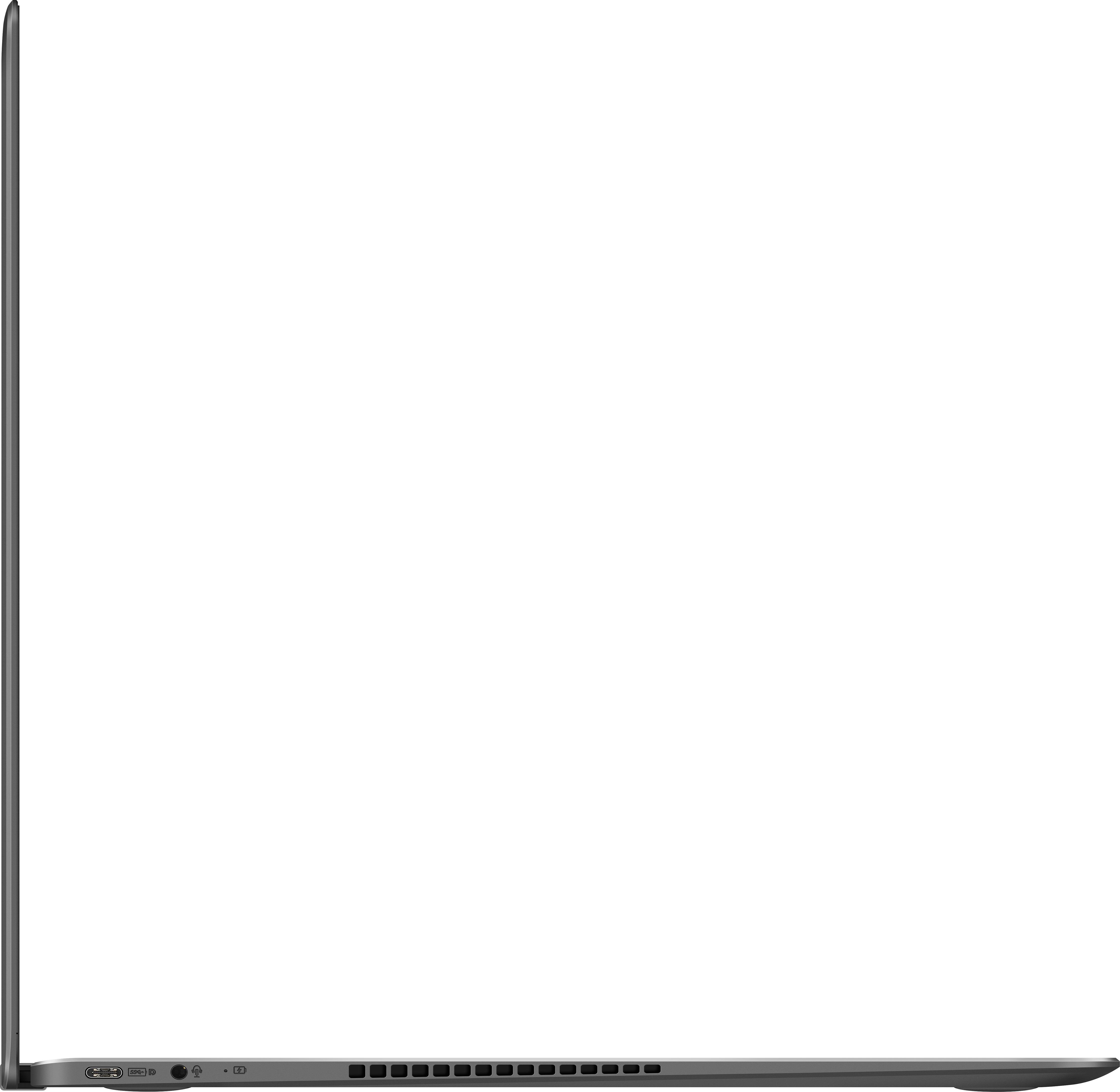
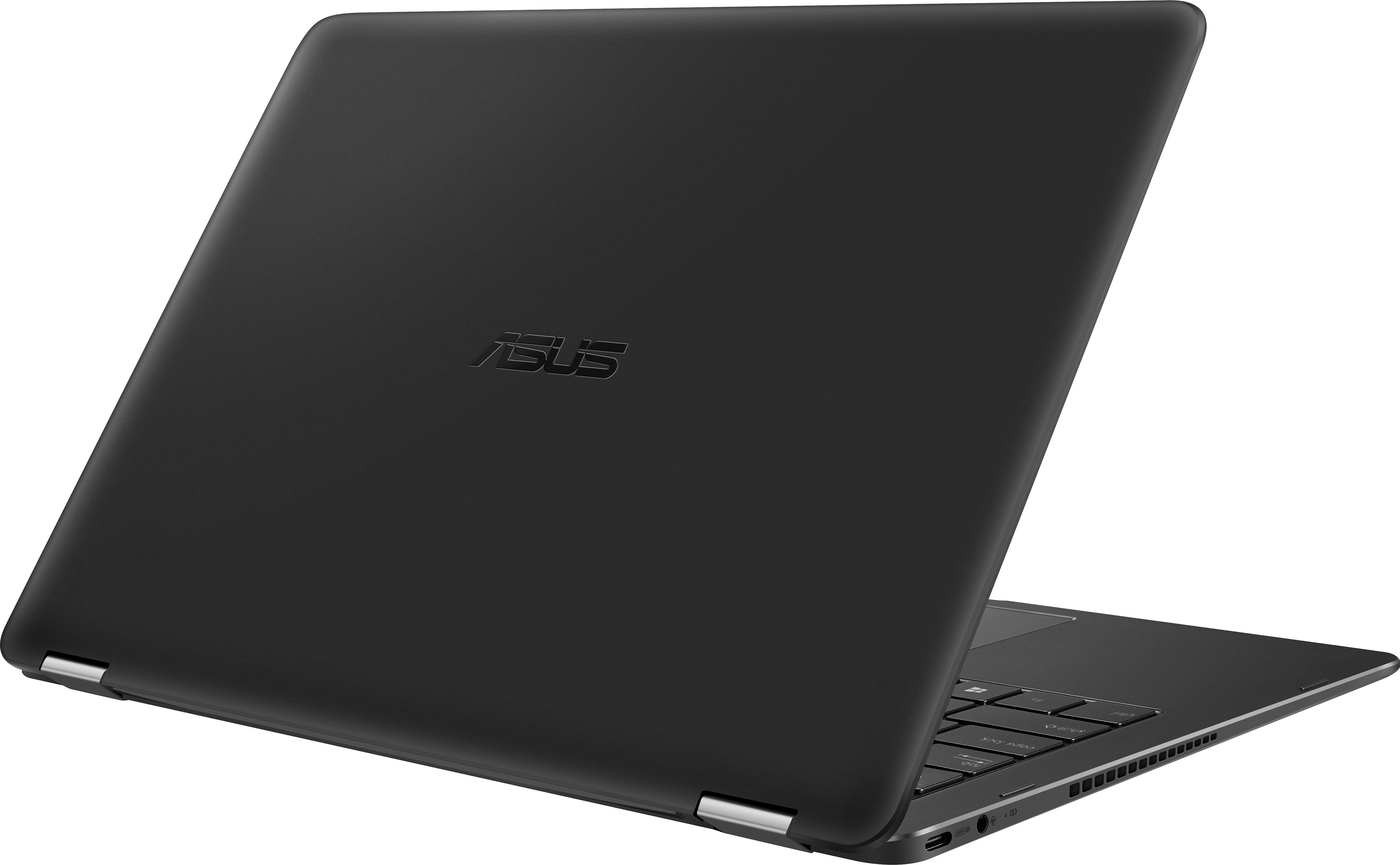
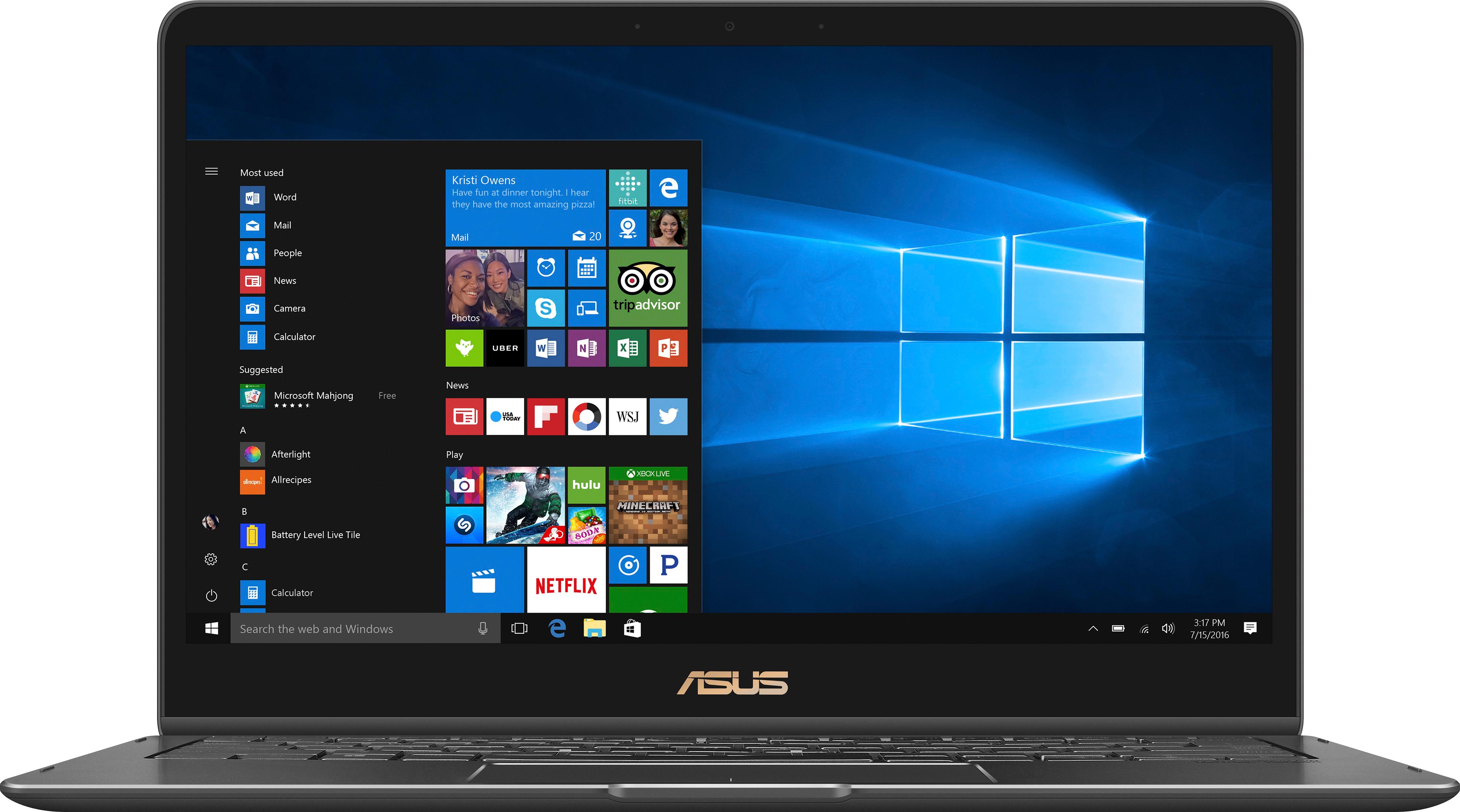
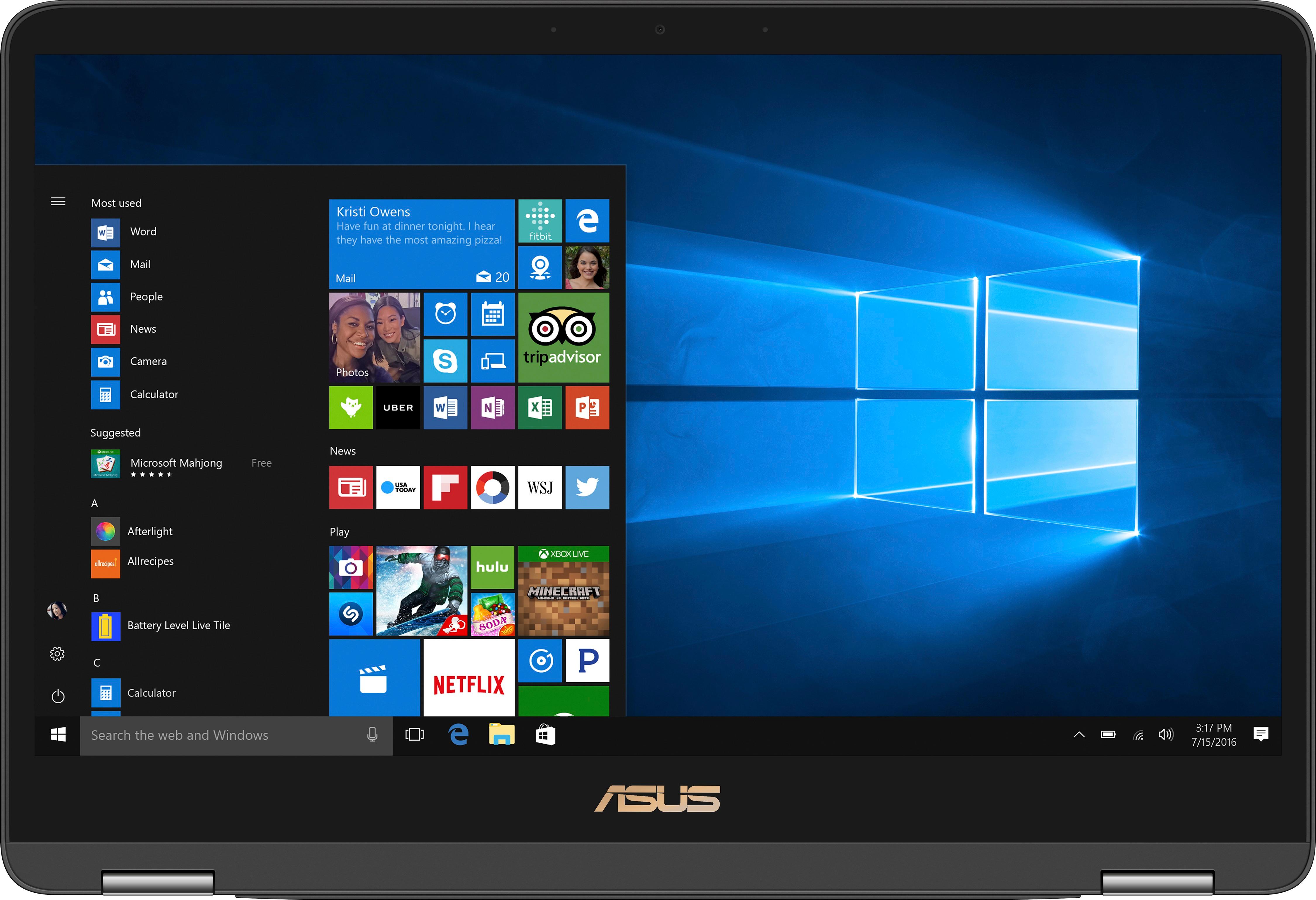
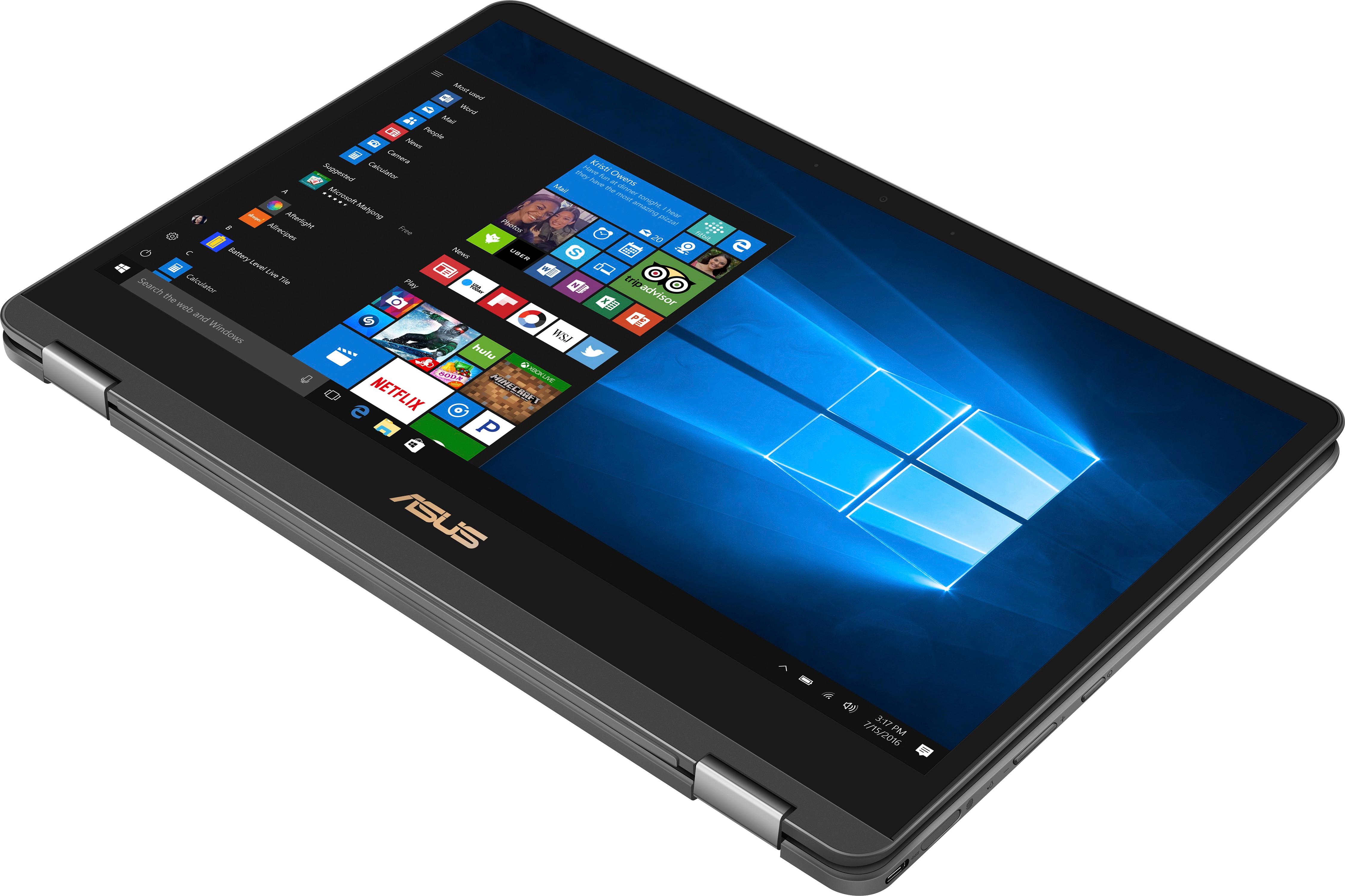
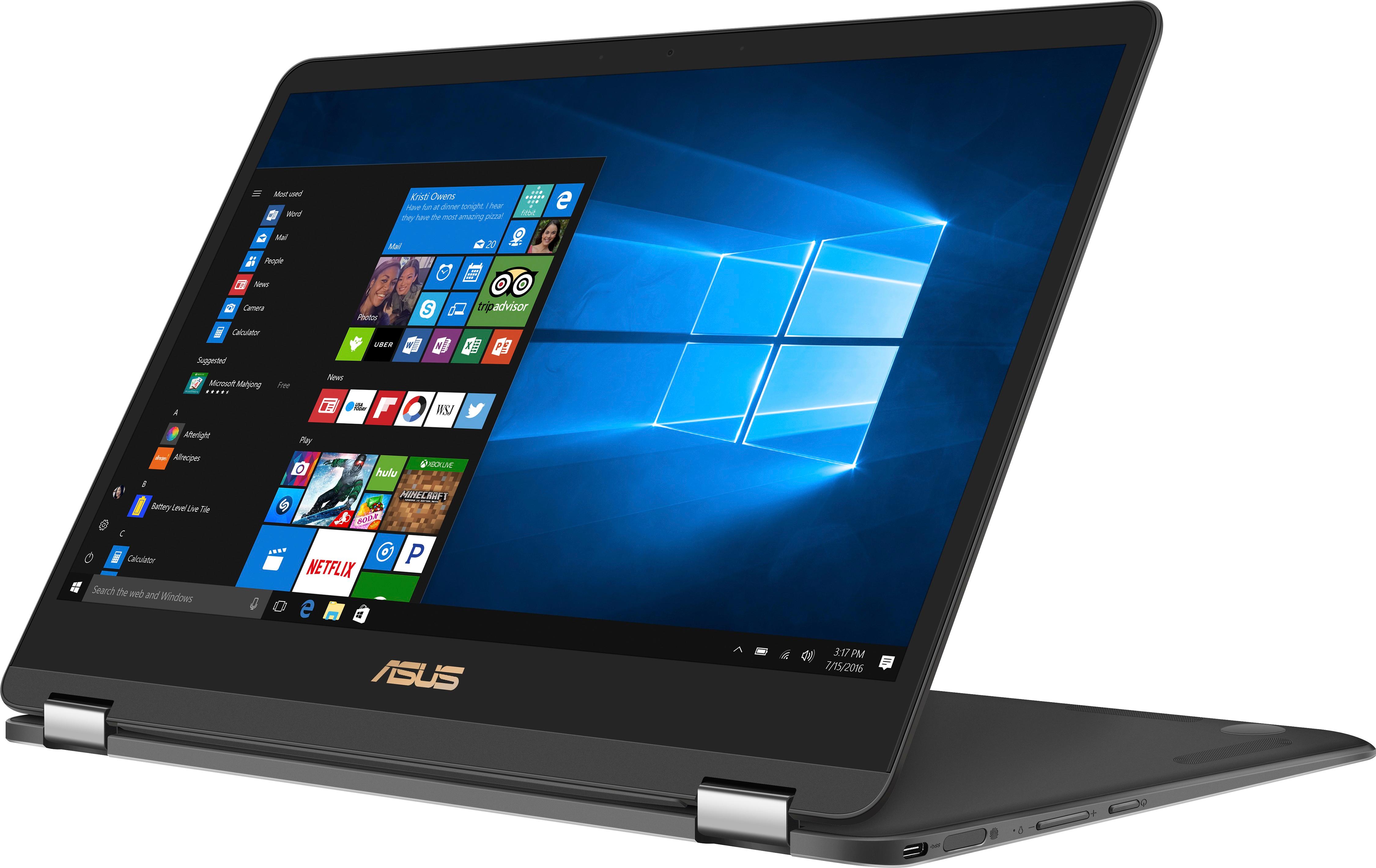
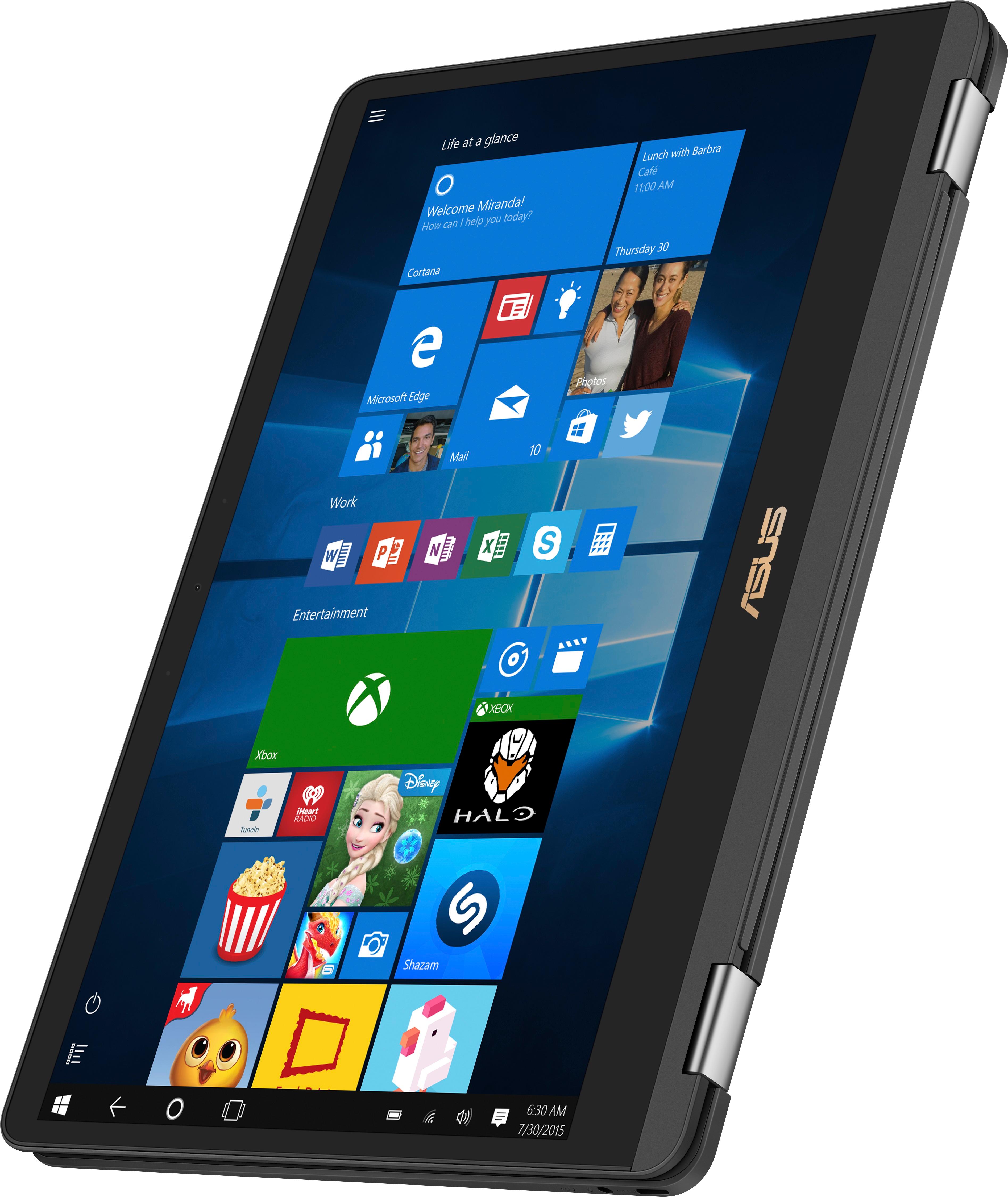
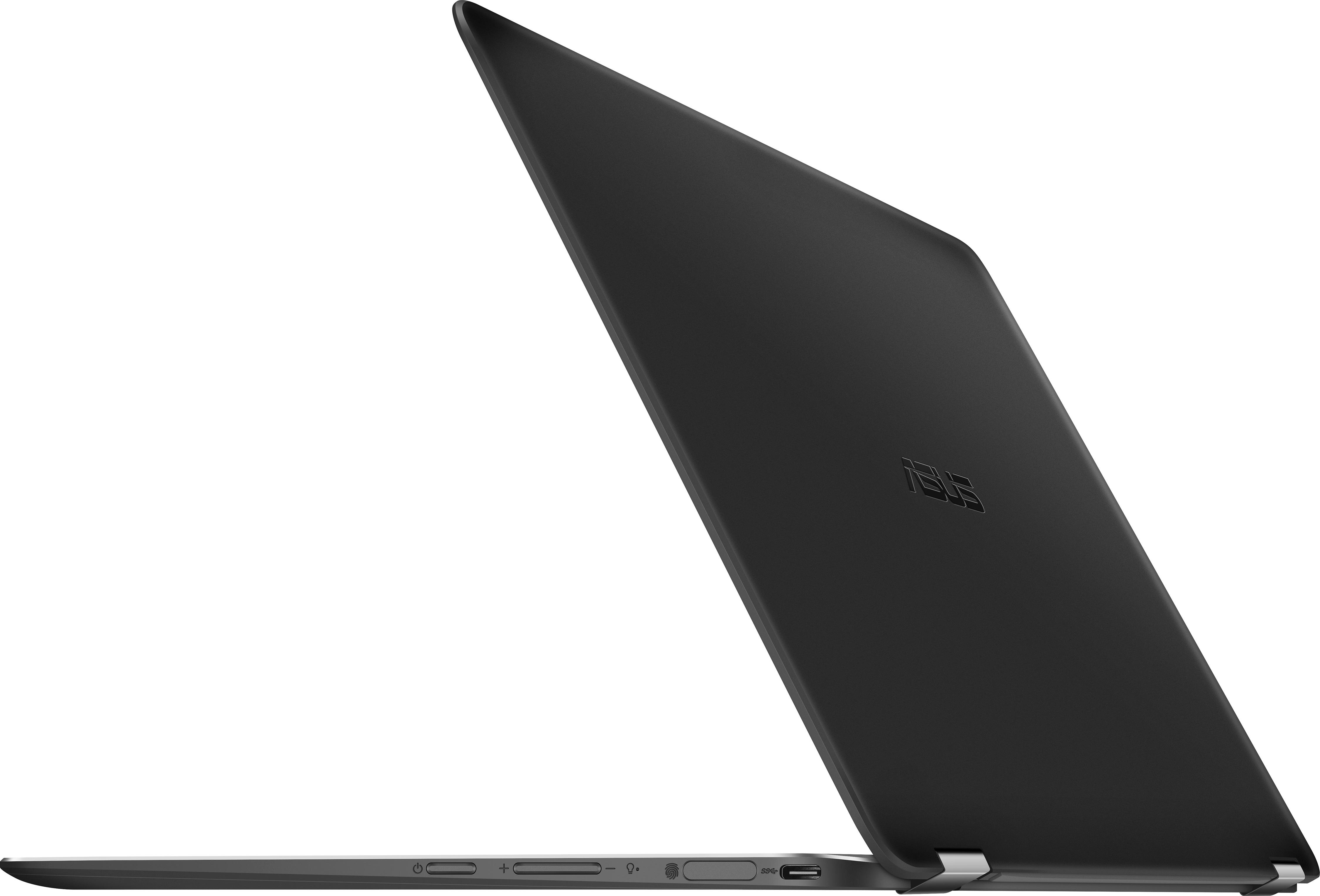
A:AnswerThe Q325 is lighter and the placement of the fingerprint reader is on the side. It also supports Windows Ink, so you can use the Bamboo Ink pen. It has the "ErgoLift hinge" — the world's most compact flippable hinge (according to ASUS) and 16GB ram at 2133 MHz. The Q324UA has 16GB at 1866 MHz. I think the Q324UA has the 6th gen i7; the Q325 has the 7th gen. Battery life is supposedly longer on the Q324UA. There are different "versions" of the ASUS SonicMaster audio technology on each, but basically they both use Harman/Kardon. Also the Q234UA has two (2) USB 3.0 Types-A ports, a HDMI port and an SD Card slot.
So why would you spend $200 more? I suppose it depends on what you are looking for. If you need more battery life and ports, I'd say the Q324ua, but if you prefer thin and light w/ Windows Ink support, you should choose the Q325.
A:AnswerIt will play Rocket League, but it looks pretty bad. Because of the graphics card, I'm assuming League of Legends and CSGO would either not work, or would look bad as well. It is definitely not a gaming machine.
A:AnswerYes I have. I connect it directly, well using the supplied adapter/dongle, to my Samsung 28" 4K monitor. Works great.
And now have it connected to 2 monitors (one is 4K connected via DP & the other is a regular 1080 connected via HDMI) simultaneously using a DELL D3100 replicator.
A:AnswerThis laptop cannot have it's graphics card switched out. This is normal for most laptops as they are built to be as thin, light as possible while trying to be the least expensive for their target market. To achieve this, manufacturers have to come up with creative ways to put the components together within the unit which basically makes it impossible to find a card upgrade that fits. I recommend looking for a gaming laptop if you need more robust graphics capabilities. It may be labelled as gaming, but what that really means is that it's a laptop with more awesome processing power for graphics.