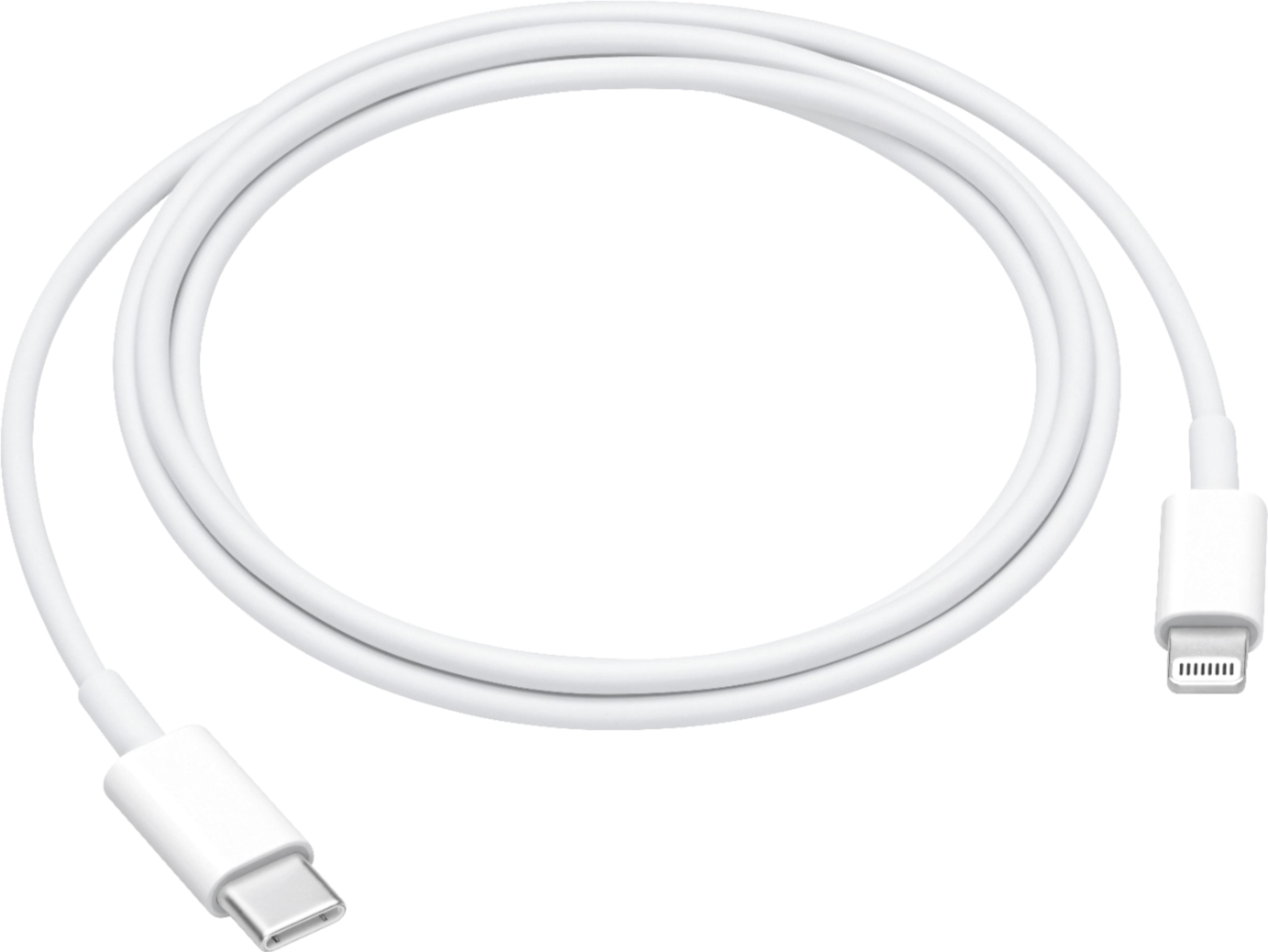
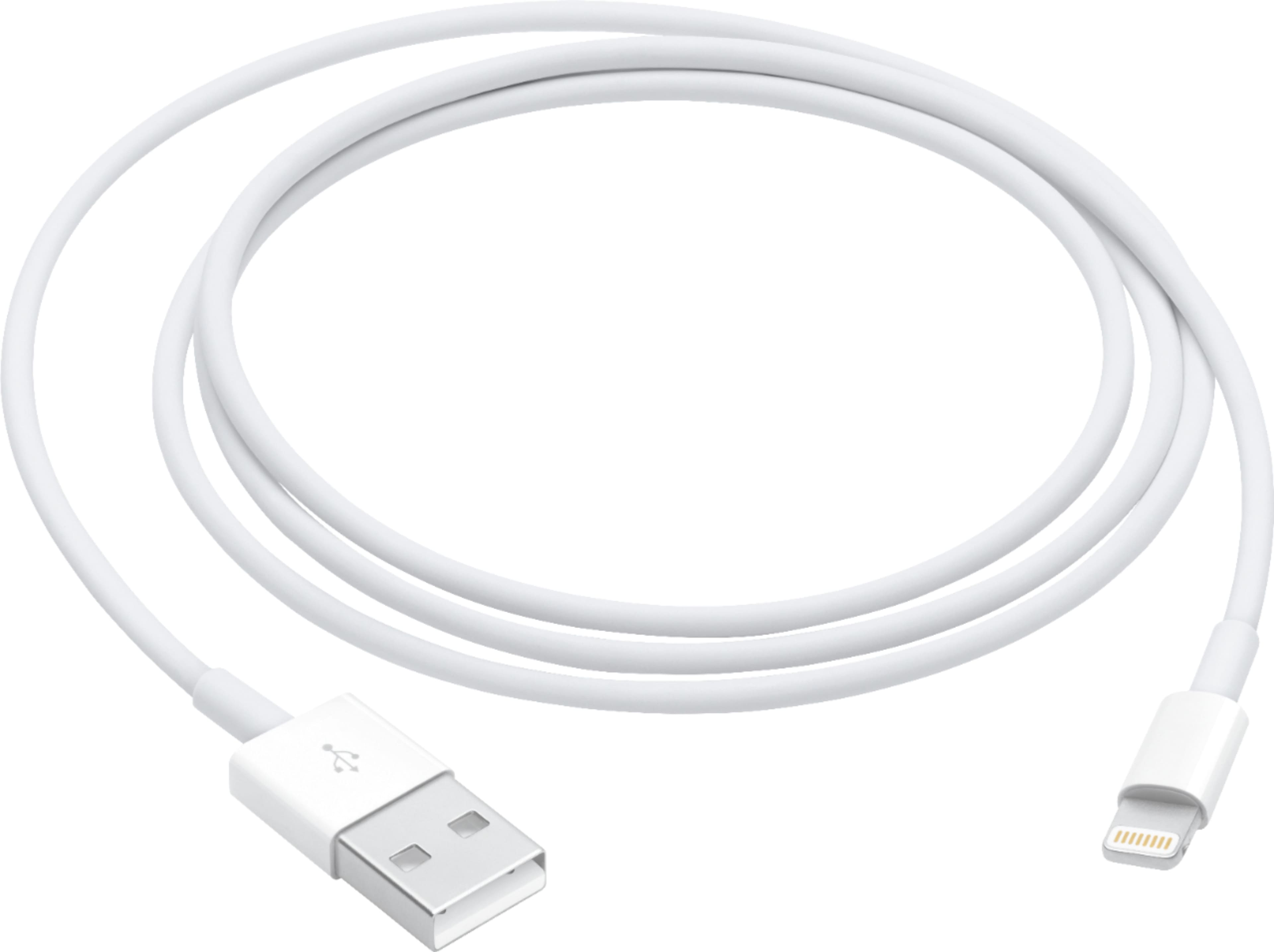
A:AnswerA lot of the negative reviews on the apple site are because it's not included in the box and people are upset that they have to pay extra for it. The cable itself is great, and yes, it's the same one.
A:AnswerIf you have an iPad pro you need a USB C connector to the iPad Pro and a USB A/B 2.0 or 3.0 connector to a wall plug adapter. If you have a typical iPad or iPhone the charging connector uses the lightning port (flat ceramic end with symmetric metal fingers on both sides) to plug into the iPad or iPhone and the USB A/B 2.0 or 3.0 adapter to the wall plug. The charging cable and wall interface comes with each iPad or iPhone. The iPad pro comes with a USB C to USB C cable and a USB C wall adapter. If you didn't get a charging cable with the iPad return to the store.
A:AnswerYou need a USB C to a USB C cable to connect it to your MacBook Pro or MacBook. I am not sure what laptop you're talking about so you will have to be more specific. But if you are using an Apple MacBook Pro or a MacBook that will solve all of your problem if your iPad Pro is third generation or later.
A:AnswerIt should but I haven’t actually tried it because I don’t own a Surface book. Connectors at each end are correct and the adaptor is rated for USB 3 data transfer and fast charging.
A:AnswerIf they are all on the same WIFI you might try airdrop. Or you could just Email them to yourself high resolution and save them to whatever device you want.
A:AnswerThis connector isn’t the one that goes to an wall outlet for the iPhone X, this connects to the MacBook Pro... you need just a regular iPhone charger for your phone... unless you buy a plug that goes with that c-port connector... I hope that helps...