A:AnswerCheck the SOUND settings... You can adjust the EQ levels a bit based on what you are watching. I think there are 6 settings. Try each until you find one that works best for you.
A:AnswerYou don't bypass it you use it. We have Spectrum too and that was 100% the reason we bought it. Set up roku on mobile phone (you'll need cc but they don't charge anything) and enter the code from TV. You will download roku app and from there you can select the spectrum app for your tv. log in to spectrum and thats it! it all transfers to the tv. now you can just choose the spectrum app on the TV whenever you want. you'll get same channels and even on demand channels. The only thing I don't like is you can't type in your channel. Like if HBO is ch550 you have to start from 1 and scroll down until you get there. if you hold it down it goes fast though. small price to pay for no box fee.
A:AnswerUnfortunately answering your question is very difficult. The ideal calibration is variable depending on several factors. What you want to use it for i.e. games, movies, tv, cartoons, nature documentaries, computer graphics, etc
Also it depends on the lighting the tv is in typically, is it near a window, or under a light is it lit from behind, or in a totally dark corner, is there a glare from a light in front or at an angle?
What's your vision like? Any color blindness or deficiencies, do you wear glasses and if so do they have anti-glare coating, how close do you plan to sit to the screen? And that's just visual not even audio...
The ideal calibration is variable based on so many factors that it really varies based on each individual. There are suggestions that can be made to get you closer but only by playing with it will you find your ideal calibration.
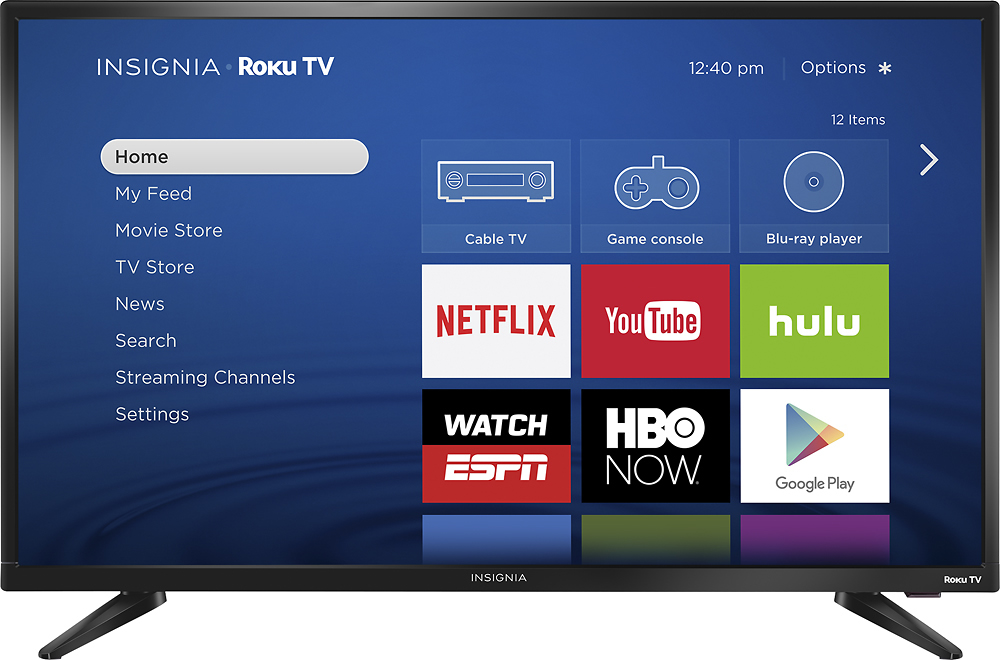
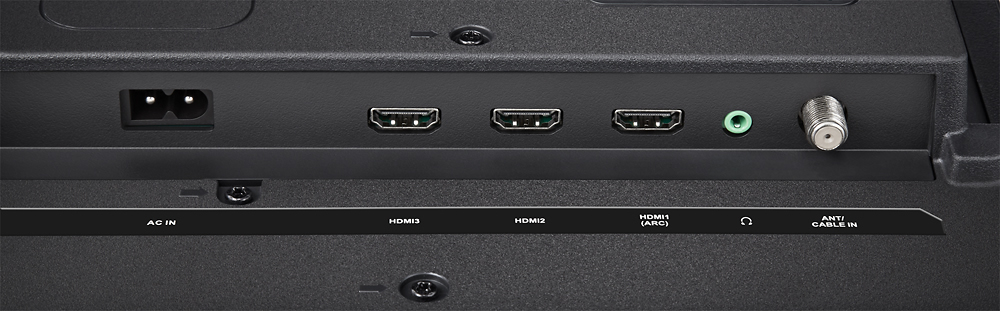
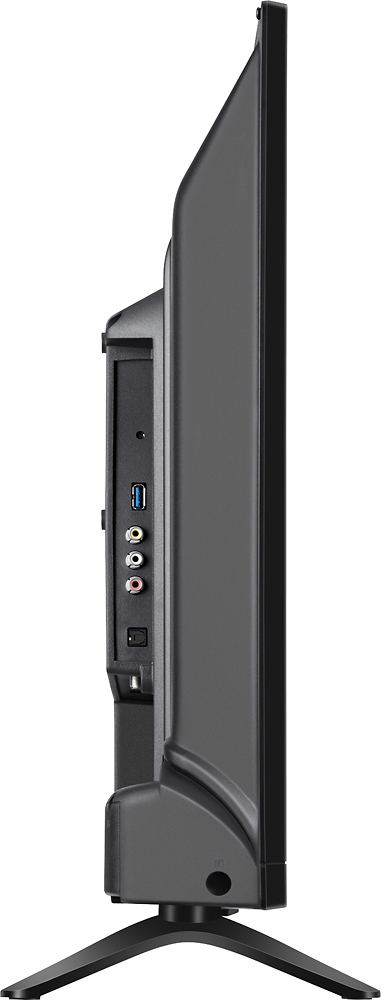
A:Answerno direct "cast" or AirPlay capability but there's an HDMI and composite input for connecting an iPad (with adapter) or anything else. Some apps like YouTube let the iOS/android app send/cast a video to play on the Roku YouTube app.