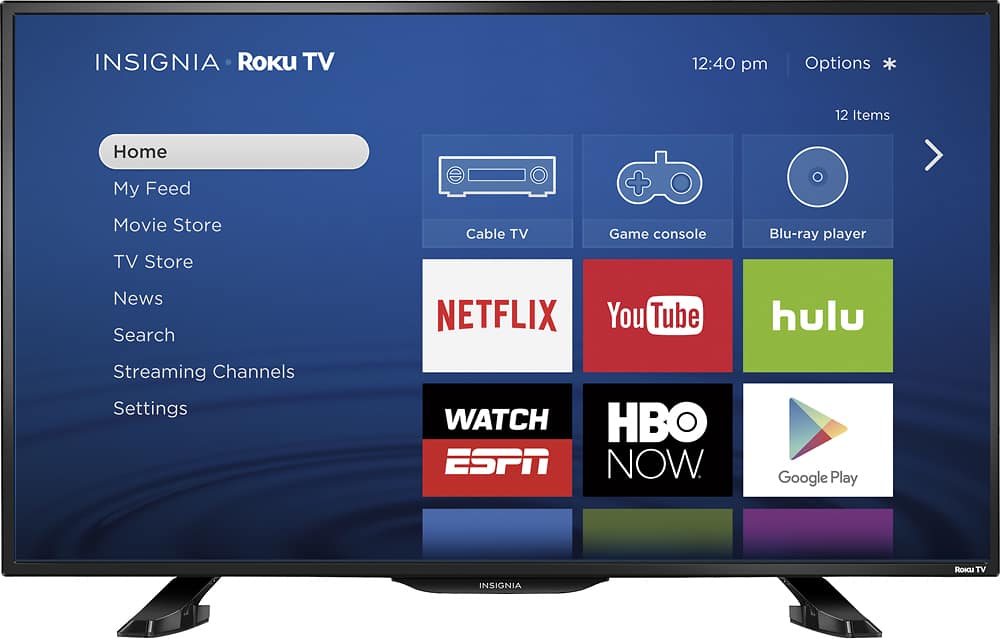
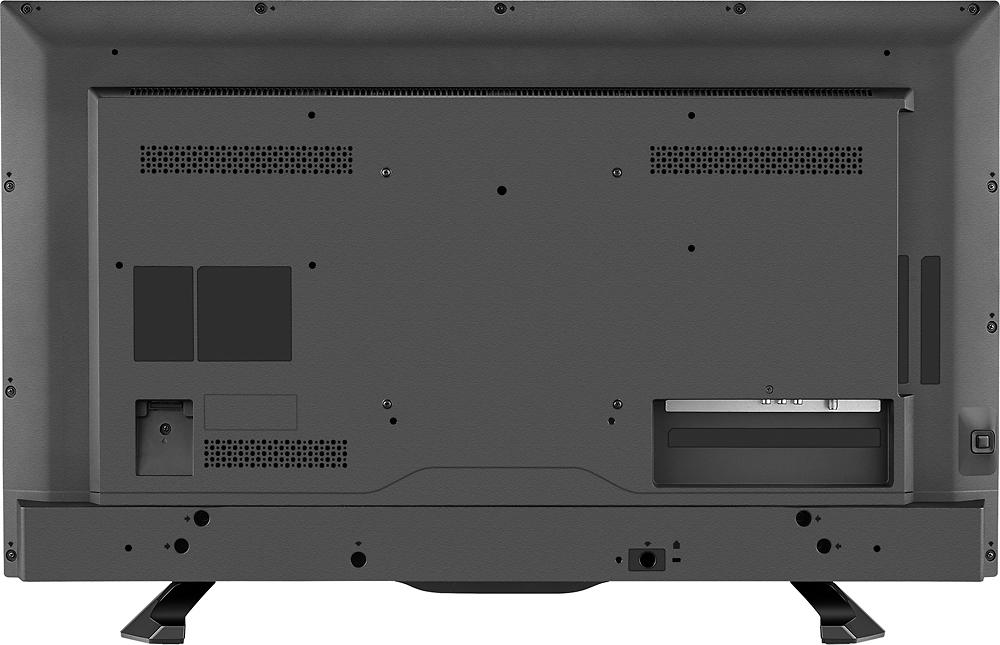
A:Answer You must have connected the TV to an Antenna for over the Air Broadcasts, i have done this also with a powered antenna along with being connected to Comcast as well. There are setting to Stretch and Zoom the image to fill the screen for each channel - some channels are full screen and some aren't, (all depends on the station) so you'll have to go through each channel to adjust accordingly = Make sure you are on the channel only and Not on the menu, Press the (*) star key on the remote, the menu will appear for that station, change the "Picture Size" to whatever you want to "fill" the screen (Auto, Stretch, Zoom, whatever).