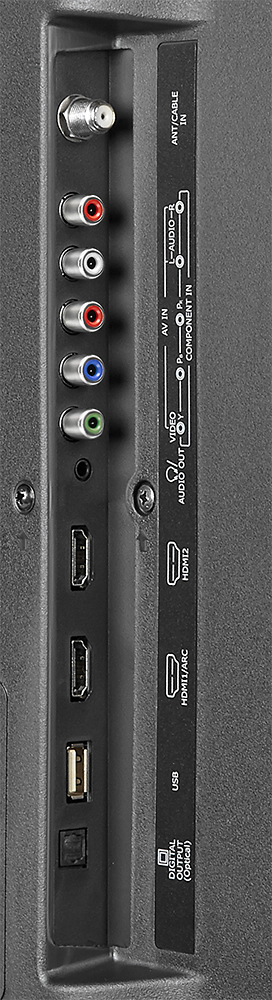
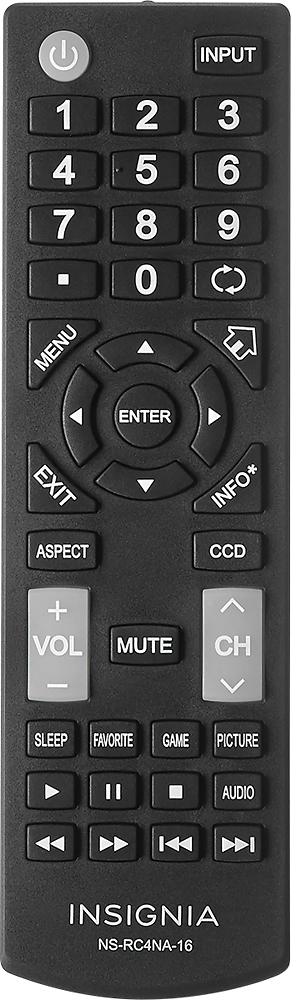
A:Answer Make sure you have a HD source connected. If it is still grainy, try changing the quality output of the device you are using (say Xbox or DVD player). If that doesn't work, try using custom picture settings to try and make it look better. Just a tip, DVD quality movies played on larger HD tvs look worse. If you stretch a picture too far it becomes grainy. If that is the case, I'd suggest buying a blu-ray player.