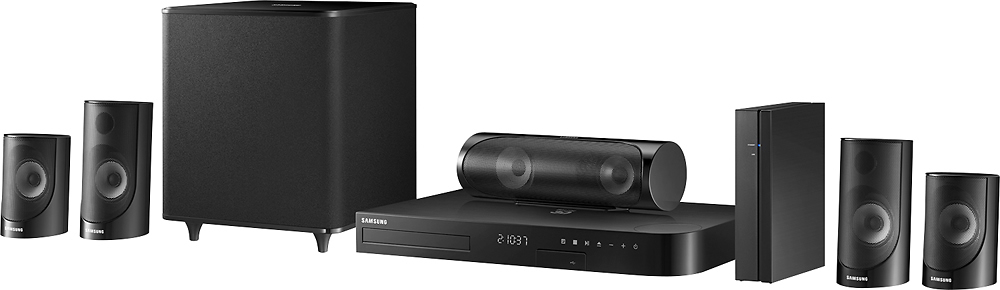
A:AnswerThere is no HDMI input on the DVD/surround unit but it does have ARC which is what I use to bring the sound from my TV to the unit. You would have to check your manual for your TV to see if it is ARC compatible. I have the DVD/Surround and my cable box connected to two different HDMI connections on the TV as well so it depends on your specific equipment! Hope that helps a little!
A:AnswerIf you return it in the allotted amount of time given for returns, yes. This is my second one. The first one was not backwards compatible. Best Buy took care of me with no issues. My tv is a Samsung, but an older model. So the other Samsung system would not work with it.
A:AnswerI haven't run into this issue and I don't see anything in the manual that would make it an option to go off on it's own. I would reach out to Samsung Support on this one.
A:AnswerPretty sure it could, but the samsung system comes with a two speaker rear module thats not connected by wires the amp sends out a signal to a small receiver to work them, your receiver can only drive the 5 speakers, you could not connect the other two.
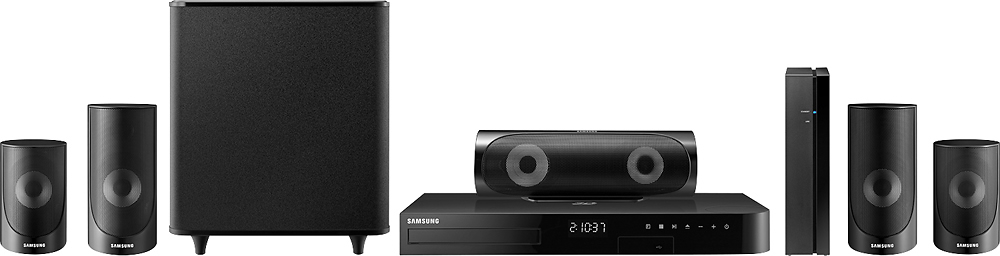
A:AnswerThis sounds like an issue that may be with the disc or input into the system. Since the system itself can make the test sound it appears that everything works. This might be a question best asked at Samsung support or get the Geek Squad to come and take a look.
A:AnswerMake sure the color coded wires are plugged into proper color matched socket on back of receiver. Make sure the wireless speakers were synced prpoerly to receiver. If it still doesn't work you might have to return it due to being defective.
A:AnswerYou will most likely need to replace the entire home theater system due to the speaker inputs being different and rear wireless speakers on some of the Samsung systems.