

Early Black Friday DealsNew Doorbusters every Friday.Shop now

Main Content

Questions & Answers

Your price for this item is $99.99
Page Showing 1-19 of 19 questions
  • QuestionWhat is the weight?

    • Answer The product weight is 46.56 ounces.
    This question and answer was generated by AI based on customer and product data.

  • QuestionWhat is the warranty period for the keyboard?

    • Answer The keyboard comes with a 1-year warranty for both parts and labor.
    This question and answer was generated by AI based on customer and product data.
  • QuestionWhat type of key switches are used in the keyboard?

    • Answer The key switches used in this keyboard are Kailh White.
    This question and answer was generated by AI based on customer and product data.
  • QuestionCan the keyboard be connected wirelessly?

    • Answer The keyboard can be connected wirelessly.
    This question and answer was generated by AI based on customer and product data.

  • QuestionDoes the keyboard have a numeric keypad?

    • Answer This keyboard does not have a numeric keypad.
    This question and answer was generated by AI based on customer and product data.

  • QuestionHow many keys does the keyboard have?

    • Answer The keyboard has 87 keys.
    This question and answer was generated by AI based on customer and product data.
  • QuestionWhat type of key switch does the keyboard use?

    • Answer The key switch type of the keyboard is Kailh White.
    This question and answer was generated by AI based on customer and product data.

  • QuestionCan the keyboard be used wirelessly?

    • Answer This keyboard can be used wirelessly using Bluetooth.
    This question and answer was generated by AI based on customer and product data.
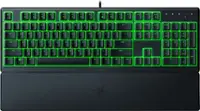
  • QuestionWhat is the weight of the keyboard?

    • Answer The product weight is 51.85 ounces.
    This question and answer was generated by AI based on customer and product data.
  • QuestionHow many keys does the keyboard have?

    • Answer The keyboard has 87 keys.
    This question and answer was generated by AI based on customer and product data.
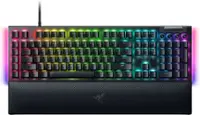
  • QuestionDoes the keyboard have a numeric keypad?

    • Answer This keyboard does not have a numeric keypad.
    This question and answer was generated by AI based on customer and product data.

  • Questioncan I simply plug play this keyboard and substitute joystick for arrow keys without special software or additional interface?

    Asked by Xrayfird.

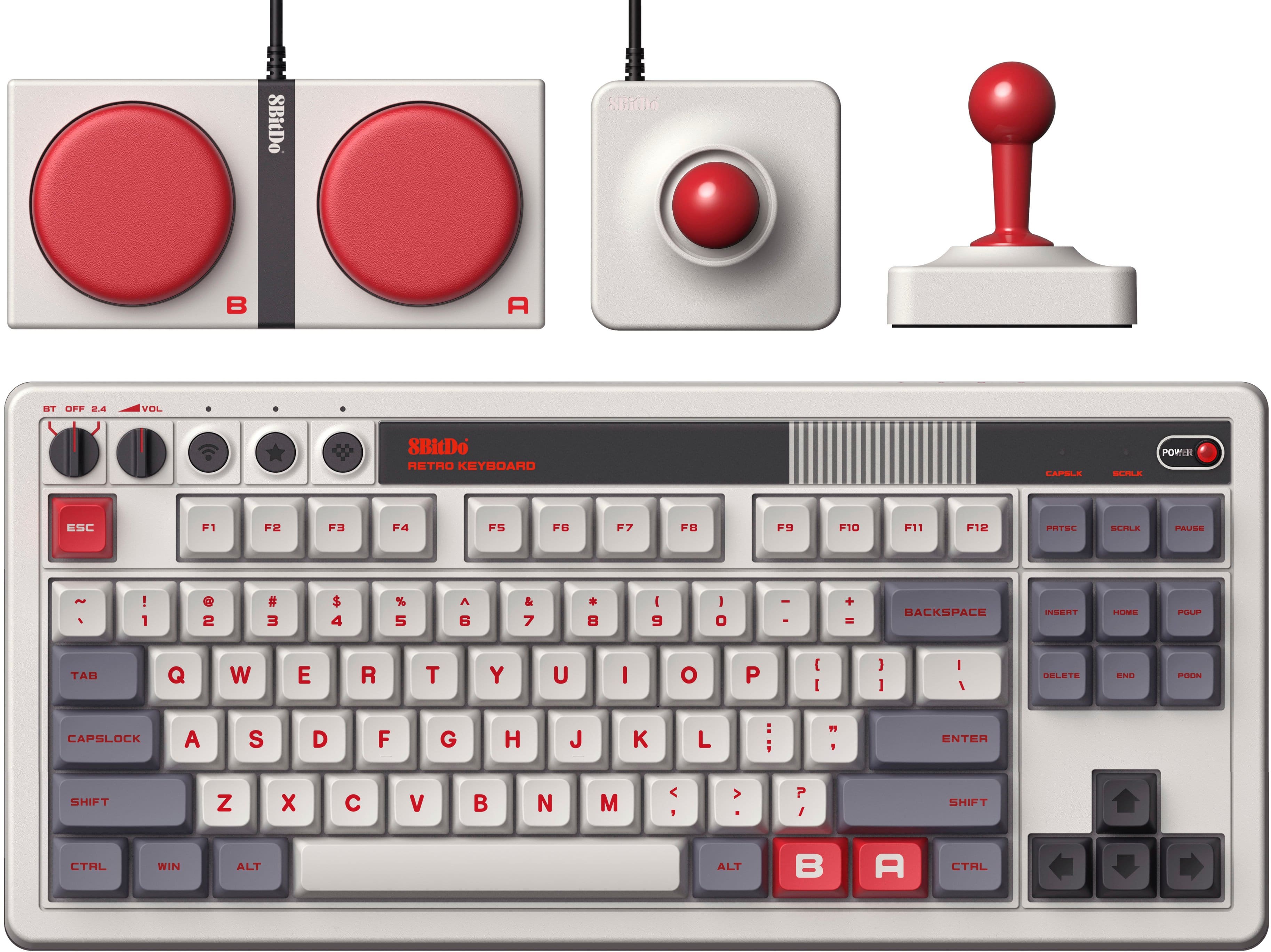
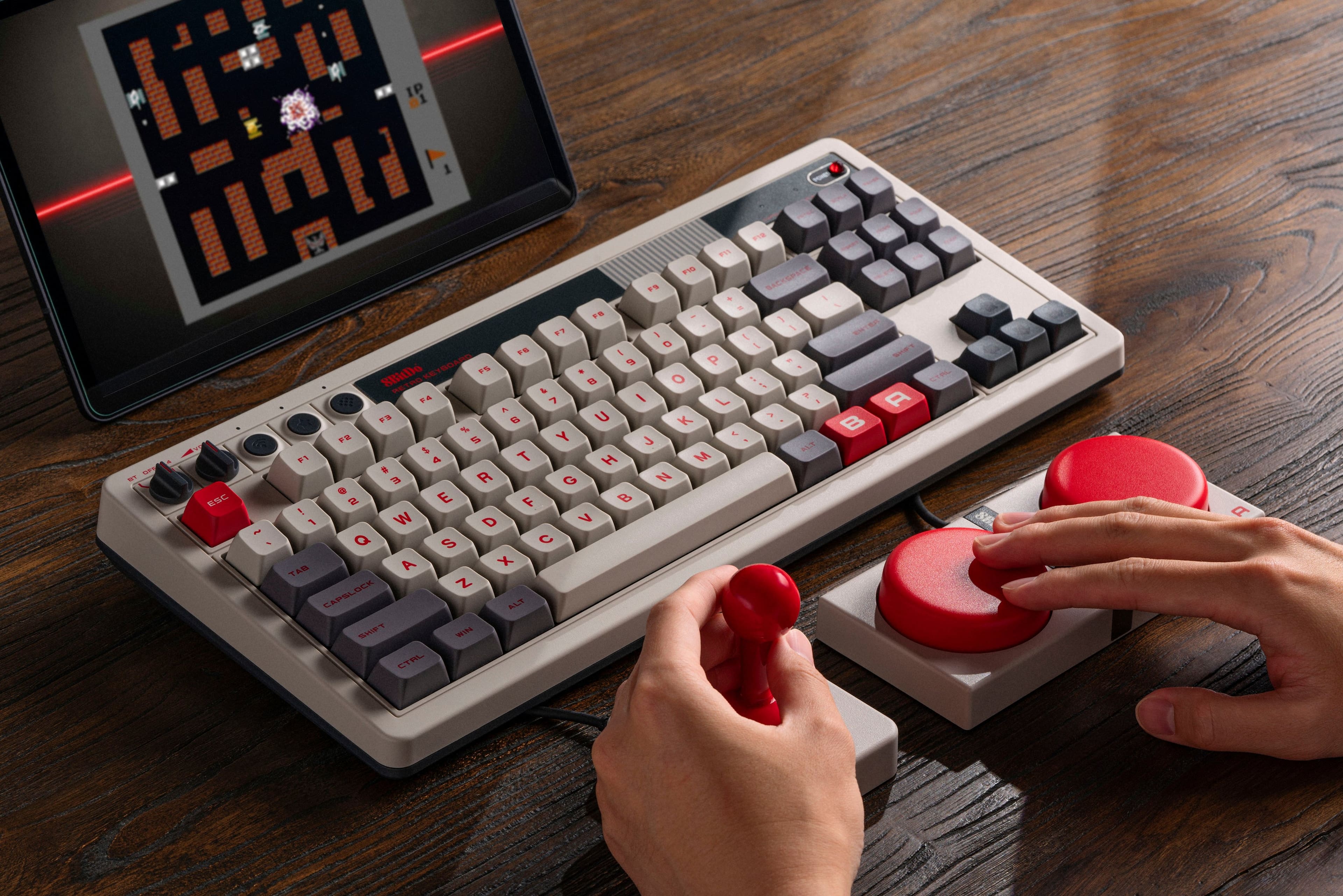
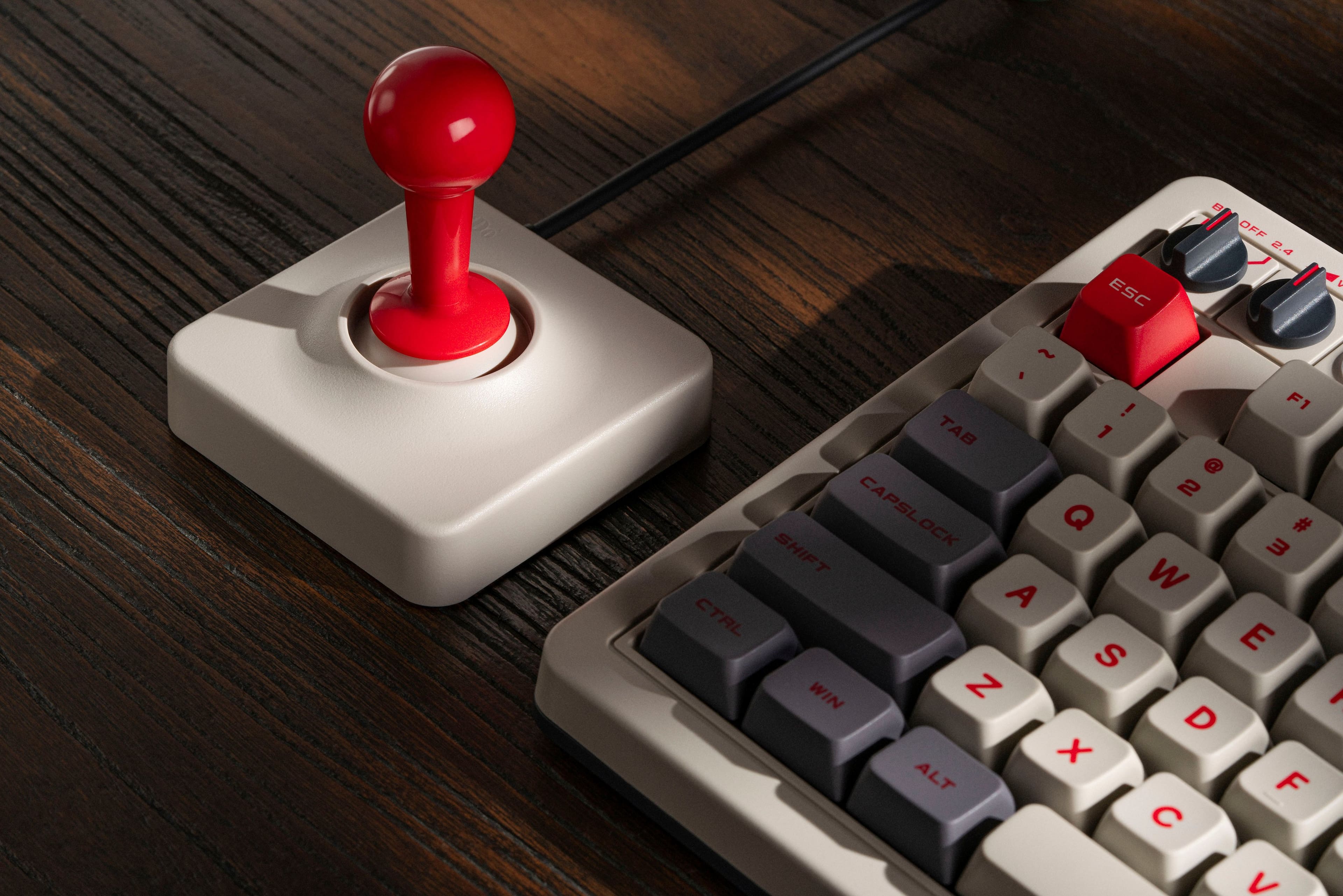
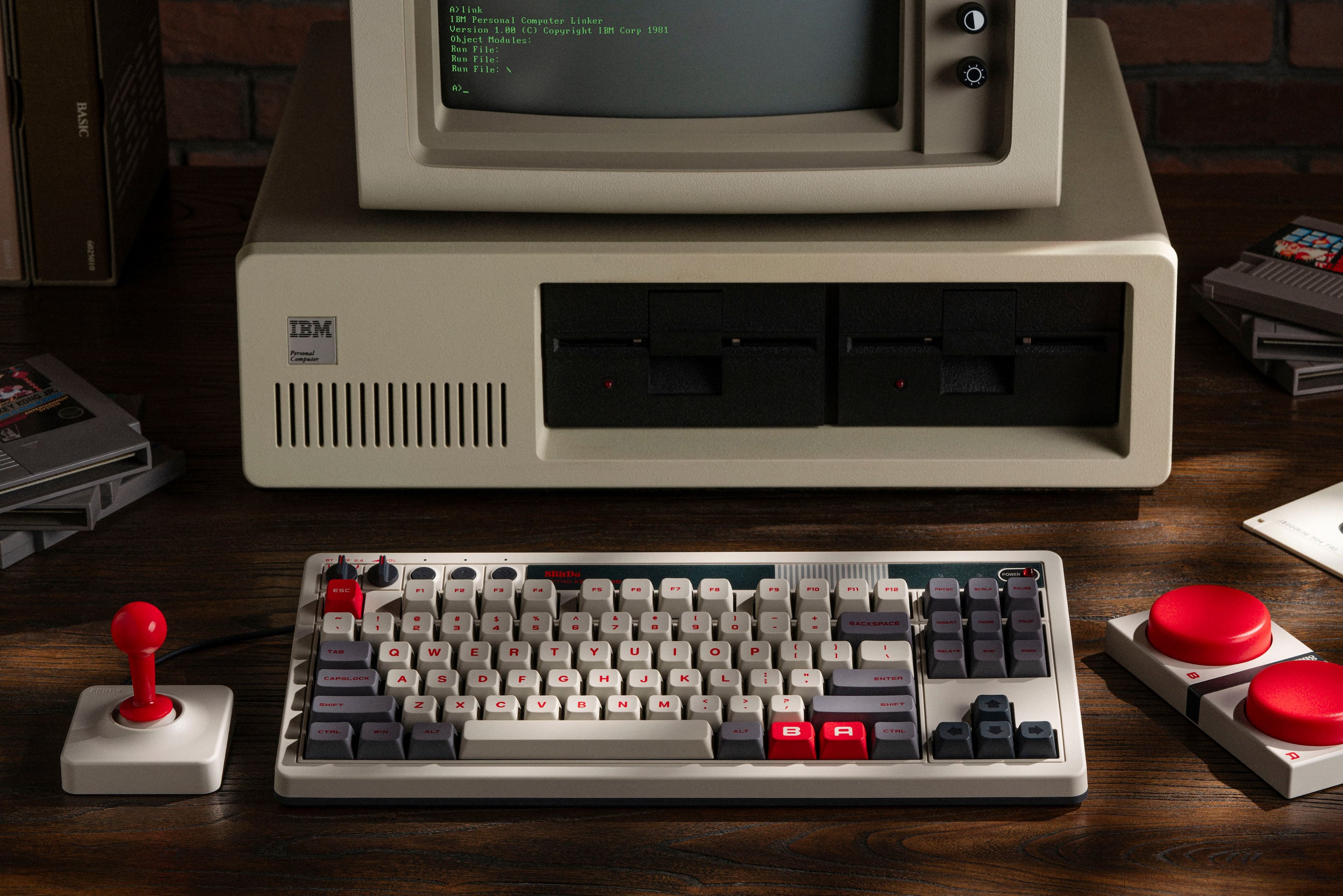
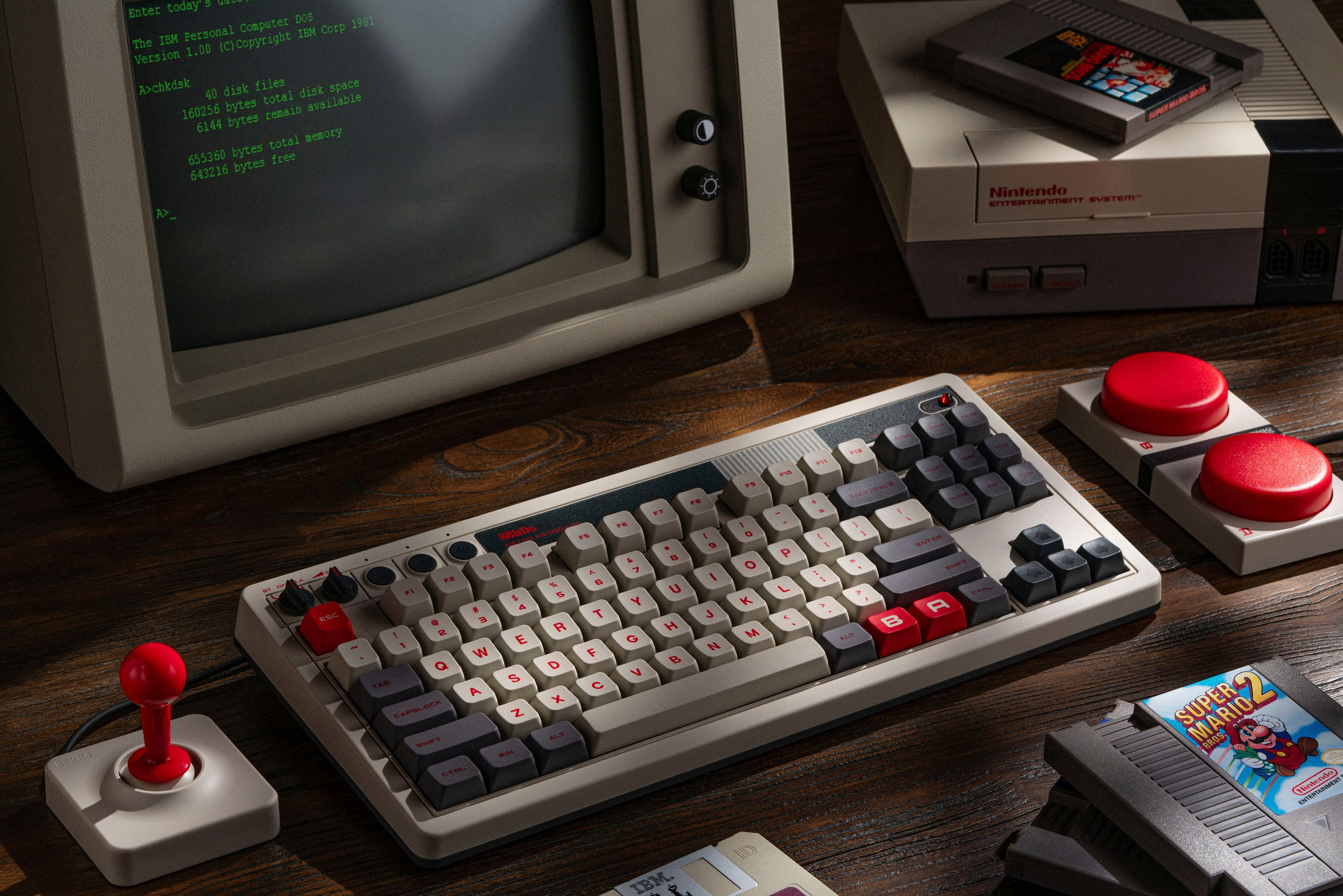
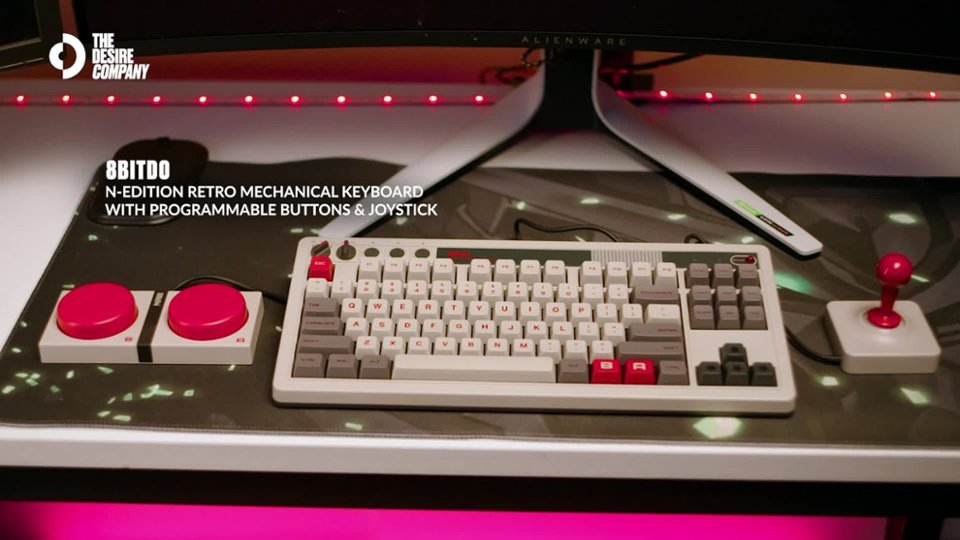
    • Answer So, the joystick and super buttons can be configured, without software, to launch any key or combination of keys, so long as the keys required are on the 8BitDo Retro Keyboard themselves. For example, you could configure "Joystick Left" to perform "Windows+Shift+S" to perform a screenshot, or configure a Super Button to launch "Control+C" and another Super Button to launch "Control+V." You can do this with the red B and A buttons on the keyboard as well (the red keys right of the spacebar). However, you cannot program those inputs to input, for example, "NumPad Left" or MacOS's "Function" button, as they do not exist on this particular keyboard. For that, you would need the software, which is available for Windows but not for Mac. And I still haven't figured out how to use that software myself, but thought I'd try and help since you asked "without special software." The joystick CAN be mapped to the existing arrow keys without software. Just press the Star button directly above F2, then hold "up" and push "up" on the joystick while it is plugged into the keyboard. Same goes for all four cardinal directions, and the red A and B keys, and the A and B Super Buttons. Super simple.

      Answered by MortallyWounded

  • QuestionDoes this keyboard have the traditional mechanical "clicking" sound? The only video available is limited in giving a sound quality example.

    Asked by UrbosasFury.

    • Answer Yes, you can definitely hear the click click as you type which is to be expected, and for me, appreciated. This is way superior to your average PC Keyboard, while not quite as good as the top end keyboards. For the price, and the aesthetic, it is a very good choice.

      Answered by geoJ

  • QuestionHow many long does this laptop typically last on one charge?

    Asked by Mike.

    • Answer It goes for quite awhile without recharge. I have never let it run out of charge. I only charge it once every couple of weeks.

      Answered by geoJ

  • QuestionCan this keyboard work for MacOS?

    Asked by DRetroGuy.

    • Answer Yes, however there is no software available for it (yet) so you are slightly limited. For example, the function keys F1-F12 normally serve other functions (brightness, window view, Spotlight Search, etc. as I read left-right) but these will only function as F1-F12. Even though this is a "mappable" keyboard, the only things you can really do are map keys and shortcuts which you can already perform on the 8BitDo keyboard (read: no numpad, no Function button) to the B and A keys and/or the included Dual Super Button and Super Joystick. You cannot add functionality of the MacOS keyboard which this keyboard doesn't already provide, meaning you actually LOSE some functionality. Once you pair it, MacOS will tell you it is unrecognized, and tell you to input the keys next to the Shift keys so it can decide what kind of keyboard it is. Then, it's off to the races. And yes, the volume knob DOES work natively with MacOS. I have not attempted to connect my MacBook Air M2 via USB-C (the keyboard comes with Type A to Type C cable) or with the included Type A 2.4GHz dongle, but it works via Bluetooth pretty well. Just don't expect it to fully replace your Mac's keyboard, or you'll be disappointed.

      Answered by MortallyWounded

  • QuestionCan it be used with the Mac Mini?

    Asked by hihi.

  • QuestionCan I connect it to Roku

    Asked by Anonymous.