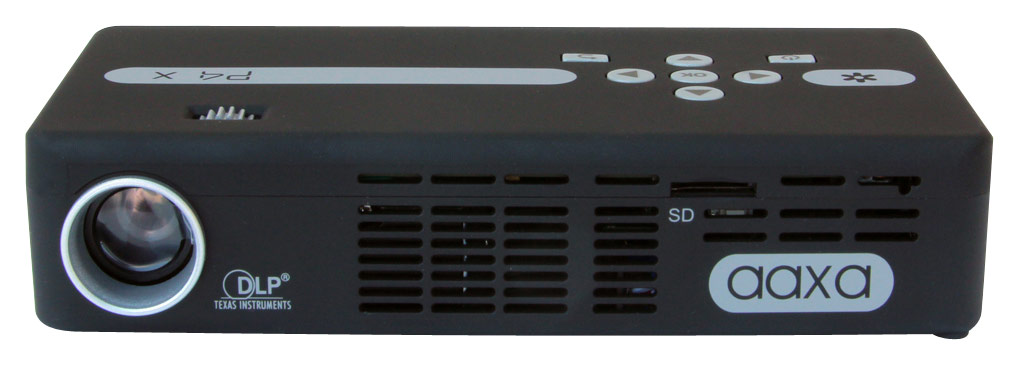
A:AnswerI do not use this projector a great deal, it could work in some daylight but only at 125 lumens it works best in darker conditions. I would recommend picking up a projector with at least 3000 lumens to see better in direct sun light. If anything you can buy the small projector and try out for and day and return if it does not work out. Good Luck!
A:AnswerIf optical engine begins to dim within warranty we would be able to have the unit sent in for repair or replacement. We do not sell individual components like the optical engine.
A:AnswerThe P4-X will do fine for small presentation settings and will be able to connect to your laptop via VGA cable (provided) or mini HDMI (sold separately) to view what is exactly on your screen.
A:AnswerHello Craig,
Please make sure the power adapter is securely plugged into the wall outlet. When the projector is off and plugged in, the red LED will become present indicating it is charging. Hold the power button for 3-5 seconds and the green LED will turn on. If these steps do not work or if you do not see a LED please contact us at [email protected] for further assistance.
Thank you.
A:AnswerHello, the P4X requires a mini-HDMI connection to be connect the fire stick to the projector. There is also a 3.5 headphone jack which you may attach external speakers.