A:AnswerNo, iTunes is not compatible with the Chrome operating system. Here is a link that has some information that might be helpful:
https://support.google.com/chromebook/answer/3217385?hl=en
A:AnswerThe Chrome operating system is not compatible with Microsoft Word but you can use Google Docs to open and view Word documents. Here are a couple links that have more information that may be helpful:
https://support.google.com/chromebook/answer/3217755?hl=en
http://www.meetchrome.com/how-to-use-microsoft-word-on-a-chromebook/
A:AnswerThis is not considered a gaming laptop. Chromebooks are designed for use with cloud storage and internet browsing. Here is a link that has some good information on Chromebooks that might be helpful:
http://www.laptopmag.com/articles/chromebook-buying-advice
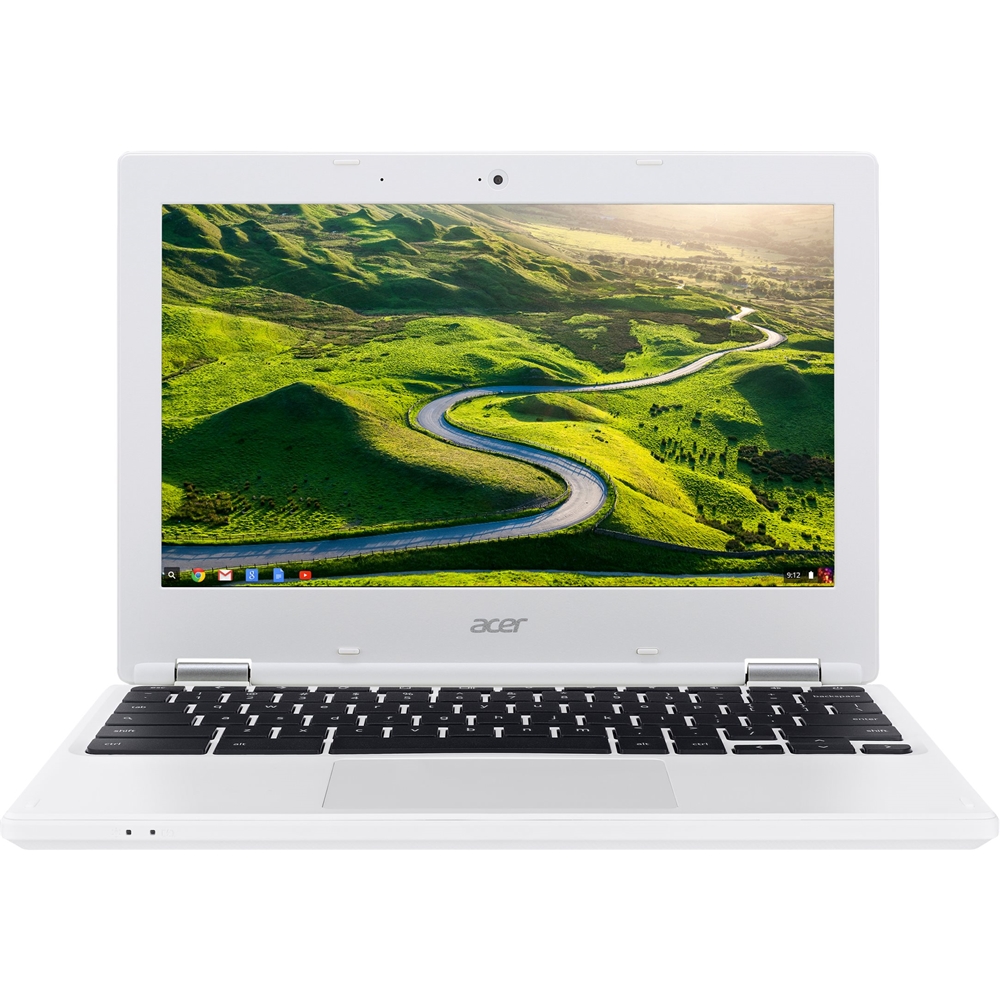
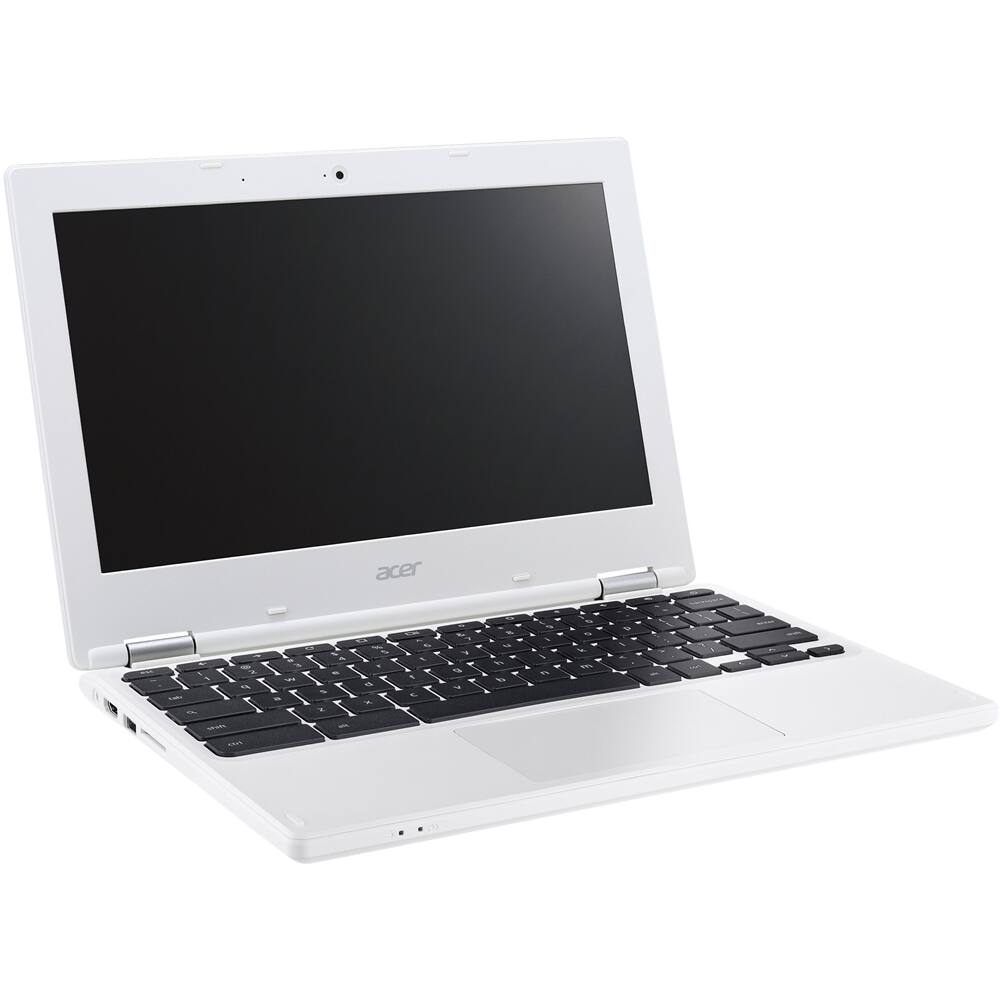
A:AnswerThis Chromebook does have a built in webcam with mic but if you have a USB camera you can check with the vendor to make sure it is compatible with the Chrome operating system.
A:AnswerYes, you will need a Cloud Ready printer and here is a link that has some helpful info on printing from a Chromebook: https://support.google.com/chrome/answer/1069693?co=GENIE.Platform%3DDesktop&hl=en.
A:AnswerYou can do anything you can do in a browser (Chrome, Firefox, Internet Explorer, etc). You can go on facebook, pandora, netflix, amazon, ebay, whatever you want.
A:AnswerYes it is easy to use. This Chromebook is extremely simple and is pretty much meant only for using anything on Chrome. So far, I've saved roughly over 1,000 pictures and 250 mp3 files with only 3.7gb left of storage (out of 8).