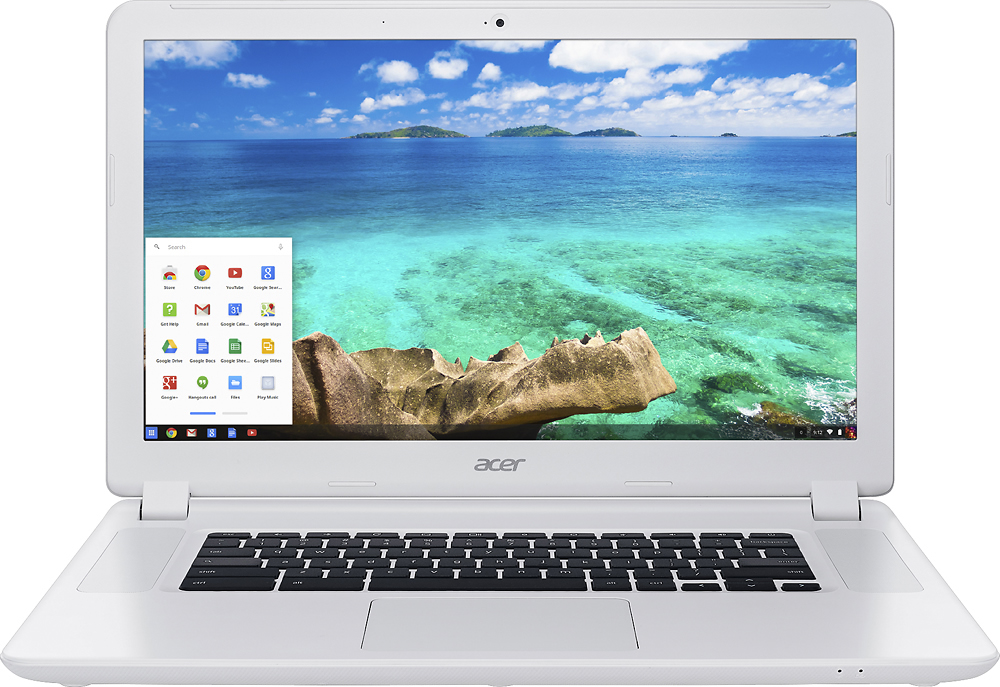
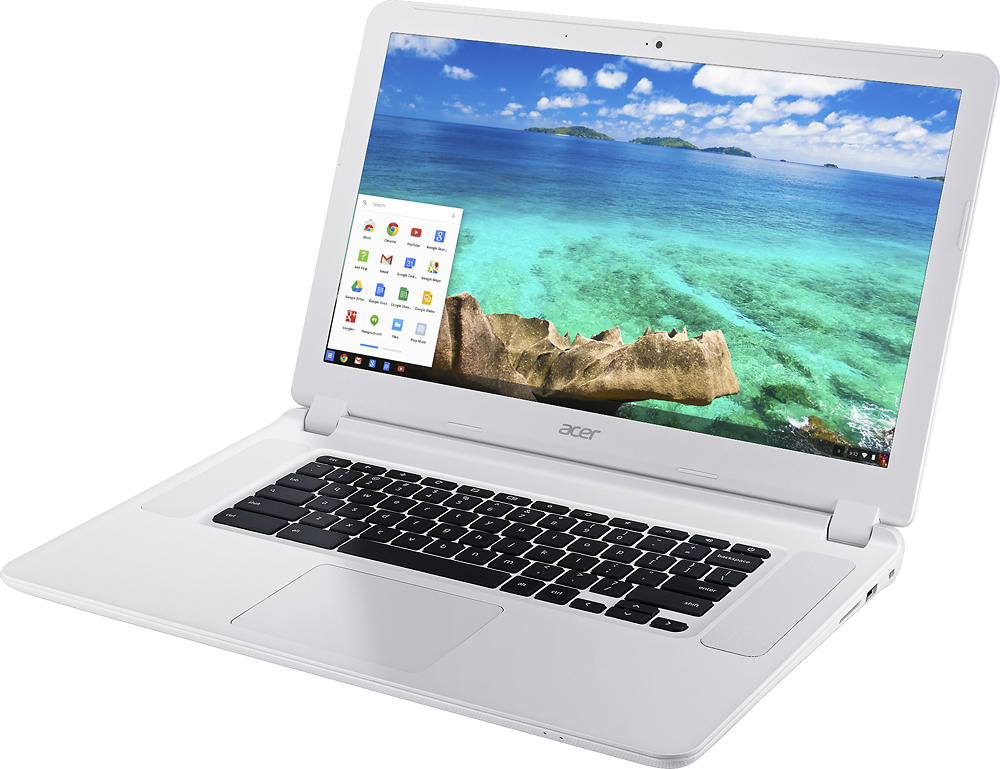
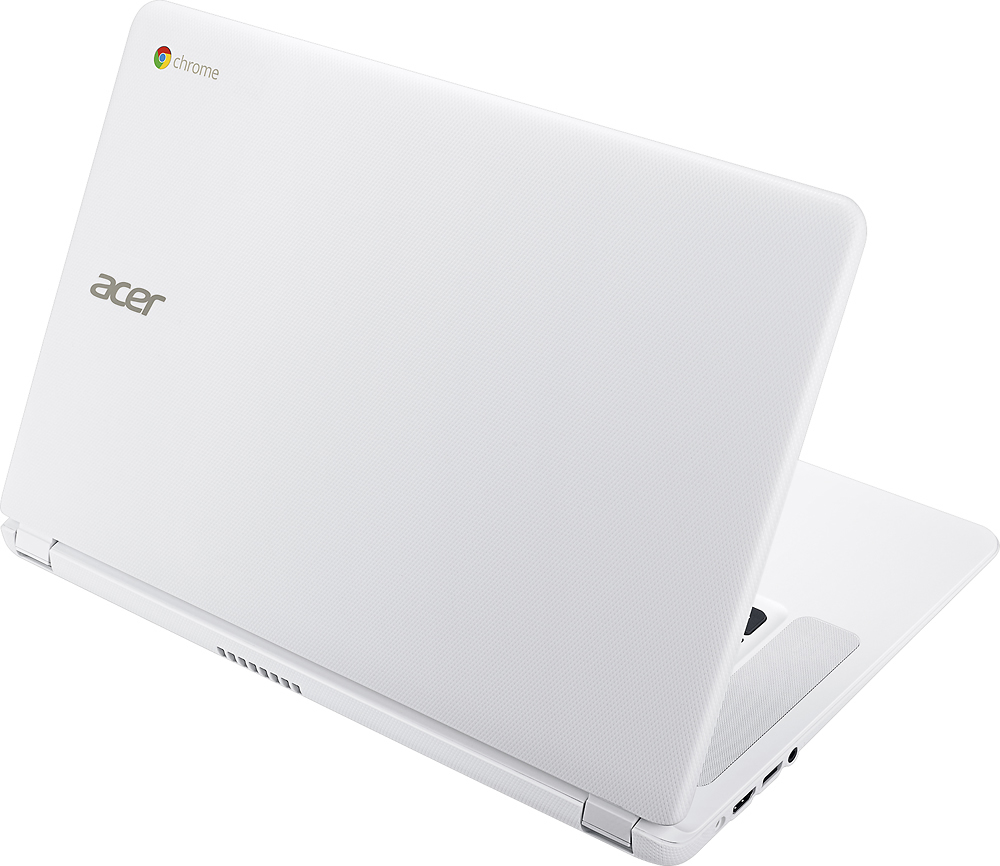
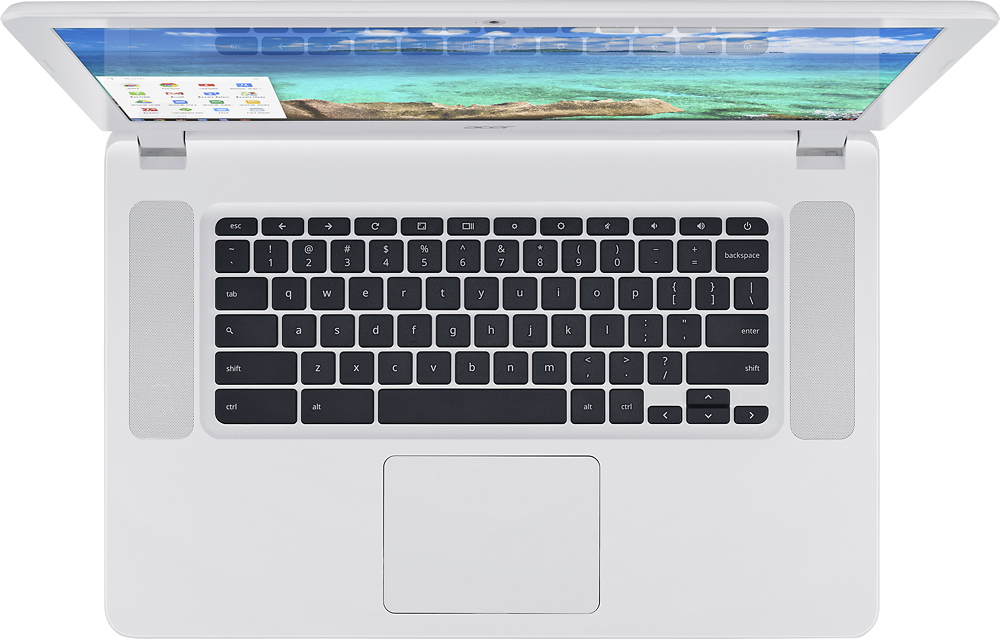
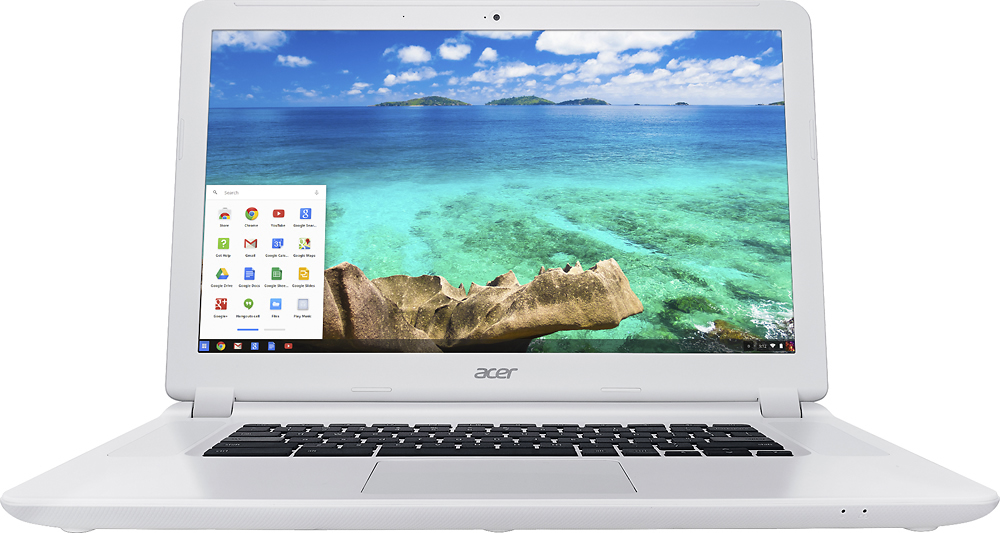
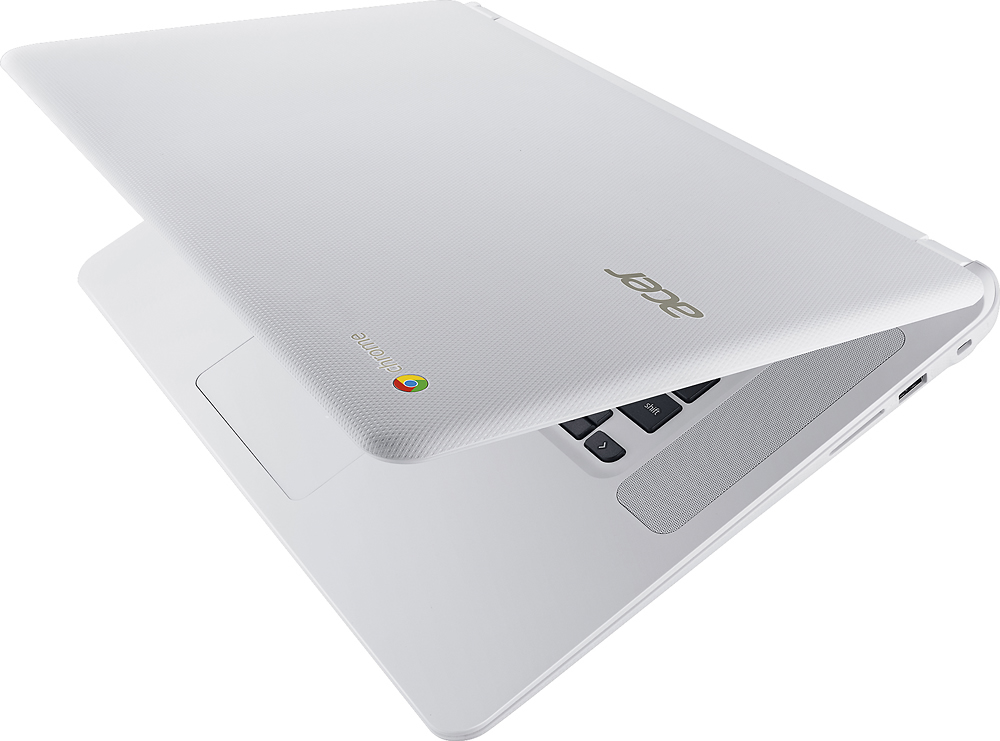
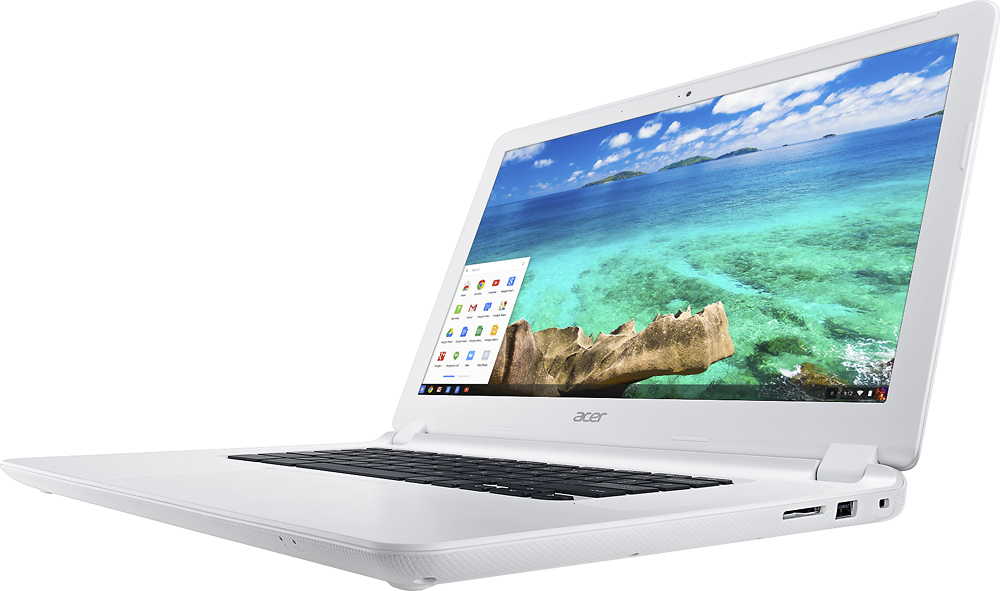
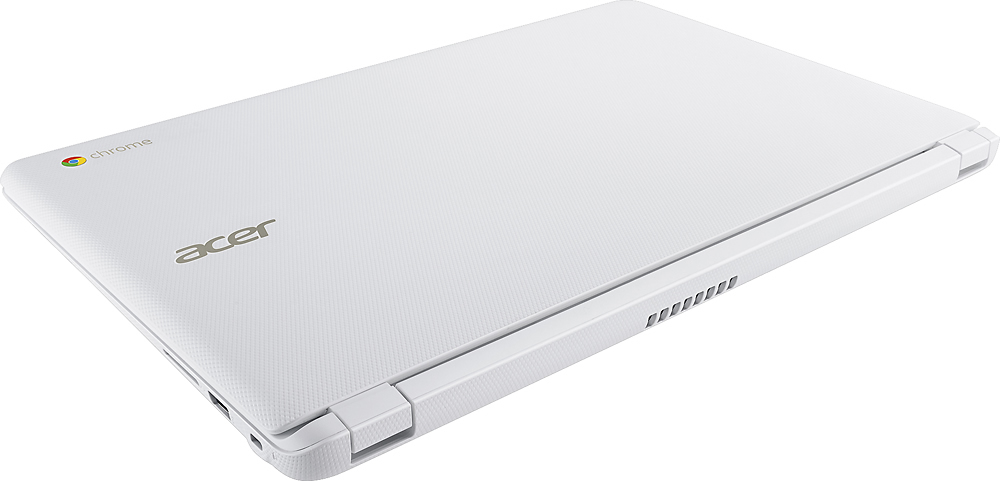
A:Answer That depends. First, you need to purchase an external DVD drive, since this Chromebook, like most of them, does not have one to help reduce cost and weight. External DVD drives are readily available at most retailers and online. They are not expensive. The other issue is the Chromebook's processor. It needs to have the capacity to read the information from the DVD readily enough to avoid flutter and glitches in the playback. I've been able to play back most of the DVDs I've tried on this Chromebook, but something like a blu-ray (which has more data loaded on the disc, and requires a blu-ray player/drive) may be another issue. I haven't tested that so I don't know. But since your question asks about DVDs, that doesn't sound like an issue for you. One more thing: You might consider going to the Chrome store or Google Play store and download a program that will read the DVDs from your external drive (once you buy one), otherwise you may have a problem playing the movie. One such program is VLC. There are others, and most of them are free.