A:AnswerMake sure to go to Settings on your computer probably under displays -- your computer should recognize another monitor is connected and you choose options of how you want to use both displays or choose Remote desktop under settings if you have that option.
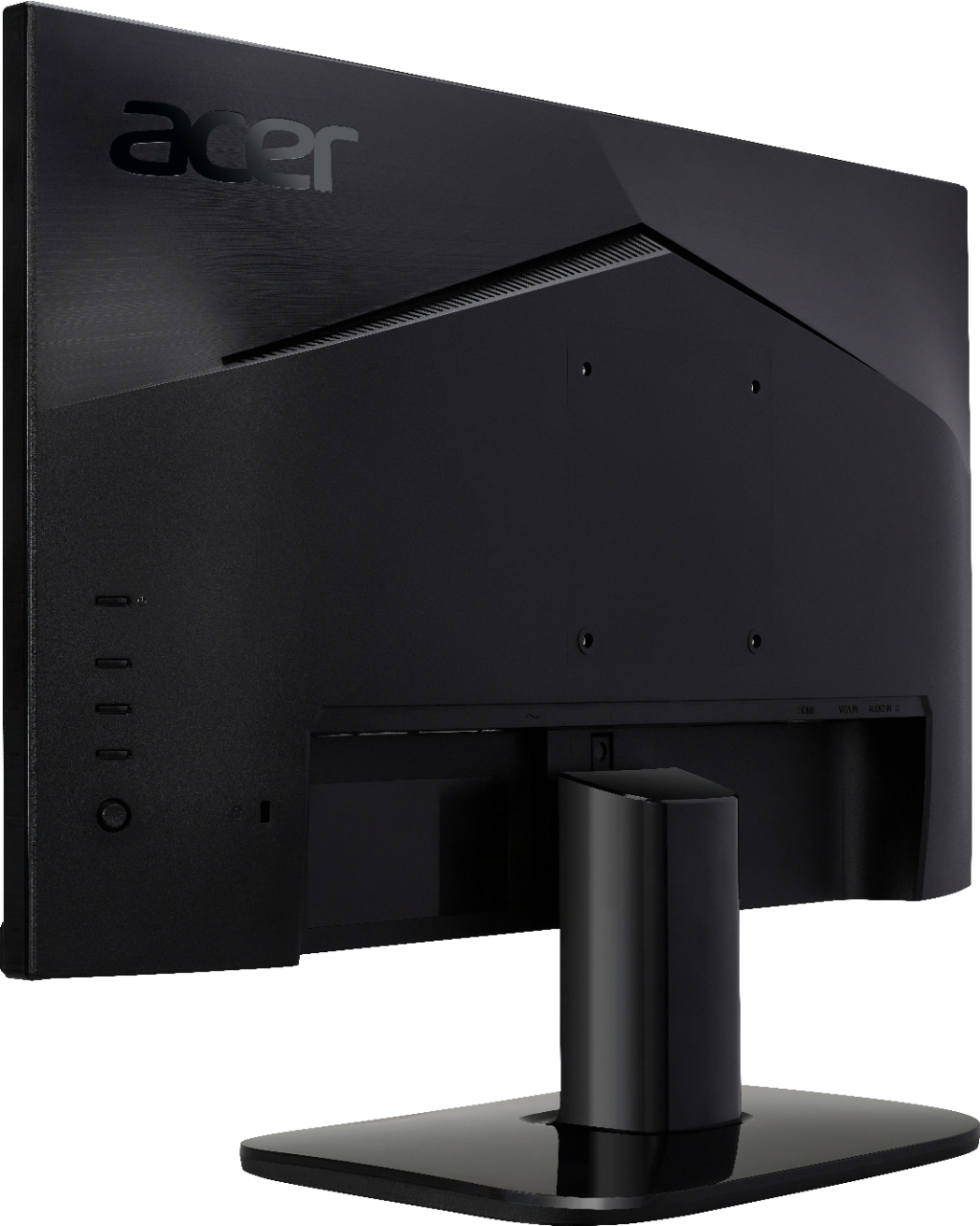
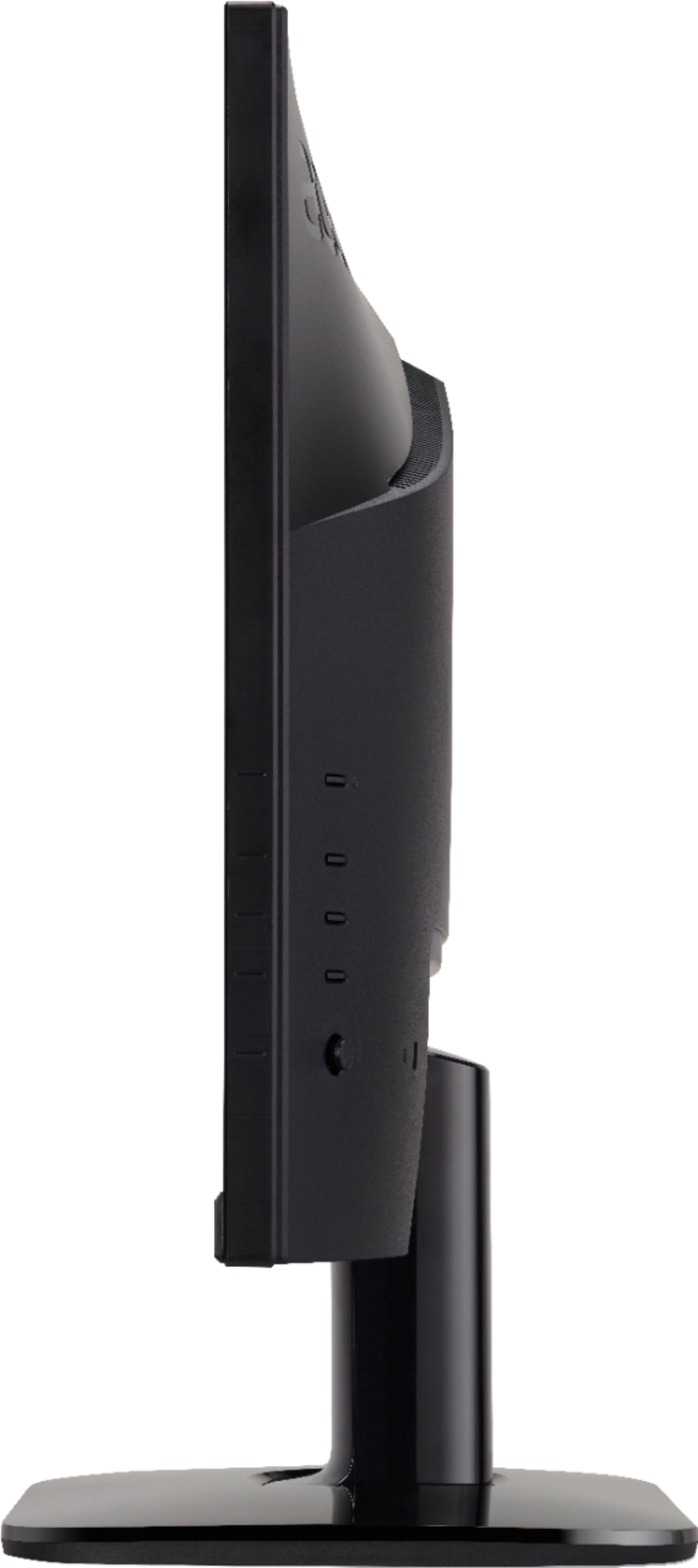
A:AnswerNo, there are mounting holes for a wall mounting bracket if you prefer to mount it on a wall. The mounting bracket will have to be a separate purchase. Just be sure to measure the hole pattern and make sure the bracket weight capacity is greater than the weight of the monitor. The monitor will not stay upright on a surface without the stand. I hope this answered your question.
A:AnswerPlease contact Acer support for assistance with setting up your monitor with your gaming console. They can be reached at 866-695-2337 and available 24/7 for in-warranty products.
A:AnswerSadly the $109.99 Price tag is after the deal is deducted, although, I looked extensively and found this one in store with dumb luck. I am more than pleased with what I got for the price!