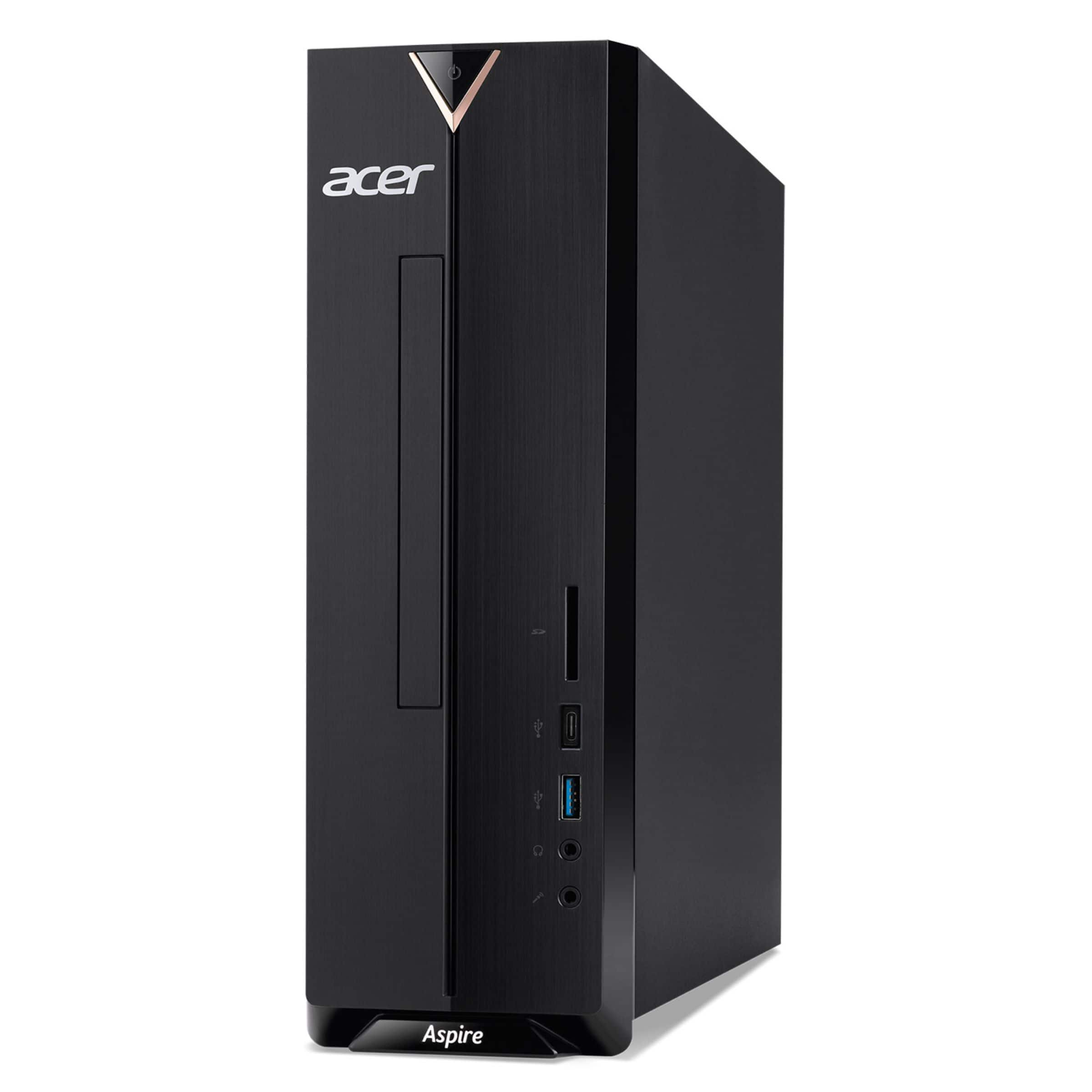
Questions & Answers
- Model:
- XC-840-UB11
- |
- SKU:
- 11925912
$429.99$429.99
Page Showing 61-80 of 138 questions
Q: QuestionCan a dvd drive be purchased for this computer?
Asked by Dp1.
- A:Answer This PC does have a SATA slot for an optical drive. Please contact Best Buy directly to see if one can be installed prior to purchase.
Answered by TeamAcer
Q: Questionis this 8th generation
Asked by ad.
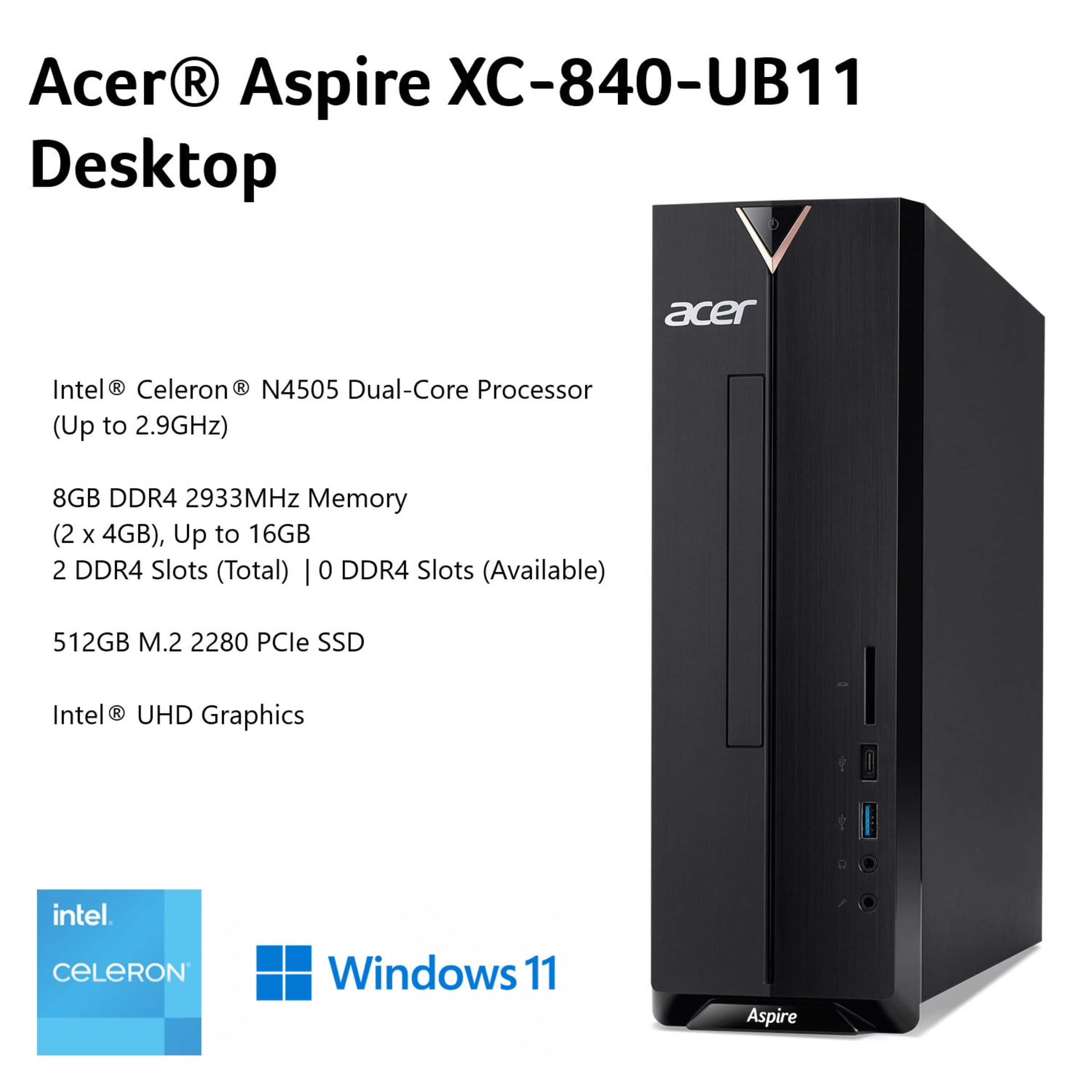
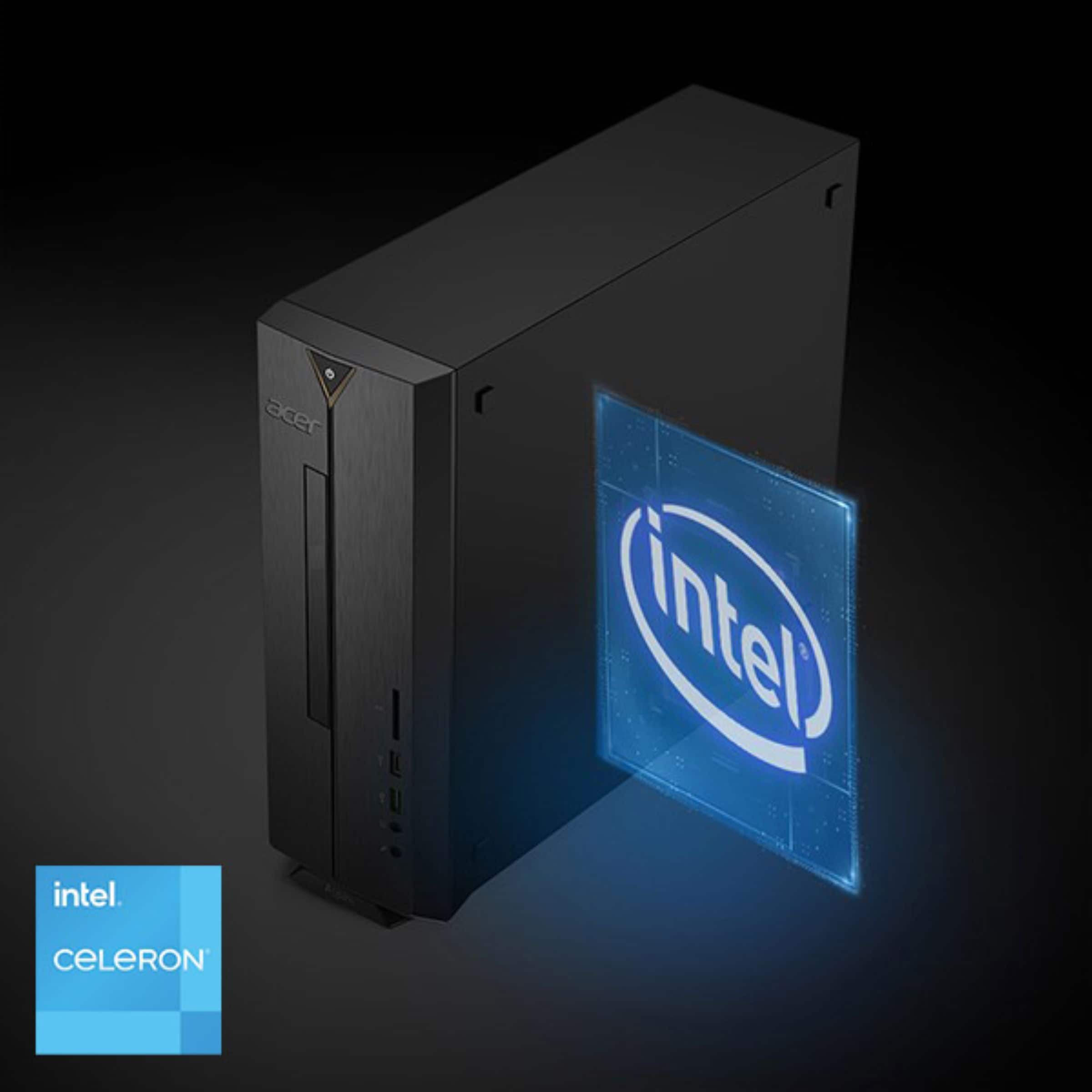
- A:Answer The XC-840-UB11 uses an Intel Celeron N4505 processor, which is from a much newer generation than the 8th generation.
Answered by TeamAcer
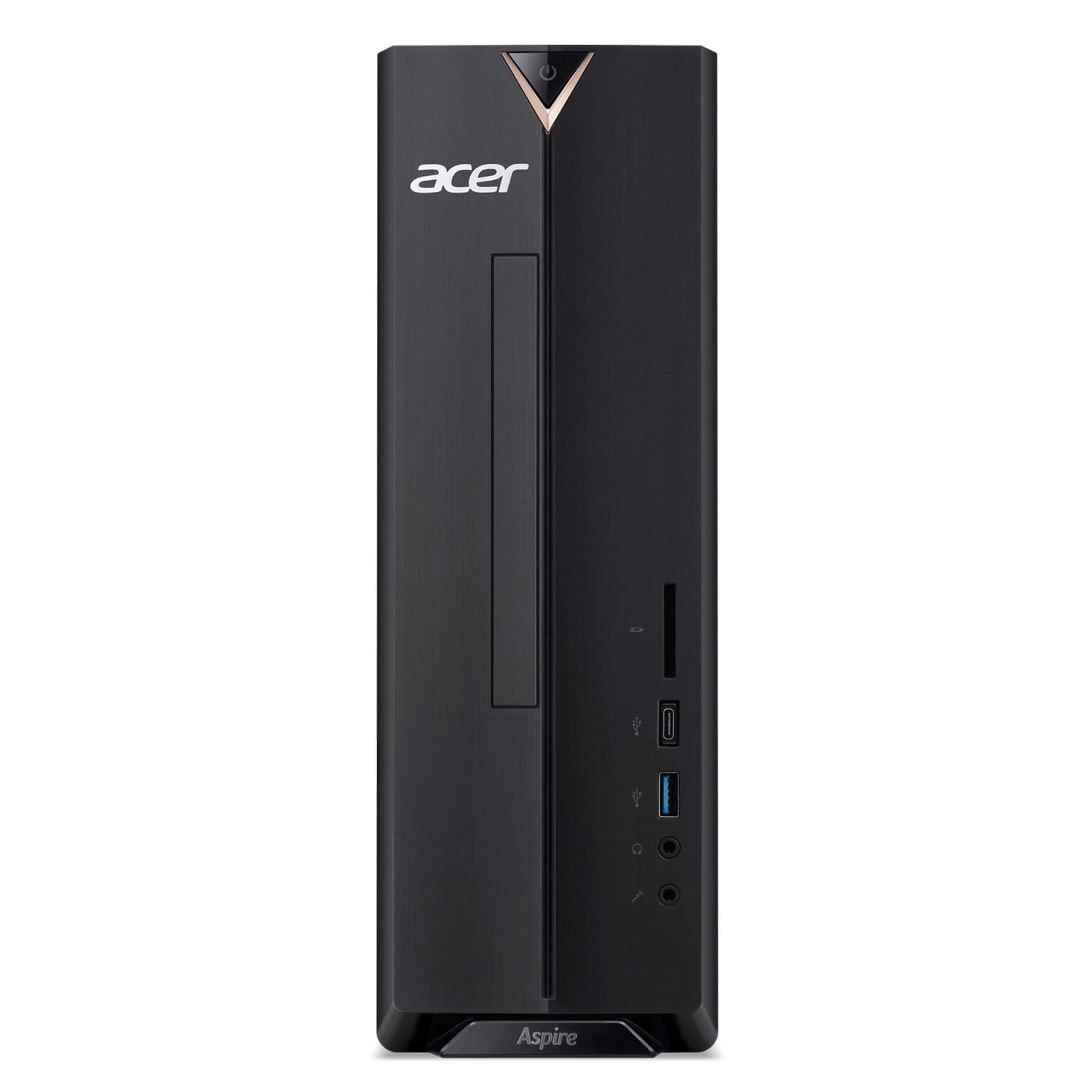
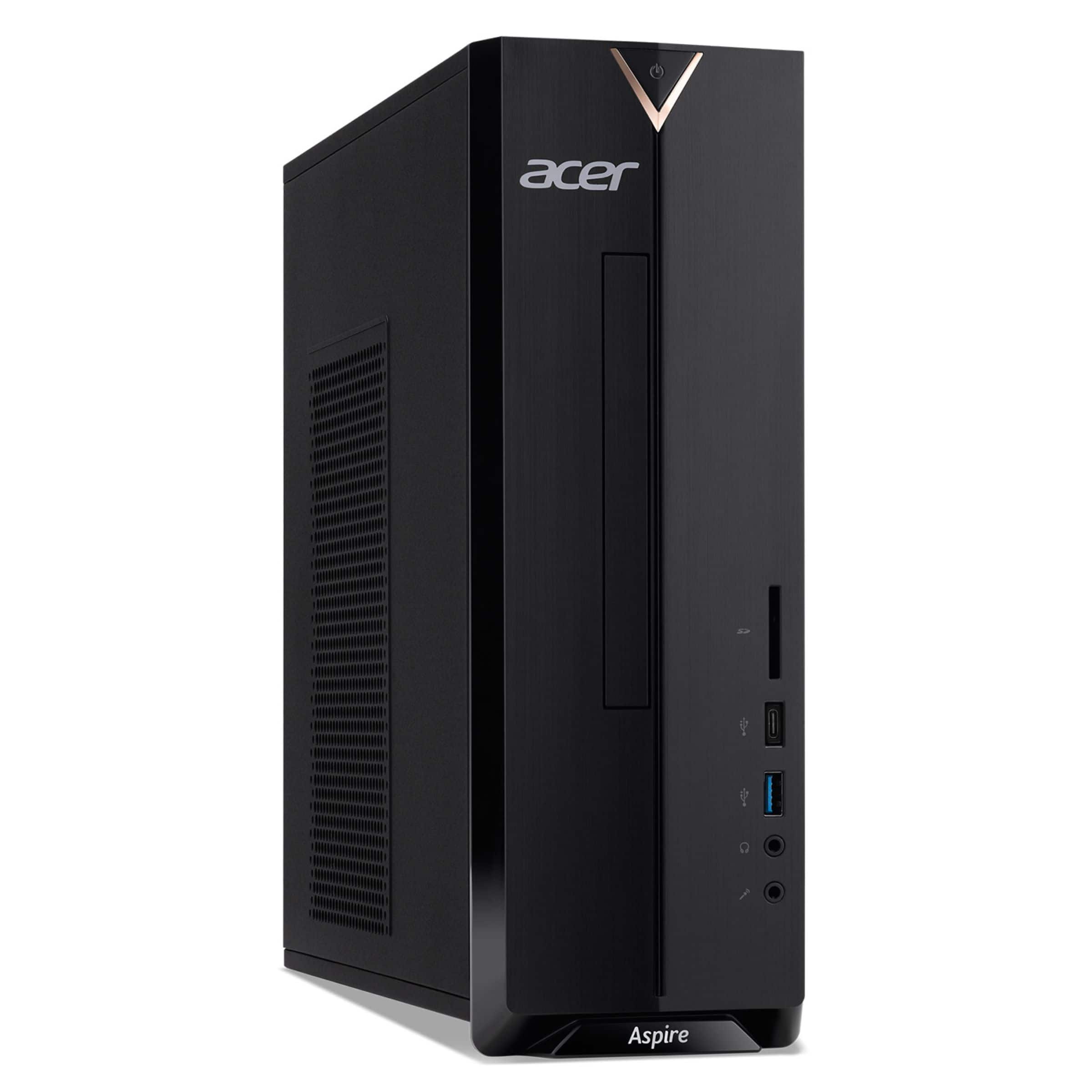
Q: QuestionI’m new to computers. It looks like there is a disc drive slot on the PC, but I see other people saying you have to by a cd, dvd drive separately. What is the disc drive for if it isn’t for cd, dvds? Or is there no disc drive at all on this?
Asked by Turdbird18.
- A:Answer This PC does not come with a built in DVD/CD drive but it does have two available slots available to install one if you need.
Answered by TeamAcer
Q: QuestionIs it a good gaming computer?
Asked by IanC.
- A:Answer No, the XC-840-UB11 is not a good gaming computer because it has a basic Intel Celeron processor and integrated graphics, making it suitable for light tasks like web browsing, not demanding modern games.
Answered by TeamAcer
Q: QuestionWhat all comes with this deal @ $349,00?
Asked by doug.
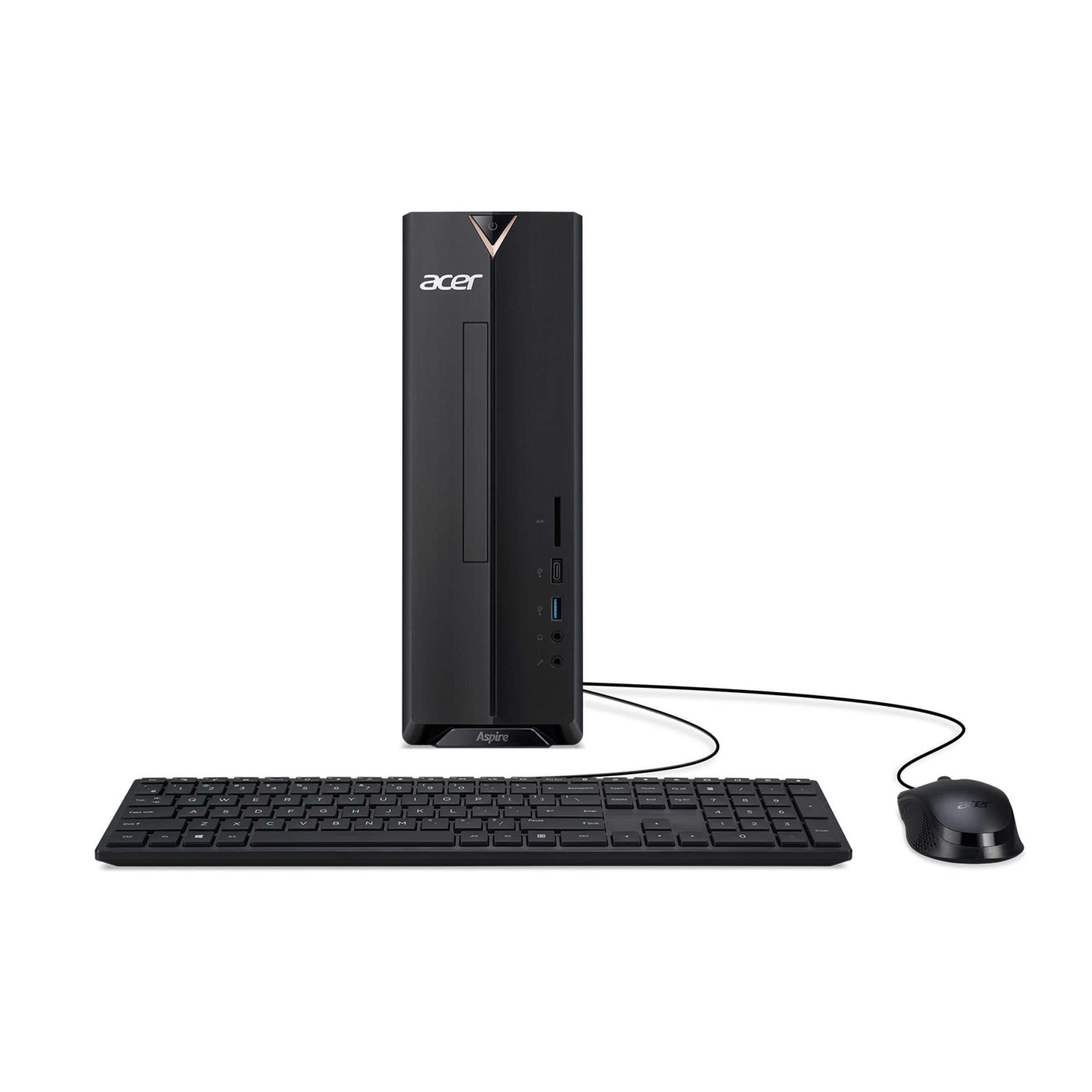
- A:Answer This Acer PC comes with the PC, power cord, USB keyboard and USB mouse.
Answered by TeamAcer
Q: QuestionCan you change the CPU out for a i5 cpu
Asked by Shame.
- A:Answer This computer is built with a low-power Intel Celeron N4505 processor that is soldered directly to the motherboard so it is not upgradeable.
Answered by TeamAcer
Q: QuestionDoes anyone know if I’d be able to open this up and slap an HDD in there?
Asked by Me.
- A:Answer Yes, you can add a second HDD or SSD to an Acer Aspire XC-840-UB11 by using its two available SATA 3.0 ports and M.2 slot for additional storage.
Answered by TeamAcer
Q: QuestionWhat type of internal CD/DVD drive is needed for space and cable connections?
Asked by Jal186.
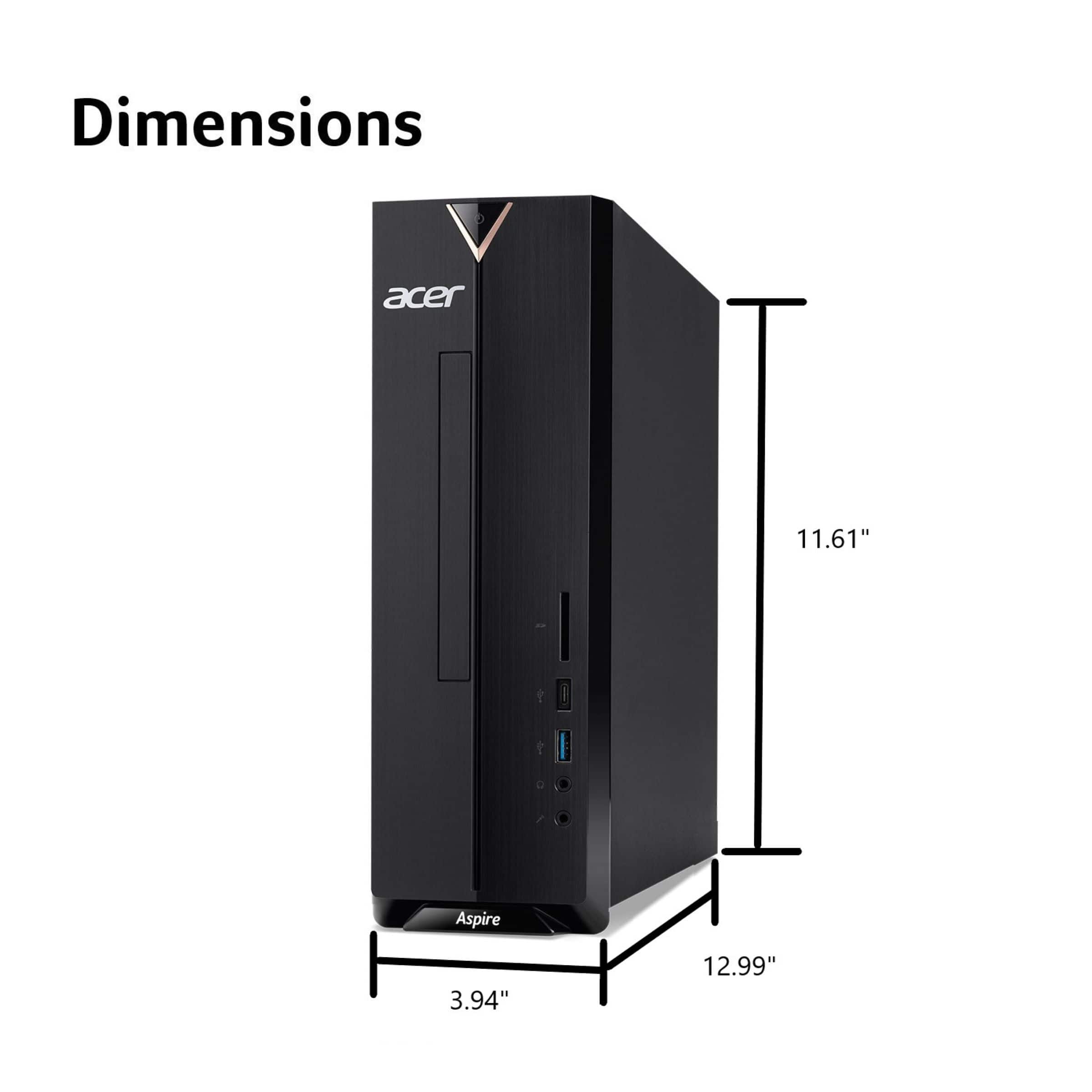
- A:Answer You will need a 5.25" SATA slim optical drive for internal installation. The desktop does not come with a built-in optical drive, but it has the necessary bay and cable connections for you to add one. You will need a SATA (Serial ATA) data cable to connect the drive to an available SATA port on the computer's motherboard.
Answered by TeamAcer
Q: QuestionCan u use a smart TV as a monitor?
Asked by Dani.
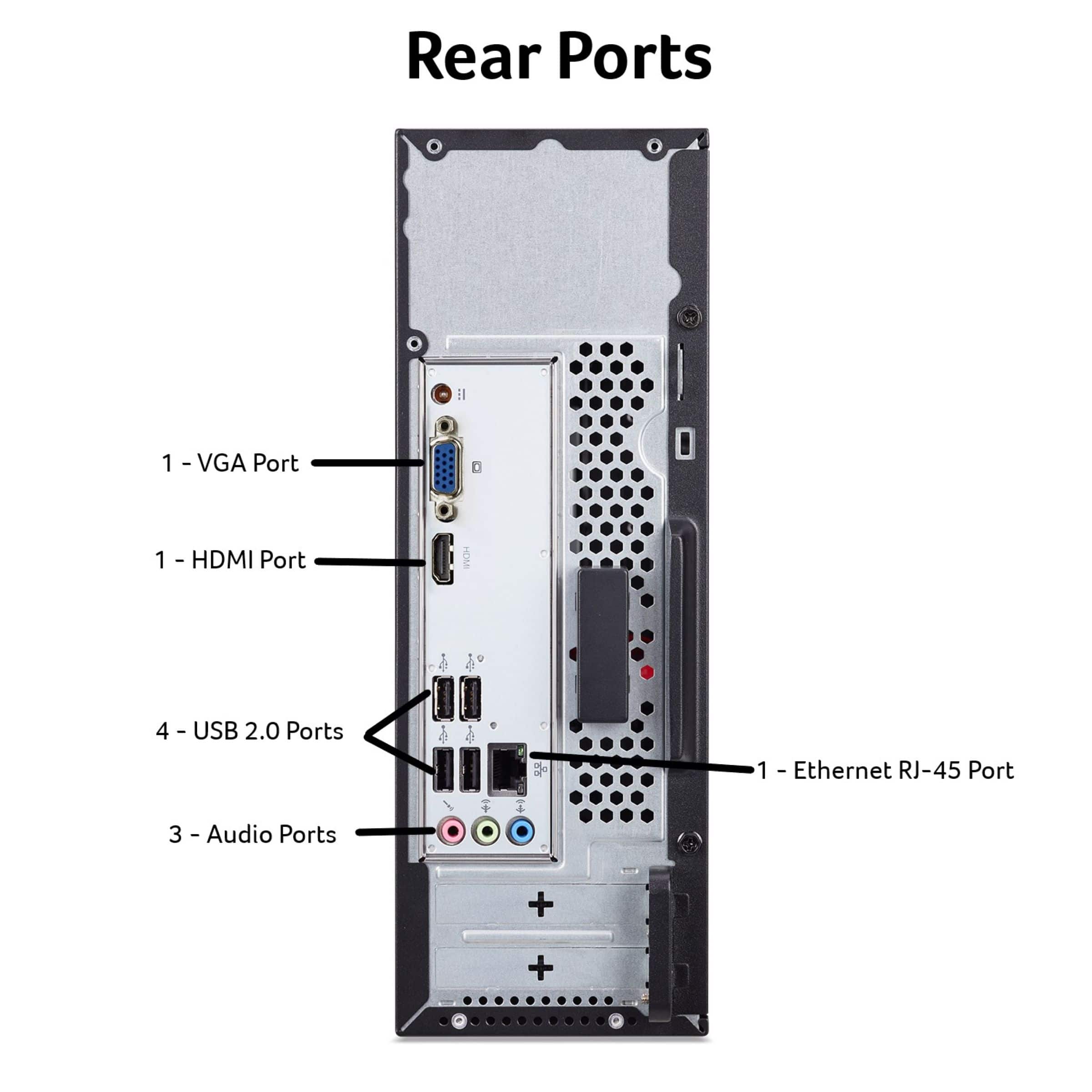
- A:Answer This PC has an HDMI and a DisplayPort so if your monitor has either of these connections, it should work fine as a monitor for the PC.
Answered by TeamAcer
Q: QuestionIs it possible to use a mic and headphones at the same time to record a song? Are there separate inputs for mic and headphones?
Asked by Anonymous.
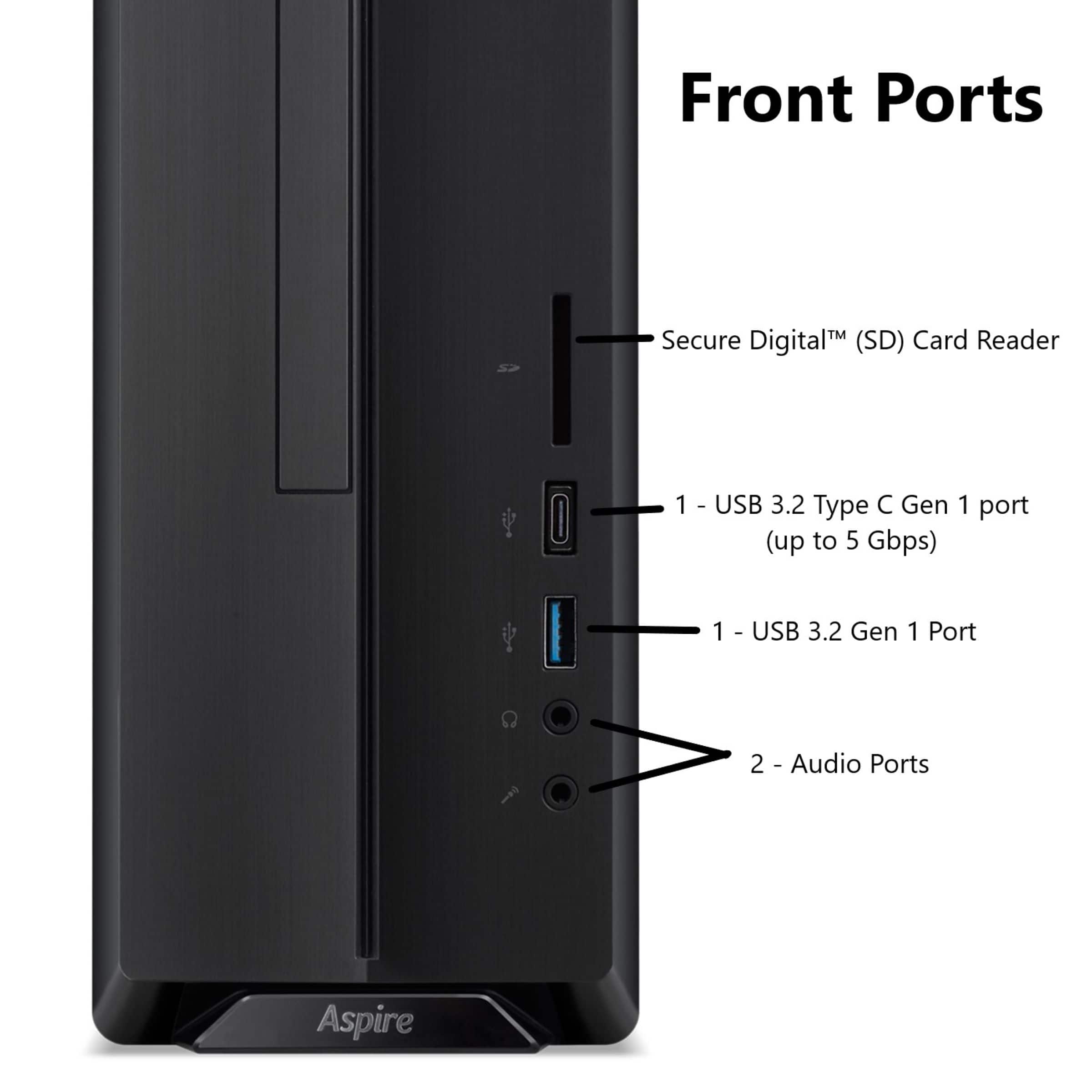
- A:Answer Yes, it is possible to use a separate microphone and headphones at the same time to record a song. This PC has separate ports for microphone input and audio output, allowing for simultaneous use.
Answered by TeamAcer
Q: QuestionCan I install a Seagate ST1000 DM003 SATA hard disk drive into this PC?
Asked by Dominic.
- A:Answer No, the small form factor of this PC does not allow for a 3.5" SATA slot. The included 512GB of storage comes from a 2.5" M.2 PCIe SSD.
Answered by TeamAcer
Q: QuestionCan you buy this without a monitor cheaper?
Asked by Dennis.
- A:Answer Never mind, I see the monitor would have to be purchased separately. I will use my monitor.
Answered by Dennis
Q: QuestionDoes this tower have a working disc player?
Asked by Karl.
- A:Answer It does not have an optical drive but you can install one if needed, as it has a standard 5.25" drive bay,
Answered by TeamAcer

Q: QuestionIs there a word processing program or software included
Asked by Anonymous.
- A:Answer This PC includes a trial version of Microsoft Office. If you want to continue using the full functionality of the software after the trial, you will need to activate it with a product key or subscription.
Answered by TeamAcer

Q: QuestionCan I add a second solid state drive to this computer?
Asked by ALMARC11.
- A:Answer This PC has one M.2 SSD slot and two SATA 3.0 slots to add storage.
Answered by TeamAcer

Q: QuestionIs it easy to setup
Asked by Smallpotato.
- A:Answer The set up is pretty easy as you just follow the on screen prompts. If you should need help with this, please feel free to contact our support team at 866-695-2237; they are available to assist 24/7 for in-warranty products.
Answered by TeamAcer

Q: QuestionDoes it have a disk drive?
Asked by Anonymous.
- A:Answer had to call my geek squad to find driver
Answered by AnneB
Q: QuestionCan the PCI Express x16 slot be used for a network card? Will installing it void the warranty?
Asked by TopCat.
- A:Answer Yes you can use the PCI-e slot for a network card. Installing one will not void the warranty as long as no damage occurs to the PC by doing so.
Answered by TeamAcer

Most-viewed items
- $299.99$299.99The price was $399.99
- $749.99$749.99The price was $1,129.99
- $999.99$999.99The price was $1,219.99
- $1,074.00$1,074.00The price was $1,769.99
- $859.99$859.99The price was $989.99
- $1,279.00$1,279.00The price was $1,319.99
- $849.99$849.99The price was $909.99
- $1,599.00$1,599.00The price was $1,639.99
- $729.99$729.99The price was $799.99