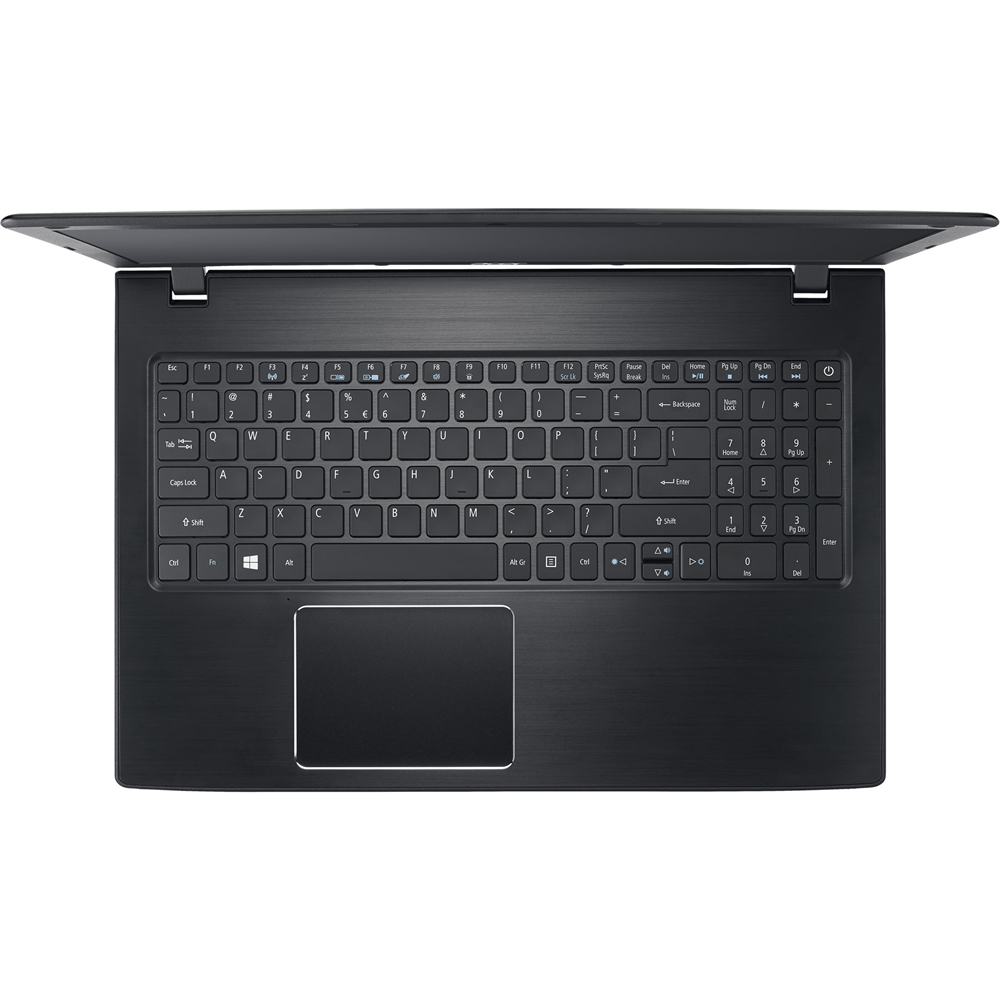
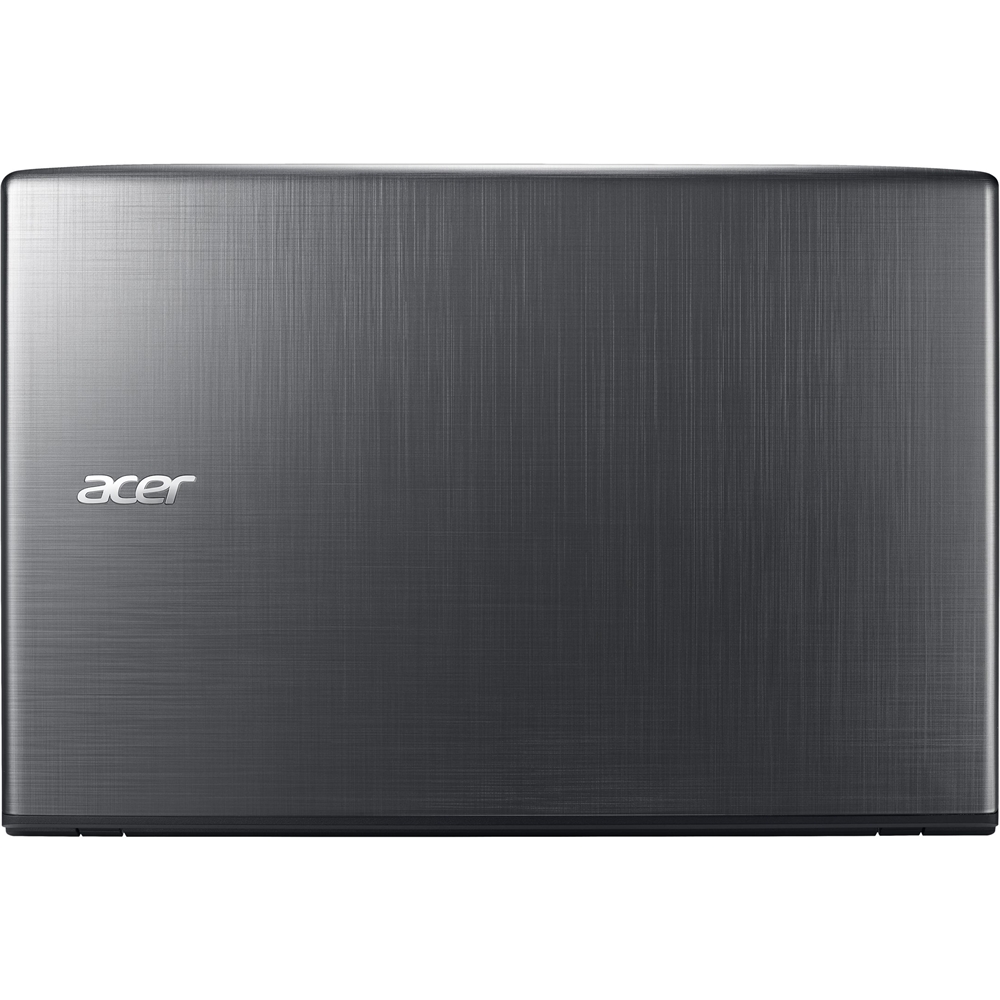
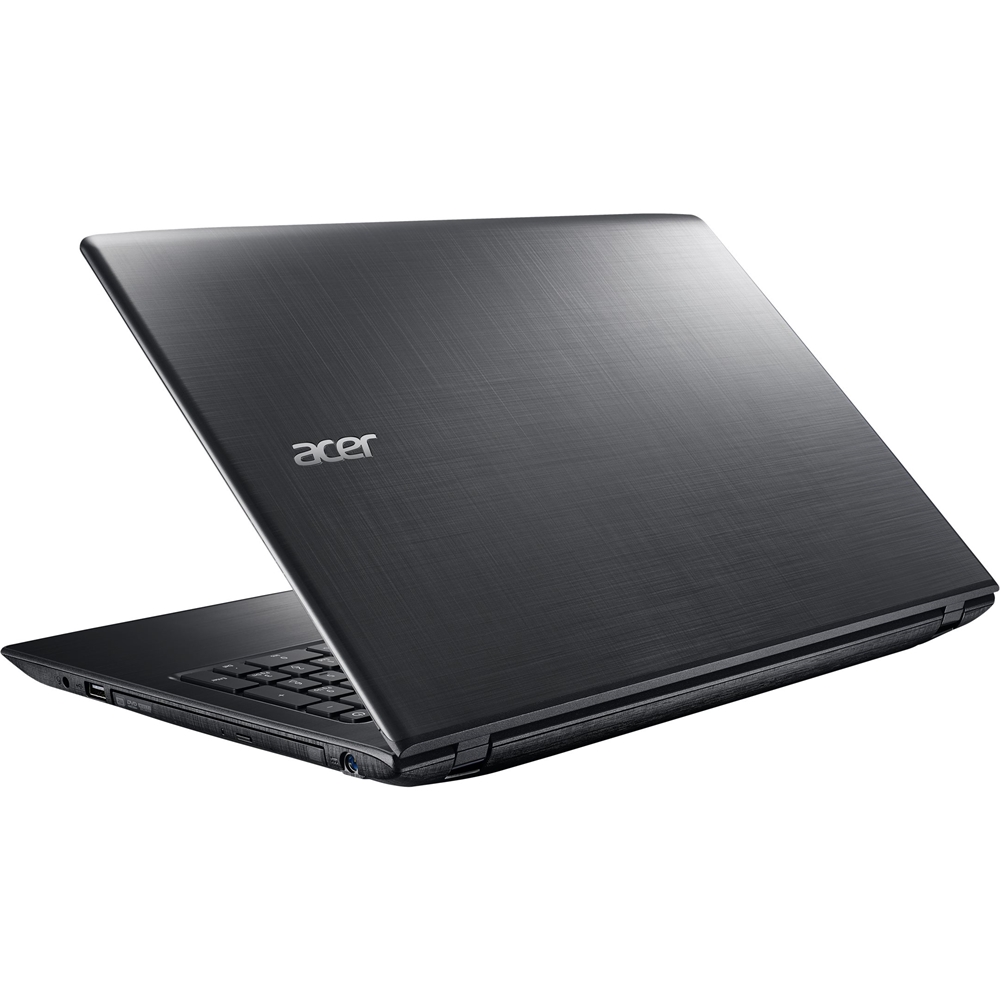
A:AnswerYou can install a 2.5" SATA drive in the SATA slot. Please note that the bracket and screws are not included with the system. Acer recently added an optional kit to allow users to install a SATA or SSD hdd in the 2.5" bay. Here is the link: http://us-store.acer.com/42-gden7-sv1. Here is a link on how to install it as well: http://acer.custhelp.com/app/answers/detail/a_id/43054
A:AnswerAcer has not tested this device on our products. We suggest you post your question on the Acer community forum at community.acer.com. This is a very good peer-to-peer forum for questions and answers on Acer products.
A:AnswerThis model has two memory slots, each supporting 2 / 4 / 8 / 16 GB memory sticks for a max total of 32GB memory. Memory type is DDR3L 1600 SO-DIMM.
A:AnswerYou can install a 2.5" SATA drive in the SATA slot. Please note that the bracket and screws are not included with the system. Acer recently added an optional kit to allow users to install a SATA or SSD hdd in the 2.5" bay. Here is the link: http://us-store.acer.com/42-gden7-sv1. Here is a link on how to install it as well: http://acer.custhelp.com/app/answers/detail/a_id/43054
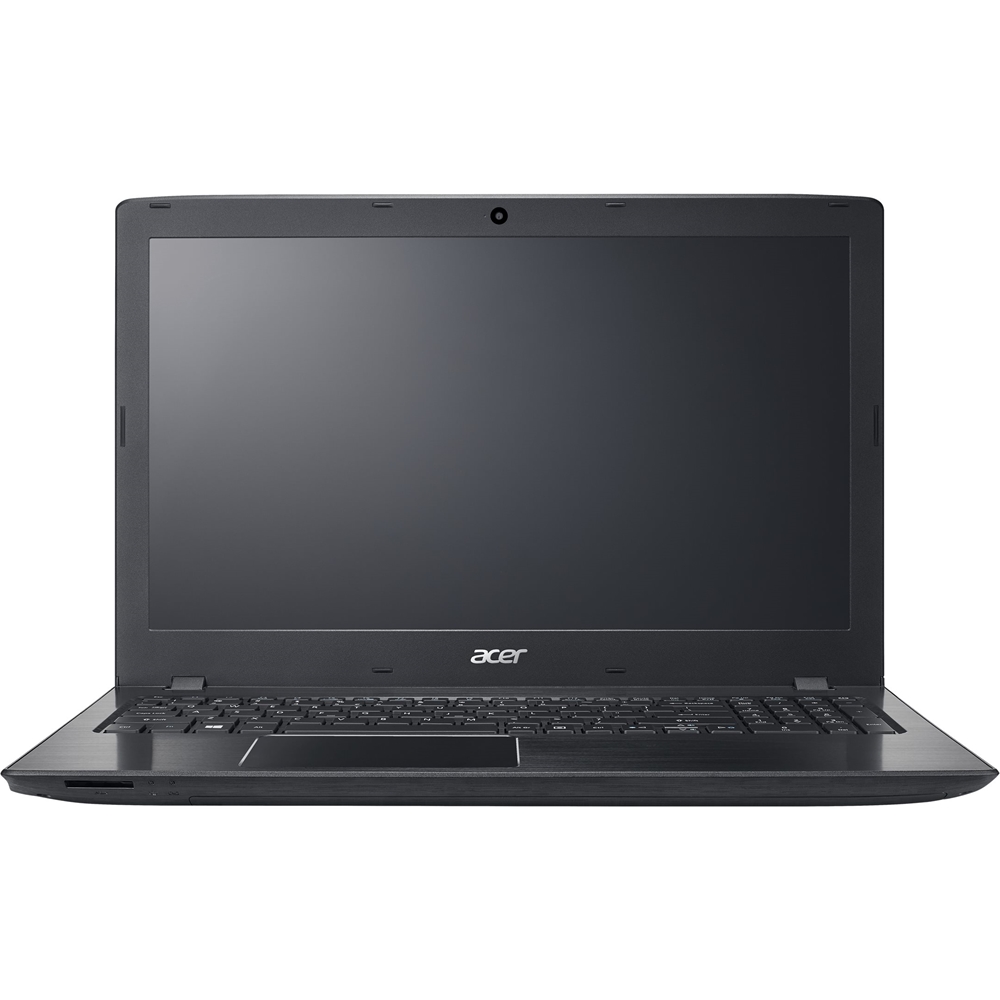
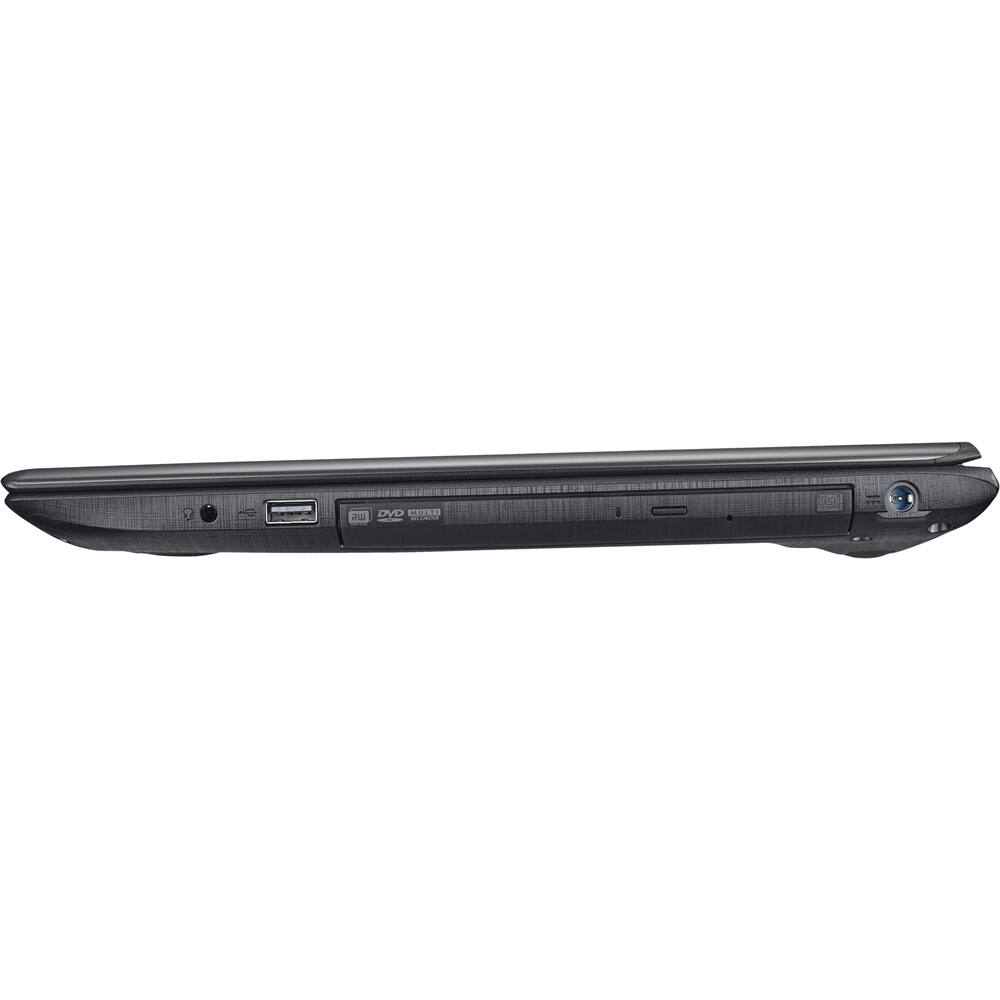
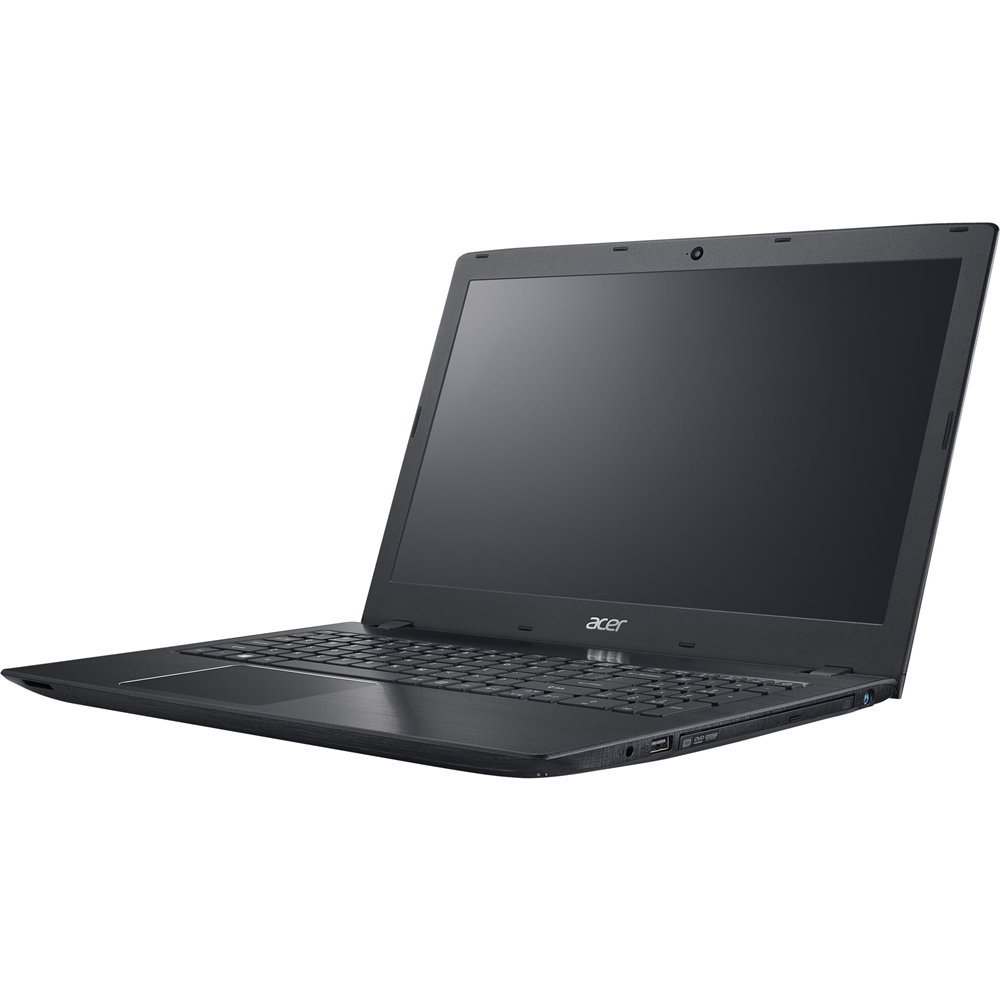
A:AnswerYes, this has a SuperMulti DVD/CD burner. It reads & writes many media formats, including DVD+R/RW, DVD-R/RW, CD-R/RW, DVD-RAM and double-layer DVD.