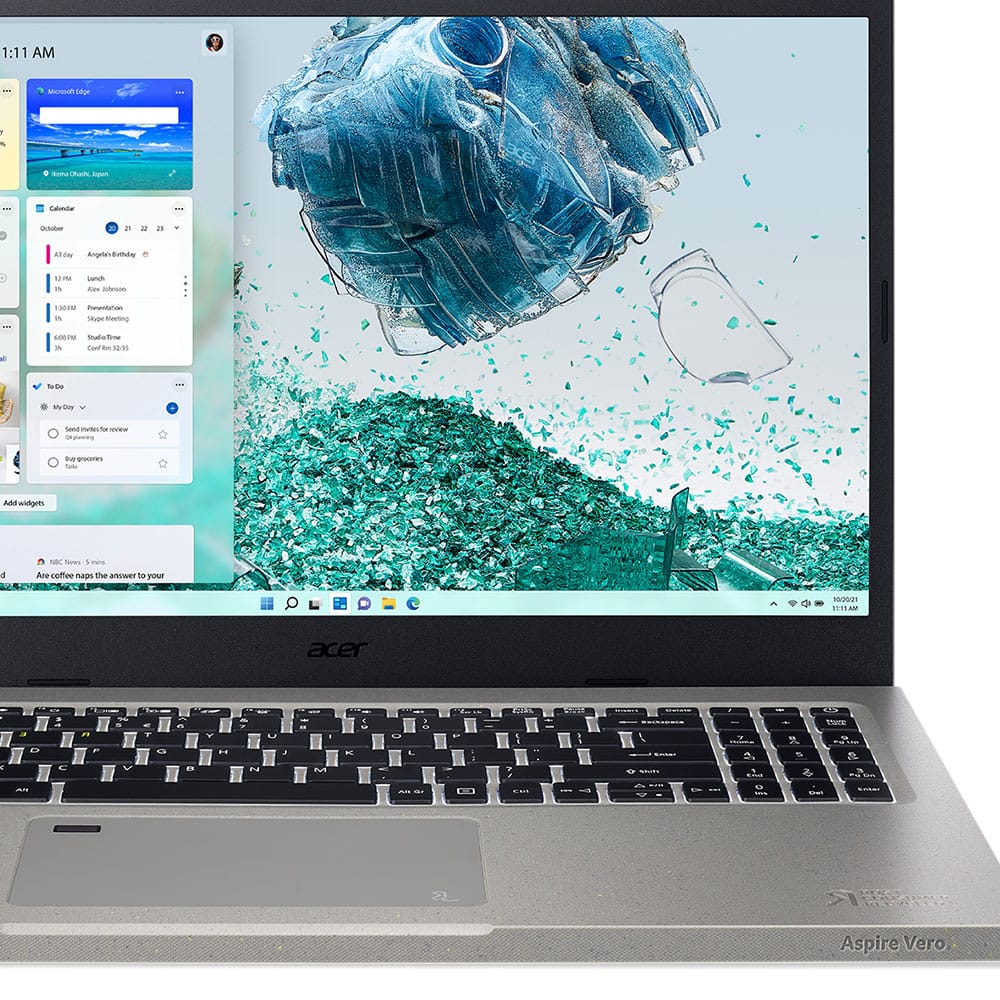
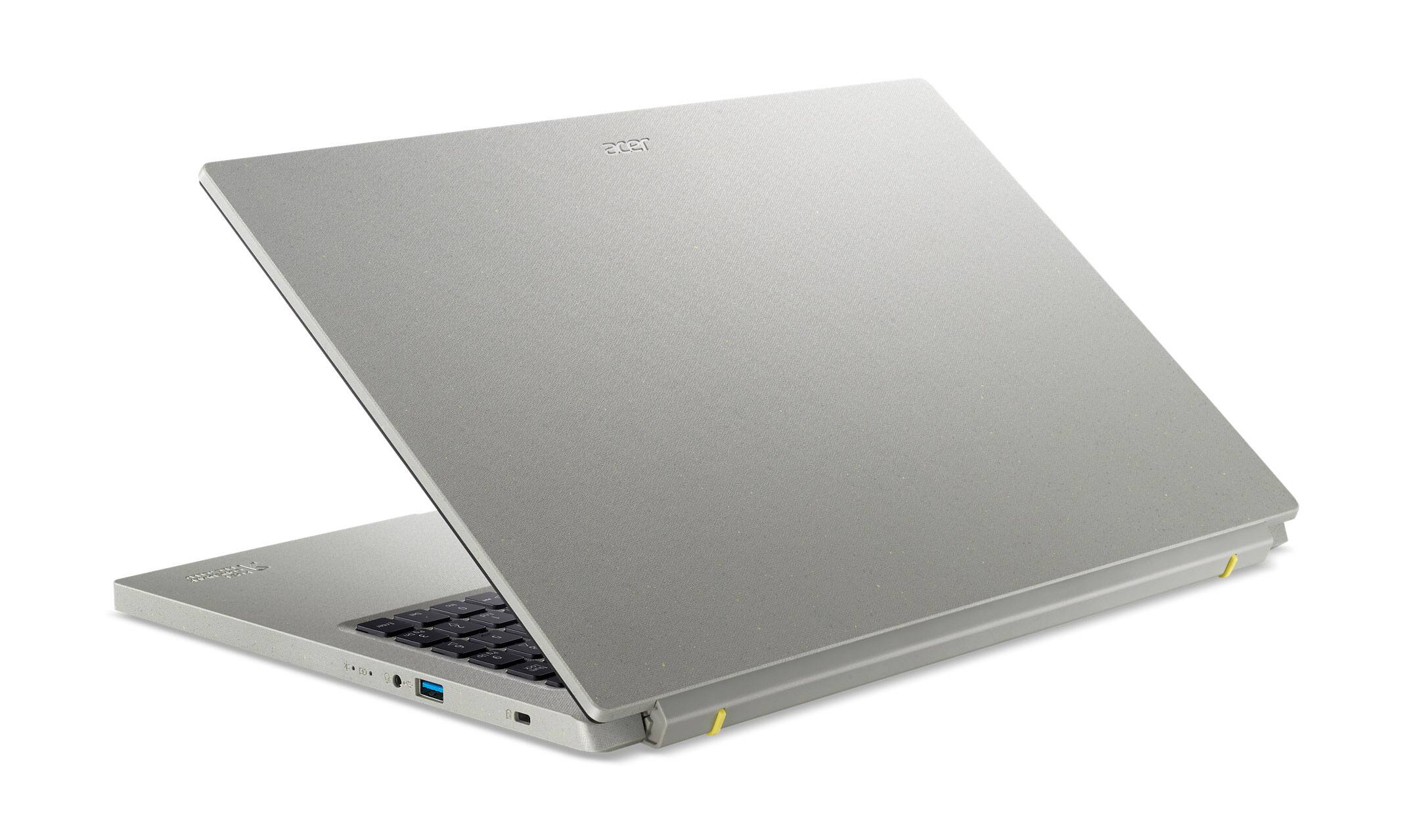
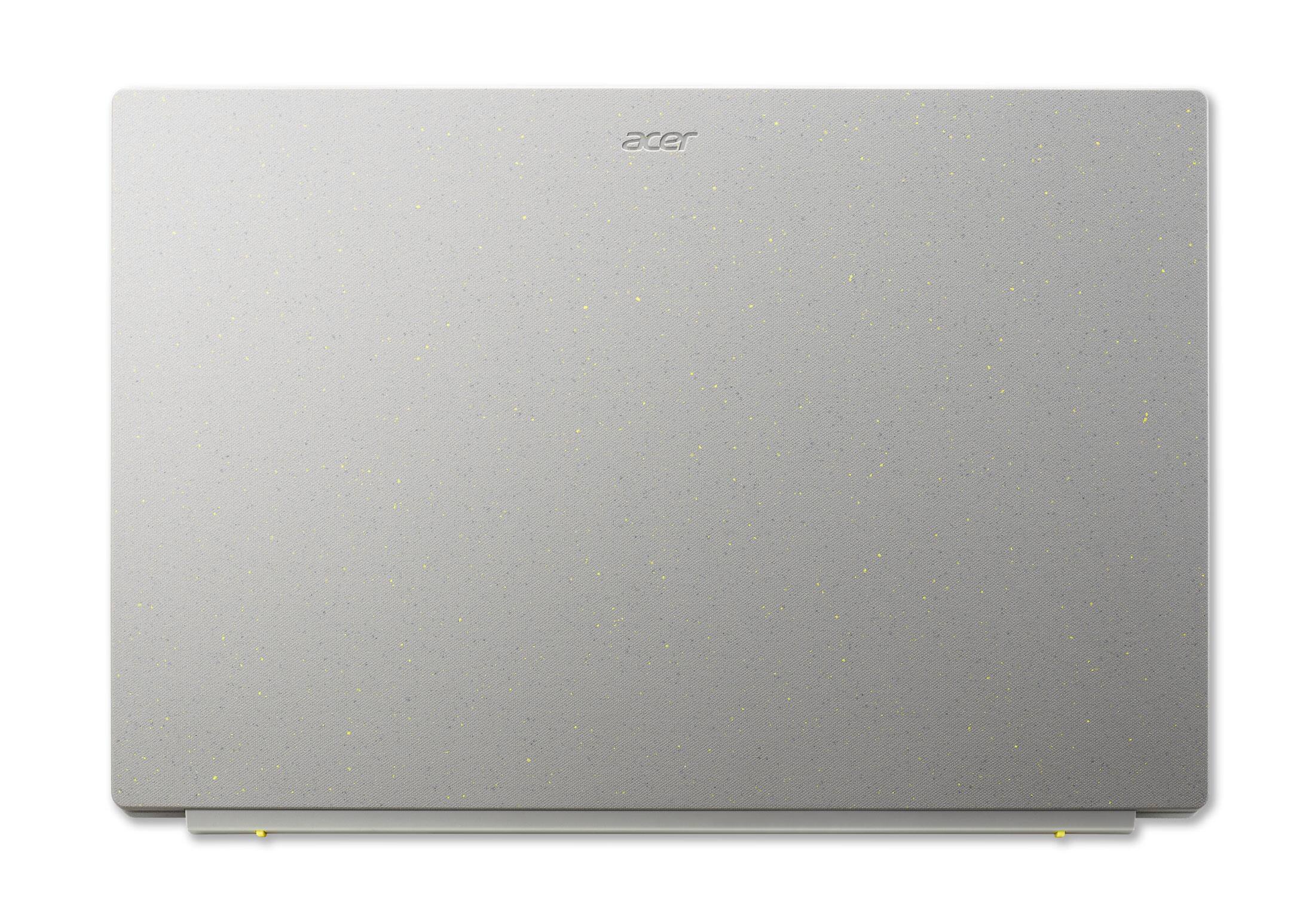
A:AnswerIt uses intel iris graphics so it’s probably not something you want to use for heavy gaming, but it does pretty decent in CPU heavy games.
For reference I have played valorant on it at high settings and it consistently gets around 80-90 fps when plugged in.
A:AnswerNo, and I recommend not using the laptop with the touch screen because the percentage that the touch screen fails and has shorter life spans is higher than on the non-touch screen.
A:AnswerDepends on the docking station, but this is has USB-C and supports Thunderbolt 4, so it should work with most docking stations on available. I use mine with an Anker USB-C one and have no issues
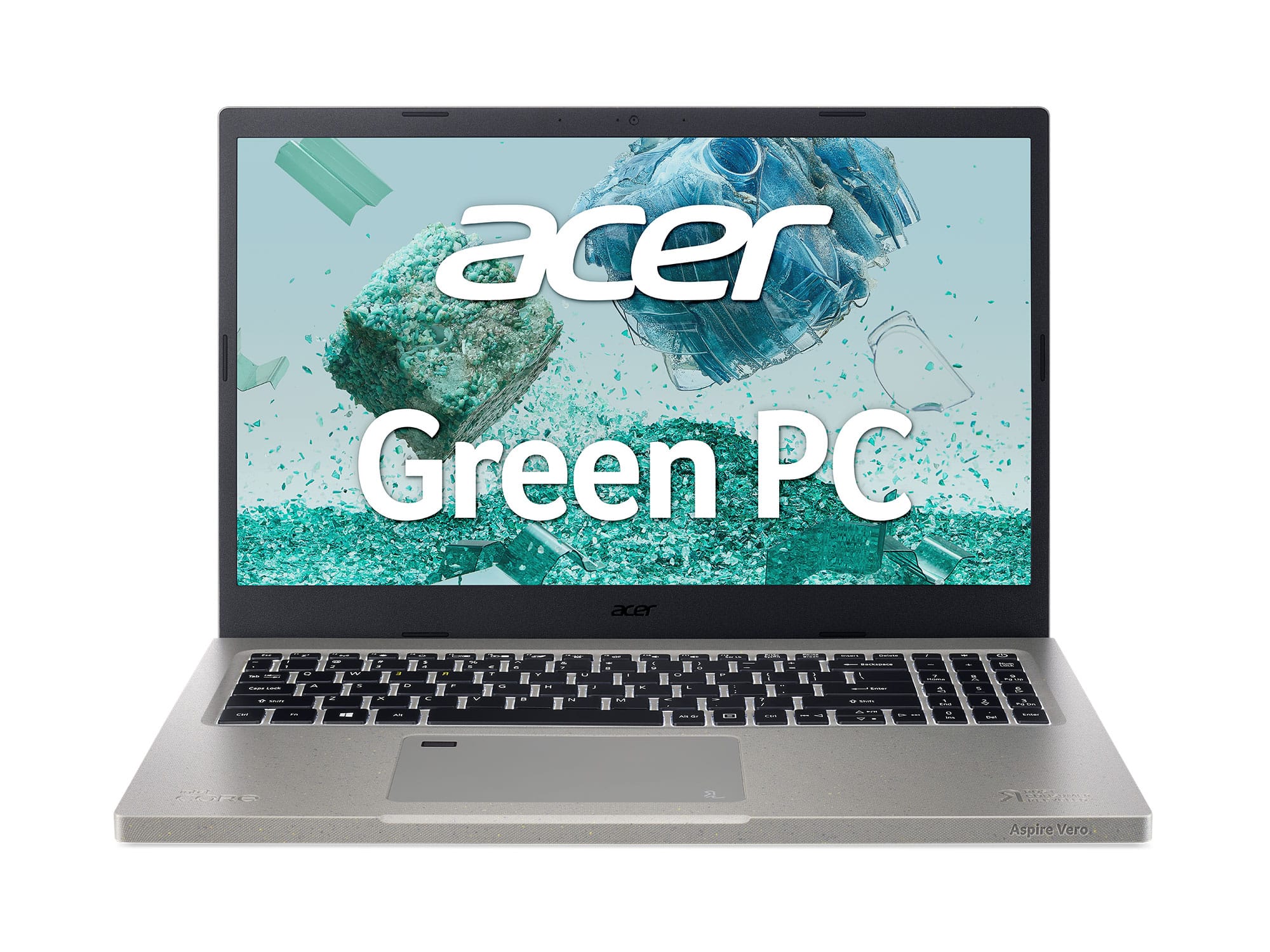
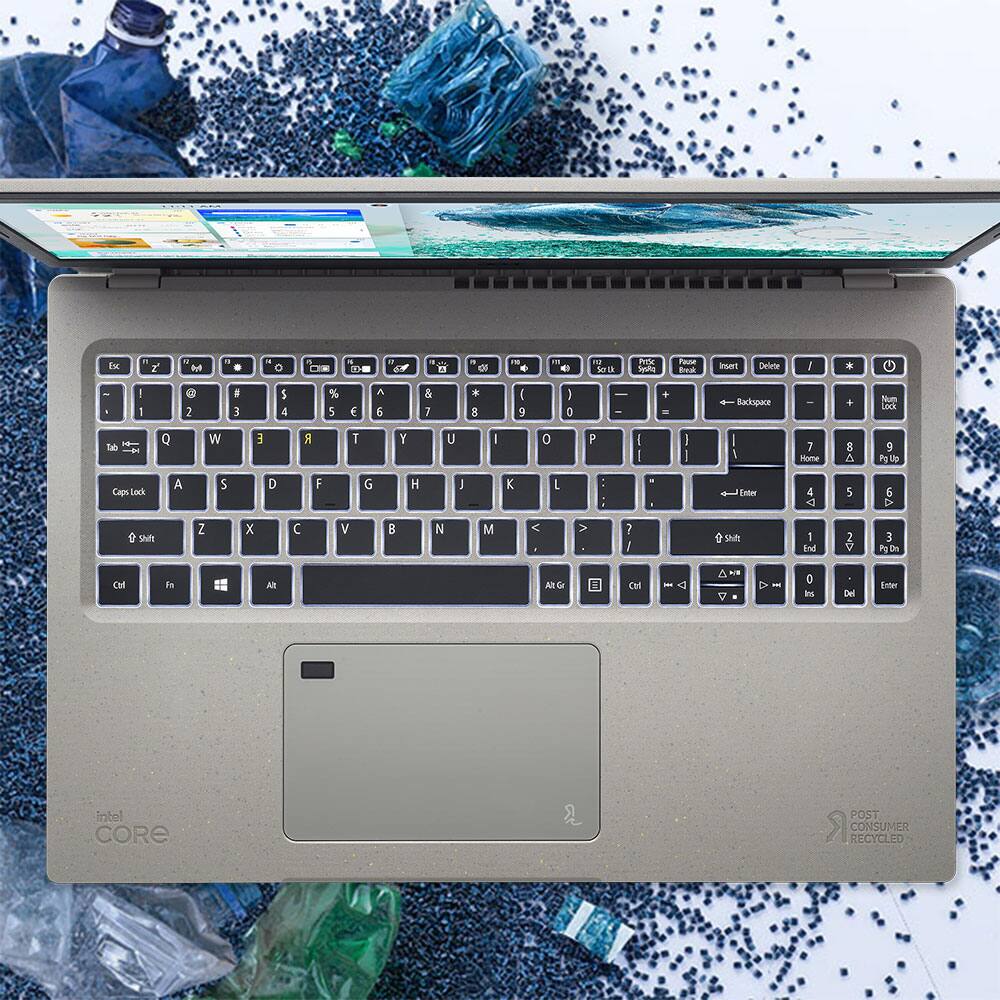
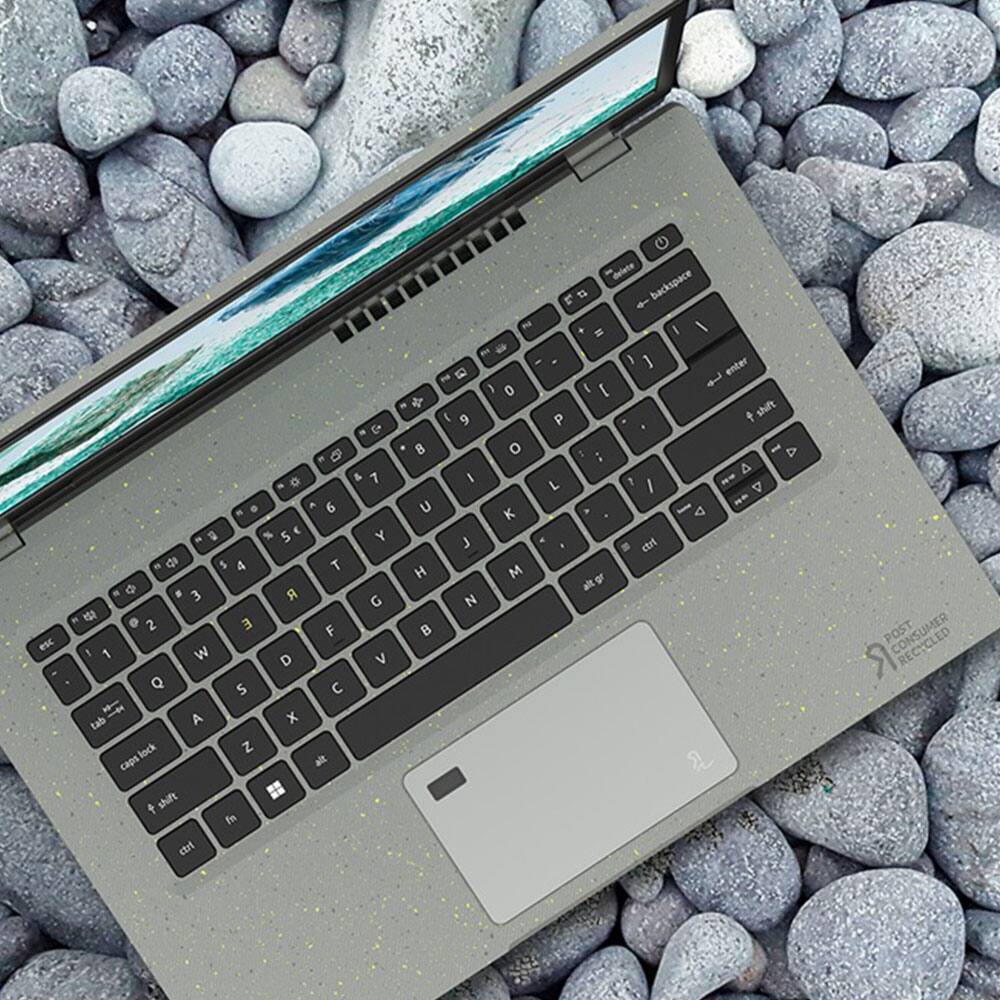
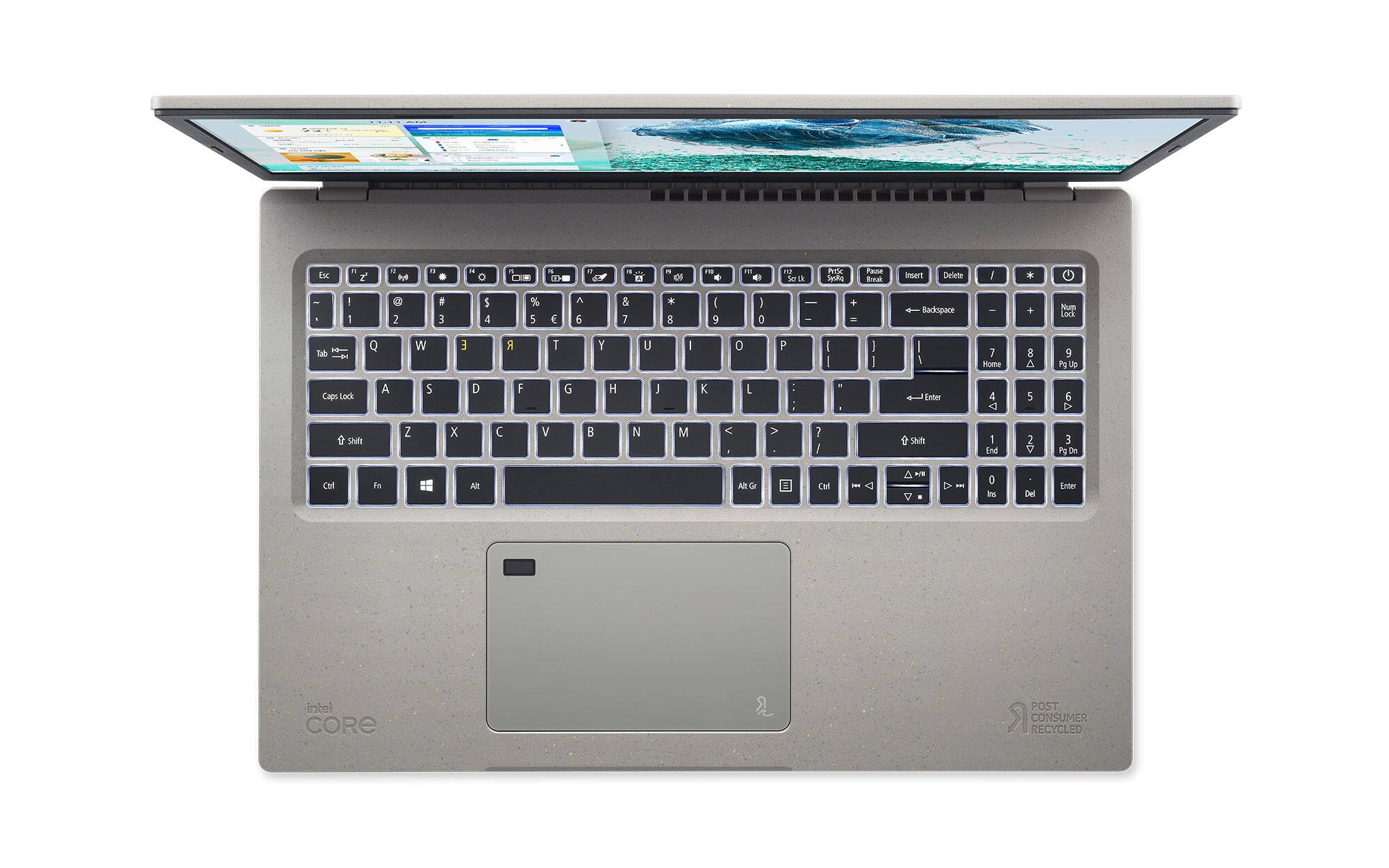
A:AnswerAcer Vero products were designed with sustainability in mind. The R and E keys represent the 'Re' in
Reduce, Reuse & Recycle. To help reinforce this message, the Vero products feature a keyboard
with mirrored R and E keys that are yellow instead of white.