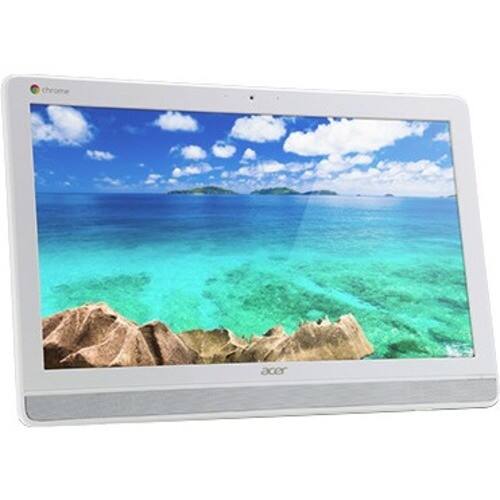
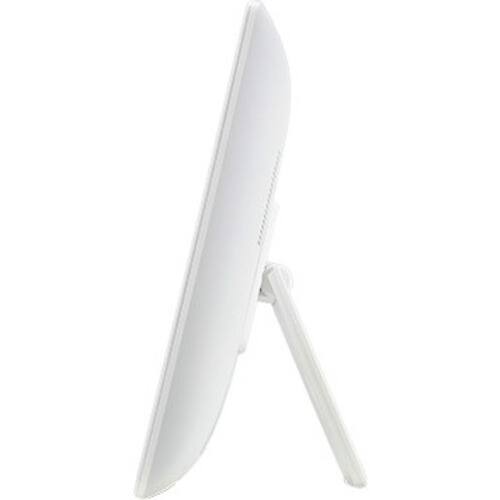
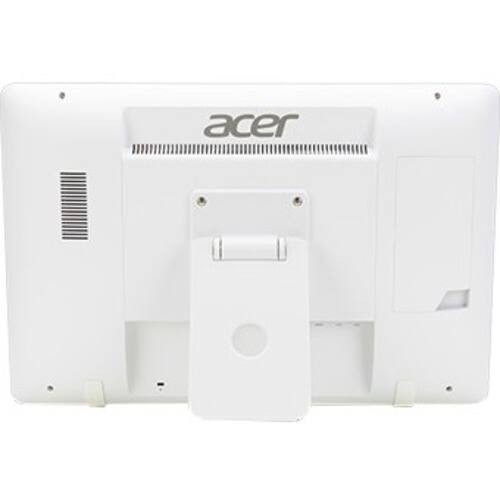
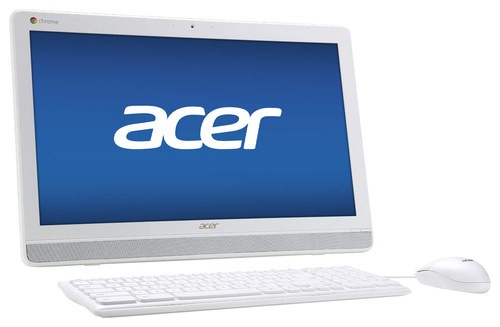
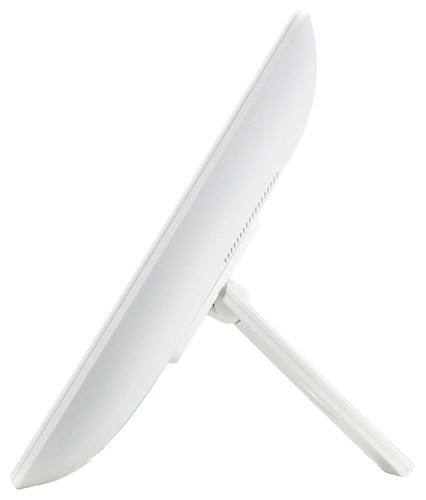
A:AnswerYes, everything is included. The computer, often referred to as a tower, is built into the display/screen which also display includes the speakers. The mouse and keyboard attach to the display.
A:AnswerIn checking Google's site it appears the Chrome operating system does not support external optical drives. You can view a list of compatible devices at at https://support.google.com/chromebook,
A:AnswerIt doesn't run windows at all. It uses a totally different os called chrome. It is not a gaming machine. It has no hard drive, and while you can hook up a dvd, it will defeat the entire prose of the machine.
A:AnswerYes you can. You have to go through the steps you used when connecting it to the first product. It should confirm everything is connected but I don't see you having an issue connecting it to the wirelss mouse either. However the USB is only one or two drives so I would suggest getting an adapter that has a couple more drives that you can use.