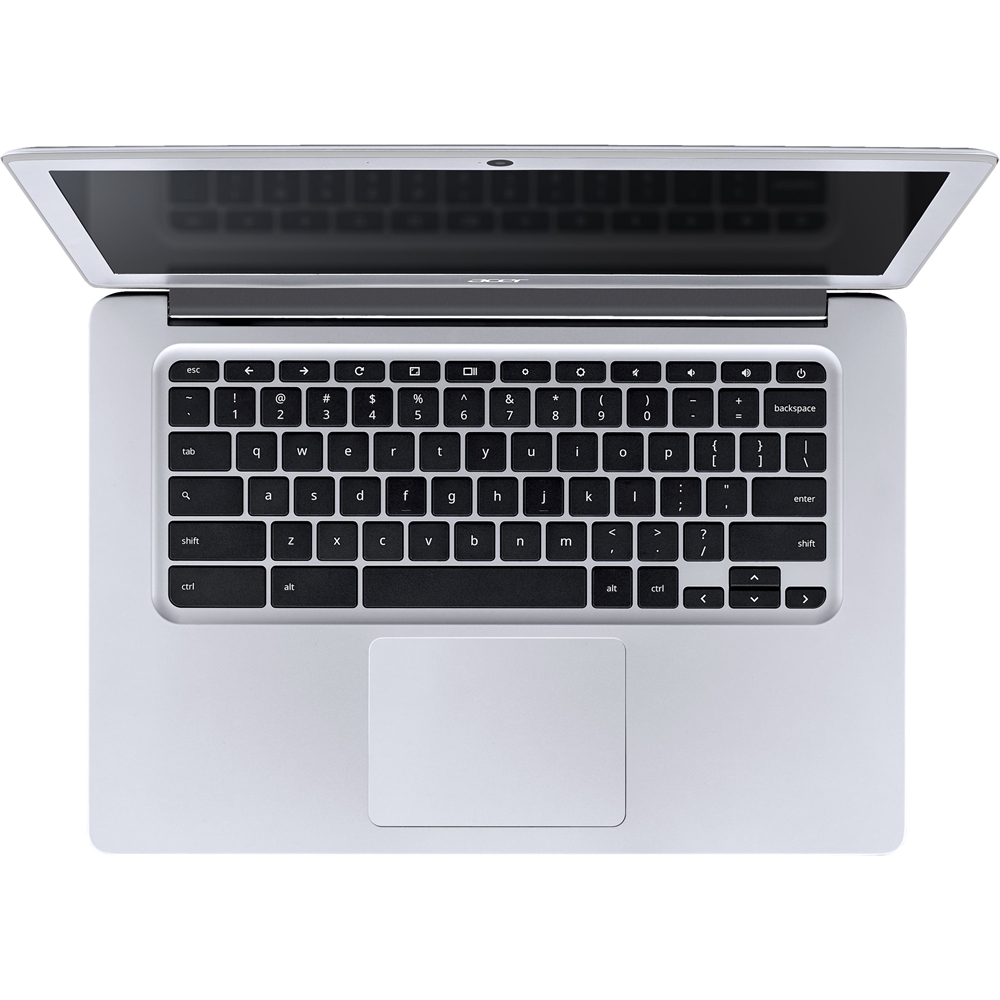
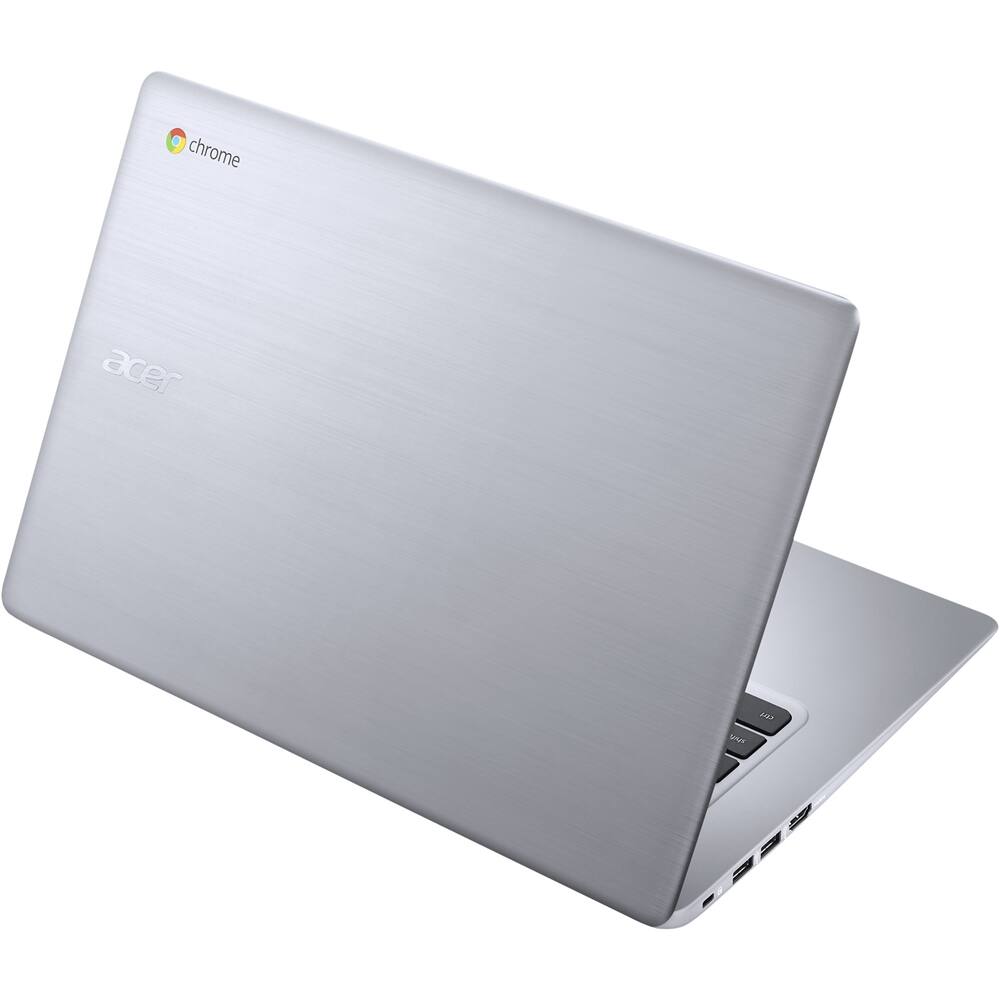
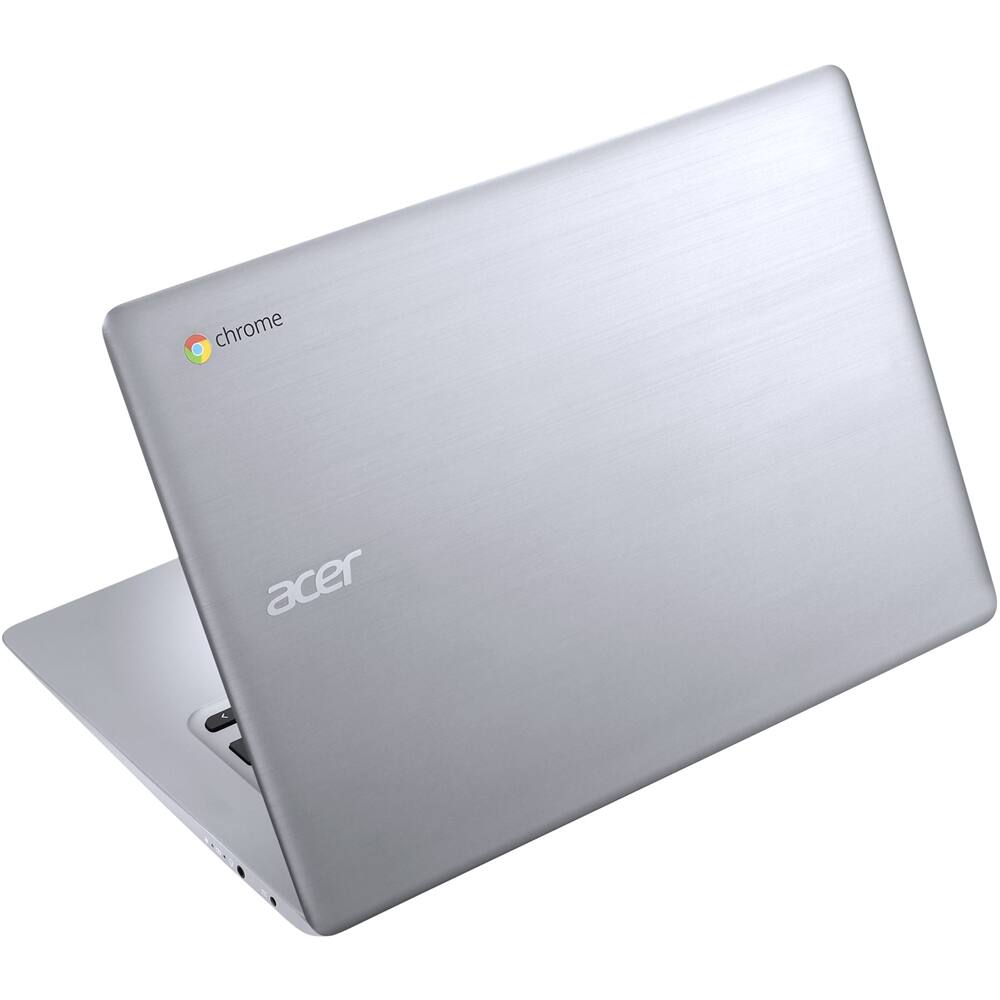
A:AnswerI get the feeling you might be trolling. All Chromebooks, by definition, run Chrome OS. Kinda like a mutated, overfed version of the Google Chrome browser.
A:AnswerIn checking these two models, we found they are identical in all specifications. Marketing teams can use different strategies for marketing campaigns and sometimes a particular product may have two different part numbers, depending on the marketing strategy used.
A:AnswerAcer has several Chromebook models to choose from. Here is the link to our laptop site; at the top of the page click the link for Chromebook to view all the models available: https://www.acer.com/ac/en/US/content/group/laptops
A:AnswerThe Chromebook will support printers that are Cloud Ready. Information on how to print from a Chromebook is posted at http://acer.custhelp.com/app/answers/detail/a_id/10397/~/printing-with-the-acer-chromebook