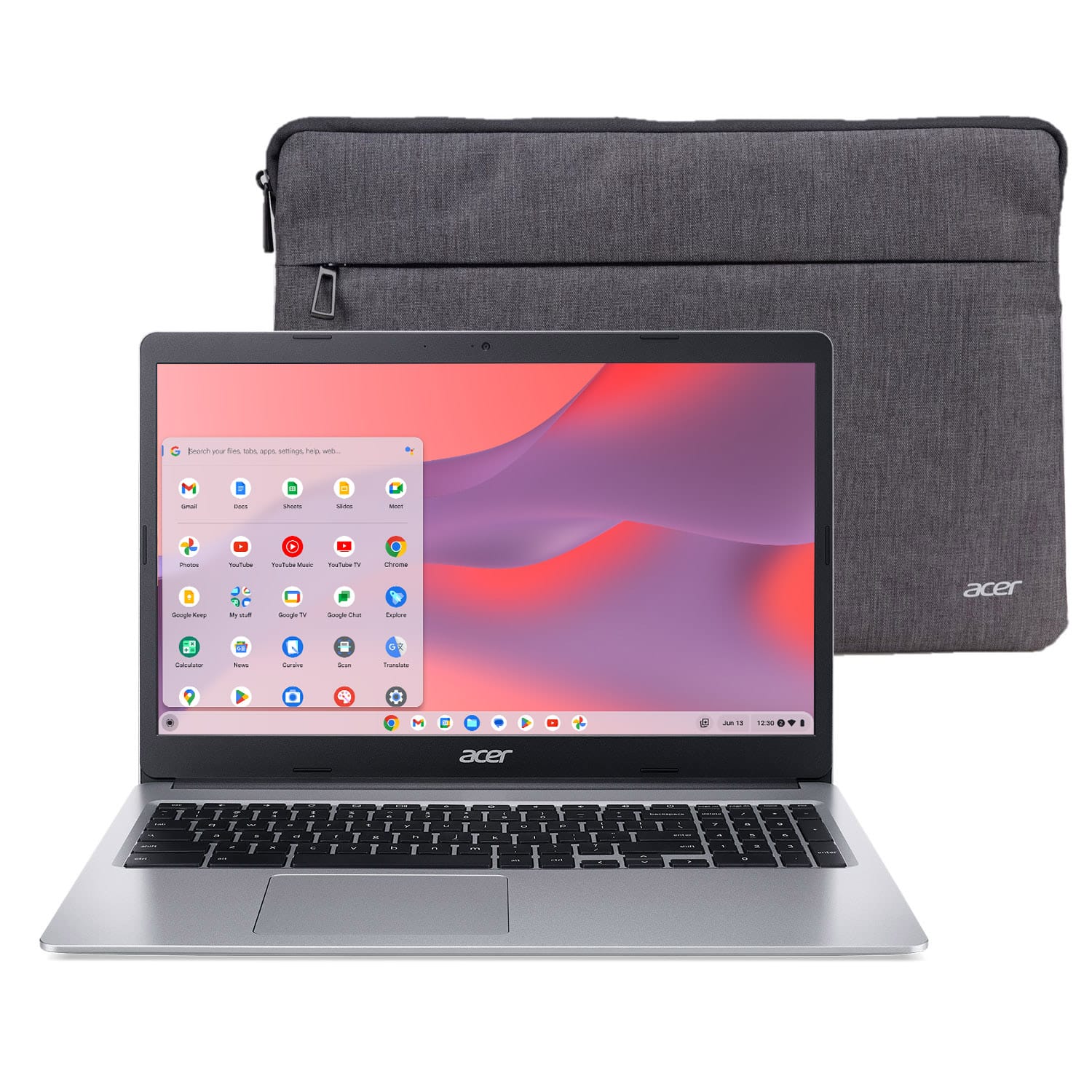
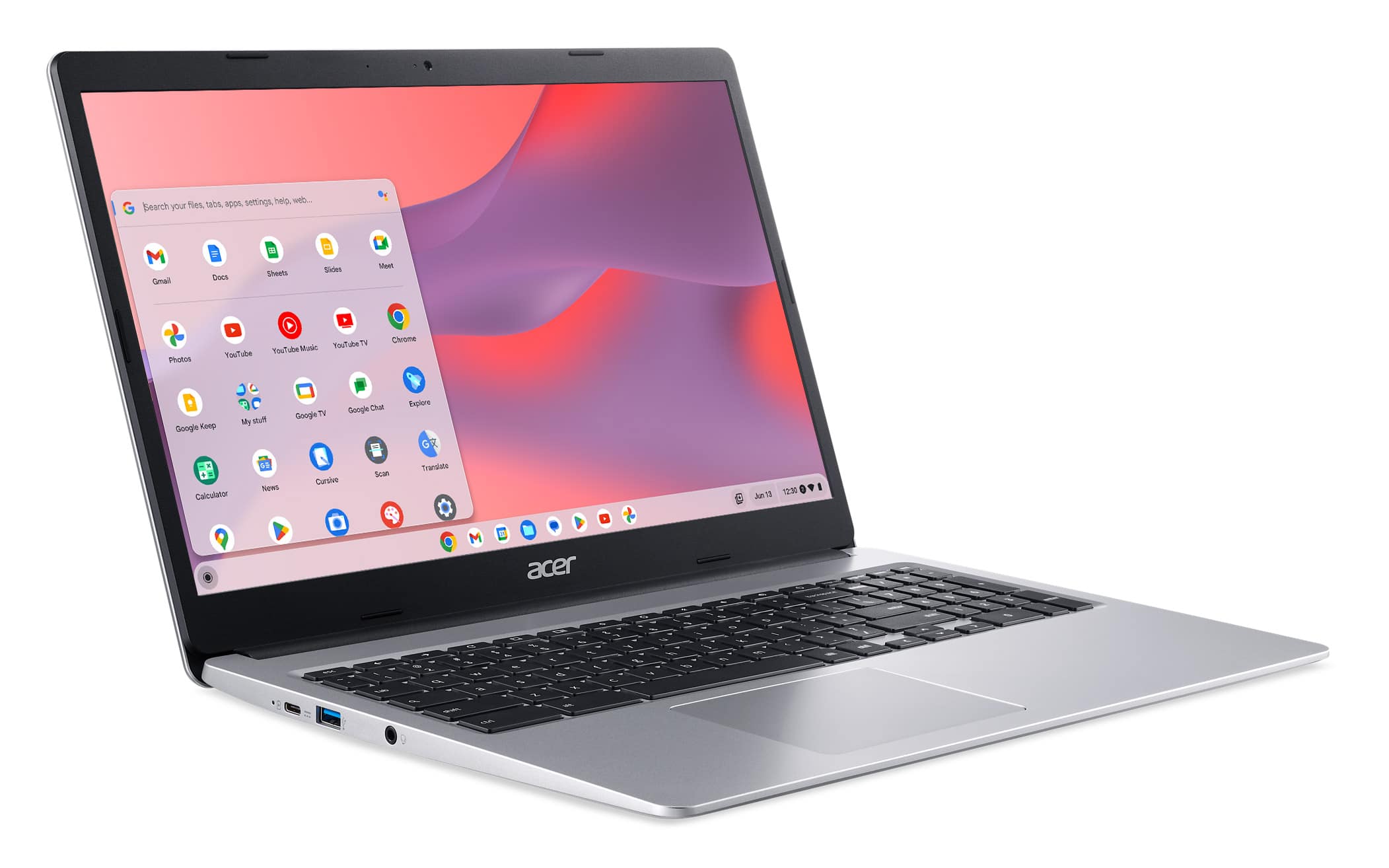
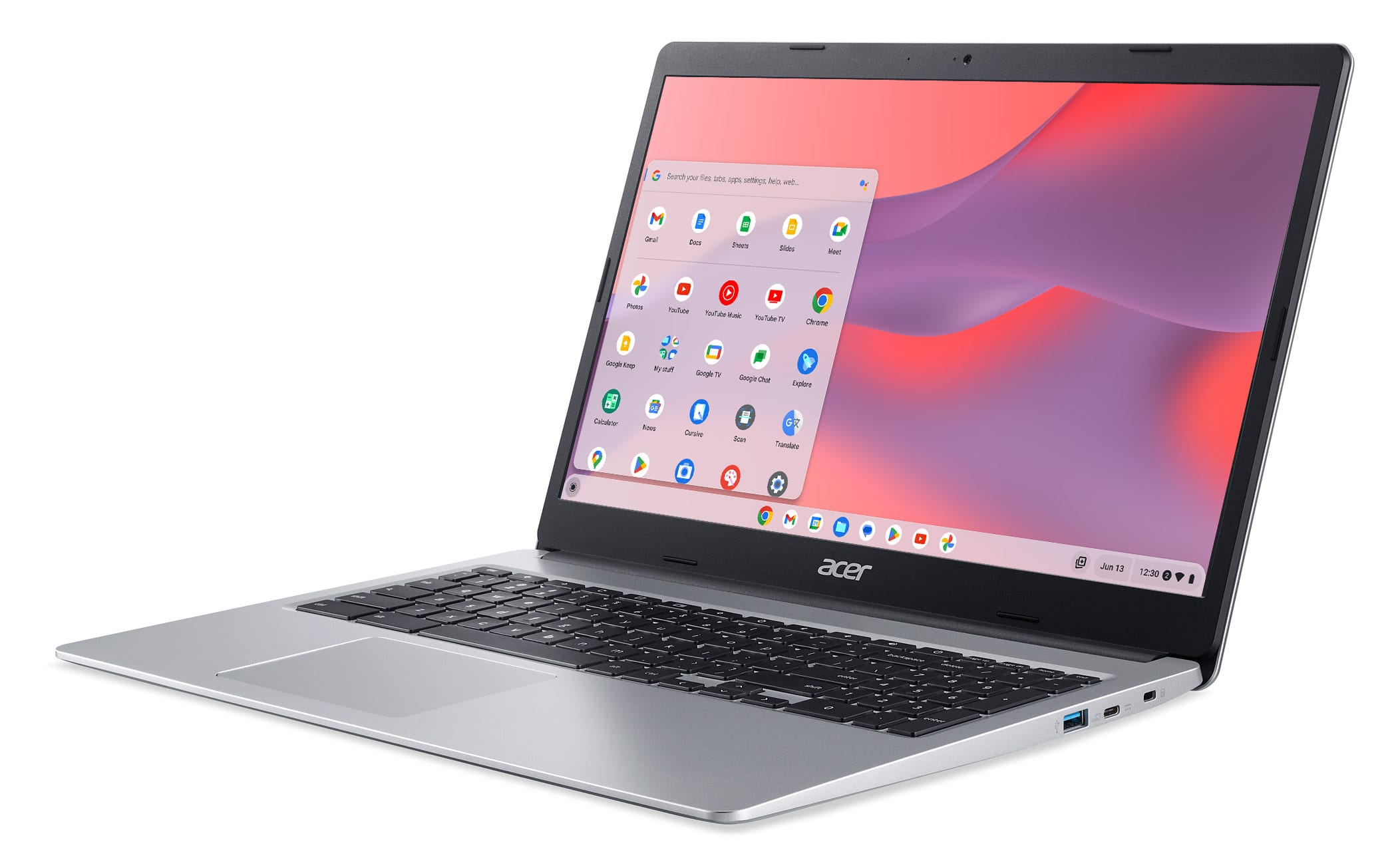
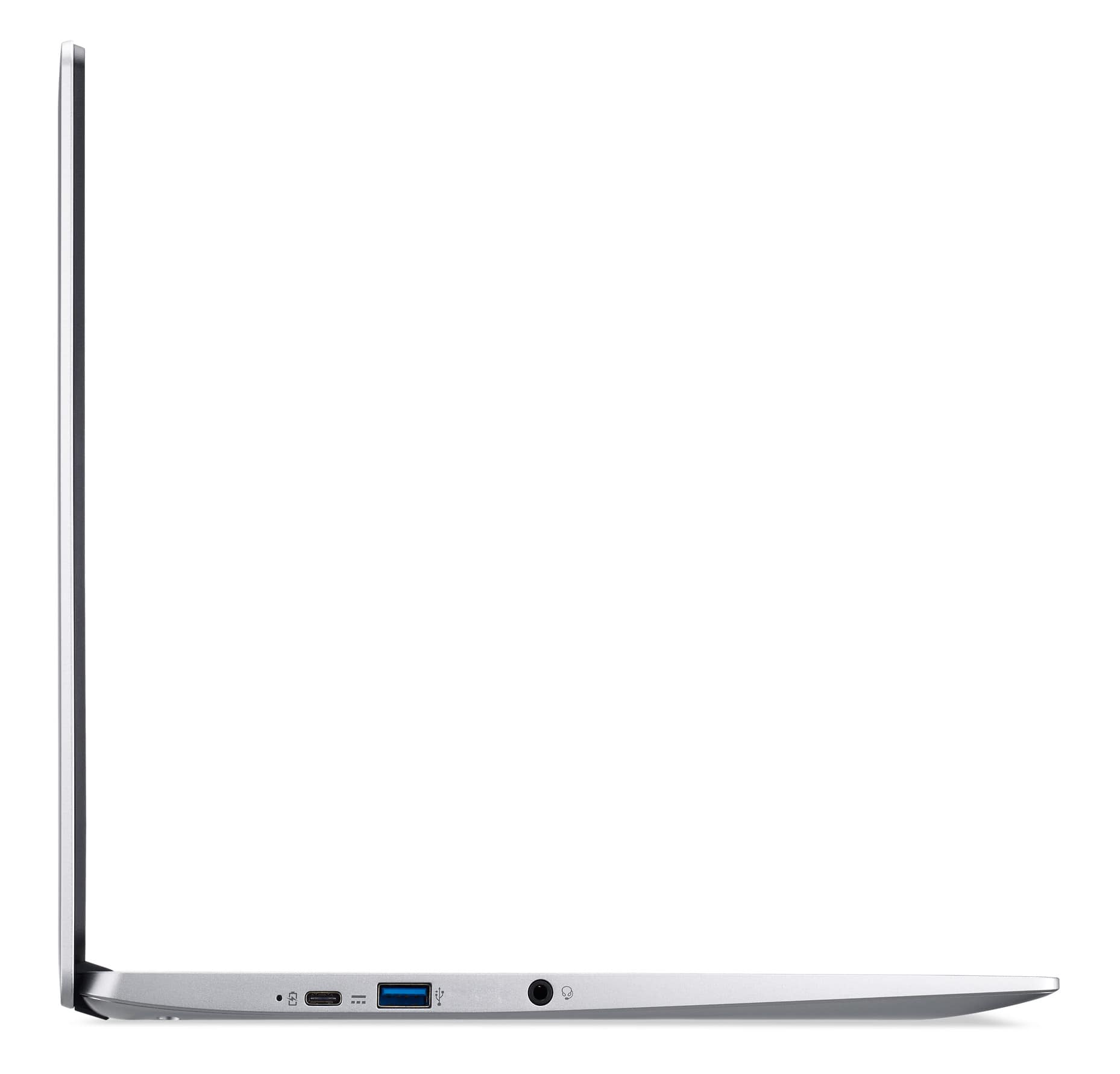
A:AnswerMost models will have the letter T in the model name to designate touch screen capability. Please note that not all touchscreen models may have this in the model name, so we recommend you check the specifications of the device to make sure it has the features you need.
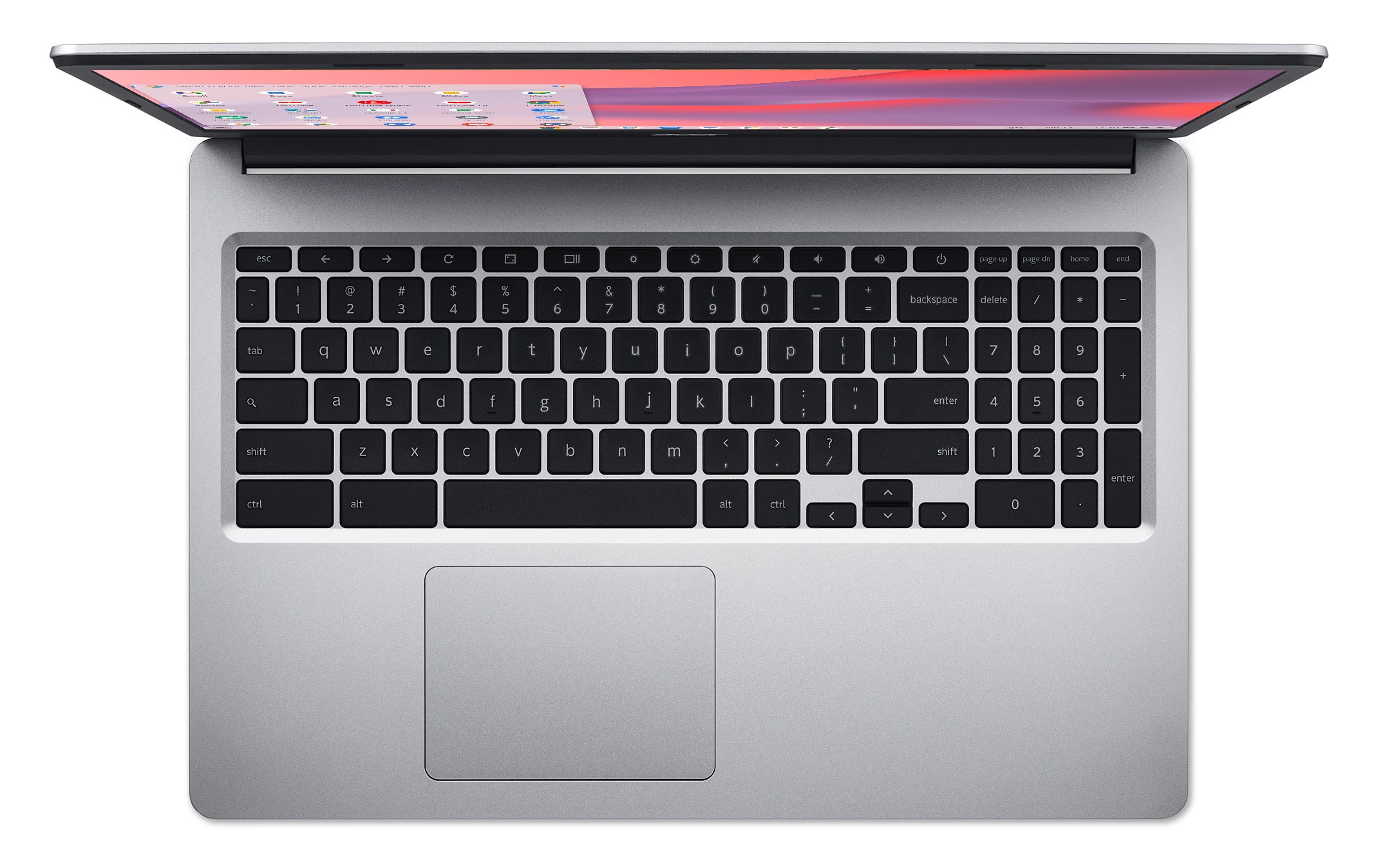
A:AnswerTry the steps on this link: https://support.google.com/chromebook/answer/1047367?hl=en Scroll to the bottom of the page and try the steps on how to fix the touchpad. If these steps do not resolve the issue, please contact Acer support at 866-695-2237. Agents are available 24/7 for in-warranty products.
A:AnswerGreetings from the Intel team. Thank you for your question.
Yes, you can watch Netflix on Google Chromebook and Chromebox computers using the Chrome browser or the Netflix app from the Google Play Store.
How to use Netflix on your Google Chromebook or Chromebox:
https://help.netflix.com/en/node/296
For detailed information about the Intel® Celeron® Processor N4020, visit:
https://ark.intel.com/content/www/us/en/ark/products/197310/intel-celeron-processor-n4020-4m-cache-up-to-2-80-ghz.html
Thank you for choosing Intel! Emilio_Intel
A:AnswerChromebooks run off apps like Android phones or tablets. If the software you want to run is available at Google Play Store then it should work with the Chromebook. You may have to verify with the software vendor that they have a version available for Chromebooks. Adobe Acrobat Pro DC (or any other versions) only run on MacOS and Windows. Yes, you can use a wireless or USB mouse with any Chromebook.