Main Content

Questions & Answers

$149.00
Save $150
Comp. Value: $299.00
Page Showing 1-20 of 128 questions
  • QuestionWhich processor powers this Chromebook?

    • Answer This Chromebook is equipped with an Intel Celeron N4500 Processor.
    This question and answer was generated by AI based on customer and product data.

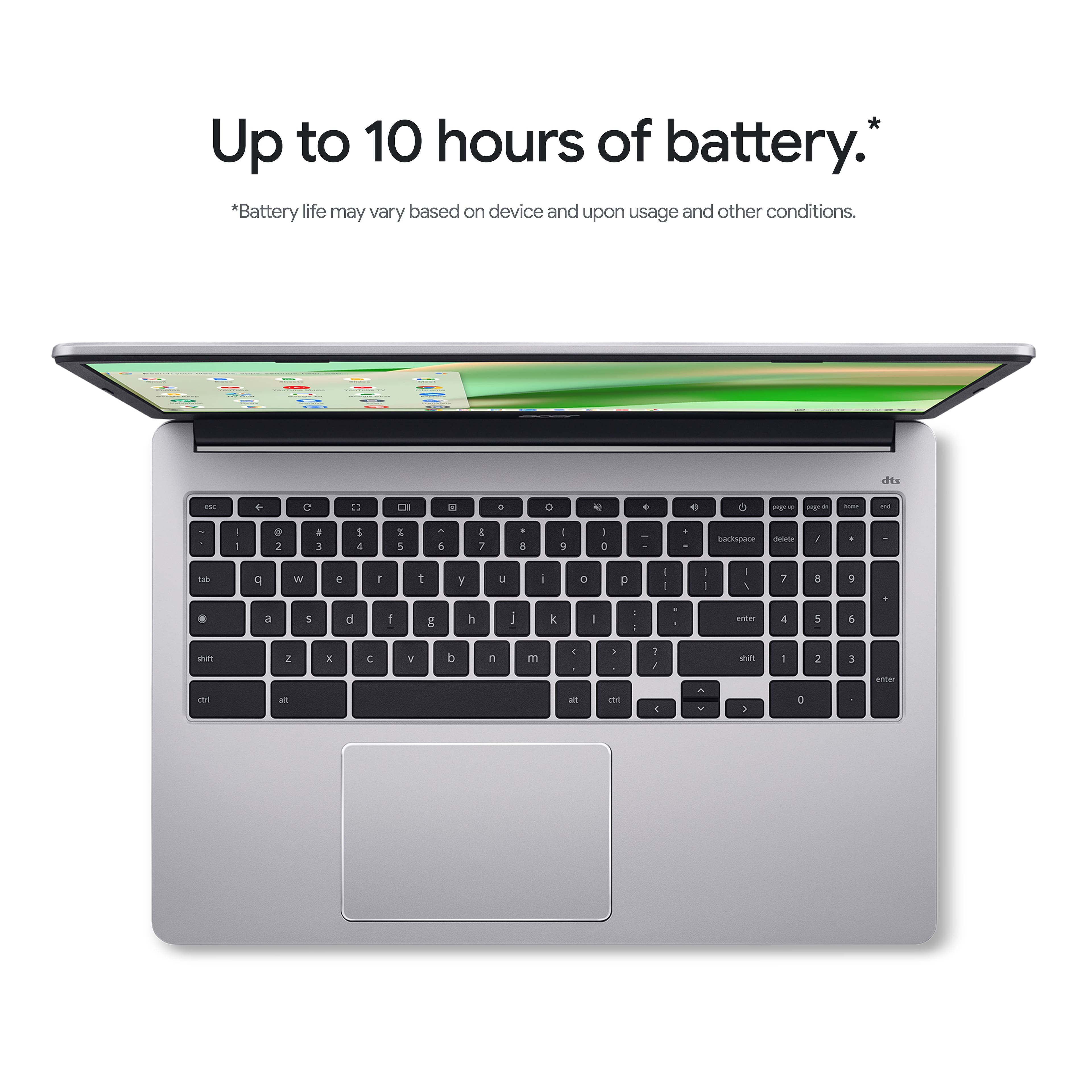
  • QuestionHow long does the battery last on this Chromebook?

    • Answer This Chromebook offers up to 10 hours of battery life on a single charge.
    This question and answer was generated by AI based on customer and product data.

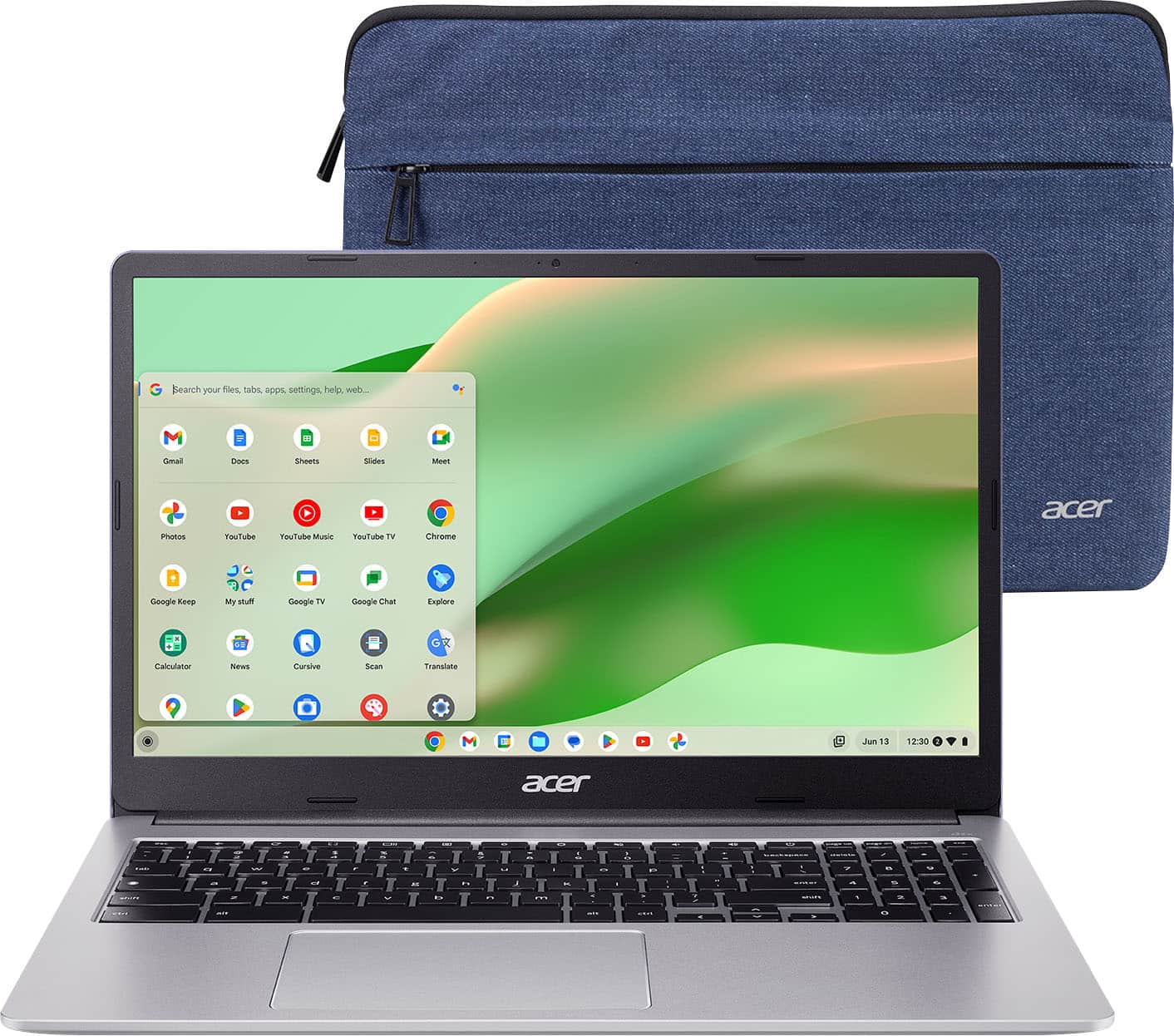
  • QuestionWhat is the screen size of this Acer Chromebook?

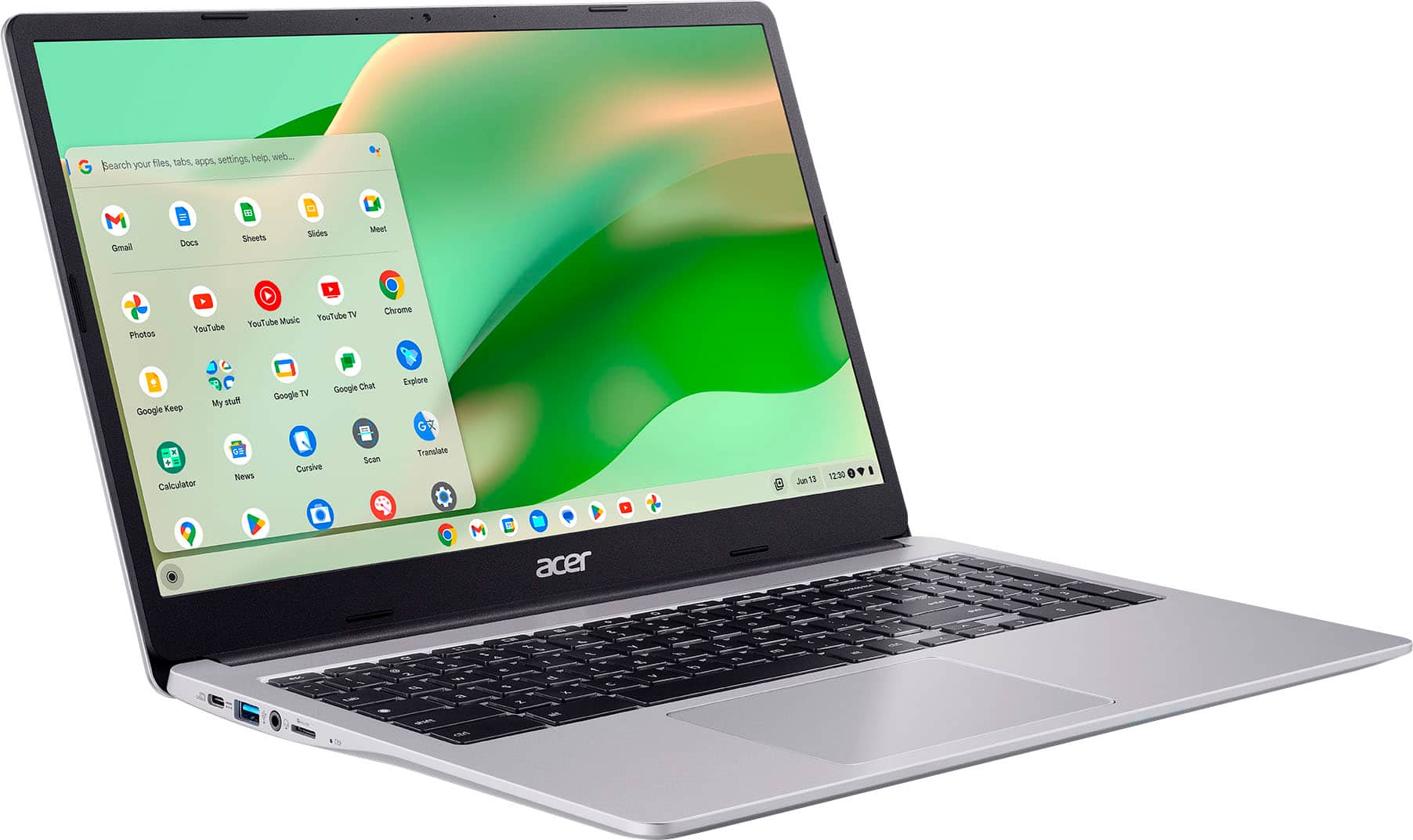
    • Answer This Acer Chromebook features a 15.6-inch Full HD anti-glare screen.
    This question and answer was generated by AI based on customer and product data.
  • QuestionWhat operating system does this Acer laptop use?

    • Answer This Acer laptop runs on the ChromeOS operating system.
    This question and answer was generated by AI based on customer and product data.
  • QuestionWhat type of wireless connectivity does this laptop have?

    • Answer This Chromebook comes equipped with Intel Wi-Fi 6 (802.11ax) with 2x2 MU-MIMO technology for a strong and consistent wireless signal.
    This question and answer was generated by AI based on customer and product data.

  • QuestionDoes this Chromebook have a touch screen?

    • Answer No, this Chromebook does not have a touch screen.
    This question and answer was generated by AI based on customer and product data.

  • QuestionWhat kind of storage does this Chromebook use?

    • Answer This Chromebook utilizes 64GB of eMMC storage.
    This question and answer was generated by AI based on customer and product data.
  • Questioncan this chromebook be updated?

    Asked by cames.

    • Answer According to Google, this model Chromebook will receive updates until Jun 2031.

      Answered by TeamAcer

  • QuestionDoes it have windows 11

    Asked by Tas.

    • Answer No. This is a Chromebook that runs the Chrome operating system and is not compatible with Windows. Chromebooks are different from Windows laptop products in that they are designed to be used primarily while connected to the Internet, with most applications and documents living in the cloud. Because of this they don’t have much for on-board storage but they also are not expensive either. Chromebooks run off apps like an Android phone or tablet so you cannot download and install applications or .exe files. If you need to use third party software applications that must be installed on the computer, a Chromebook is likely not for you, where a Windows laptop would suit you better.

      Answered by TeamAcer

  • QuestionCan I watch movies on Netflix?

    Asked by H.

    • Answer Yes, you can watch Netflix on a Chromebook by using a supported web browser or by downloading the Android app from the Google Play Store.

      Answered by TeamAcer

  • QuestionIs this a good laptop for everyday surfing and kids doing homework on?

    Asked by Baller.

    • Answer Yes!!

      Answered by AustinH

  • QuestionCan this be connected to a printer ? Can it use any word processing programs such as Word?

    Asked by Anonymous.

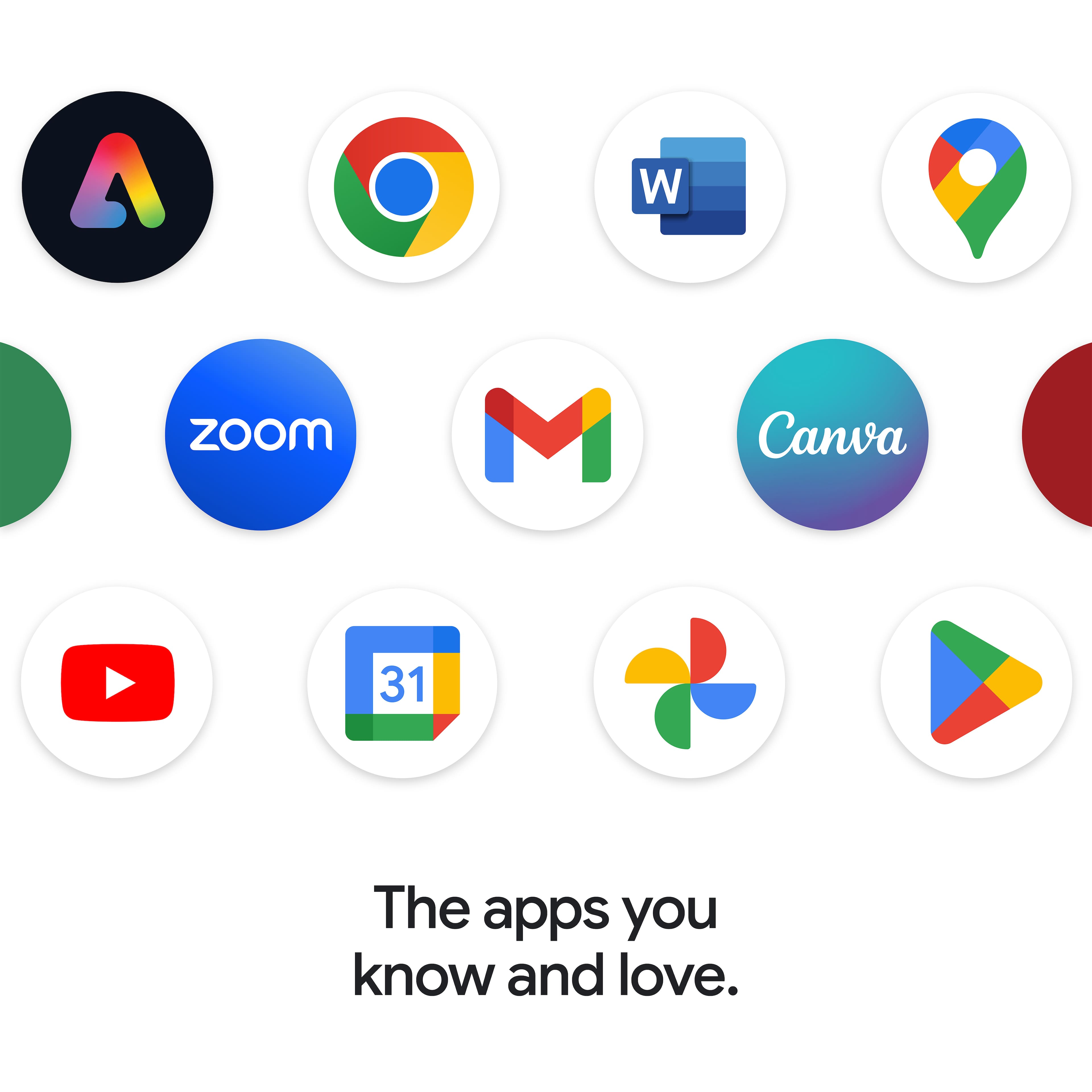
    • Answer You can connect a printer to a Chromebook via USB cable or wirelessly. They are also compatible with the Microsoft Word app that is available from Google Play Store.

      Answered by TeamAcer

  • QuestionCan I connect to my monitor and mouse

    Asked by CW.

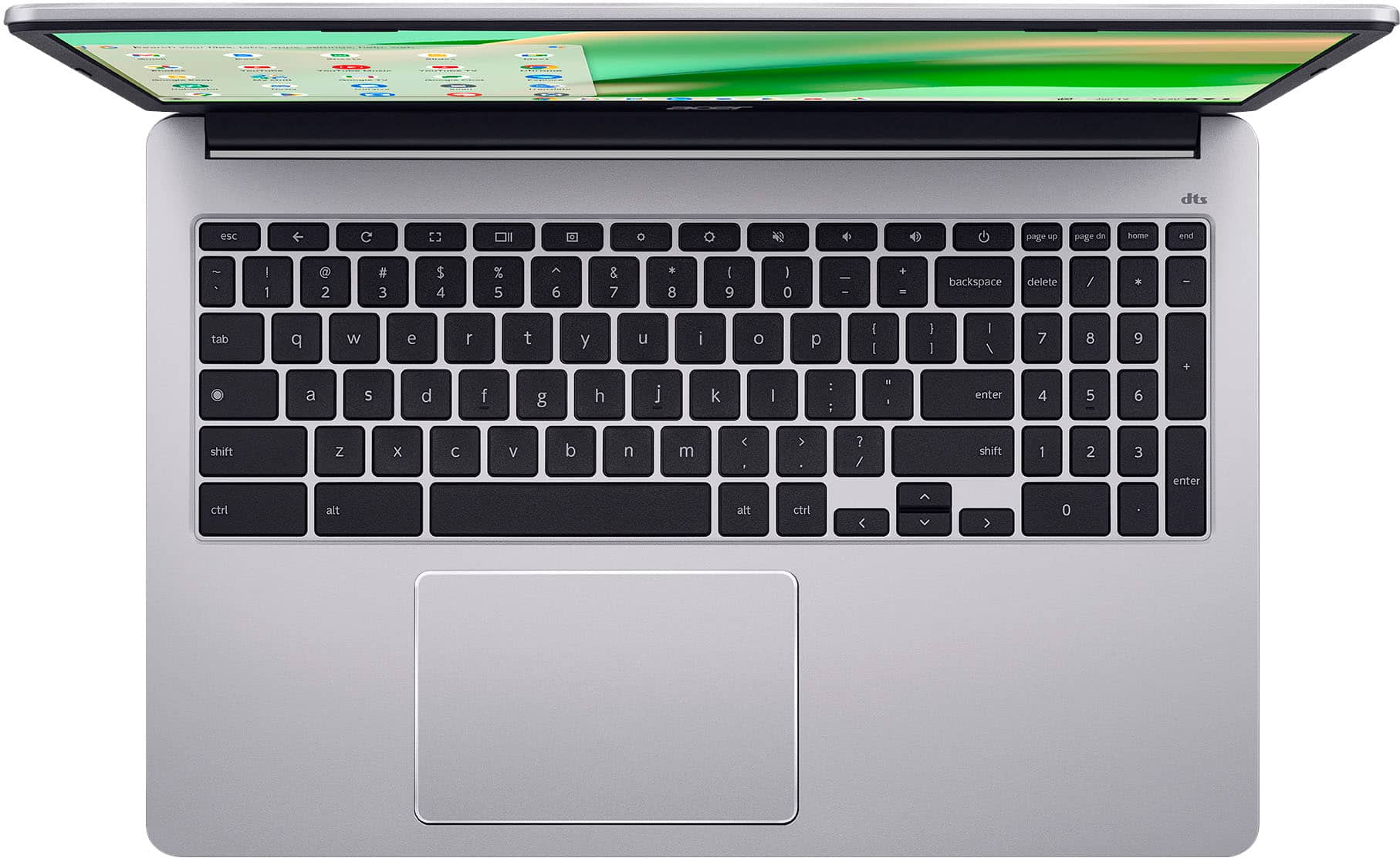
    • Answer Yes, you can use a USB keyboard and mouse or use a wireless keyboard and mouse.

      Answered by TeamAcer

  • QuestionCan I transfer files from my Windows computer to Chromebook?

    Asked by nick.

    • Answer Yes, you can transfer files from your Windows computer to a Chromebook using several methods, including a USB drive, cloud storage services like Google Drive, and direct sharing features. The easiest method is to use cloud storage, especially if you're already signed into Google Drive, or to use an external storage device.

      Answered by TeamAcer

  • QuestionDoes this have issues with over heating?

    Asked by mightywarrior77.

    • Answer I have been using for over 6 months; no issues with overheating at all. It's really a nice Chromebook.

      Answered by FrancisK

  • Questioncan you print from this computer

    Asked by cam.

    • Answer Yes, you can print from a Chromebook by connecting your printer via Wi-Fi or a USB cable.

      Answered by TeamAcer

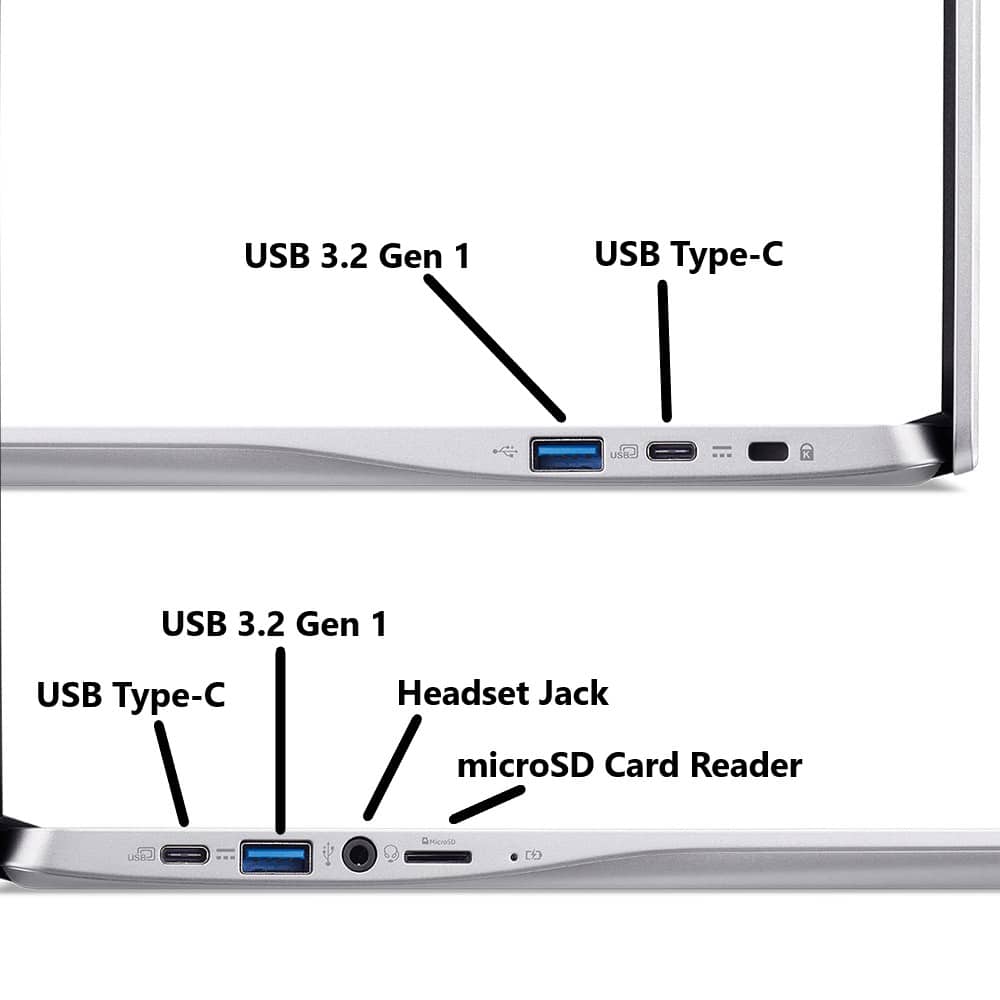
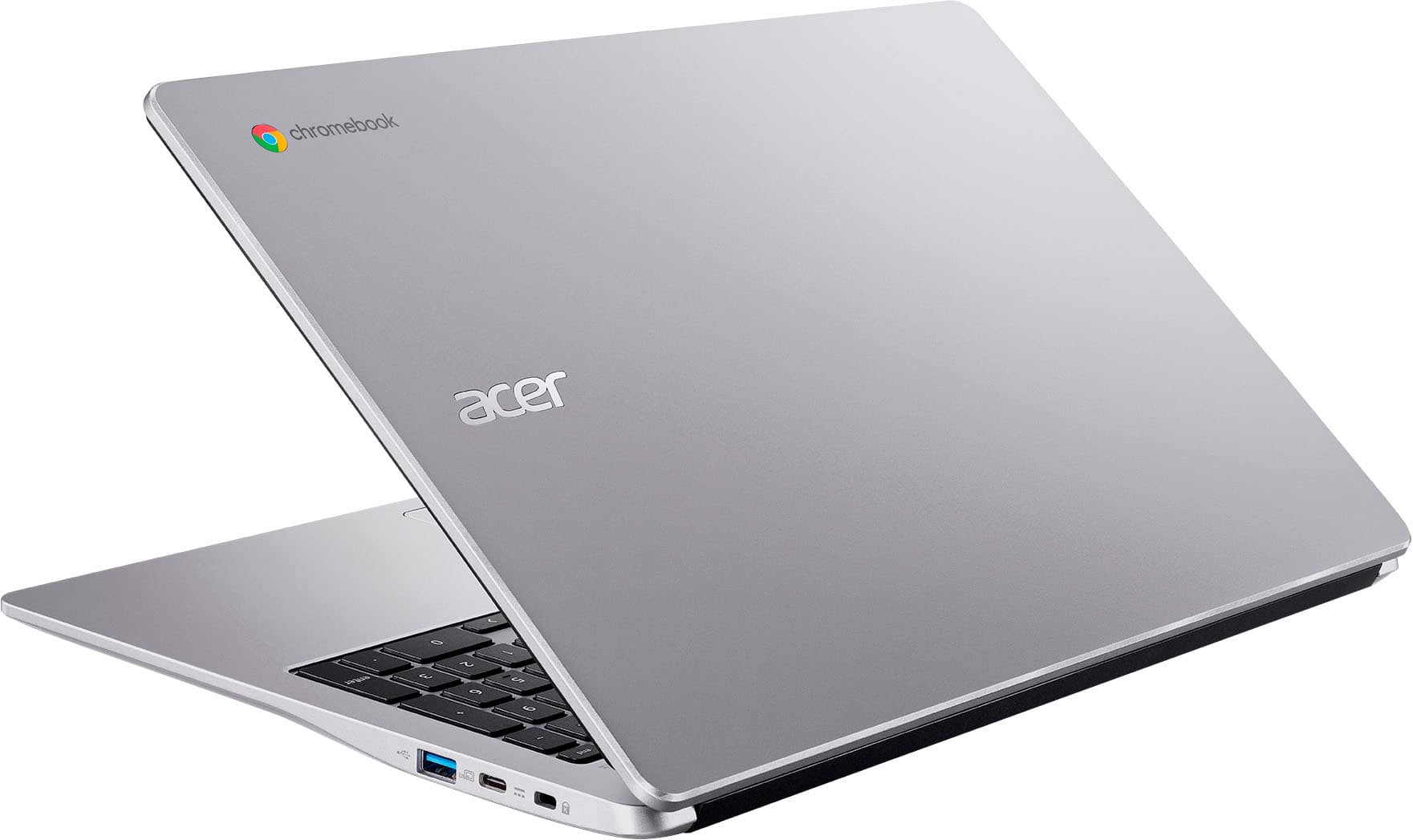
  • Questiondoes it have hdmi port

    Asked by kevvh.

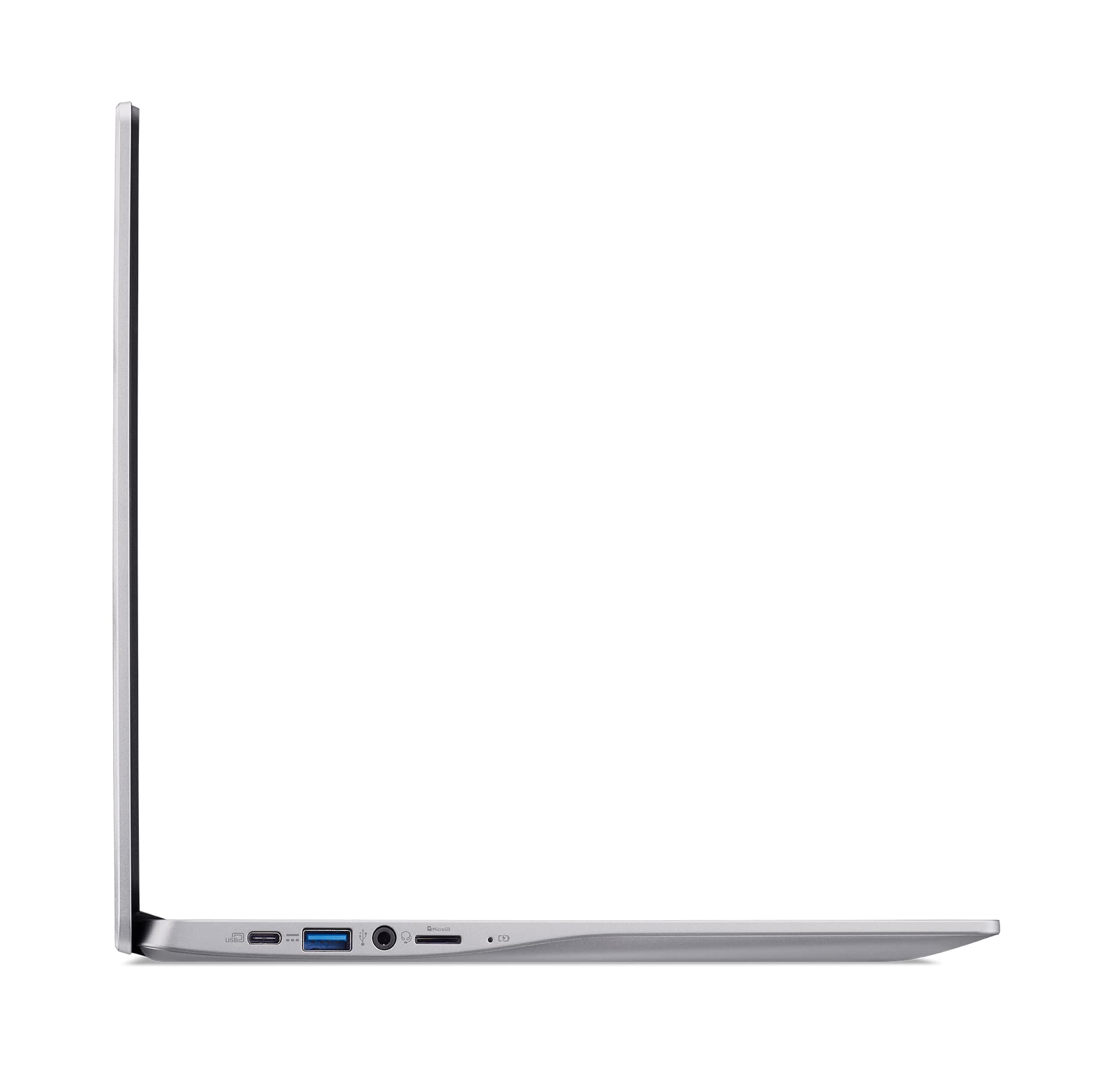
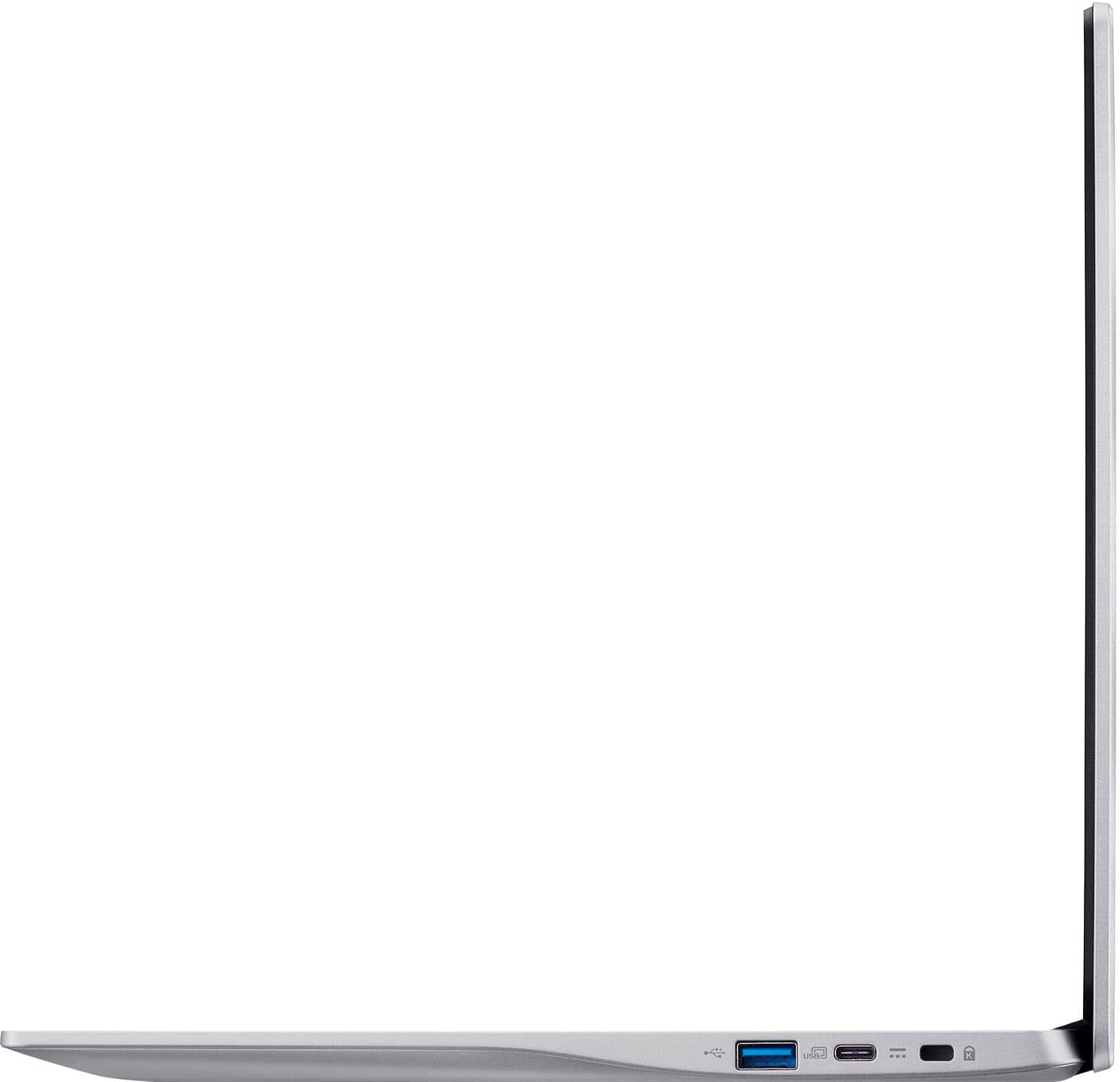
    • Answer No. This Chromebook has two USB-C 3.2 and two USB-A 3.2 ports.

      Answered by TeamAcer

  • QuestionIf the year of release is 2025 shouldn't it get auto chrome updates until 2035? According to auto update policy chrome os gets 10 years of updates.

    Asked by dee.

    • Answer This CB315-4H model family came out in January 2022. While this particular model (CB315-4H-C0BR) in this product family first came out in 2025, Google set the AUE expiration date for the product family as June 2031.

      Answered by TeamAcer

  • QuestionDoes this come with a built in webcam?

    Asked by theshark.

    • Answer Yes

      Answered by NelsonP

  • Questiondoes this chromebook have virus protection

    Asked by edlee.

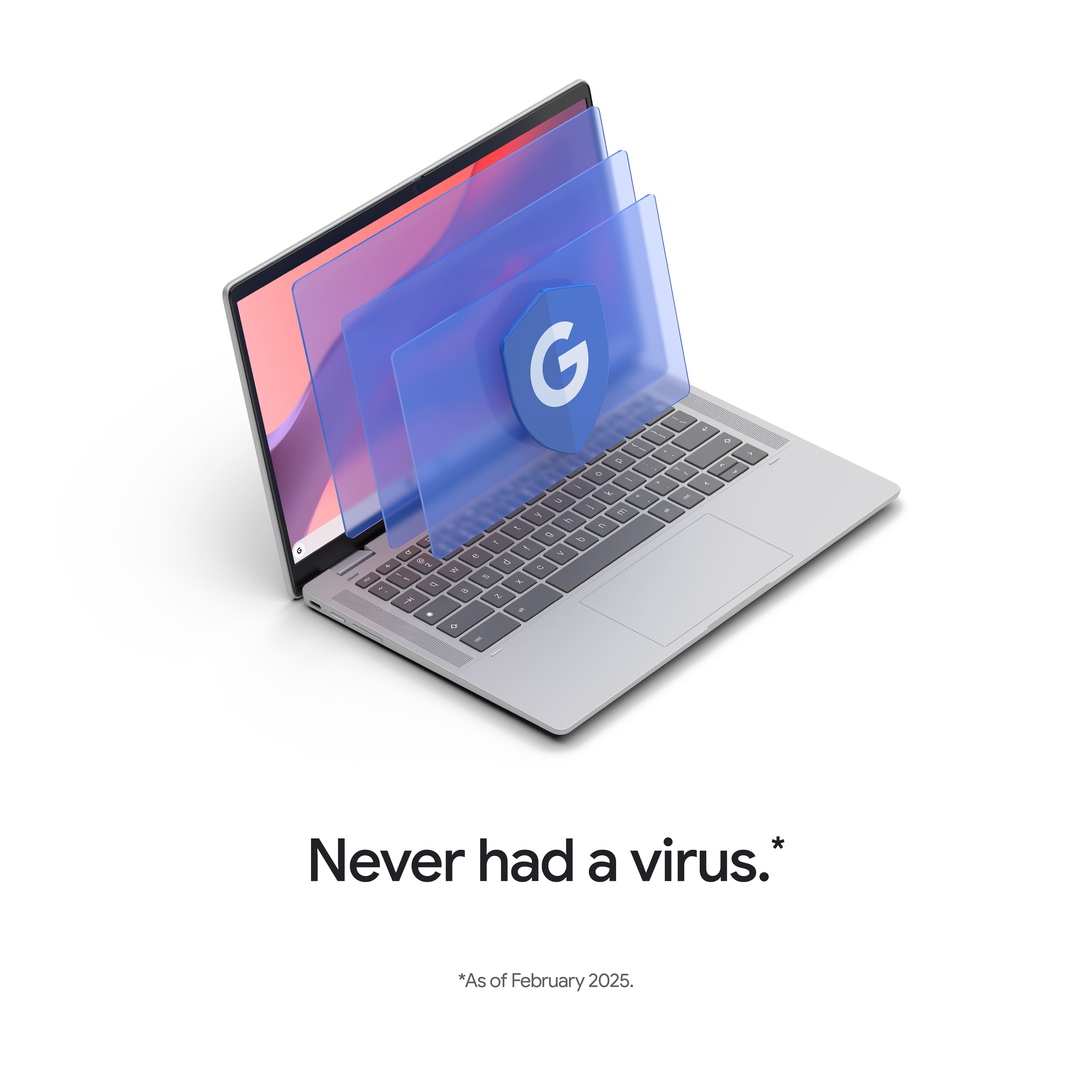
    • Answer Unlike a Windows laptop, Chromebooks do not need antivirus protection because you cannot download or run .exe files on these devices. ChromeOS is designed with security features like sandboxing and automatic updates, making it difficult for traditional viruses and malware to infect the system. However, there are some users may choose to install antivirus for an extra layer of protection, particularly against malware like malicious extensions.

      Answered by TeamAcer