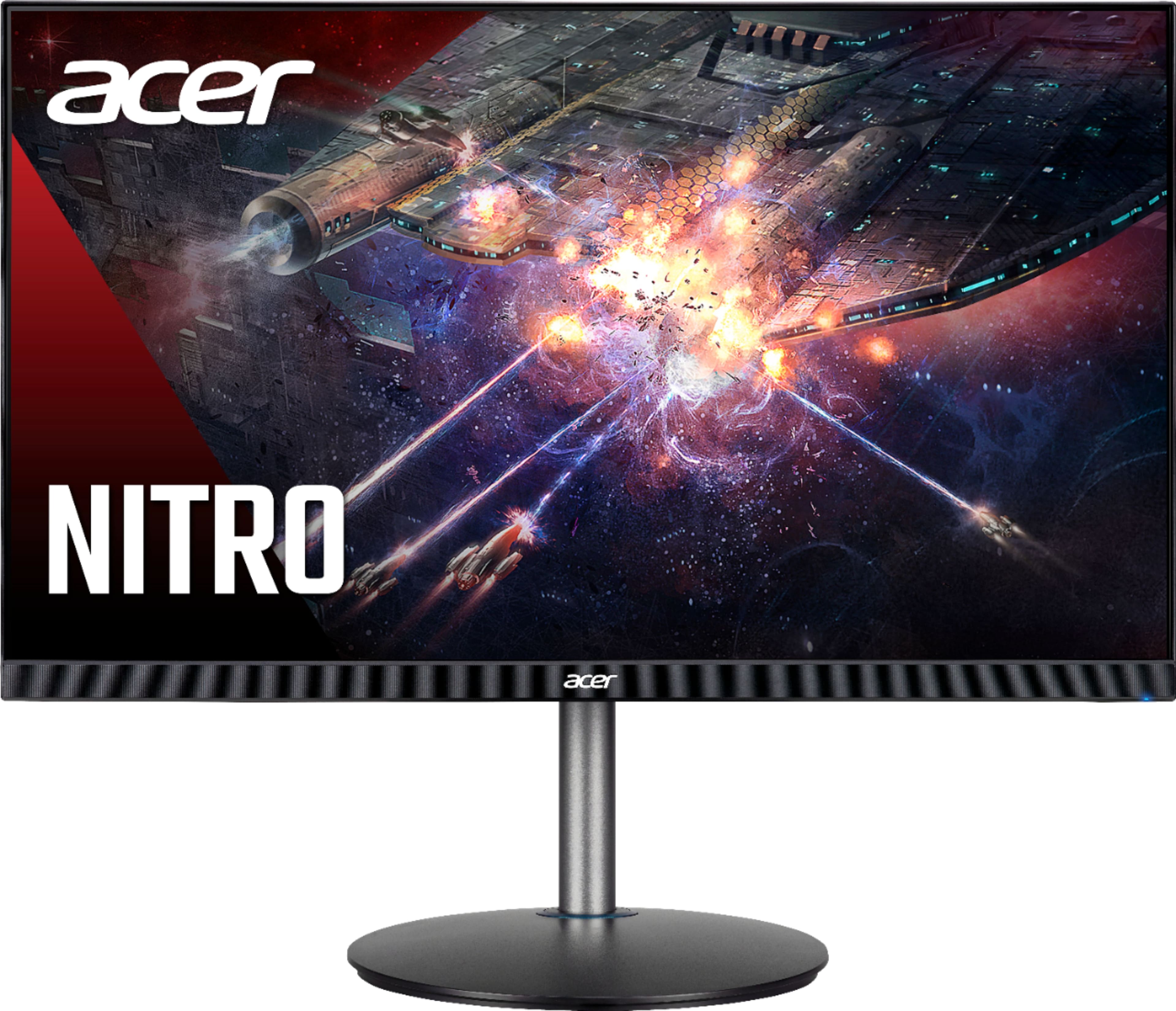
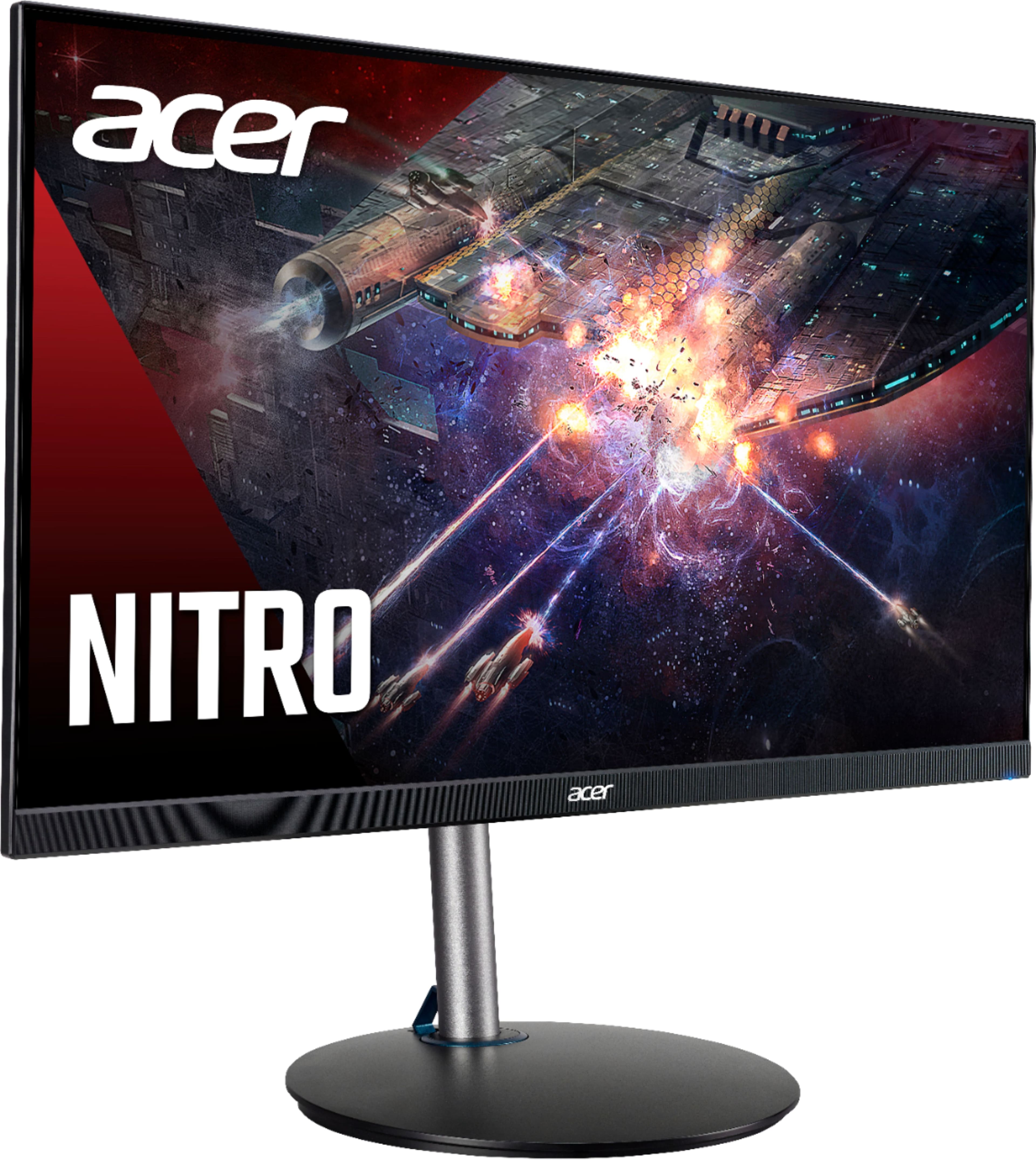
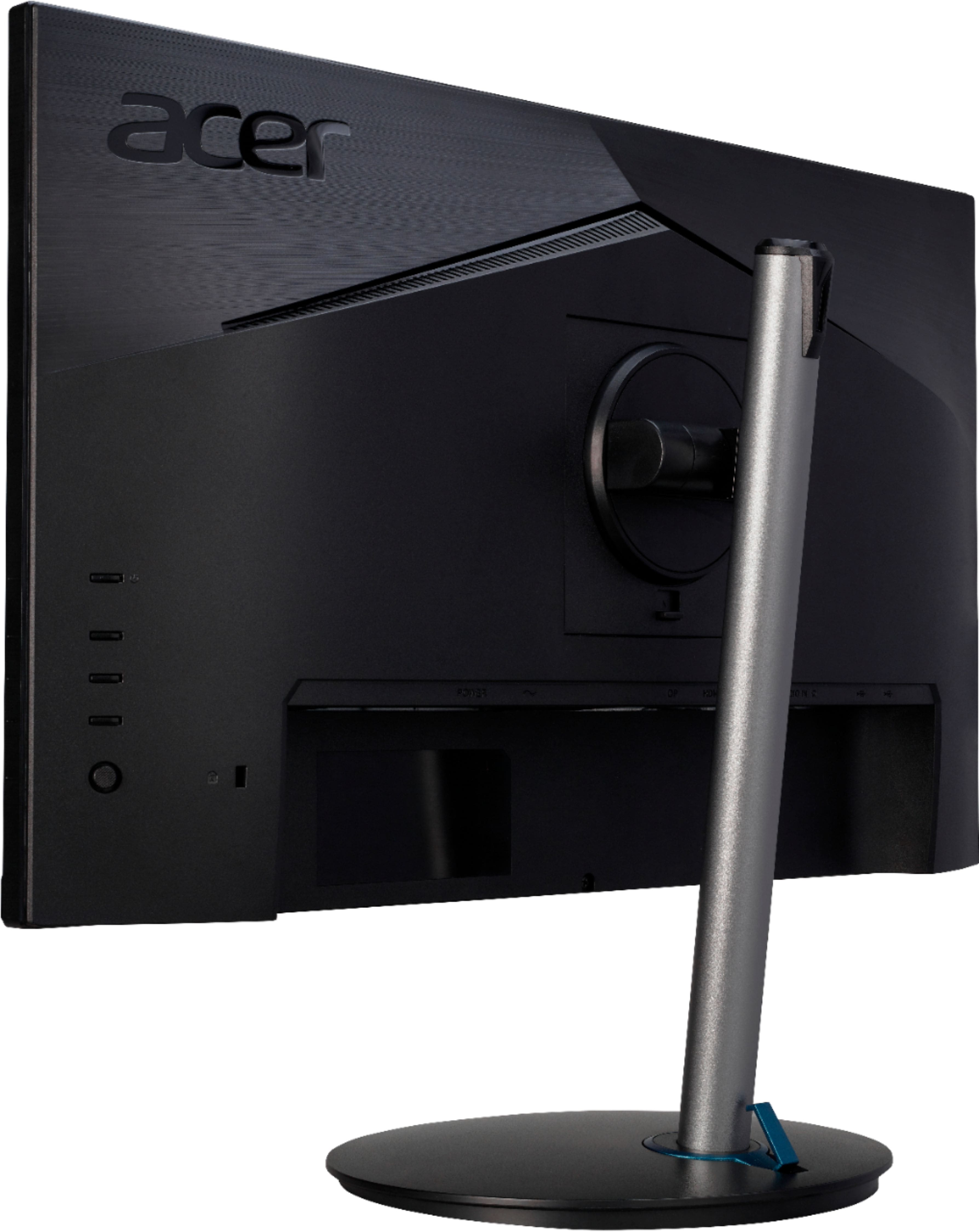
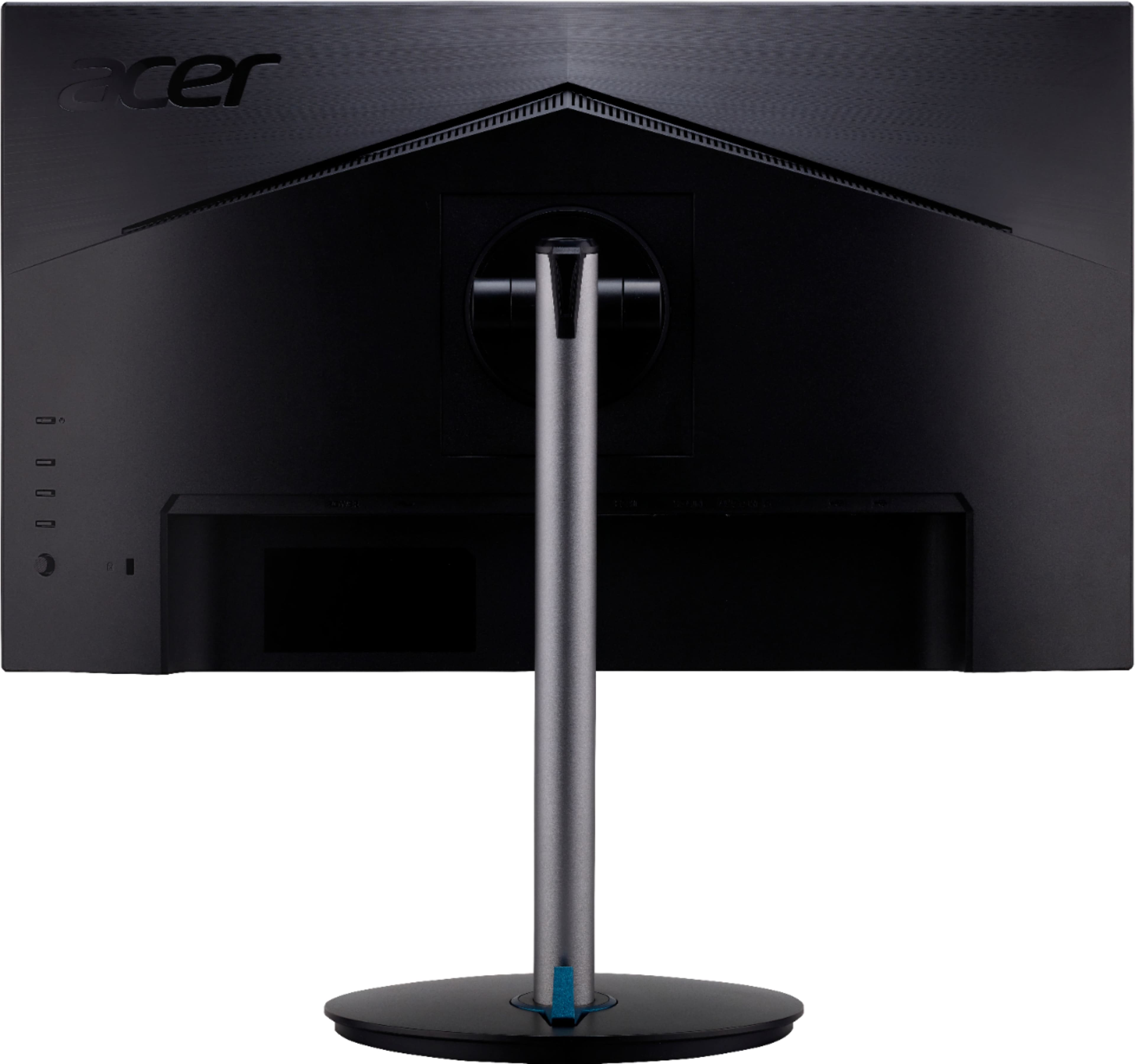
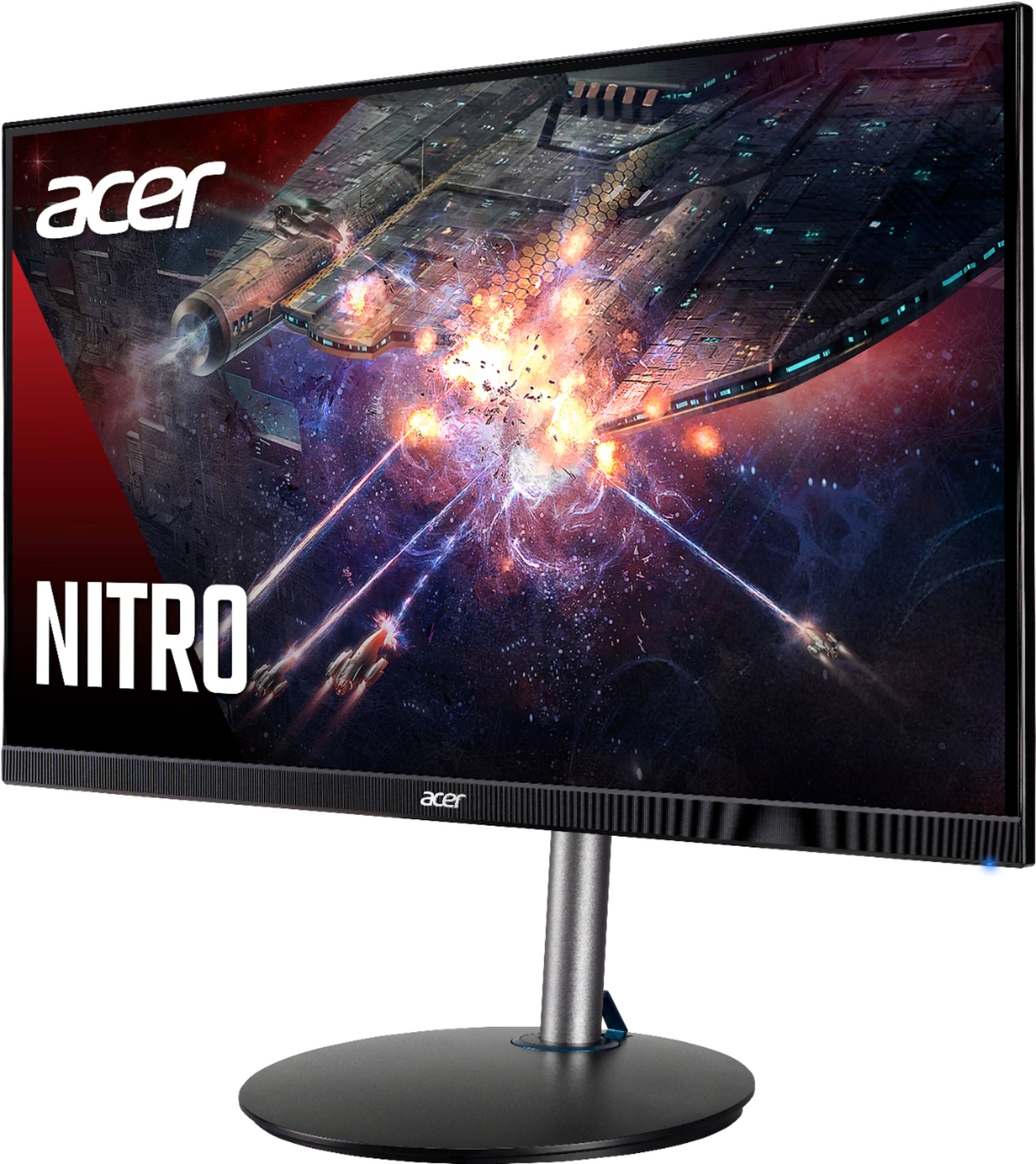
A:AnswerThe monitor is capable of receiving up to 165 FPS, so yes 120 FPS is no problem. Whether your Xbox can produce 120 FPS is a different story. Refresh rates and FPS are two different things. A GPU or graphics card produces FPS while the monitor refreshes the screen a set number of times.
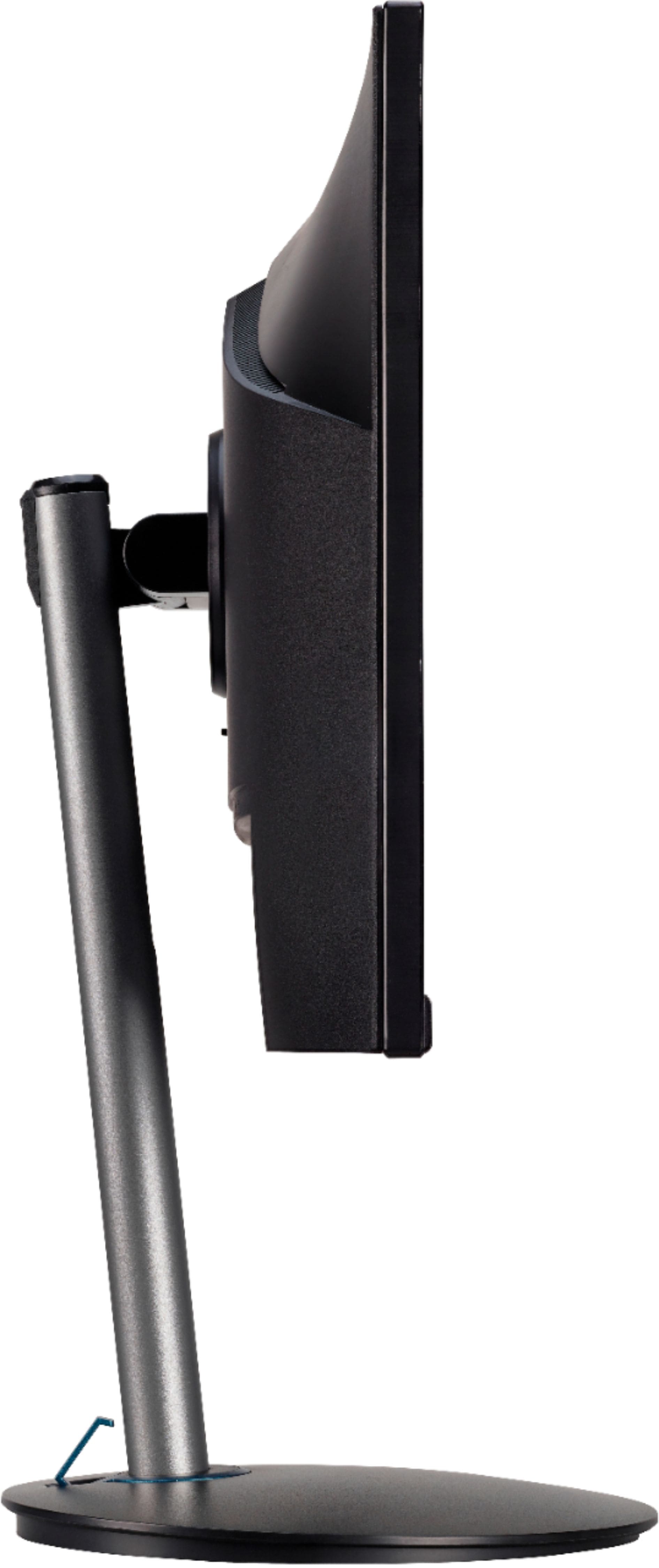
A:AnswerIt's adjustable. Once you have it set up it's 19.5" tall. It's easy to lower by just pressing down on the top of the monitor and it just slides down almost to the base.
A:AnswerThis is not a gaming system. Whatever your PC or console puts out is how much you can get. This monitor pushes 165 hz meaning you can seem up to 165 if you gaming system can do so.
A:AnswerResolution is set under the display properties on the PC/laptop to which it is connected. The native resolution is 1920 x 1080 and if it is not on this resolution, it can look distorted or not fill up a screen. If the resolution is set at the native default, please contact Acer support at 866-695-2237.
A:AnswerThis is a monitor only, not a PC. The monitor should work fine for gaming but you'll need to compare the computer specs against the system requirements for any game you want to run, for best results.