A:AnswerIt is not advised to mix and match ram of different memory sizes. If you want to upgrade the ram it would be better to either use another 4gb stick or remove the current 4gb stick and use a single 8gb stick.
As for what kind of memory to use, it doesn’t really matter. I recently purchased a PNY 8gb stick to compliment the stock 8gb stick, bringing the total up to 16gb. Computer works just fine now. Make sure when doing the upgrade to discharge your static electricity and unplug the battery from the motherboard before removing or inserting a stick.
A:AnswerThis laptop should easily run fortnight at 60fps. I run the new COD at 60fps on high settings. I did increase the RAM from 8gb to 16gb however. Fortnight isn’t as demanding of a game though, so 8gb should be plenty to get started.
A:Answeri upgraded mine using the corsair vengeance kit (8GBx2), but the 32GB kit (16GBx2) would work as well for your needs. As far as storage goes, i bought a 1TB sandisk m.2 SSD and installed it, works wonders :)
A:AnswerI run the new COD game at high settings averaging 60fps. I did however increase the systems ram to 16gb. This laptop is a very decent budget gaming laptop. I am very impressed with it.
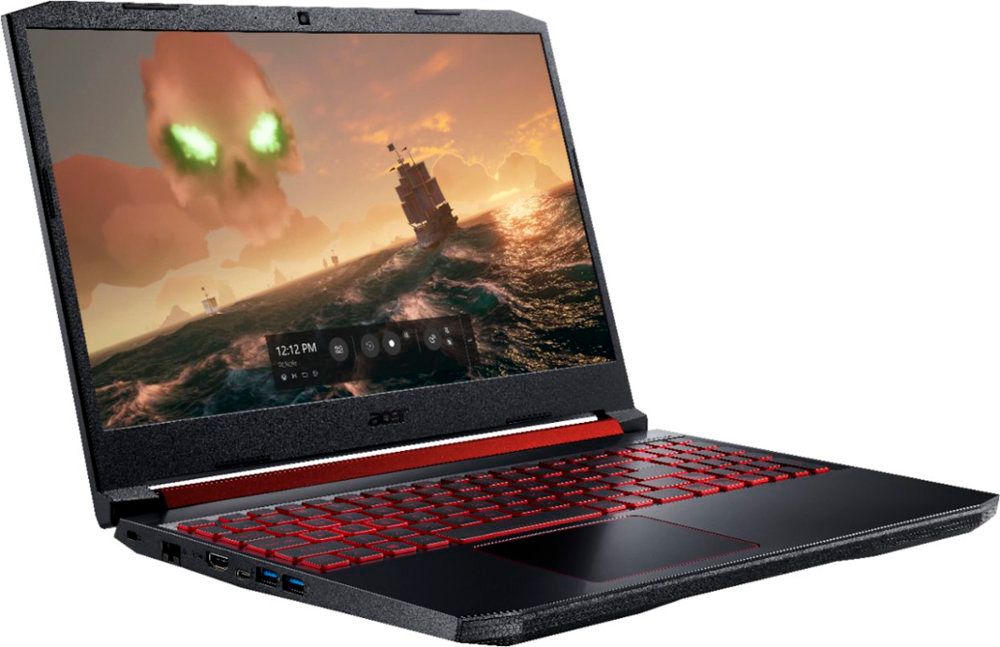
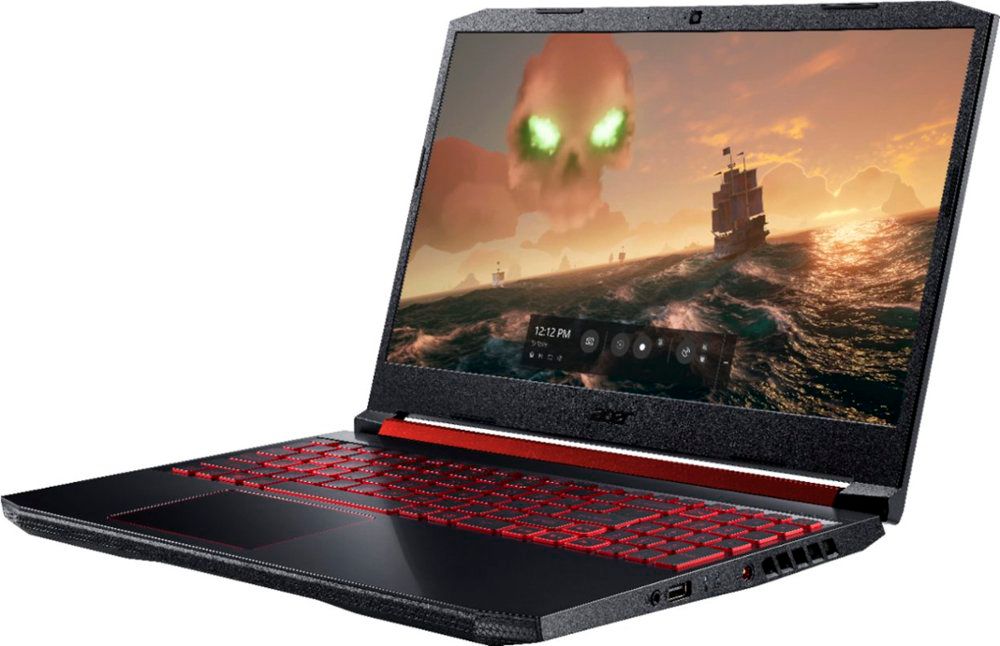
A:AnswerYes. This laptop has two M.2 slots so you can install two SSD drives. This ships with one M.2 SSD and has one more PCIe M.2 slot available, so you can have two drives.