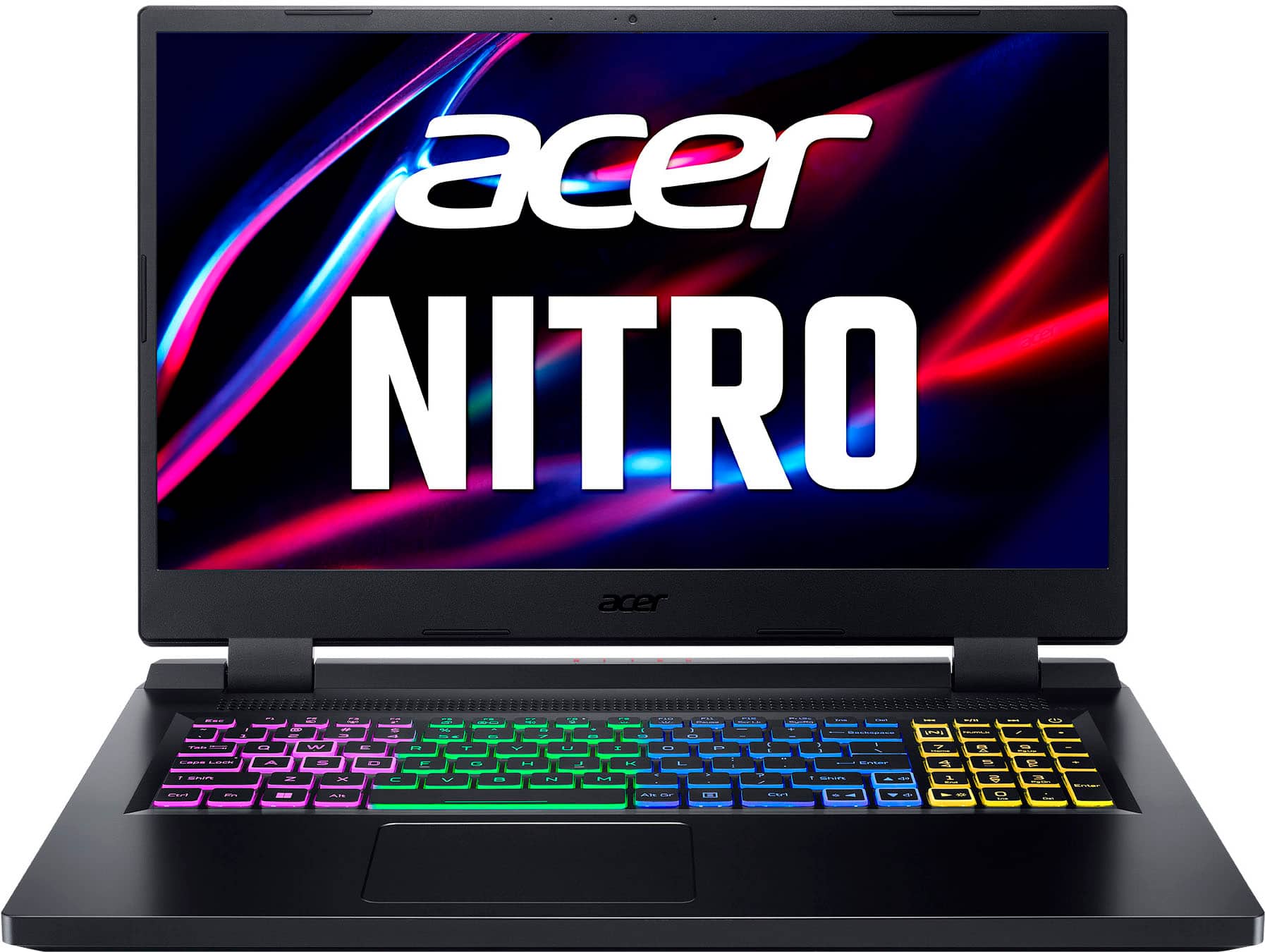
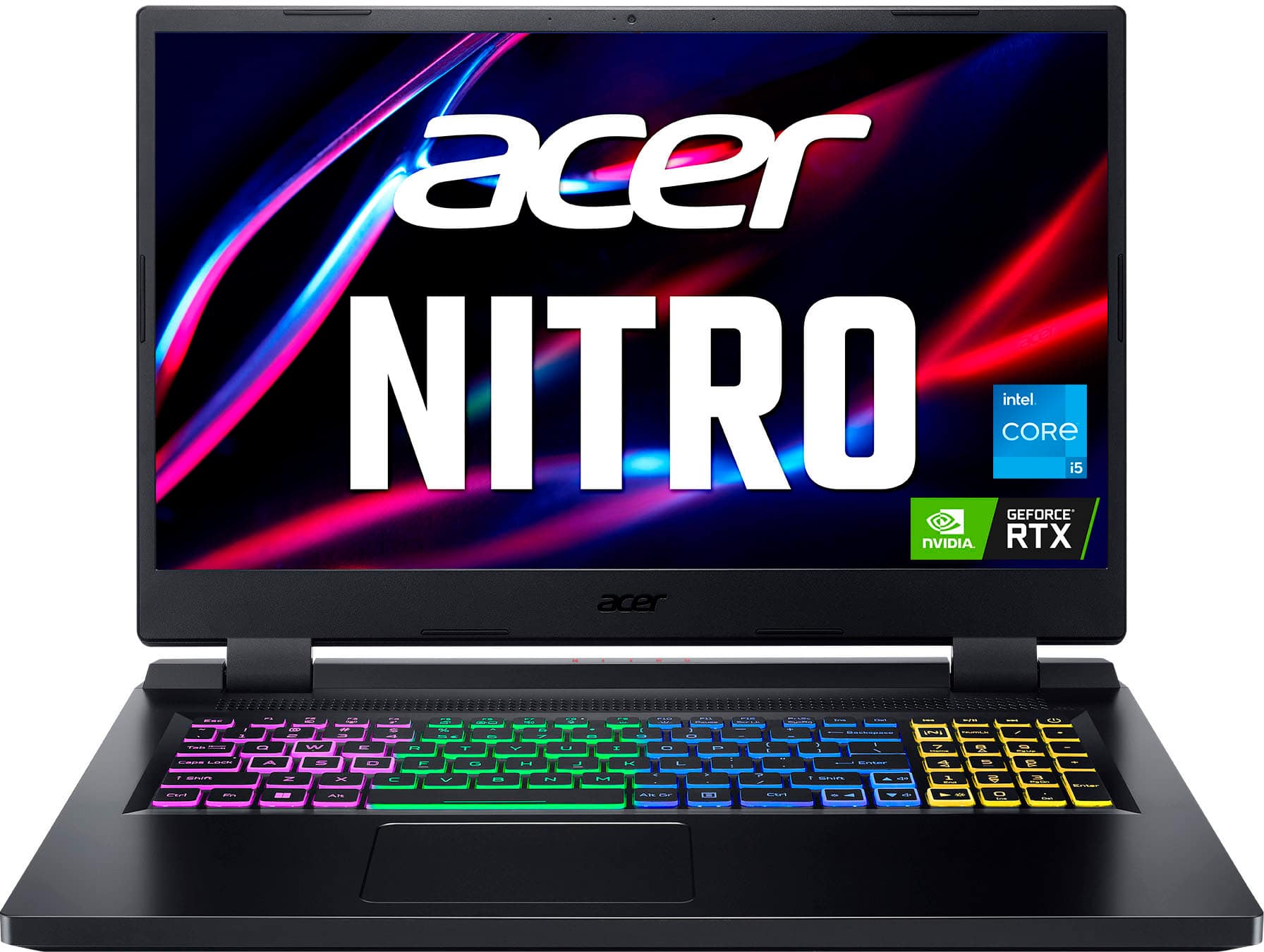
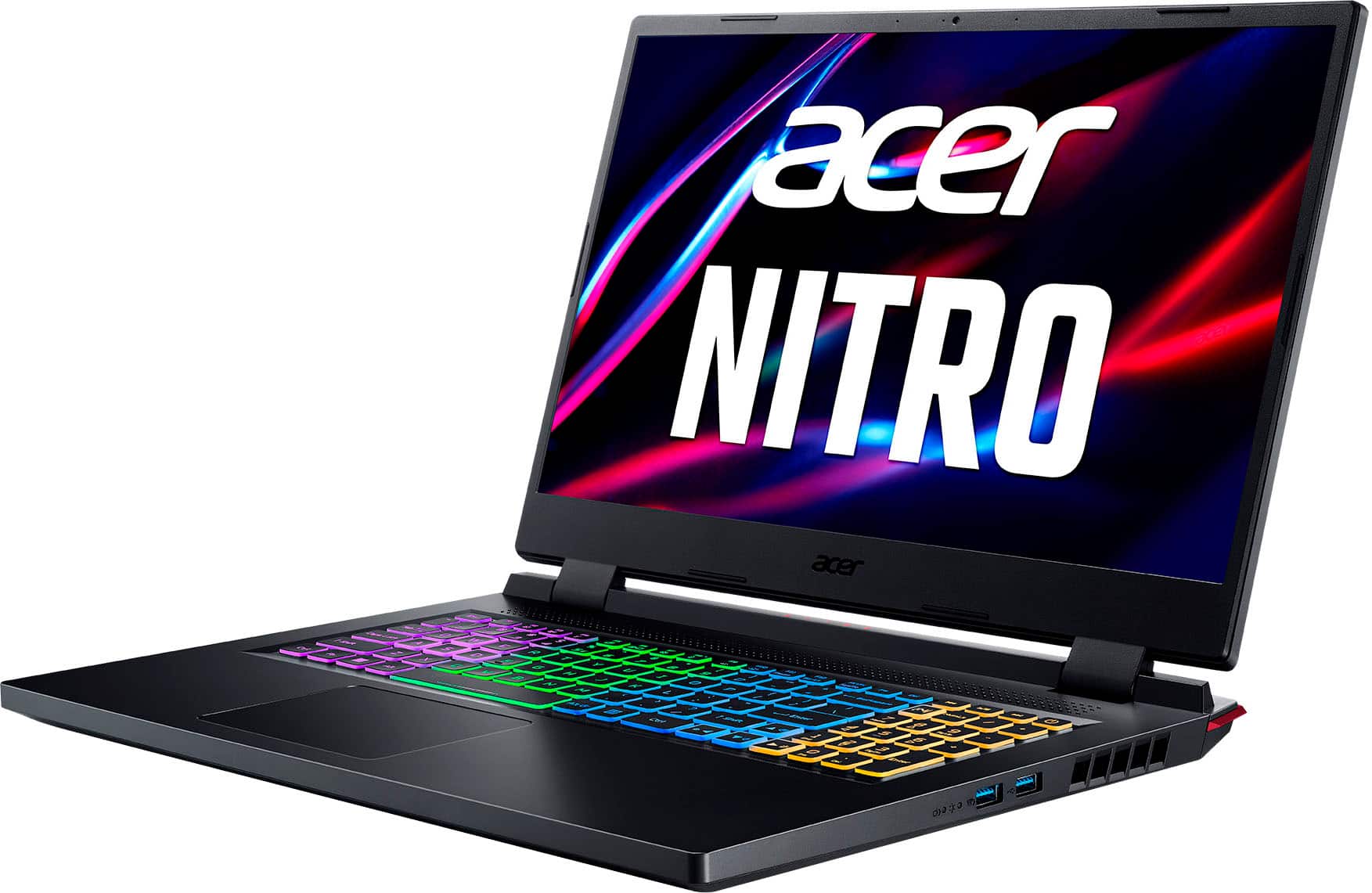
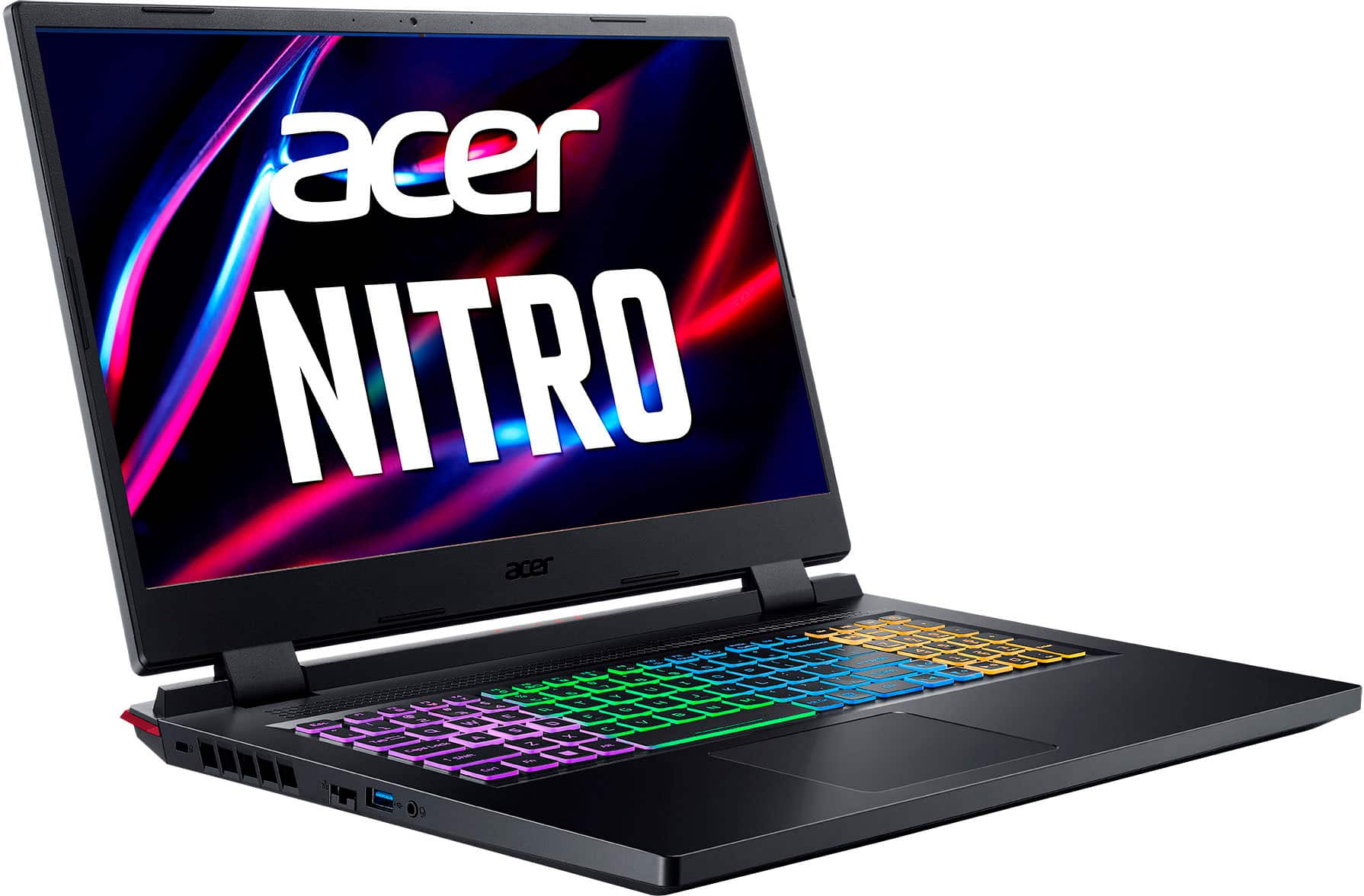
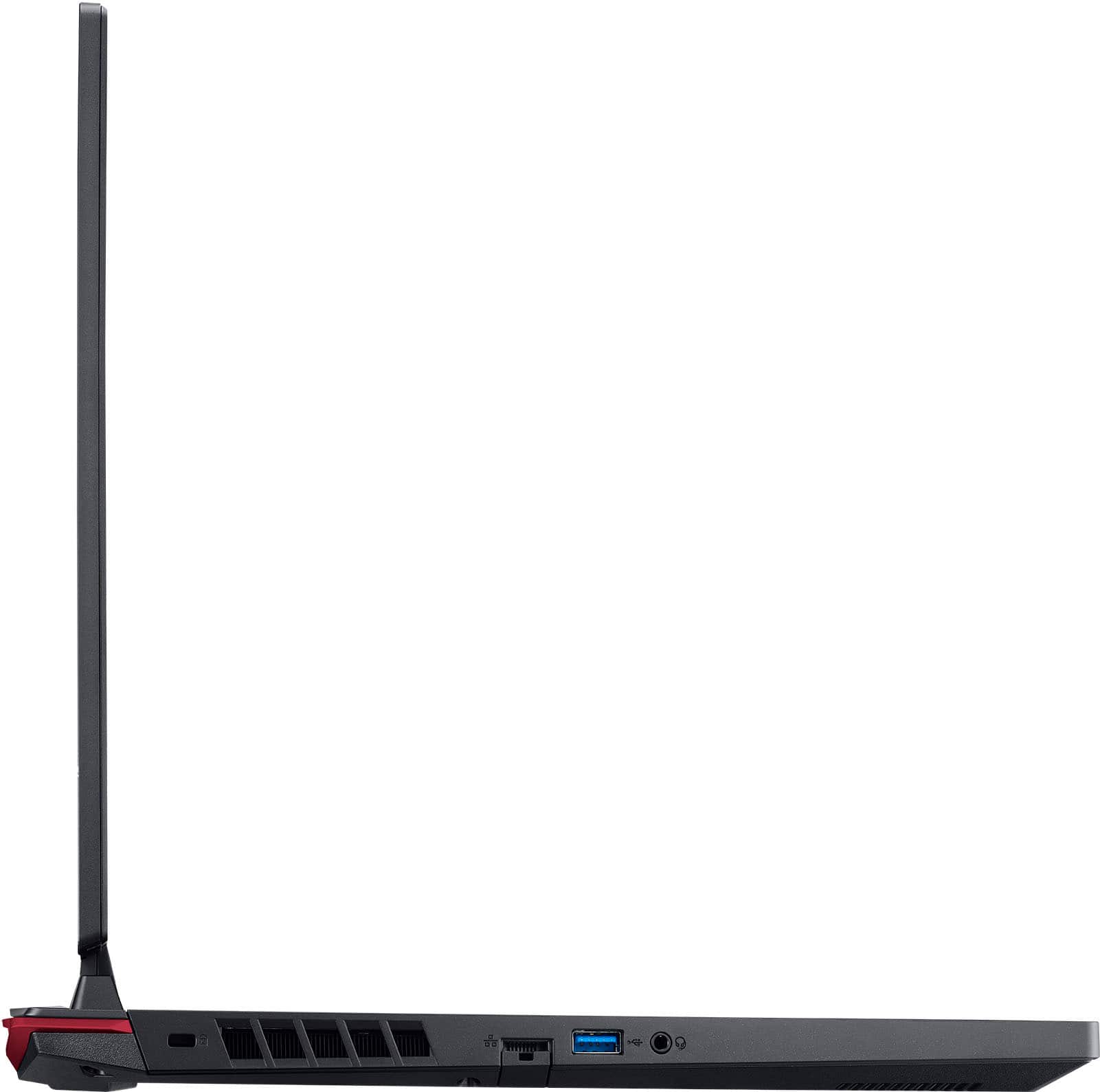
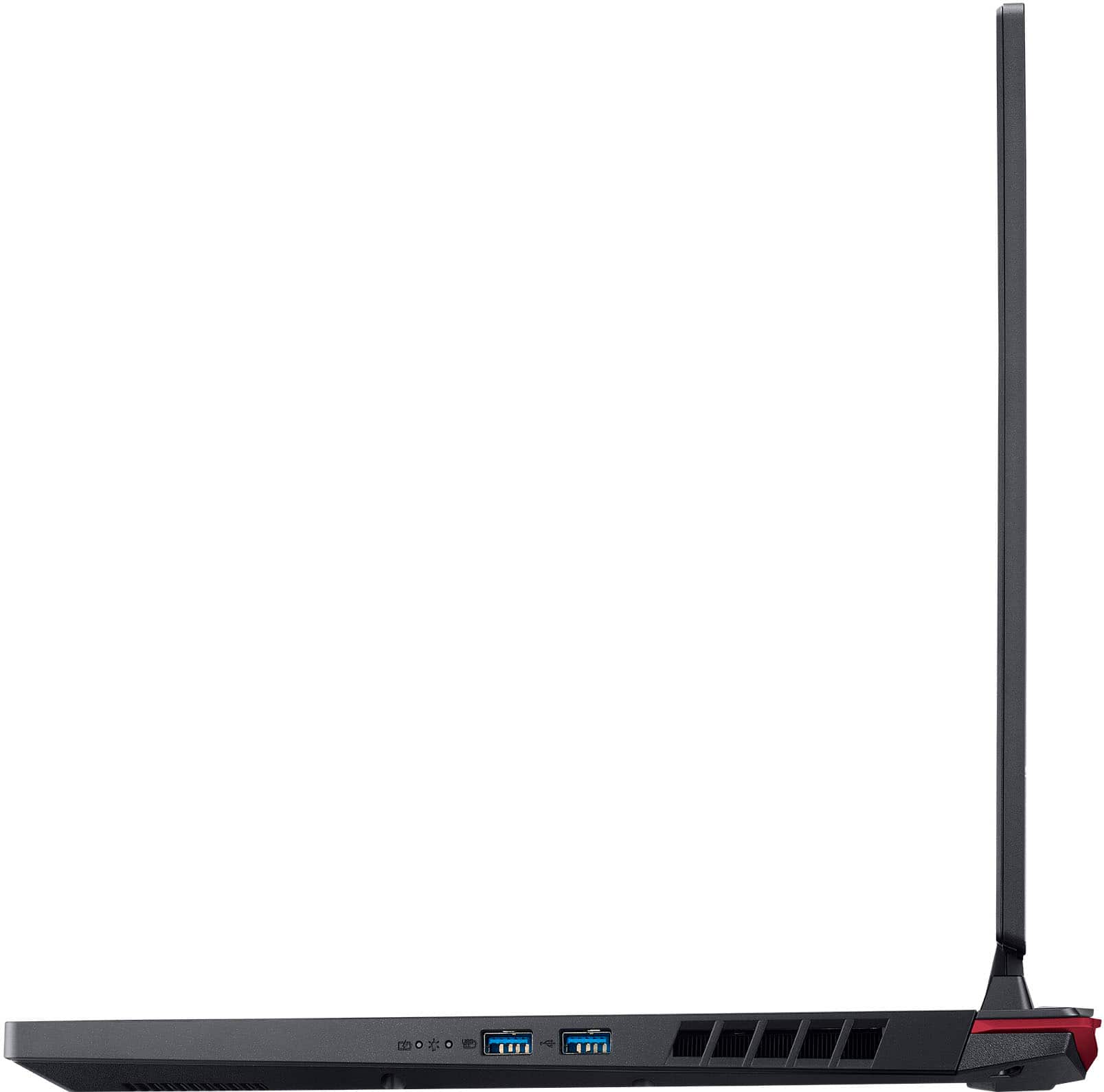
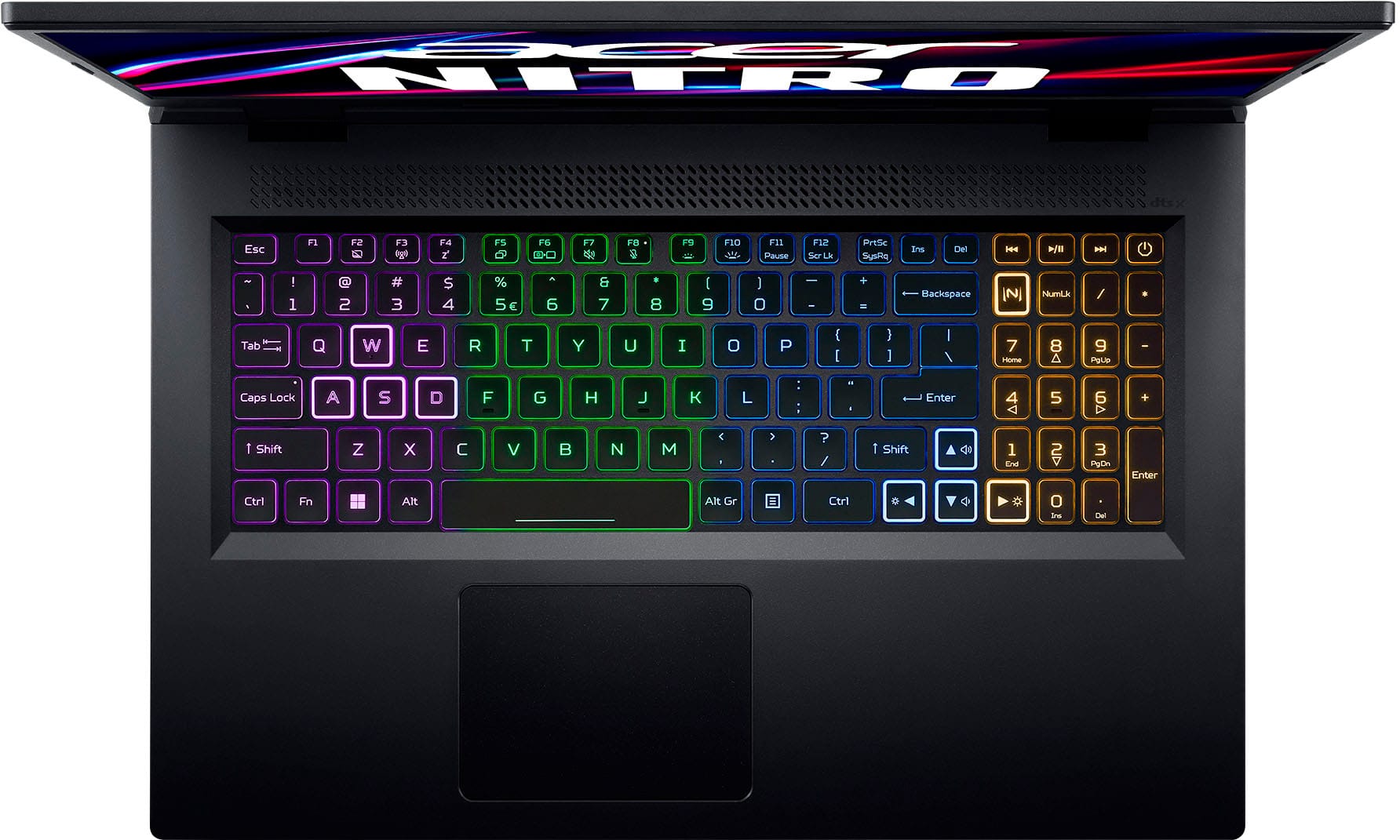
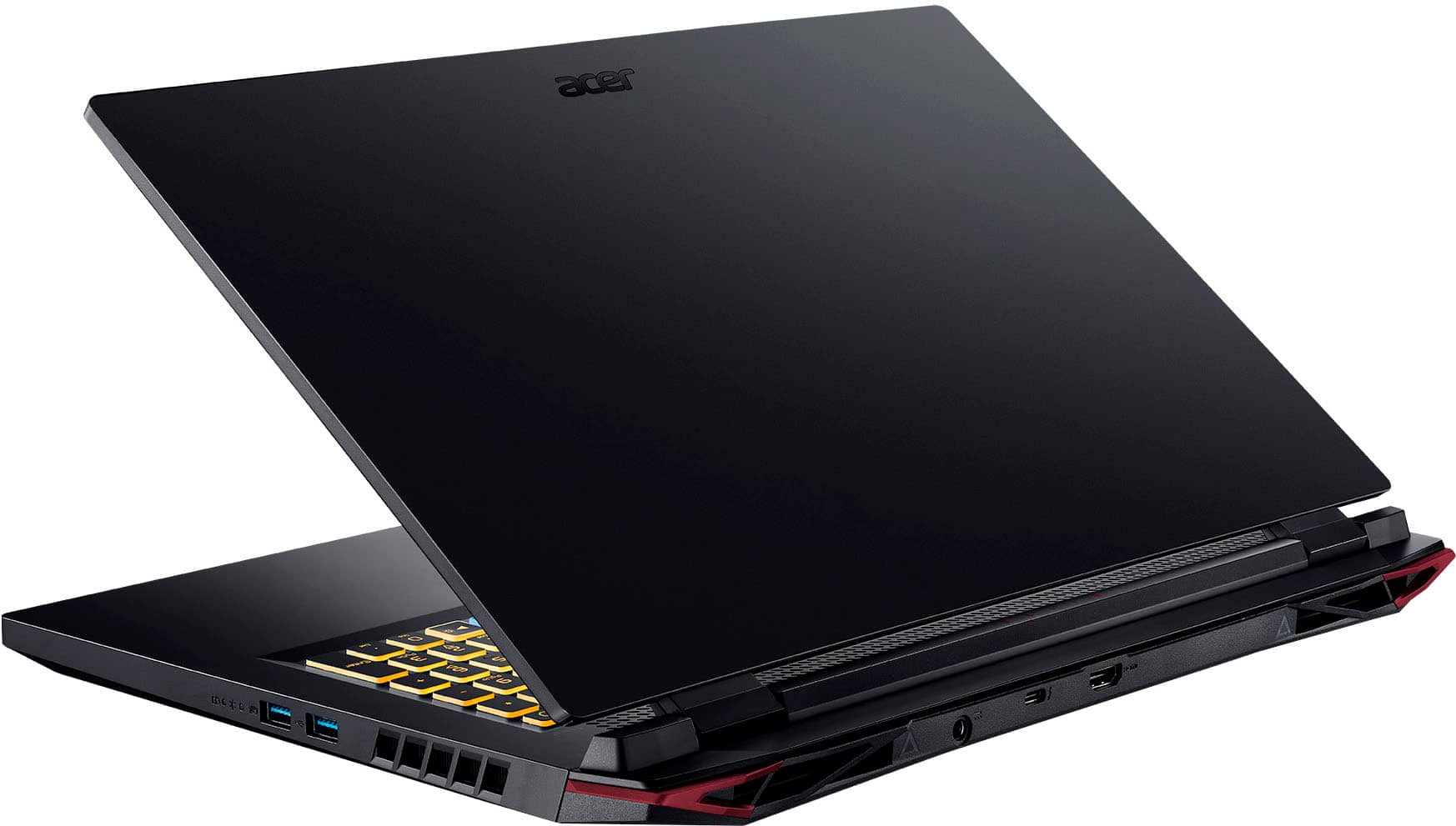
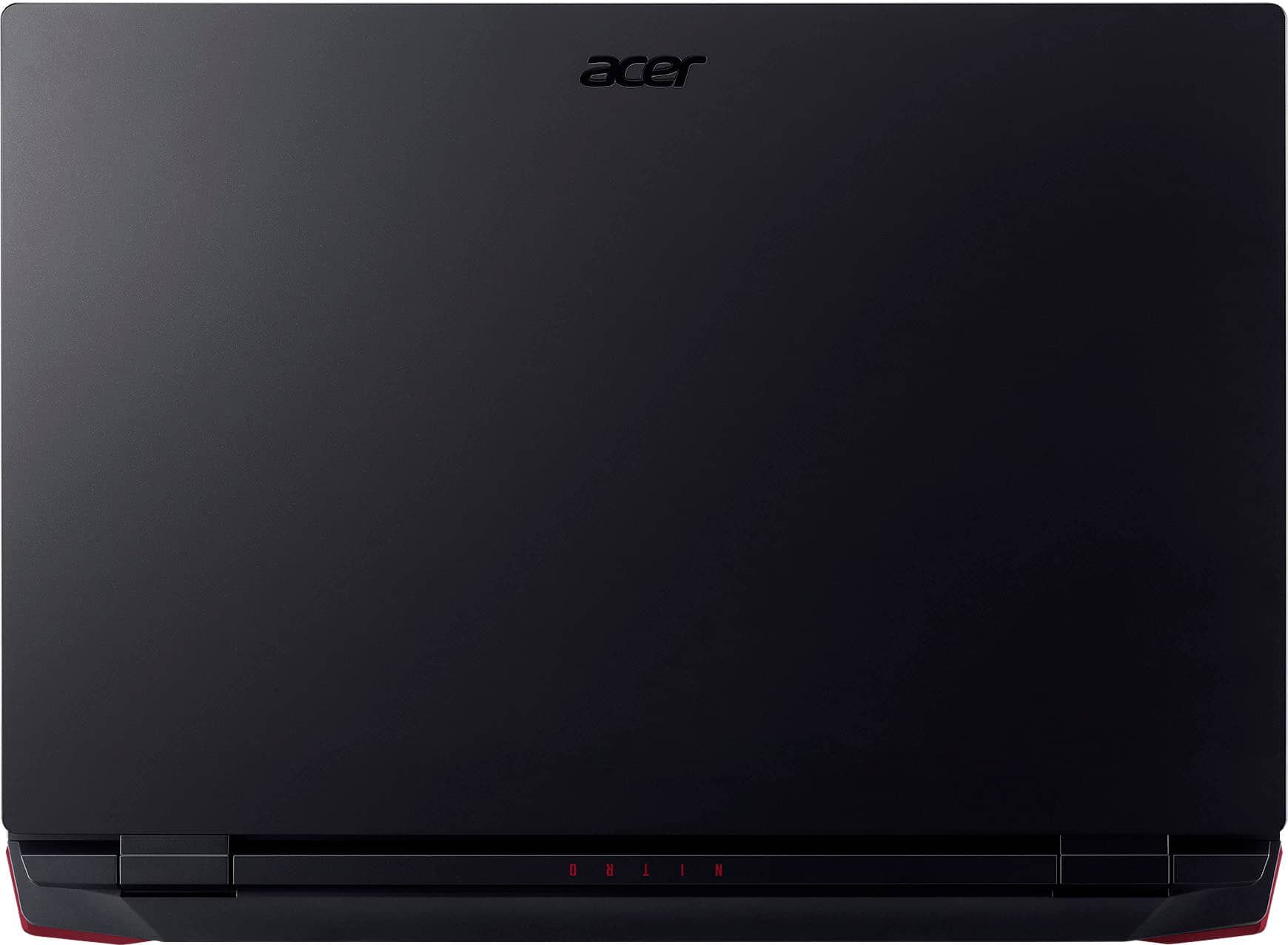
A:AnswerThis Nitro laptop gets anywhere from 60 to 144 FPS depending on the game and settings. This laptop is a very capable entry-level budget gaming laptop.
A:AnswerThe Acer AN517-55-5354 laptop has two M.2 2280 SSD slots. Both slots support PCIe Gen 4 x4 NVMe SSDs and are capable of supporting RAID 0 or RAID 1 configurations.
A:AnswerIt is not possible to upgrade an Acer Nitro 5 laptop with an internal touchscreen panel. The motherboard and video interface are designed for non-touch displays and do not have the necessary hardware or connections to recognize touch input.
A:AnswerThis Acer Nitro is a gaming laptop but with any laptop, we recommend you check the system requirements of any game or software to make sure the laptop specs meets or exceeds those requirements.