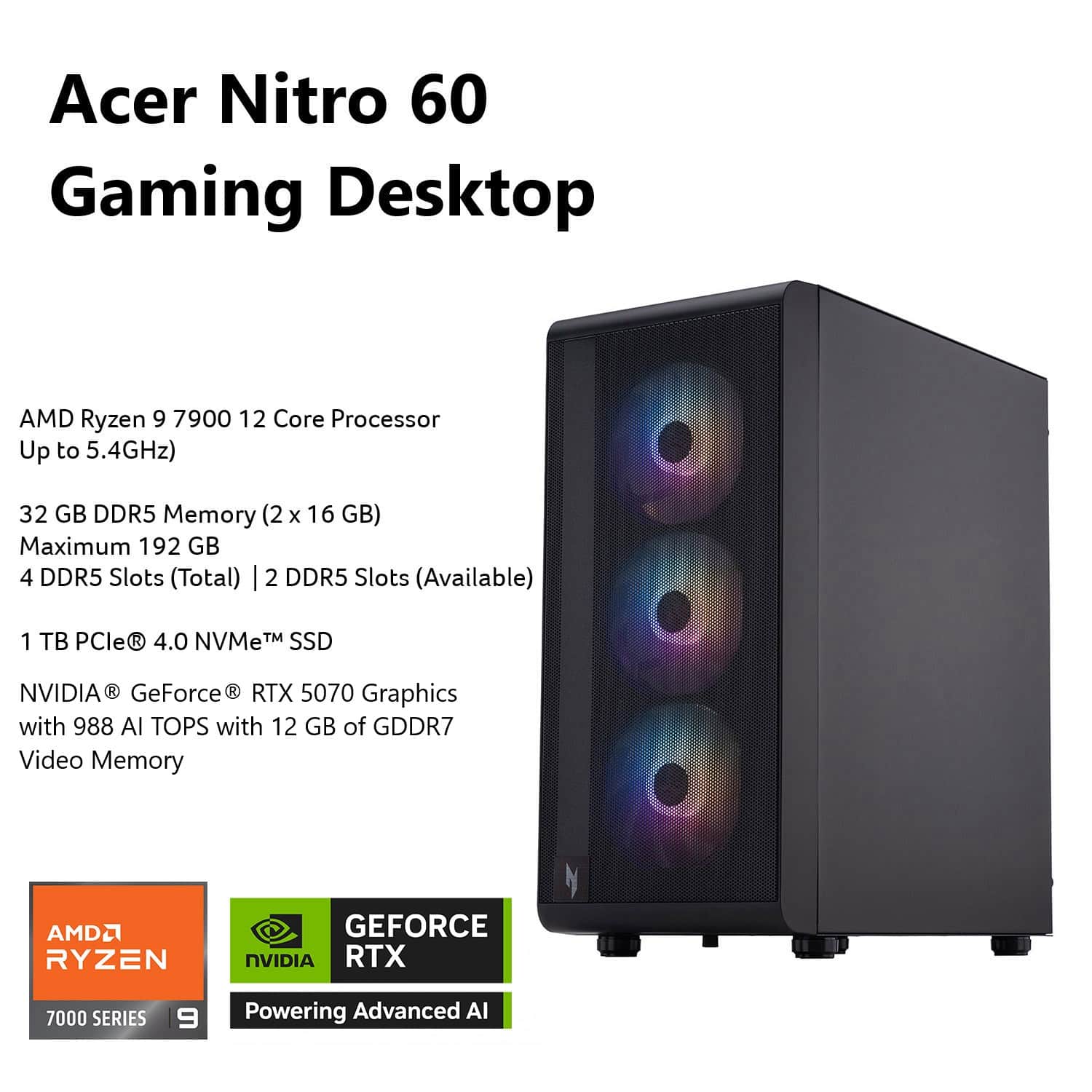
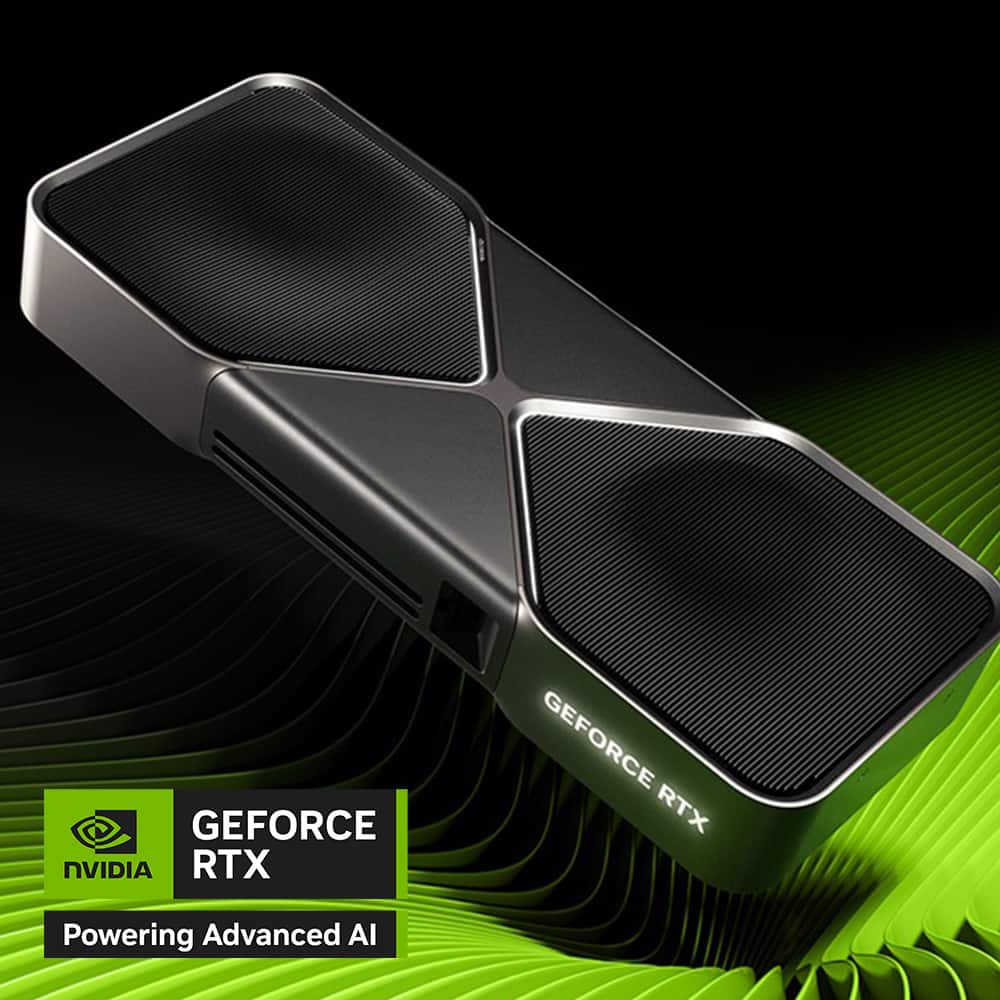
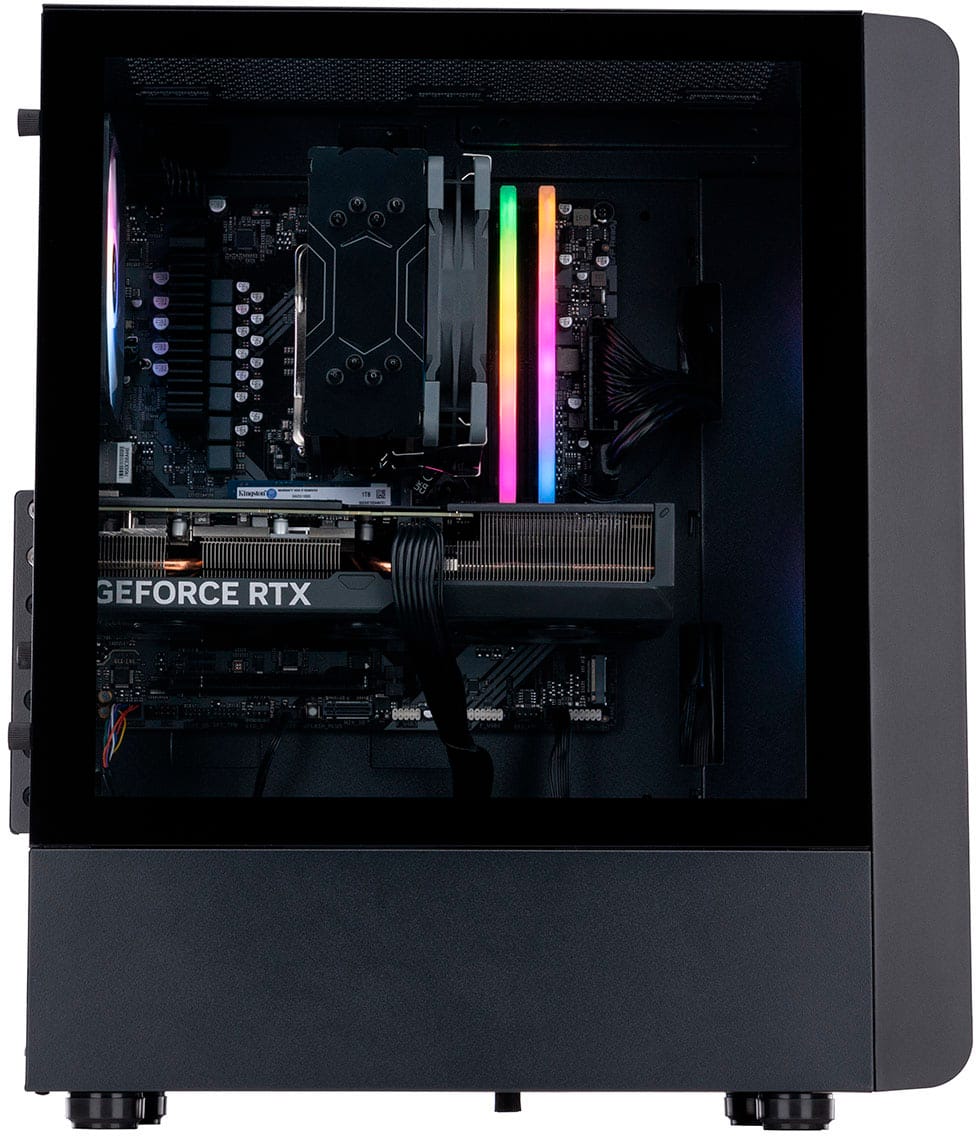
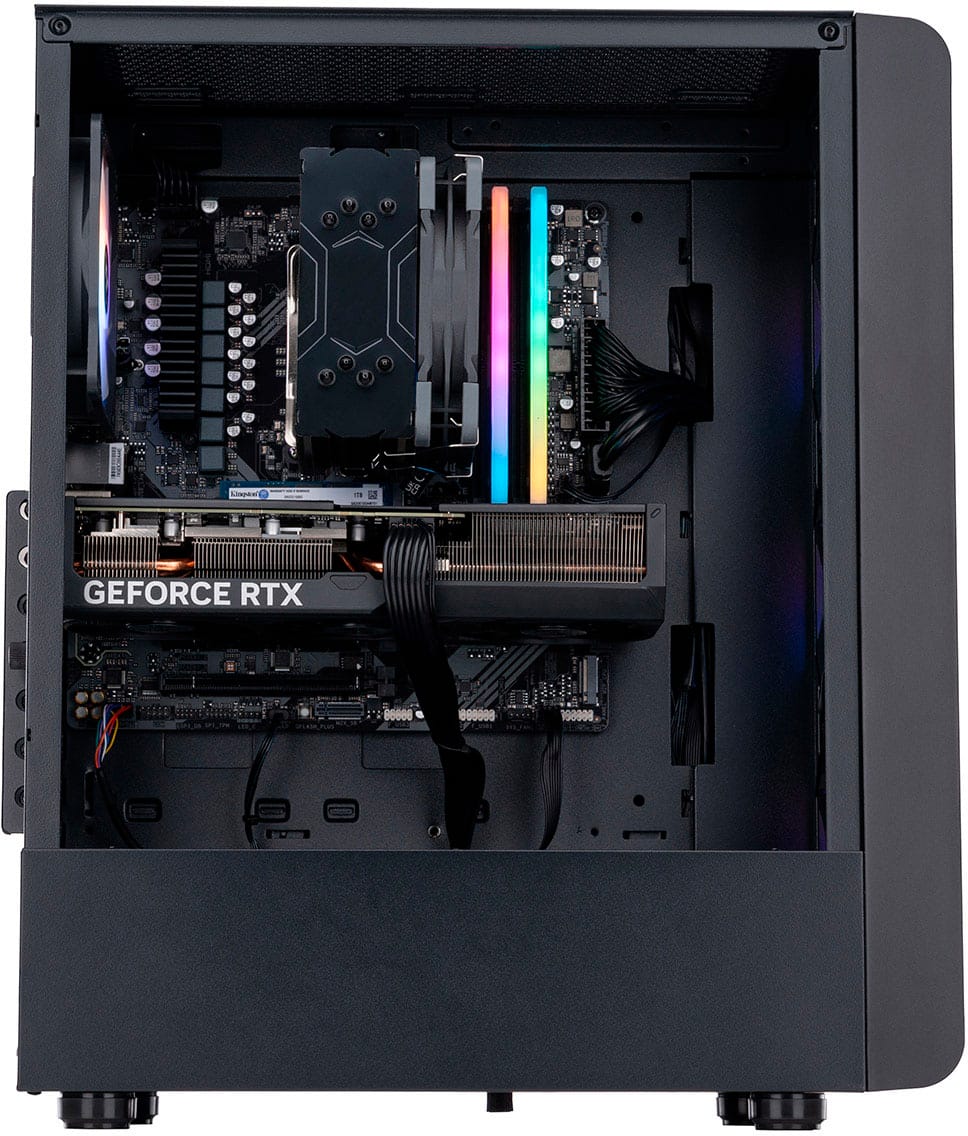
A:AnswerNo, you cannot upgrade the GPU in the N60-180-UB33 because it is a soldered component, meaning it is permanently attached to the motherboard and not designed to be user-replaceable
A:AnswerYes, the N60-180-UB33 desktop can have its SSD upgraded. This system has an M.2 NVMe SSD and features three M.2 slots, allowing for both replacement and the addition of more high-speed storage.
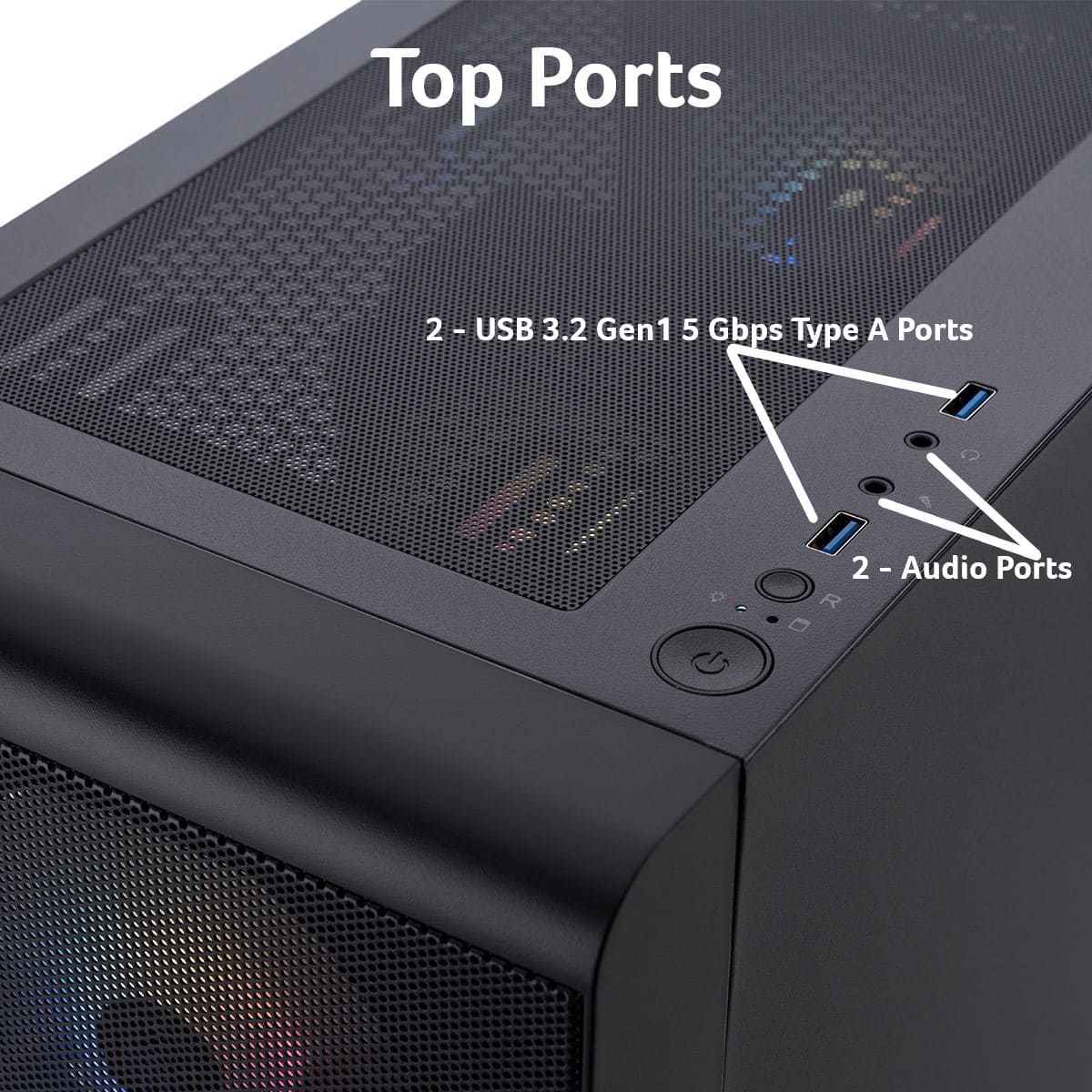
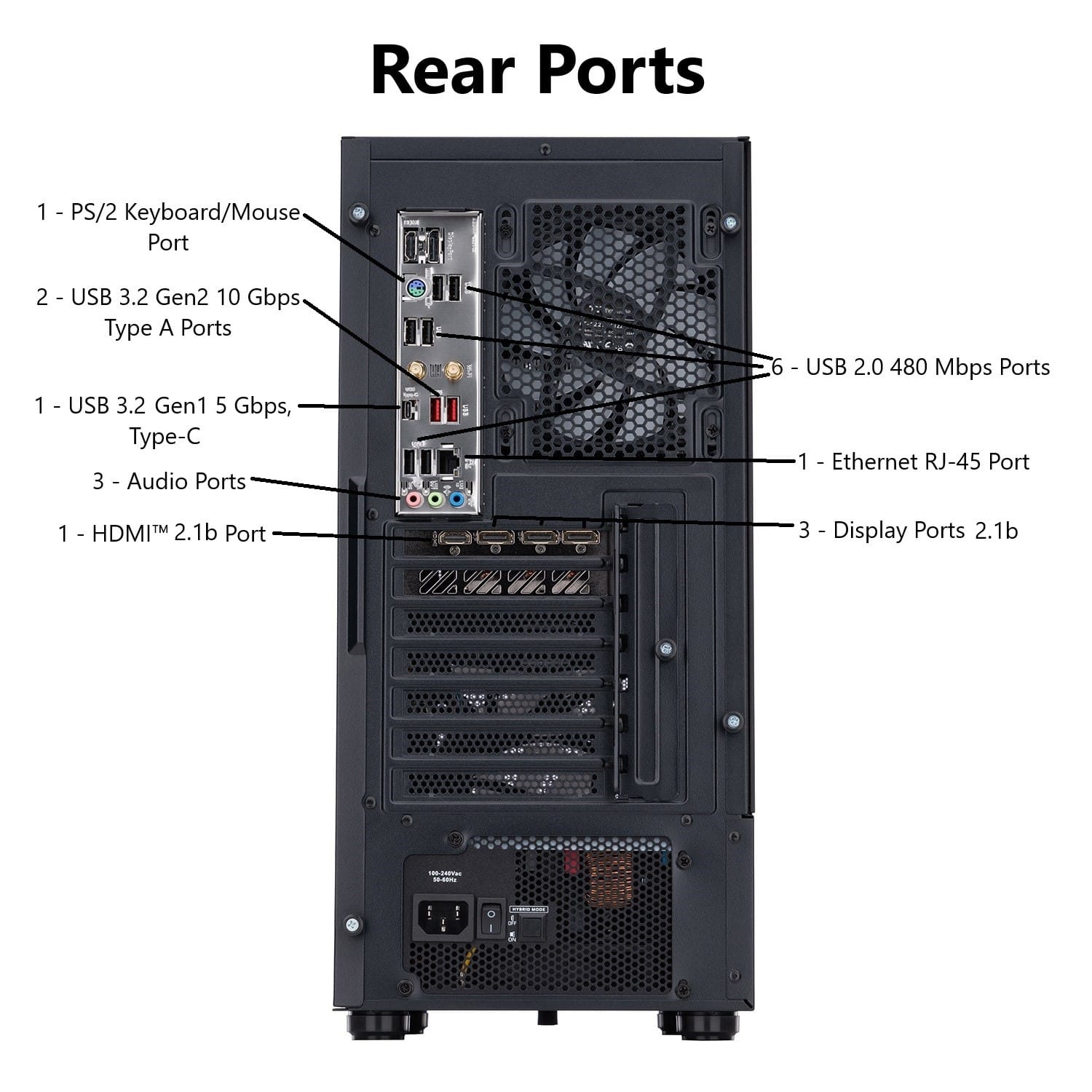
A:AnswerYes, the system has an audio out port and is designed for use with gaming headsets that often use a single 3.5mm combo audio/mic jack or connect via USB or Bluetooth.
A:AnswerThis PC should have three display ports. If you are unable to use them, please contact our support team at 866-695-2237; they are available to assist 24/7 for in-warranty products.
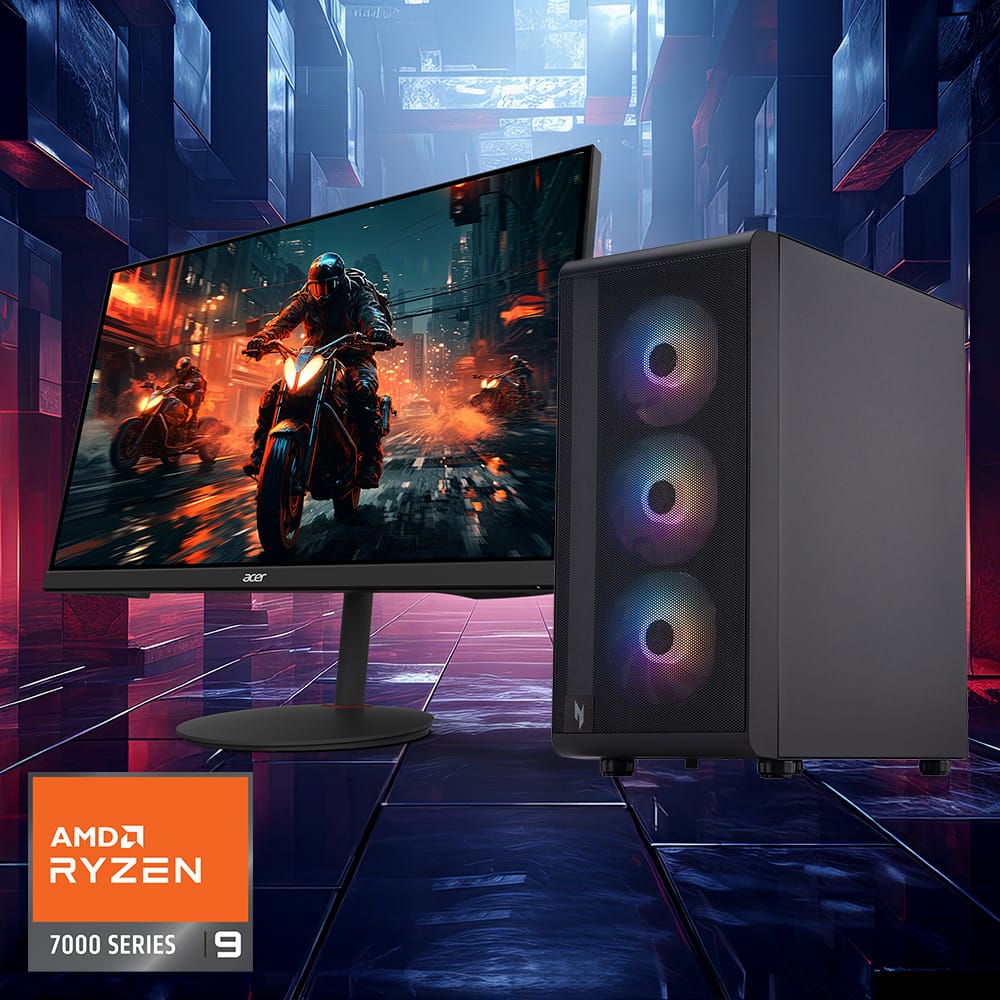
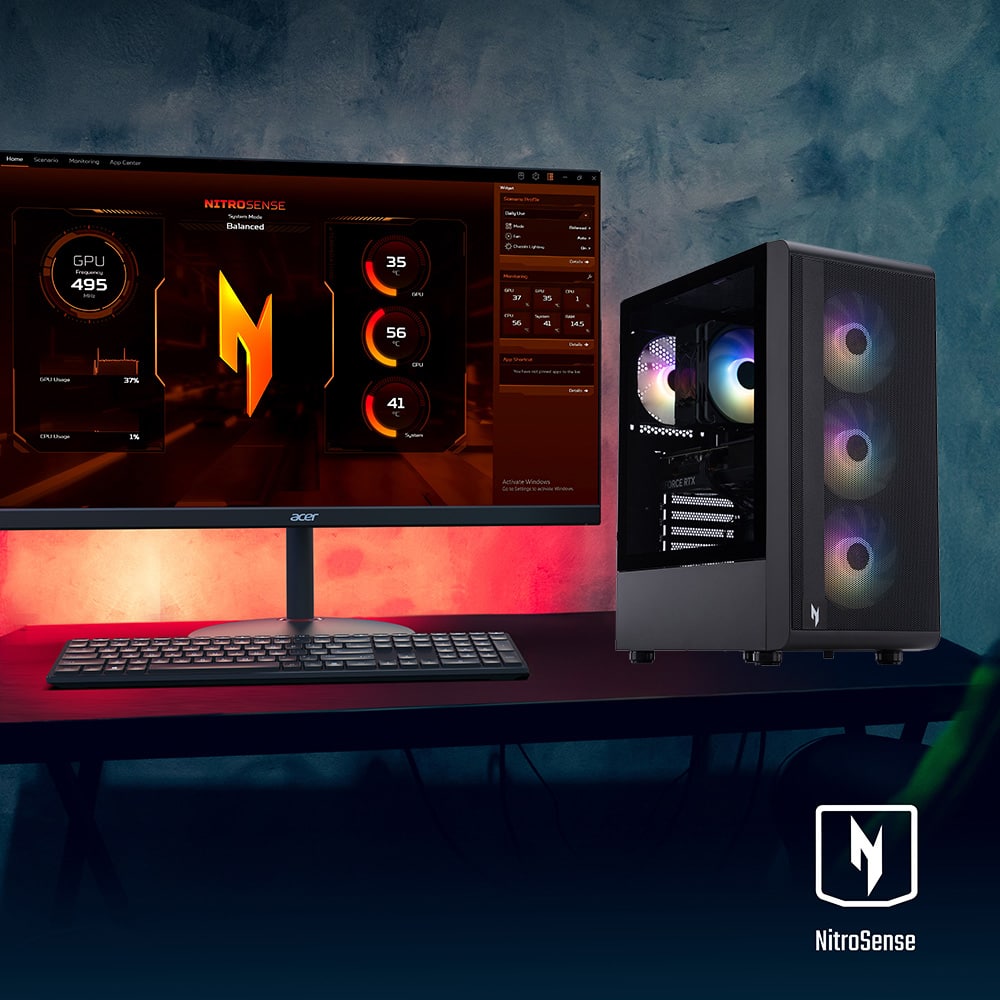
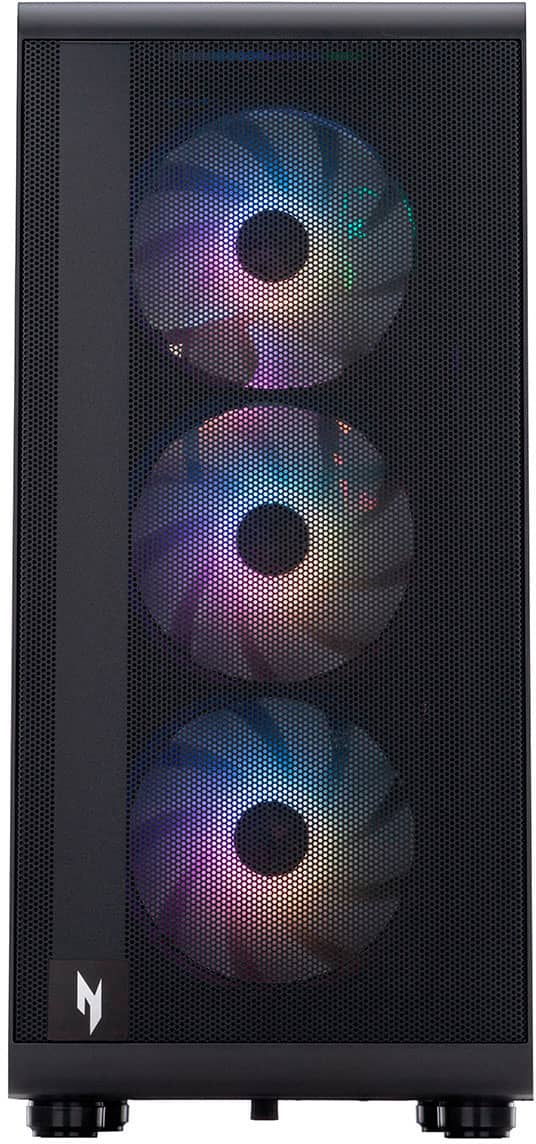
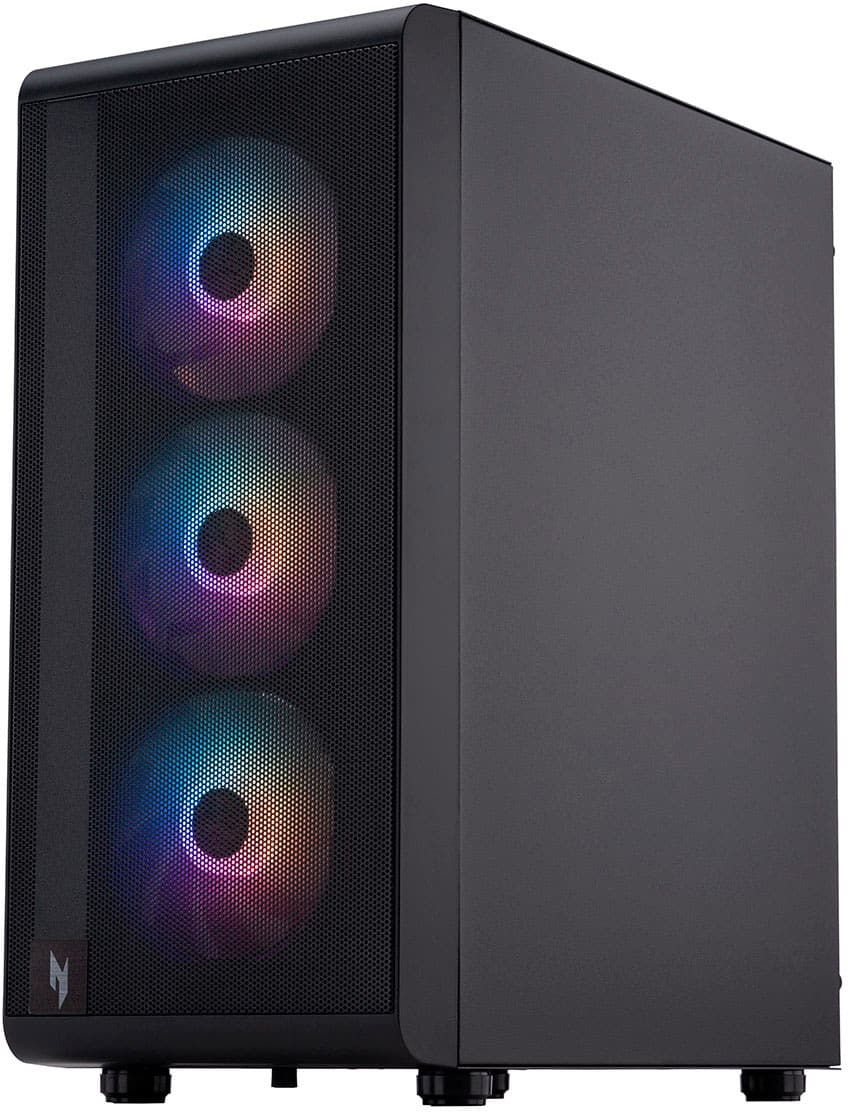
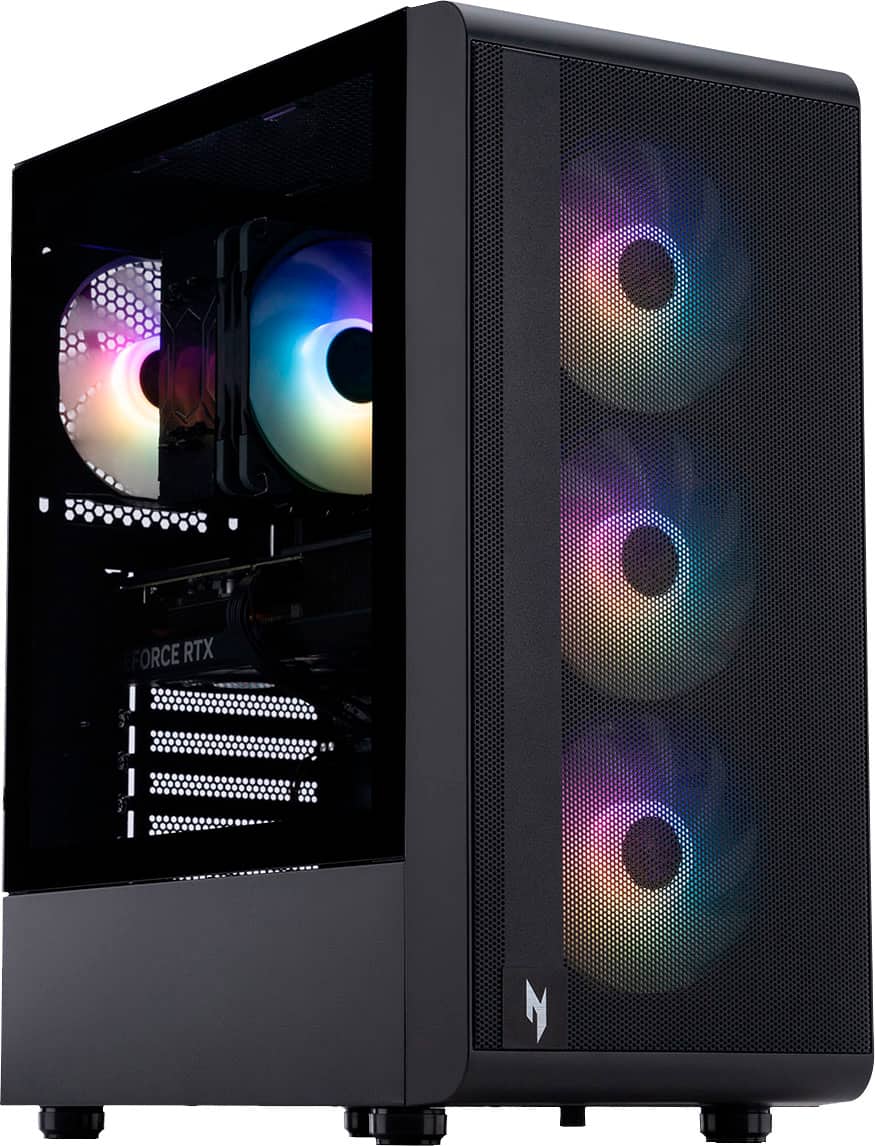
A:AnswerFor the Acer Nitro N60-180-UB33, you can control or turn off the RGB fan lights by using third-party software such as OpenRGB. Since Acer does not include its own built-in RGB control software for these desktop models, community members have confirmed that alternative solutions work.
A:AnswerThis Nitro PC has M.2 slots: The system includes three M.2 slots for adding more high-speed PCIe NVMe SSD storage. You can add more SSD storage this way, though an available slot may be needed. There are no SATA connectors on the motherboard for adding standard 2.5-inch or 3.5-inch drives.