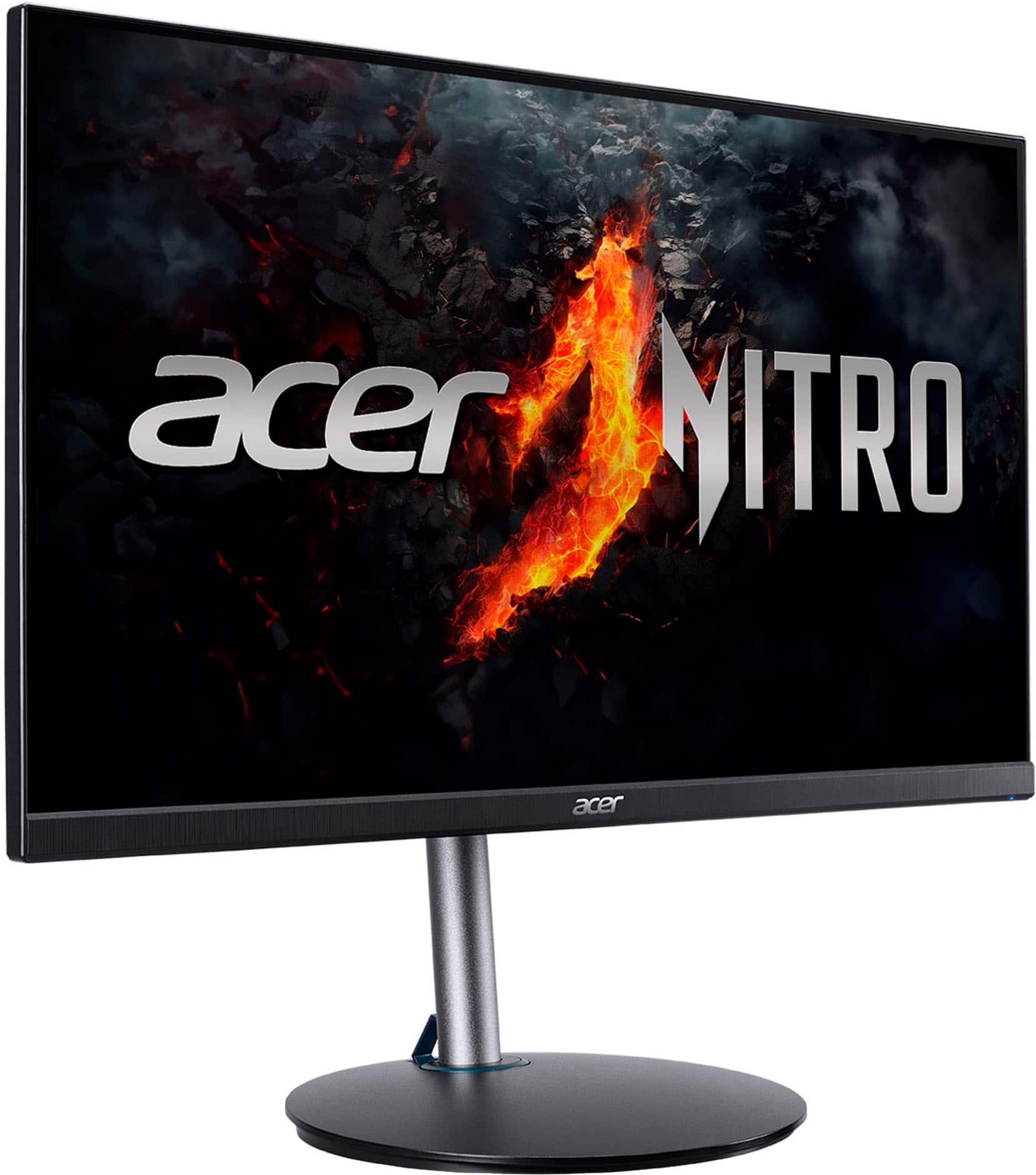
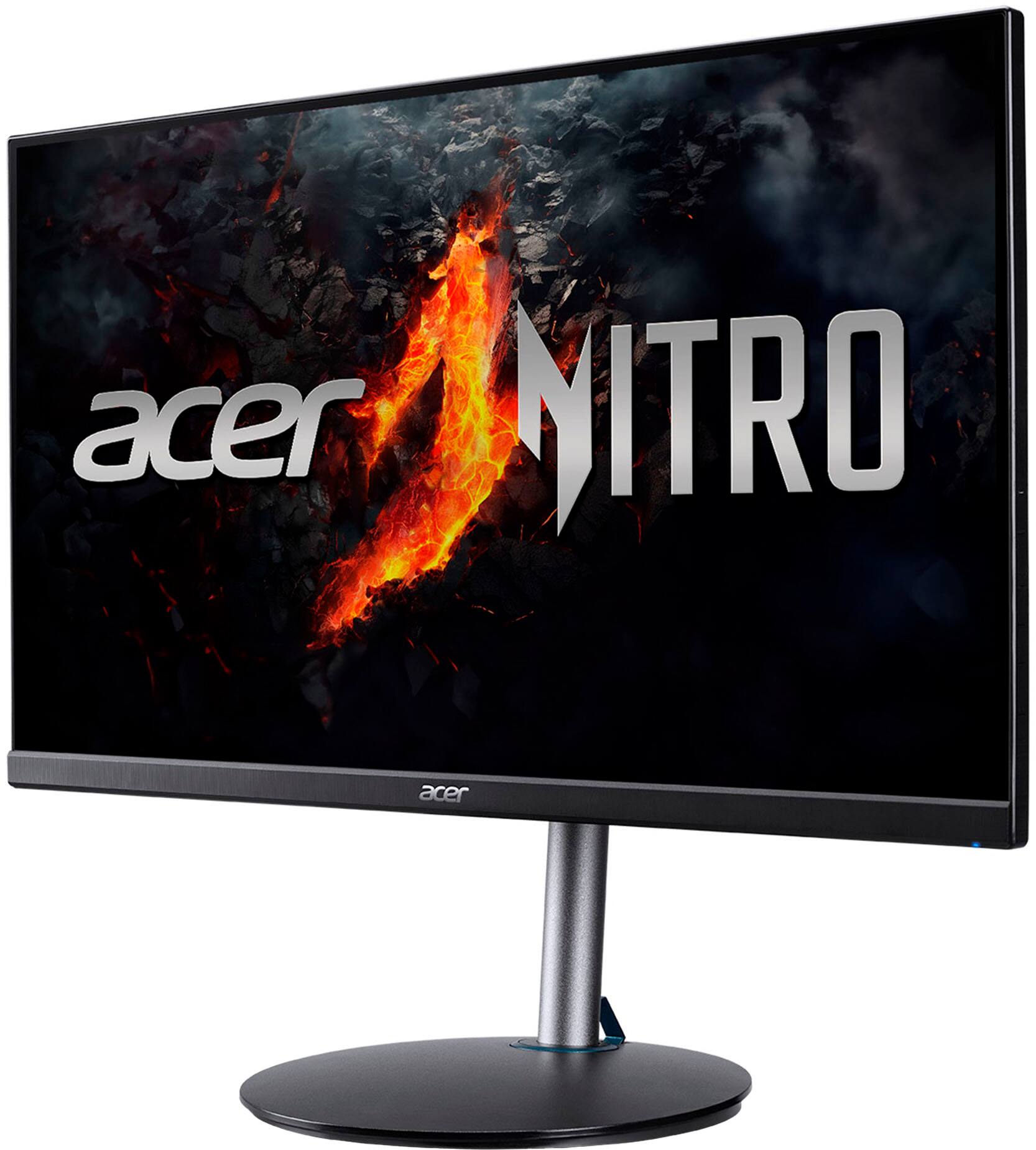
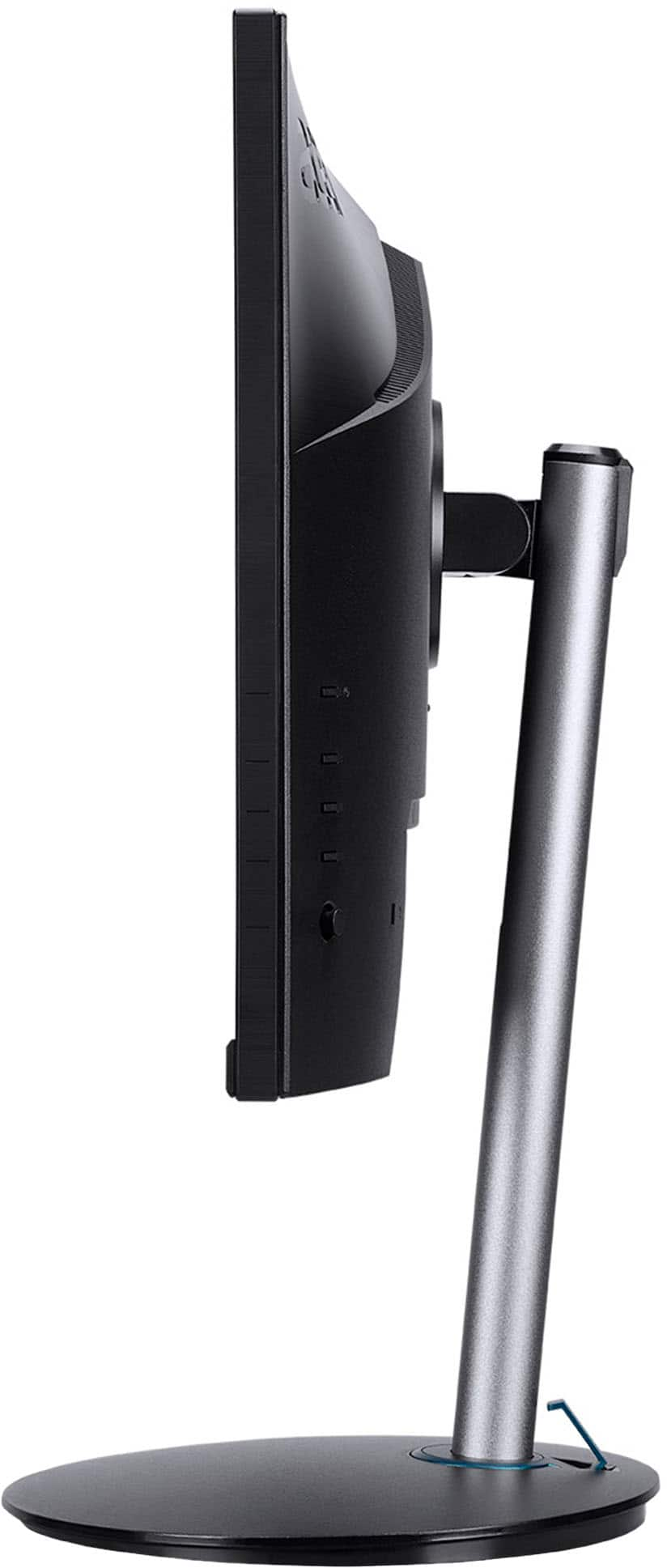
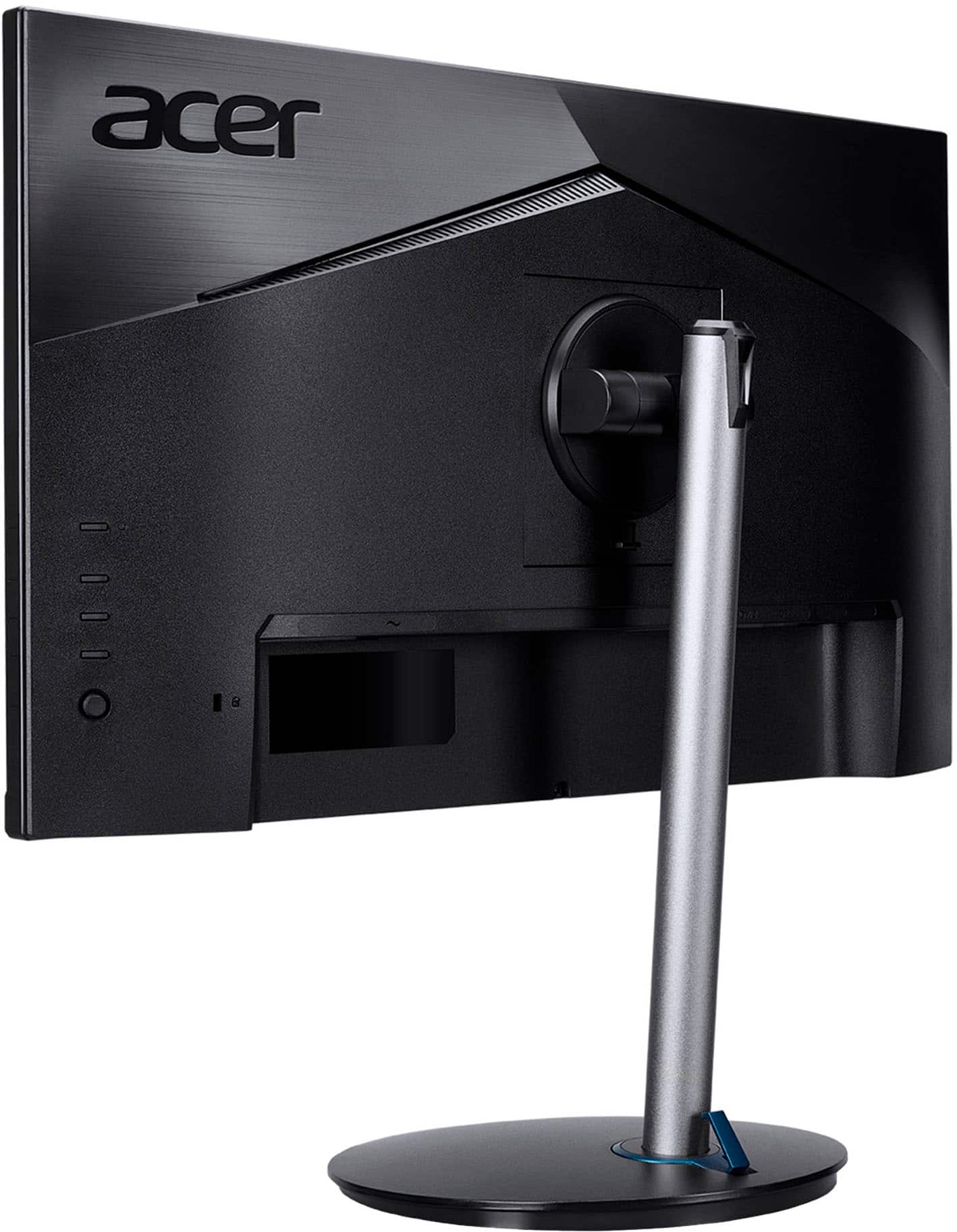
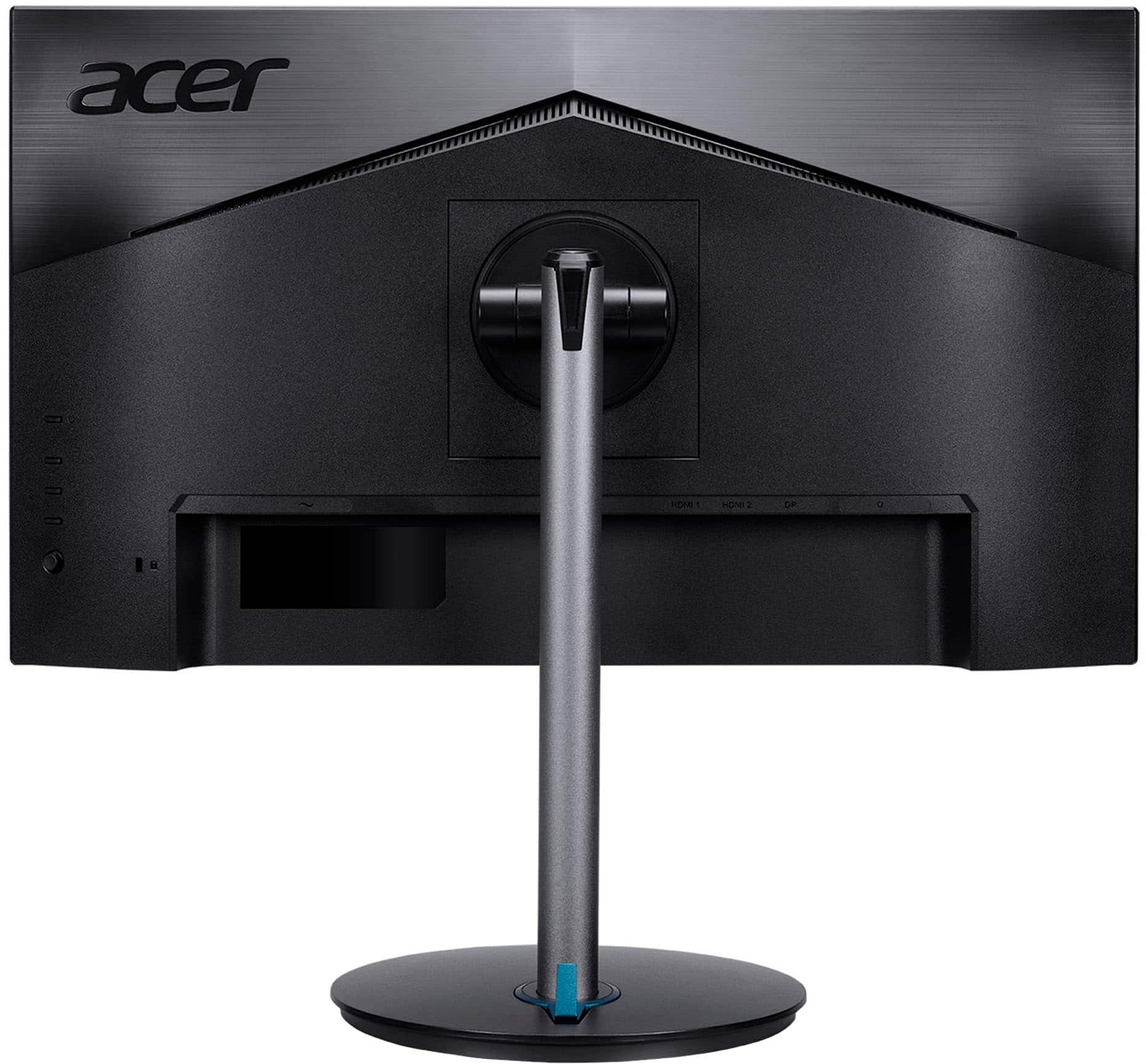
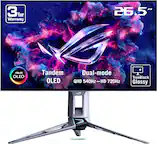
A:AnswerThere is one audio jack on the back of the monitor to connect a headset or speakers. For models that have built in speakers you should be able to use the included HDMI cable then change the audio playback device in the sound settings. If you need further help please feel free to contact Acer support at 866-695-2237.
A:AnswerAcer can guarantee connectivity using a direct connect to the port. While the issue here could be an incompatible adapter, we suggest you check with Mac support to see if their device should work with a monitor with HDMI to USB-C adapter. They may have a suggestion for a different adapter. You can also visit the Acer Community forum where there are many posters that offer advice on Acer products as well.
A:AnswerDo not try to run this monitor with a VGA adapter. It likely will not work properly with your computer. I have that same setup and the monitor does not play nice with my motherboard.