Questions & Answers
- Model:
- PM161W bmiuux
- |
- SKU:
- 6617471
Highly rated by customers for: Portability, Image Quality, Connectivity
$109.99
Page Showing 21-40 of 68 questions
Q: Questionis possible to use this monitor whit mac pro computer
Asked by addy.
- A:Answer Yes, it is possible to use the Acer PM161W bmiuux portable monitor with a Mac Pro computer (or MacBook Pro/Air). The monitor is designed for plug-and-play functionality and does not require special, user-installed drivers to function on a Mac.
Answered by TeamAcer
Q: QuestionCan I play my DVD/Blu Ray player through it?
Asked by Mitsy.
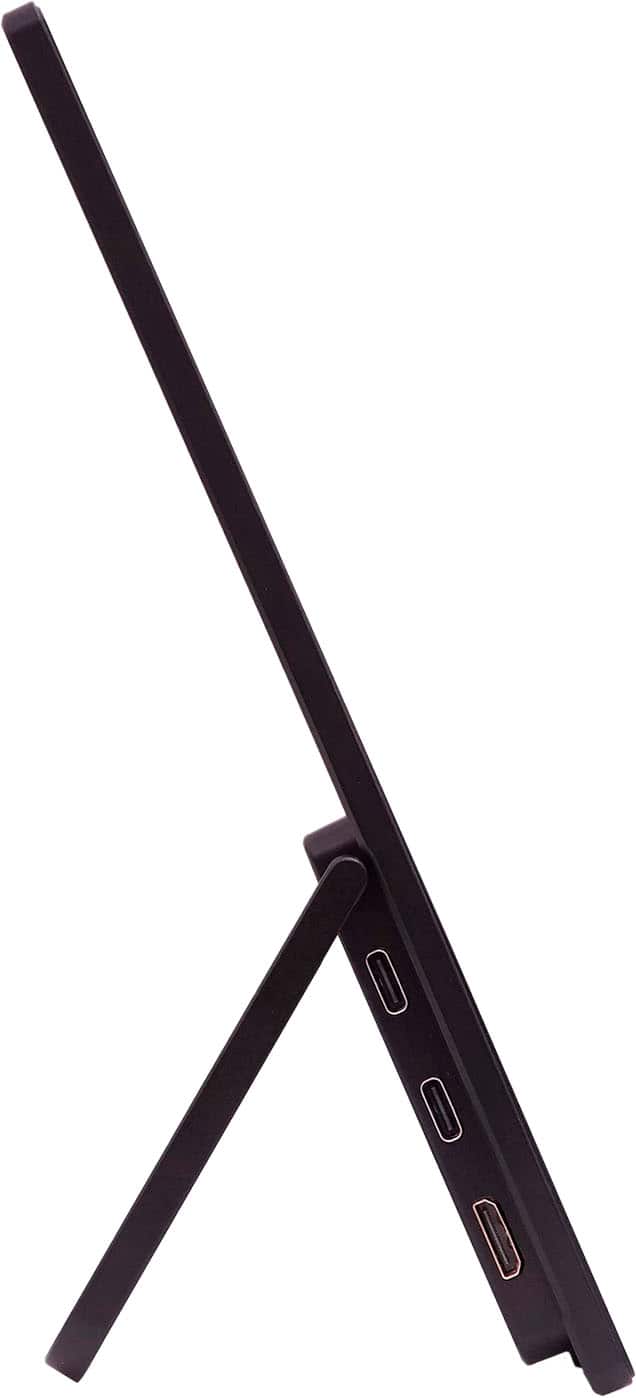
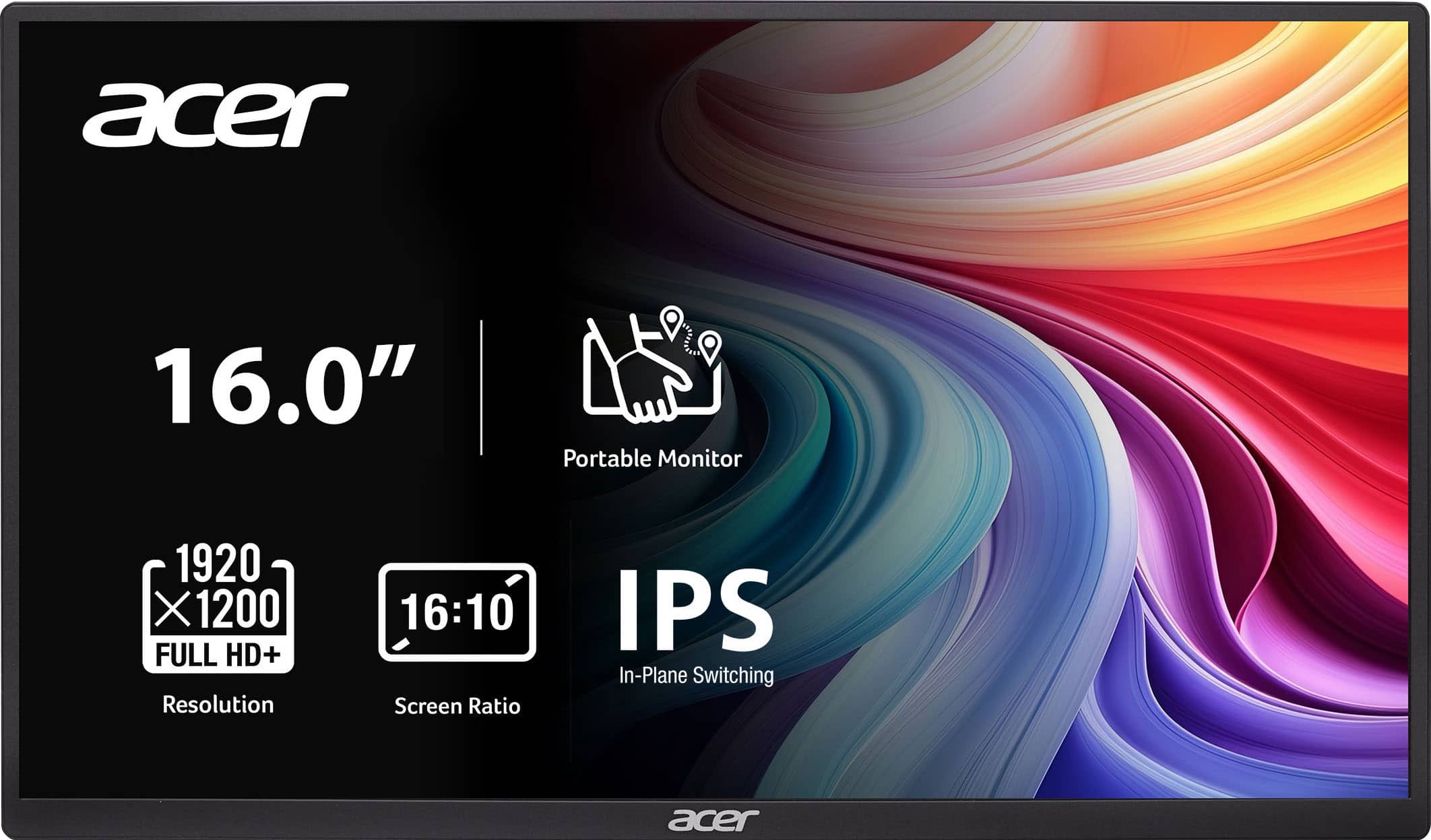
- A:Answer Yes, you can play a DVD/Blu-ray player through the Acer PM161W portable monitor. It has a Mini HDMI input and USB Type-C, allowing you to connect a Blu-ray player, console, or laptop directly via HDMI, provided you also supply a separate power source to the monitor if necessary.
Answered by TeamAcer
Q: QuestionCan this monitor be connected to an iPhone or Samsung Galaxy phone?
Asked by David.
- A:Answer Yes, the Acer PM161W portable monitor can be connected to an iPhone (15 or later) and most Samsung Galaxy phones, provided they support video output over USB-C.
Answered by TeamAcer
Q: QuestionShould this product come with a power cord/outlet plug? Mine didn't.
Asked by needhelp.
- A:Answer The Acer PM161W portable monitor is primarily powered via a single USB-C cable that transmits both video and power from compatible laptops, tablets, or smartphones, but can also use an AC adapter and mini-HDMI if your device lacks USB-C video output or requires more power.
Answered by TeamAcer
Q: QuestionIs this monitor vertical compatible as a secondary monitor on a dual monitor pc setup?
Asked by Palace.
- A:Answer This monitor supports landscape mode only.
Answered by TeamAcer
Q: QuestionDoes the monitor require a driver?
Asked by Anonymous.
- A:Answer No, the Acer PM161W portable monitor does not require a special, user-installed driver to function. It is designed for plug-and-play functionality.
Answered by TeamAcer
Q: QuestionDoes it need to be hooked up to an outlet?
Asked by Anonymous.
- A:Answer This does need to be connected to a power source. The monitor can draw both power and video signal through a single USB-C cable from a compatible laptop, smartphone, or tablet, in which case a separate power outlet connection is not needed. When using HDMI the connected device must support power delivery (PD) and DisplayPort Alt Mode over its USB-C port. You need to connect the monitor to an external power supply using the included AC adapter and power cord, which plugs into an electrical outlet. HDMI only transmits audio/video signals and does not provide power.
Answered by TeamAcer
Q: QuestionCan this be used as a second monitor with an all in one desktop?
Asked by Anonymous.
- A:Answer Yes, the PM161W portable monitor works with an all-in-one (AIO) PC, provided the AIO has the necessary ports: a USB-C port that supports video output (DisplayPort Alt Mode) or a mini-HDMI port.
Answered by TeamAcer
Q: QuestionWill this monitor work with a PS5?
Asked by Jon.
- A:Answer Yes, the Acer PM161W portable monitor can work with a PS5, but you'll need a Mini-HDMI to HDMI cable or adapter.
Answered by TeamAcer
Q: Questionis the angle adjustable?
Asked by mcn.
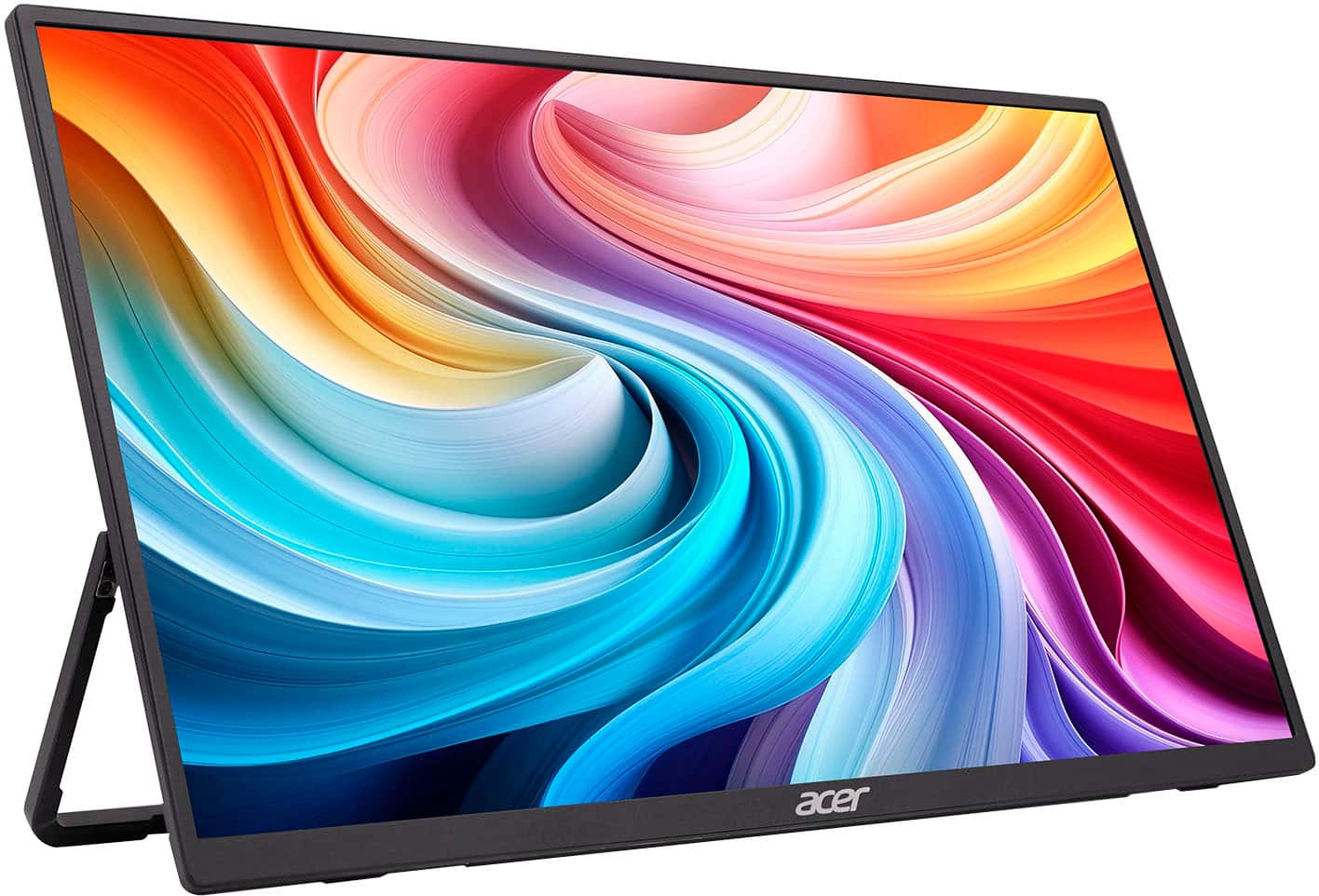
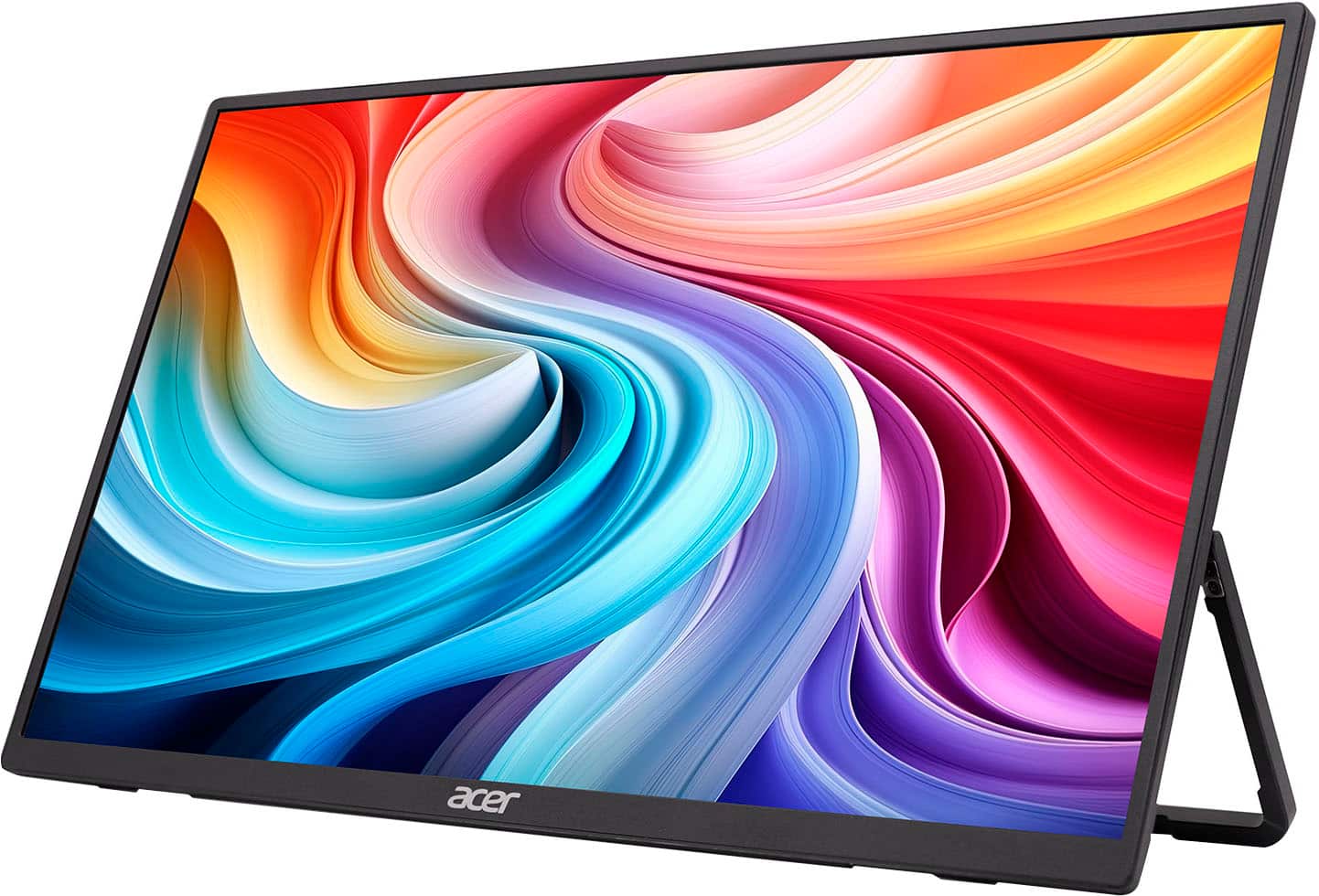
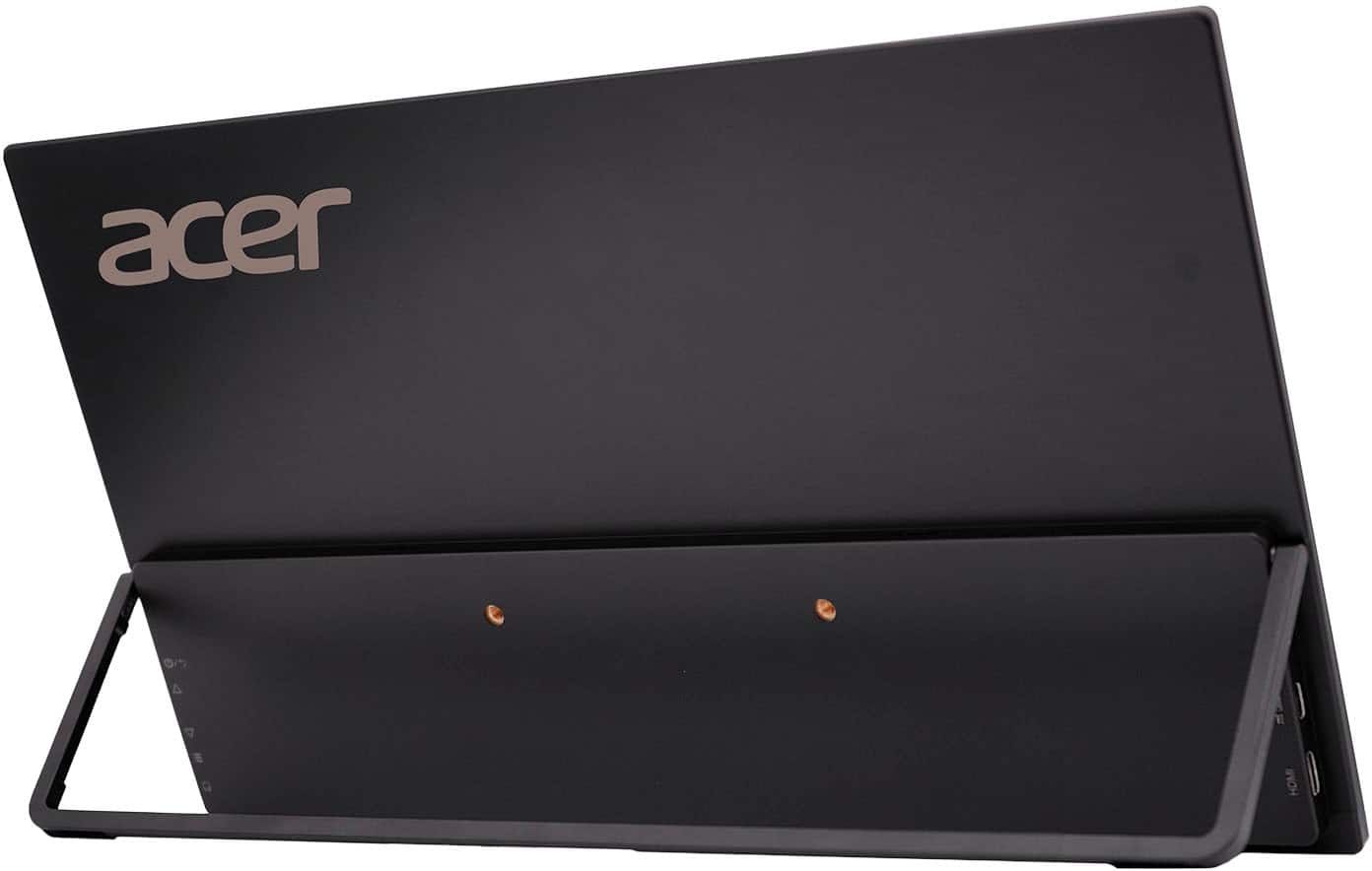
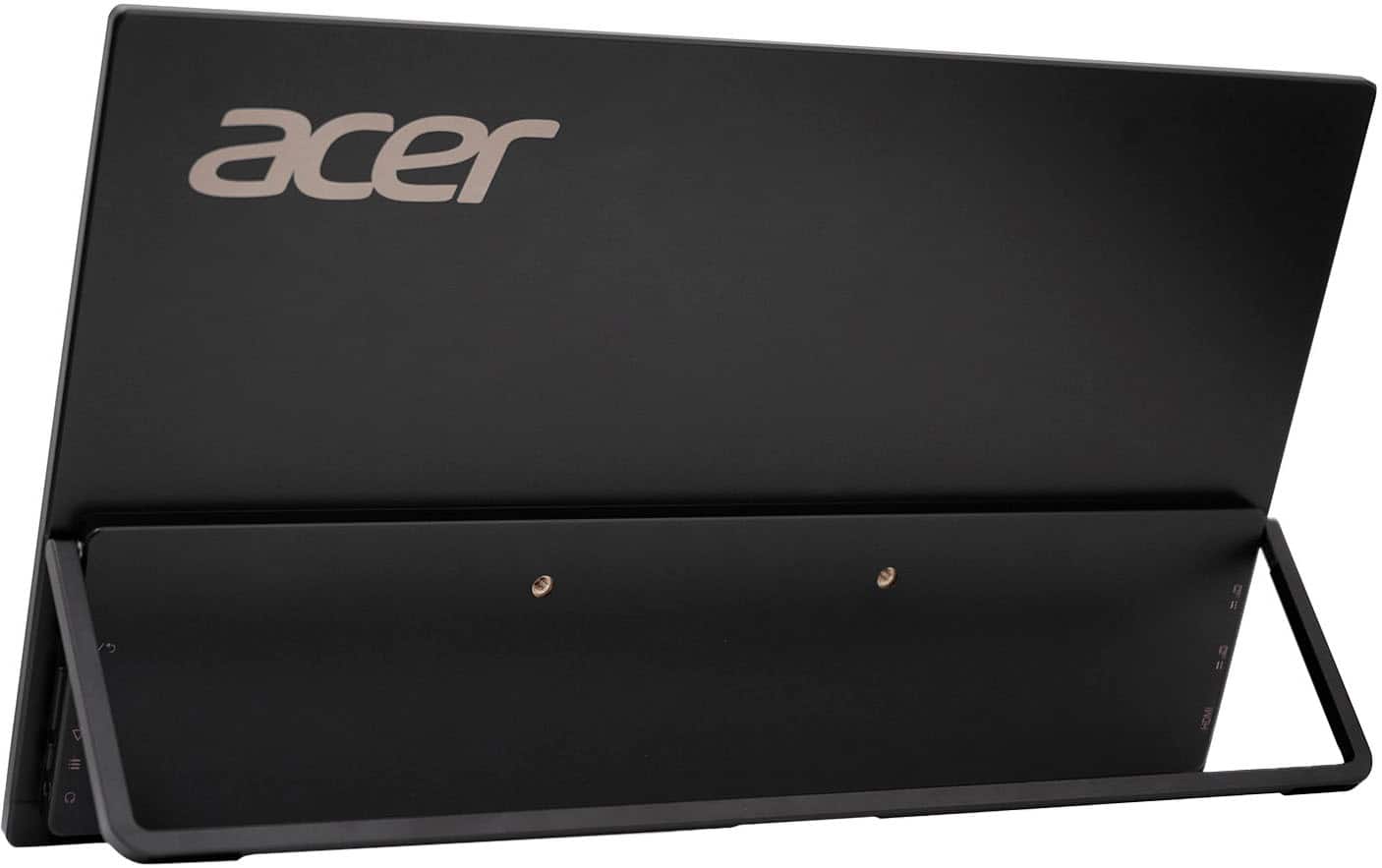
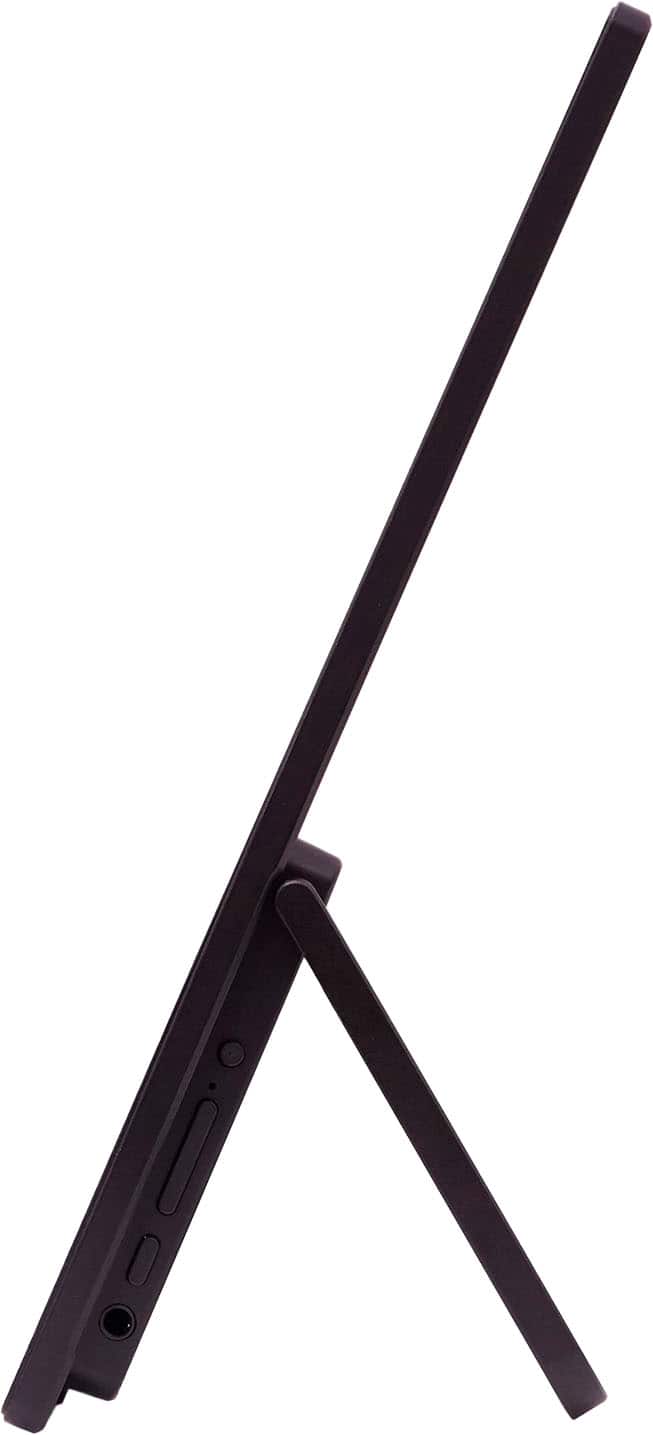
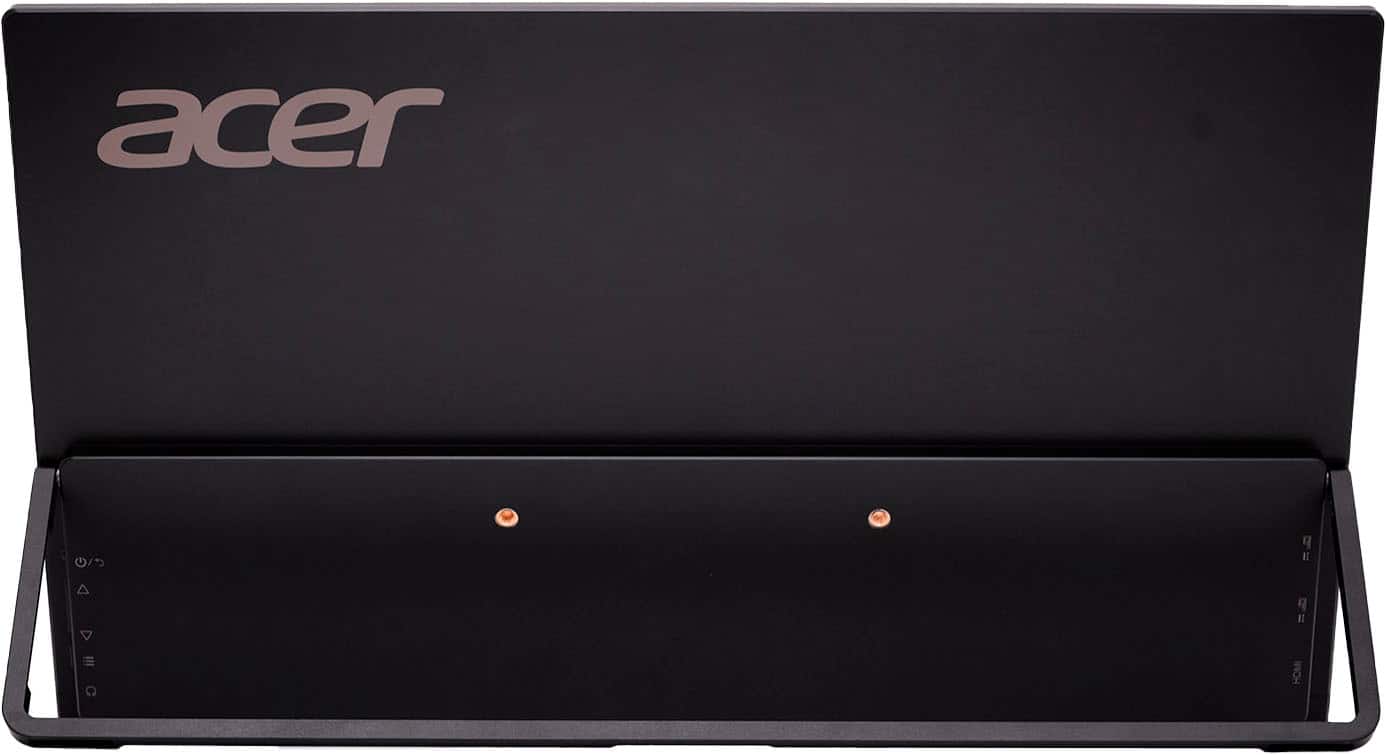
- A:Answer Yes, the angle on the Acer PM161W portable monitor is adjustable using its built-in, sturdy kickstand, allowing you to find comfortable viewing angles for different situations like desk work or presentations without needing extra stands.
Answered by TeamAcer
Q: QuestionHow to turn on the monitor?
Asked by Anonymous.
- A:Answer Very good Question; When I bought mine it didn't even come with any way to power up the Monitor. I returned it, got my money back quickly.
Answered by MichaelK
Q: QuestionCan I plug a Nintendo switch into this?
Asked by Lulu.
- A:Answer Yes this will work with a switch. The monitor has both usb-c and mini HDMI inputs. You'll most likely need a dock that's has HDMI input though
Answered by Japanglish
Q: QuestionDoes this product have a cover or device to protect the screen?
Asked by Np.
- A:Answer No so be careful or buy a small laptop sleeve to store it in
Answered by Melliott476
Q: QuestionIs this compatible with Dell Precision?
Asked by Pcd.
- A:Answer This monitor is plug-and-play with laptops that have a USB-C port that supports video output (DisplayPort Alt Mode). This single connection can provide both power and the video signal.
Answered by TeamAcer
Q: QuestionDoes it support daisy chain and Multi-stream transport (MST)? I.e. connect host to screen A with usb-c cable, and then using another usb-c cable to connect screen A and screen B. And see different things on the 2 screen.
Asked by Anonymous.
- A:Answer Nope
Answered by Melliott476
Q: QuestionIs it compatible with an inspiron 16 5630 laptop?
Asked by Anonymous.
- A:Answer Unfortunately, this is more a question of standard features on your laptop. If it has a USB-C output, it is likely compatible.
Answered by NoNameButReal
Q: QuestionCan you connect a ROKU to the monitor for it to act similar to a TV?
Asked by DebH.
- A:Answer Yes, you should be able to connect a Roku to the PM161W monitor to use it like a TV, provided you connect the Roku to the monitor's HDMI port and handle the audio separately if the monitor lacks speakers or sufficient audio output. You will need to power the Roku, and switch the monitor's input to the correct HDMI port.
Answered by TeamAcer