ASUS - ZenScreen Duo 14" FHD+ IPS Portable Dual Monitor with Ergo Kickstand and 360-Degree Rotation (Mini-HDMI, USB-C) - Black
About this product
The ZenScreen Duo MB14FCD redefines portable displays with two stunning 14-inch screens, offering a brilliant 1920×1200 resolution and a 16:10 aspect ratio for a seamless 20-inch workspace. Featuring a versatile folding and portable design, the MB14FCD provides an impressive array of options to elevate your PC experience. Its multiple connectivity options ensure effortless integration into any setup, whether you're enhancing productivity on the go or boosting multitasking efficiency in the office.
Highlights
Features
Dual 14” Expandable Display
Dual 14-inch IPS panels with 1920×1200 resolution and a 16:10 aspect ratio, creating a 21-inch workspace
Power Pass‑Through Charging
With Power Pass Through, the portable monitor can be powered by a laptop, or deliver power to a laptop via pass-through charging
Flexible Viewing Design
Versatile usage options, featuring a durable 360-degree hinge, a standard tripod mount, and an integrated fold-out kickstand that supports both landscape and portrait orientations
Auto Orientation Switching
Automatically senses its orientation and switches between landscape and portrait modes via DisplayWidget Center software
Eye Care Comfort Technology
TUV Rheinland-certified Flicker-free and Low Blue Light technologies ensure a more comfortable viewing experience
Versatile Device Connectivity
Flexible connectivity with mini-HDMI and dual USB‑C ports
Eco-friendly Packaging
The sustainable packaging of ASUS ZenScreen Duo MB14FCD is FSC Mix-certified. The lightweight, eco-friendly cardboard box that is packed in is designed to keep overall volume to a minimum, for more efficient shipping
What's in the Box
Mini HDMI to HDMI cable, USB-C cable x 2, Power Adapter, Quick Start Guide, Warranty Card, ZenScreen Sleeve
Specifications
- Refresh Rate60HzMaximum Resolution1920 x 1200Response Time5 millisecondsPanel TypeIPSSynchronization TechnologyNot Applicable, Not Applicable
Reviews
Rating 4.8 out of 5 stars with 4 reviews
The vast majority of our reviews come from verified purchases. Reviews from customers may include My Best Buy members, employees, and Tech Insider Network members (as tagged). Select reviewers may receive discounted products, promotional considerations or entries into drawings for honest, helpful reviews.
Compare similar products
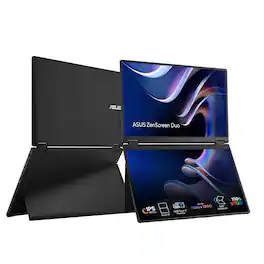
The ZenScreen Duo MB14FCD redefines portable displays with two stunning 14-inch screens, offering a brilliant 1920×1200 resolution and a 16:10 aspect ratio for a seamless 20-inch workspace. Featuring a versatile folding and portable design, the MB14FCD provides an impressive array of options to elevate your PC experience. Its multiple connectivity options ensure effortless integration into any setup, whether you're enhancing productivity on the go or boosting multitasking efficiency in the office.
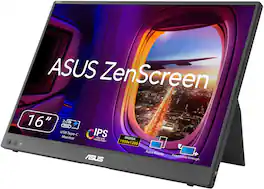
ASUS ZenScreen MB16FC is a 16-inch portable IPS monitor with a 16:10 WUXGA resolution that expands your workspace anywhere. Featuring dual USB‑C with power pass-through, mini-HDMI, auto-rotation support, and TÜV-certified eye care, it’s a lightweight, versatile second screen for hybrid work and travel, with sleek design and simple one-cable connectivity
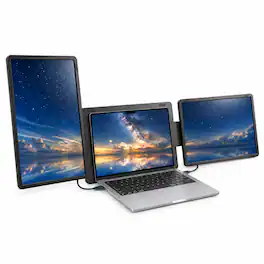
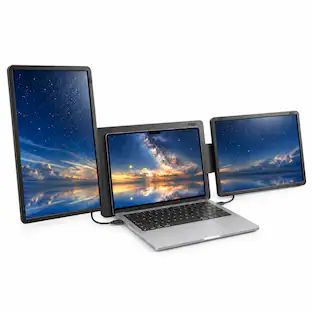
The INVZI MagHub Dual 16" Laptop Screen Extender adds two detachable 16-inch IPS displays to your laptop, creating a triple-screen workspace for documents, spreadsheets, meetings, and multitasking. Each display features 1920 x 1200 resolution and a 16:10 aspect ratio for more vertical workspace. Detach and reattach the screens for portrait or landscape viewing using the integrated rear support. Connect through two full-function USB-C ports with two cables, or one full-function USB-C port plus HDMI and USB power with three cables. HDMI carries video only and requires separate USB power. No display driver is required for supported setups. Compatible with Windows laptops and supported MacBooks when the required video outputs and power are available. Standard M1, M2, and M3 MacBooks do not support two independent extended displays with this model. Confirm your laptop’s compatibility and ports before purchasing. Includes connection cables and a carrying bag. Laptop not included.

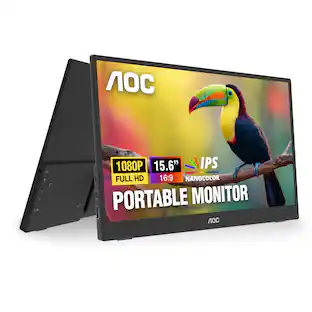
Boost your productivity with this ASUS 15.6-inch ZenScreen portable monitor. The 178-degree viewing angle provides consistent picture quality, while the anti-glare coating helps reduce eye strain and increase visibility. This flicker-free ASUS 15.6-inch ZenScreen portable monitor features a USB-C port that can connect to various devices, and the Full HD panel produces stunning visuals.
| Pros for ASUS - ZenScreen Duo 14" FHD+ IPS Portable Dual Monitor with Ergo Kickstand and 360-Degree Rotation (Mini-HDMI, USB-C) - Black | |||
|---|---|---|---|
| There were no pros for this product— | Portability, Resolution, Display Quality, Connectivity, Included Accessories | Overall Performance | Portability, Overall Performance, Resolution, Screen Size, Weight |
| Cons for ASUS - ZenScreen Duo 14" FHD+ IPS Portable Dual Monitor with Ergo Kickstand and 360-Degree Rotation (Mini-HDMI, USB-C) - Black | |||
| There were no cons for this product— | There were no cons for this product— | Connectivity | Stand, Compatibility, Price, Battery Life |
Specs
Questions & Answers
Is this a touchscreen monitor?
Answered by ASUS AnswersThe ASUS ZenScreen Duo MB14FCD is not a touchscreen monitor.
When was the launch day of this monitor ?
Answered by ASUS AnswersThe ASUS ZenScreen Duo MB14FCD was officially launched in May 2026.
CAN I EXTEND THE SCREEN INTO TWO OR IT IS JUST ONE DOUBLE SCREEN
Answered by ASUS AnswersYes, the ZenScreen Duo MB14FCD has two separate 14-inch screens that act just like a dual-monitor setup, either extend, split, mirror or independent mode.

Customers often buy these together
Computer Keyboards
Monitor and Video Cables
More recommended items
 Mice
 Cables and Adapters
Customers ultimately bought
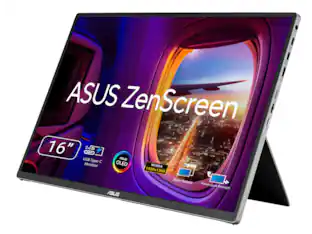
ASUS Zenscreen 16 inch 60Hz USB-C OLED Portable Computer Monitor MQ16FC)
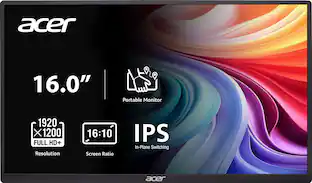
$279.99The price was $294.99Acer PM161W 16.0" WUXGA 60Hz FreeSync Compatible IPS Portable Monitor (2 x USB 3.1 Type-C, Mini HDMI, Audio Out)
Holiday Deal$89.99The price was $109.99Insignia™ 15.6" LED FHD Portable Monitor (Mini HDMI, USB-C)
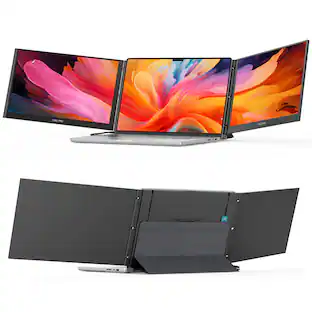
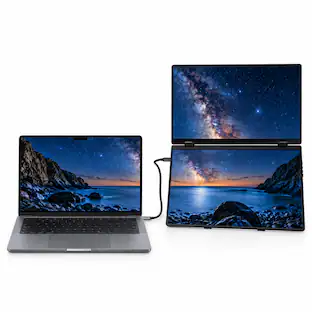
Black Friday Deal$54.99The price was $109.99INVZI MagHub Dual 16" Laptop Screen Extender with Two Detachable 1920 x 1200 IPS Displays, USB-C & Mini HDMI
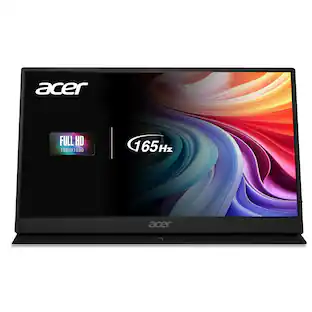
$399.99The price was $499.99Acer Nitro 15.6" LCD FHD 165Hz FreeSync IPS Portable Gaming Monitor (USB Type-C, Mini HDMI & Audio Out)
$119.99The price was $159.99ASUS ZenScreen 16 inch WQXGA Full HD 155Hz USB-C IPS Portable Monitor with Tripod Socket MB16NCG
$239.00The price was $285.54AOC 16T40D 16" OLED WUXGA(1920x1200) Portable 60Hz Mini-HDMI USB-C Monitor
$189.99The price was $199.99

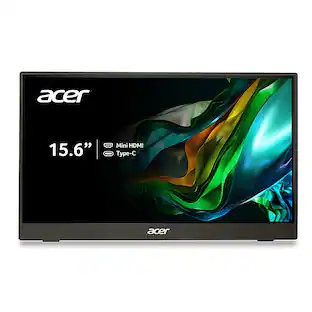
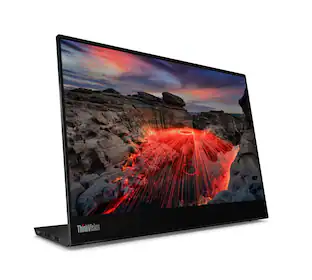
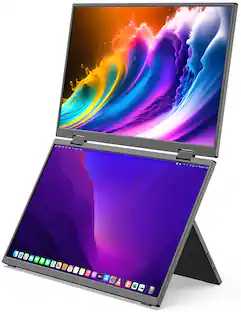

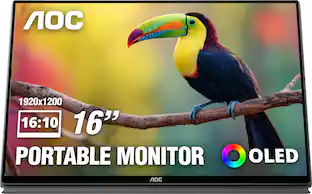
Explore tech essentials Sponsored
Acer PM161W 16.0" WUXGA 60Hz FreeSync Compatible IPS Portable Monitor (2 x USB 3.1 Type-C, Mini HDMI, Audio Out)
Holiday Deal$89.99The price was $109.99Dell SE2726HS 27" IPS LCD FHD 144Hz FreeSync Height Adjustable Monitor (HDMI, USB)
Holiday Deal$109.99The price was $139.99

Discover related products
GEEKOM A7 2026 Mini PC, AMD Ryzen 7 7730U, 32GB DDR5 & 500GB PCIE Gen4 SSD(Expandable), Windows 11 Pro Pre-installed
Holiday Deal$594.00The price was $699.00ViprTech Stryker Gaming PC - AMD Ryzen 7 (4.1GHz), AMD RX 580 8GB, 16GB DDR4, 500GB SSD, Desktop Computer
$599.99The price was $799.99Acer USB C Docking Station With 2 HDMI, 9-IN-1 Docking Hub with USB A&C 3.0, SD/Micro SD, 100W Charging
$42.99The price was $47.99





Keep exploring
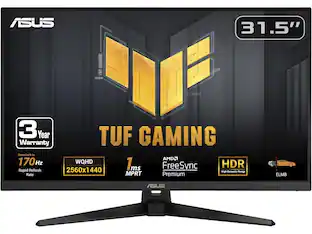
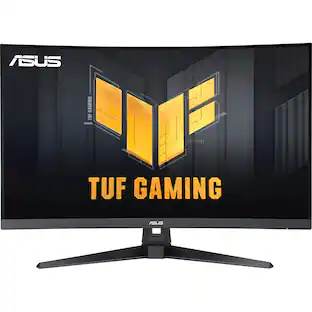
ASUS TUF Gaming Monitor 31.5” 1440P HDR - 170Hz, 1ms, FreeSync, HDR-10, VESA Mount
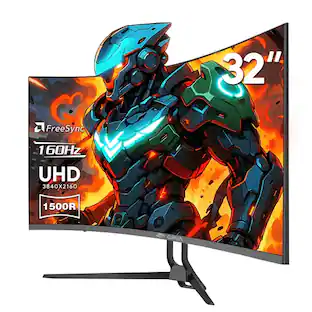
$335.16The price was $357.72CRUA 32" Curved UHD 4K Monitor, 160Hz Refresh, 1500R Curvature, Black with RGB Lighting and Built-in Speakers
$299.99The price was $399.99Deco Gear 27" QHD OLED Gaming Monitor 280Hz 0.03ms HDR400 Adaptive Sync HDMI 2.1/DP 1.4
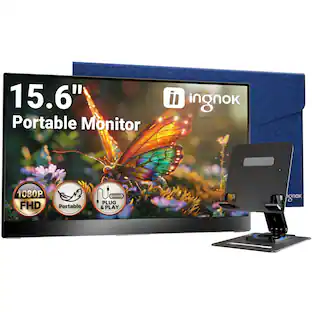
$319.99The price was $329.99Ingnok 15.6" Portable Monitor for Laptop - FHD 1080p USB-C with Adjustable Stand, Mini HDMI and VESA
$89.99The price was $95.99INVZI MagHub Dual 16" Laptop Screen Extender with Two Detachable 1920 x 1200 IPS Displays, USB-C & Mini HDMI
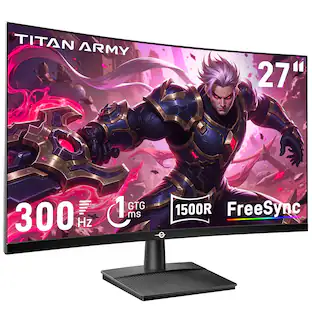
$399.99The price was $499.99Titan-army C27A1H 27 inch Curved Gaming Monitor, 300Hz FHD (1920 × 1080), 1ms GTG, HDR10, AMD FreeSync, VA Panel, 2 × HDMI/DP
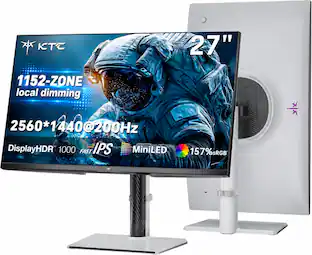
Holiday Deal$159.99The price was $229.99KTC M27T6S 27" QHD 200Hz Mini LED Gaming Monitor, 2560×1440, HDR1000, 1152-Zone Local Dimming, Fast IPS, 1ms
Holiday Deal$249.99The price was $299.99Samsung LS27HG802SNXZA 27" OLED Odyssey G80SH 4K Gaming Monitor (2026)
$799.99The price was $1,099.99ASUS ROG Strix OLED XG32UCWMG 32" 4K 240Hz 0.03ms OLED FreeSync/G-Sync
$1,053.88The price was $1,129.99KTC H27D9 27 Inch Gaming Monitor, 2K QHD 1440P, IPS 100Hz/120Hz, Adaptive-Sync, 99% sRGB HDR10, 2xHDMI/DP, Low Blue Light
Holiday Deal$109.99The price was $199.99Deco Gear 49" 5K DQHD Curved Super Ultrawide Monitor with 65W USB-C, HDR, 120Hz, 1 ms MPRT
$529.99The price was $549.99ASUS Zenscreen 16 inch 60Hz USB-C OLED Portable Computer Monitor MQ16FC)
$279.99The price was $294.99