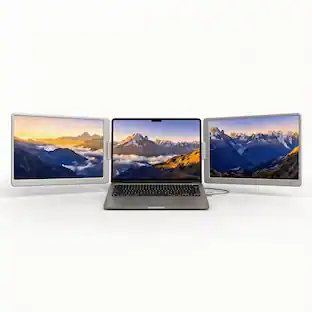
INVZI - MagHub Dual 16" Laptop Screen Extender with Two Detachable 1920 x 1200 IPS Displays, USB-C & Mini HDMI
Customers are saying
Customers frequently mention that the display quality is enhanced by a sturdy stand that effectively supports the monitors. However, some users expressed dissatisfaction regarding the cable setup and overall connectivity options.
Highlights
Features
Mac & Windows Compatibility - Check Before Purchase
Compatible with Windows laptops and MacBooks with M1/M2/M3 Pro or Max, M4, M5, or M6 chips, provided the laptop supports two external displays and supplies the required video outputs and power. Note: Standard M1, M2, and M3 MacBooks are not supported for two independent extended displays with this model.
Dual 16-inch IPS Displays
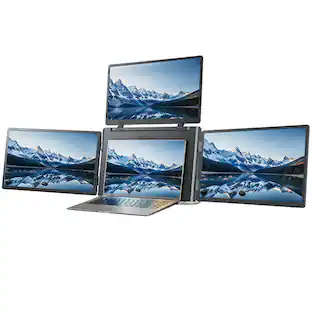
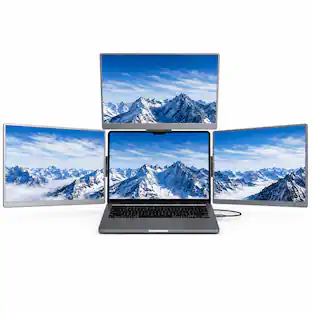
Each screen provides 1920 x 1200 resolution and a 16:10 aspect ratio for a spacious triple-screen workspace.
Driver-Free USB-C & Mini HDMI Connection
Use two full-function USB-C ports with two cables, or one full-function USB-C port plus HDMI and USB power with three cables. HDMI carries video only and requires a separate USB power connection. No display driver is required for supported setups.
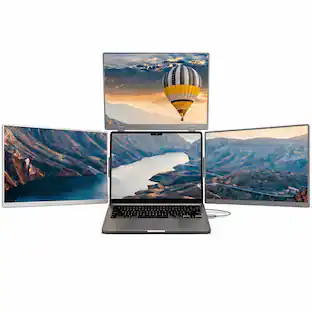
Detachable Screens for Portrait & Landscape Work
Rotate, detach, and reattach the side screens to create portrait or landscape layouts for documents, coding, and multitasking. Both displays mount to the integrated rear support for desk use.
Foldable Design with Carry Bag
The adjustable metal stand supports your desk setup. Fold the system for transport in the included carry bag.
Specifications
- Refresh Rate60HzMaximum Resolution1920 x 1200Screen Size16 inchesDisplay Connector(s)Display connection via USB port, 2 x Mini HDMI
Reviews
Rating 3.7 out of 5 stars with 11 reviews
- Overall Performance (3)
- Connectivity (3)
The vast majority of our reviews come from verified purchases. Reviews from customers may include My Best Buy members, employees, and Tech Insider Network members (as tagged). Select reviewers may receive discounted products, promotional considerations or entries into drawings for honest, helpful reviews.

- LG - UltraGear 32" OLED Dual Mode (4K UHD 240Hz, FHD 480Hz) 0.03ms G-SYNC and FreeSync Premium Pro Gaming Monitor - Black$1,199.99The price was $1,399.99
Compare similar products
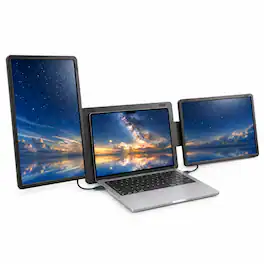
The INVZI MagHub Dual 16" Laptop Screen Extender adds two detachable 16-inch IPS displays to your laptop, creating a triple-screen workspace for documents, spreadsheets, meetings, and multitasking. Each display features 1920 x 1200 resolution and a 16:10 aspect ratio for more vertical workspace. Detach and reattach the screens for portrait or landscape viewing using the integrated rear support. Connect through two full-function USB-C ports with two cables, or one full-function USB-C port plus HDMI and USB power with three cables. HDMI carries video only and requires separate USB power. No display driver is required for supported setups. Compatible with Windows laptops and supported MacBooks when the required video outputs and power are available. Standard M1, M2, and M3 MacBooks do not support two independent extended displays with this model. Confirm your laptop’s compatibility and ports before purchasing. Includes connection cables and a carrying bag. Laptop not included.
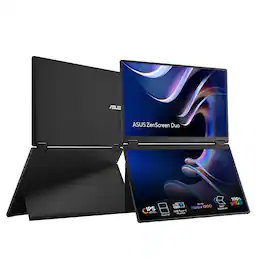
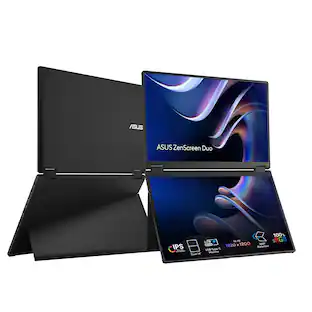
The ZenScreen Duo MB14FCD redefines portable displays with two stunning 14-inch screens, offering a brilliant 1920×1200 resolution and a 16:10 aspect ratio for a seamless 20-inch workspace. Featuring a versatile folding and portable design, the MB14FCD provides an impressive array of options to elevate your PC experience. Its multiple connectivity options ensure effortless integration into any setup, whether you're enhancing productivity on the go or boosting multitasking efficiency in the office.

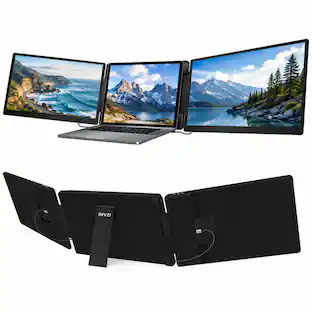
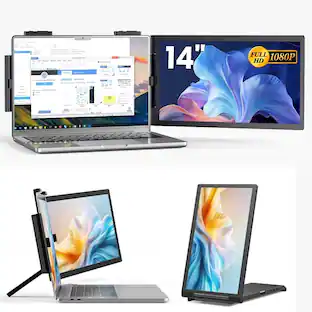
The INVZI MagHub Dual 14" Laptop Screen Extender transforms your laptop into a portable triple-screen workstation with two additional 1200P IPS displays. Designed for multitasking, remote work, trading, coding, presentations, and productivity-focused workflows, it delivers expanded screen space for improved efficiency and reduced window switching. Featuring plug-and-play USB-C connectivity, flexible rotating displays, gravity-sensing orientation, and a foldable travel-ready design, the MagHub Dual combines portability with professional multi-screen performance. Compatible with Windows, Android, Chromebook, Linux, Surface devices, select macOS Pro and Max chip models, and major gaming consoles, it provides a versatile multi-screen solution for work and entertainment.
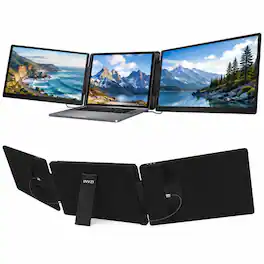
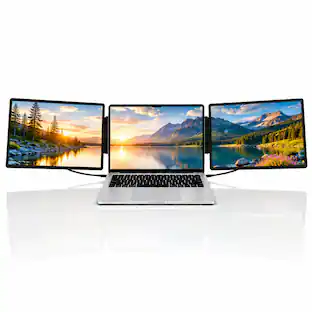
The INVZI MagHub Dual 15.6" Laptop Screen Extender transforms your laptop into a portable triple-screen workstation with two additional Full HD IPS displays. Designed for multitasking, business productivity, remote work, coding, trading, presentations, and content creation, it provides expanded screen space for improved workflow efficiency and reduced window switching. Featuring dual 15.6-inch IPS panels, USB-C and Mini HDMI connectivity, and a foldable portable design, the MagHub Dual delivers a flexible multi-monitor setup for home, office, and travel use. Compatible with most 12"–18.5" Windows and macOS laptops, it offers a versatile multi-screen workspace for modern professionals.
| Pros for INVZI - MagHub Dual 16" Laptop Screen Extender with Two Detachable 1920 x 1200 IPS Displays, USB-C & Mini HDMI | |||
|---|---|---|---|
| Overall Performance | There were no pros for this product— | There were no pros for this product— | Display Quality, Portability |
| Cons for INVZI - MagHub Dual 16" Laptop Screen Extender with Two Detachable 1920 x 1200 IPS Displays, USB-C & Mini HDMI | |||
| Connectivity | There were no cons for this product— | There were no cons for this product— | There were no cons for this product— |
Specs
Customers often buy these together
Monitor and Video Cables
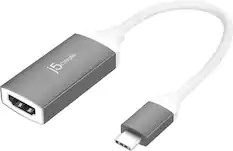
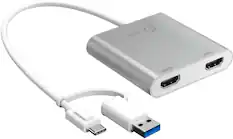
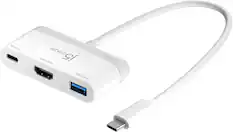
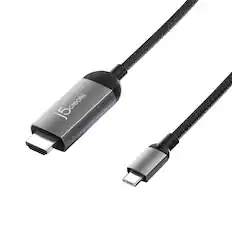
j5create - USB-C to 4K HDMI Adapter - Space Gray/White
$21.99The price was $24.99
Laptop Docking Stations
More recommended items
 Mice
Mice Cables and Adapters
More to consider
INVZI MagHub Quad Pro 16″ Portable Screen Extender – Quad-Monitor Laptop Display Expansion
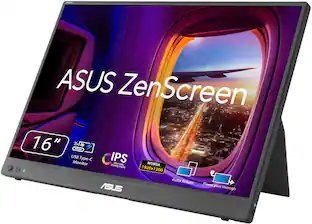
$749.99The price was $999.99ASUS ZenScreen 16" FHD+ IPS Portable Monitor with Ergo Kickstand (Mini-HDMI, USB-C)
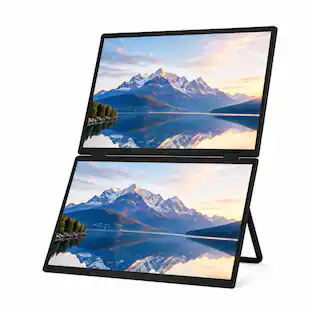
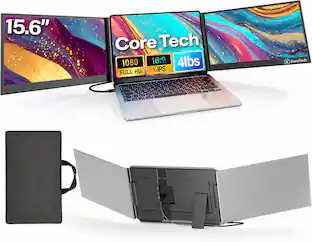
Top Deal$109.99The price was $169.99Core Tech 15.6-Inch Dual-Screen Laptop Monitor Extender with Full HD IPS Displays and One-Cable USB-C Setup
$359.99The price was $588.00

Explore tech essentials Sponsored
Z Z-Edge UG27H 27 inch 1080P Full HD 1920 x 1080 300Hz 1ms Curved Gaming Monitor
$159.99The price was $179.99