A:AnswerYes, that is correct - it only has 8gb of RAM; however, it can very easily be upgraded. Even if you don't know a lot about computers, you can easily upgrade it, as they made it easy to access without taking the computer apart.
A:AnswerThis model ships with a hdd kit to allow the user to install up to a 1TB 2.5" form factor SATA hdd. You would need to see if Best Buy will add the drive prior to purchase.
A:AnswerThe 256GB SSD is an M.2 2280 form factor drive. There is a slot to install a 2.5" SATA 3 or SSD drive, and the cable/bracket should be included with the laptop.
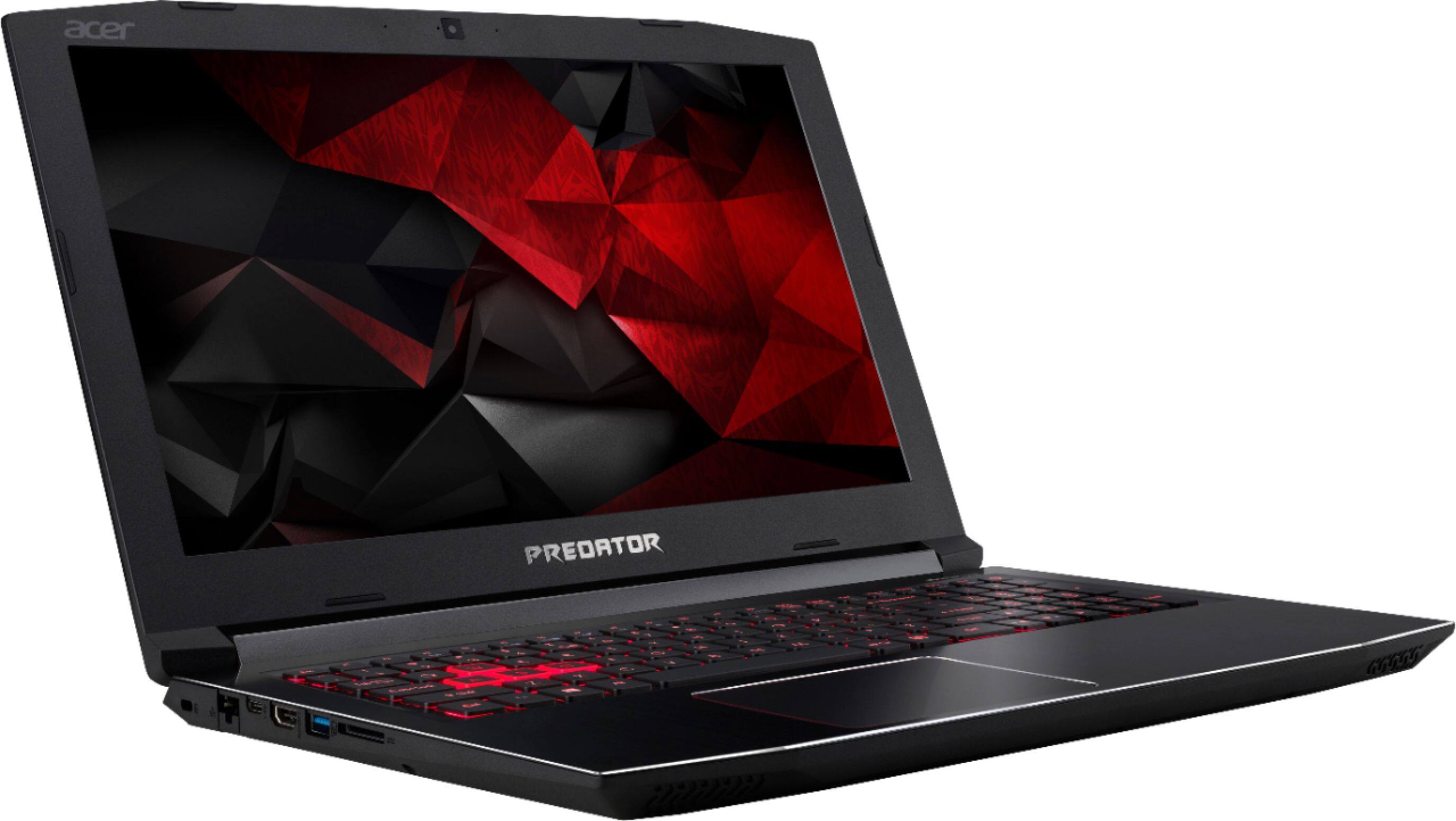
A:AnswerWhile Acer cannot guarantee all adapters or dongles will work, this laptop does support DisplayPort via USB 3.1 type C. The Acer Community may be able to suggest a brand/type adapter that works best.
A:AnswerHow many monitors? Two more? One more ? There is an hdmi you can use. If not you can buy adaptor for the usb c slot to convert to display port to. What inputs does your monitors have? Sometimes you can daisy chain link between those monitors off display port. I use this laptop with one extra monitor as a main one and the computer screen as my secondary.