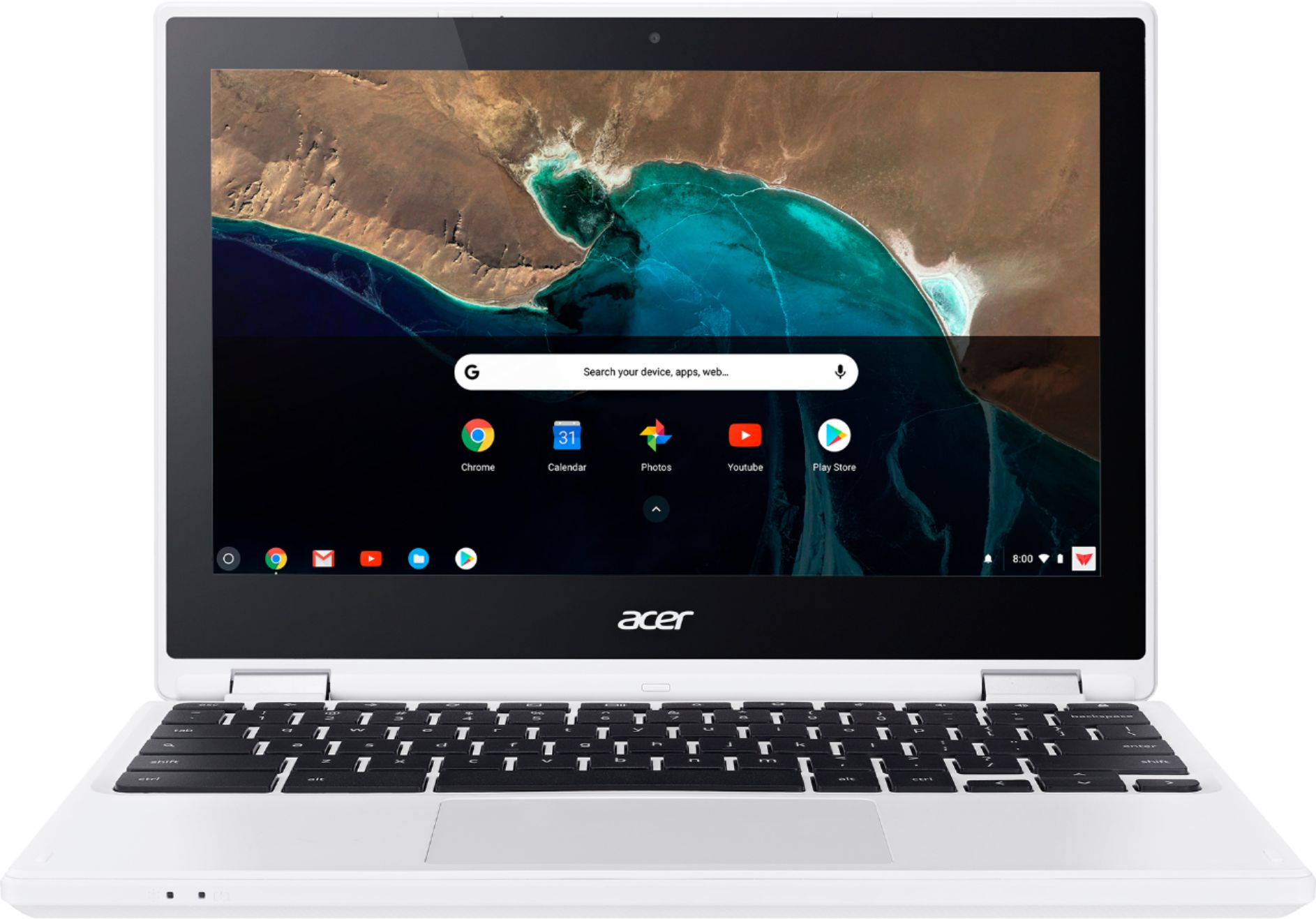
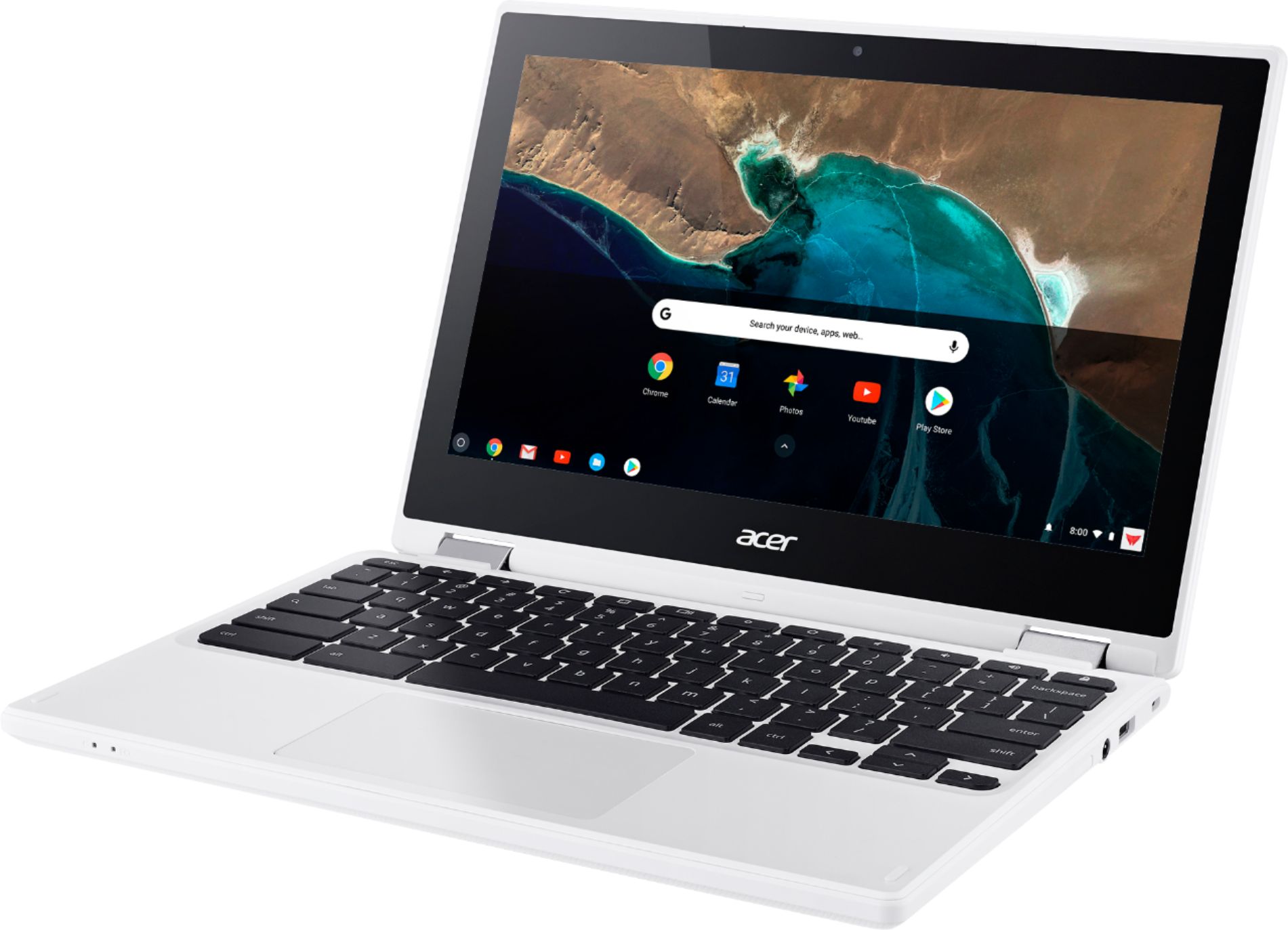
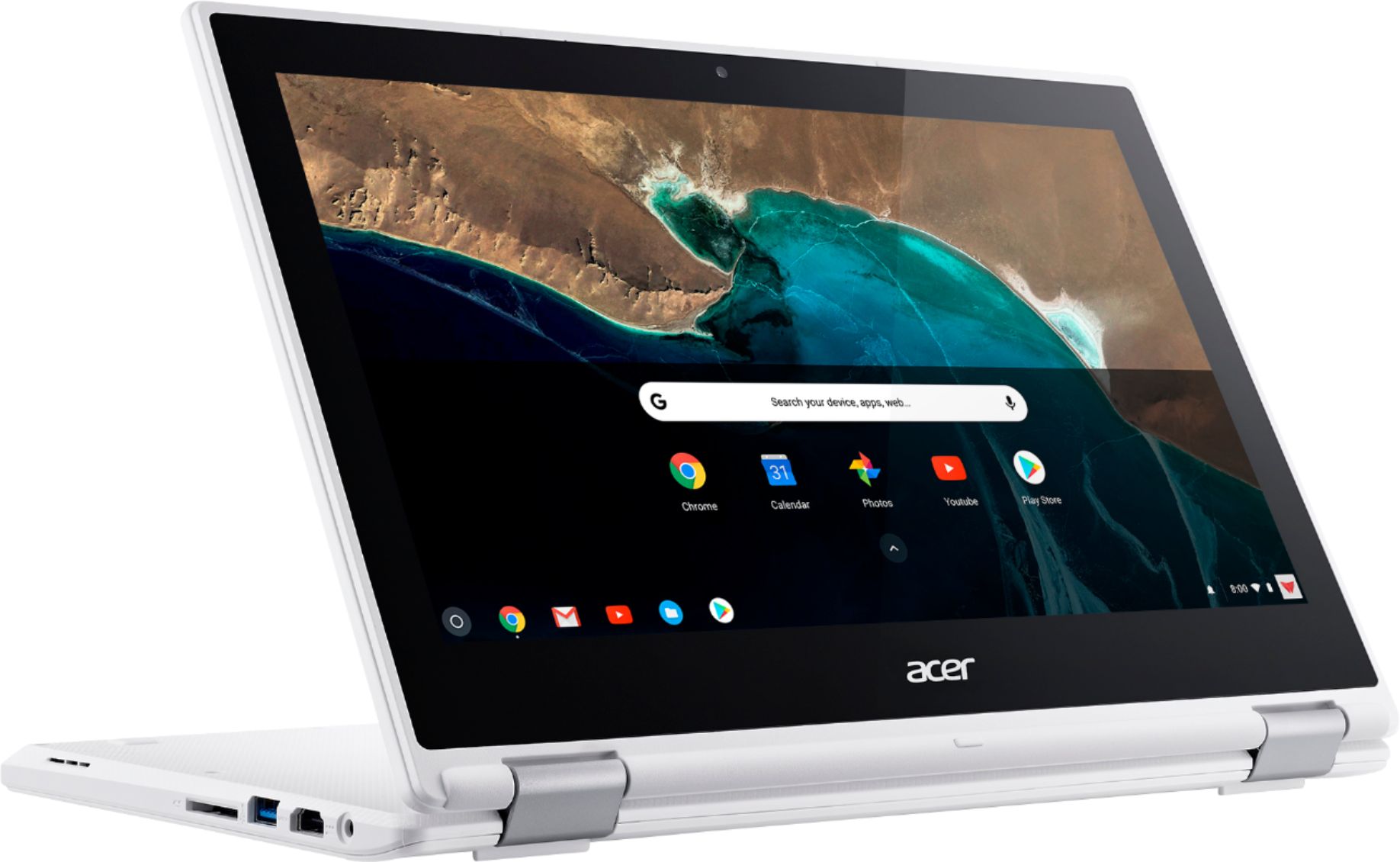
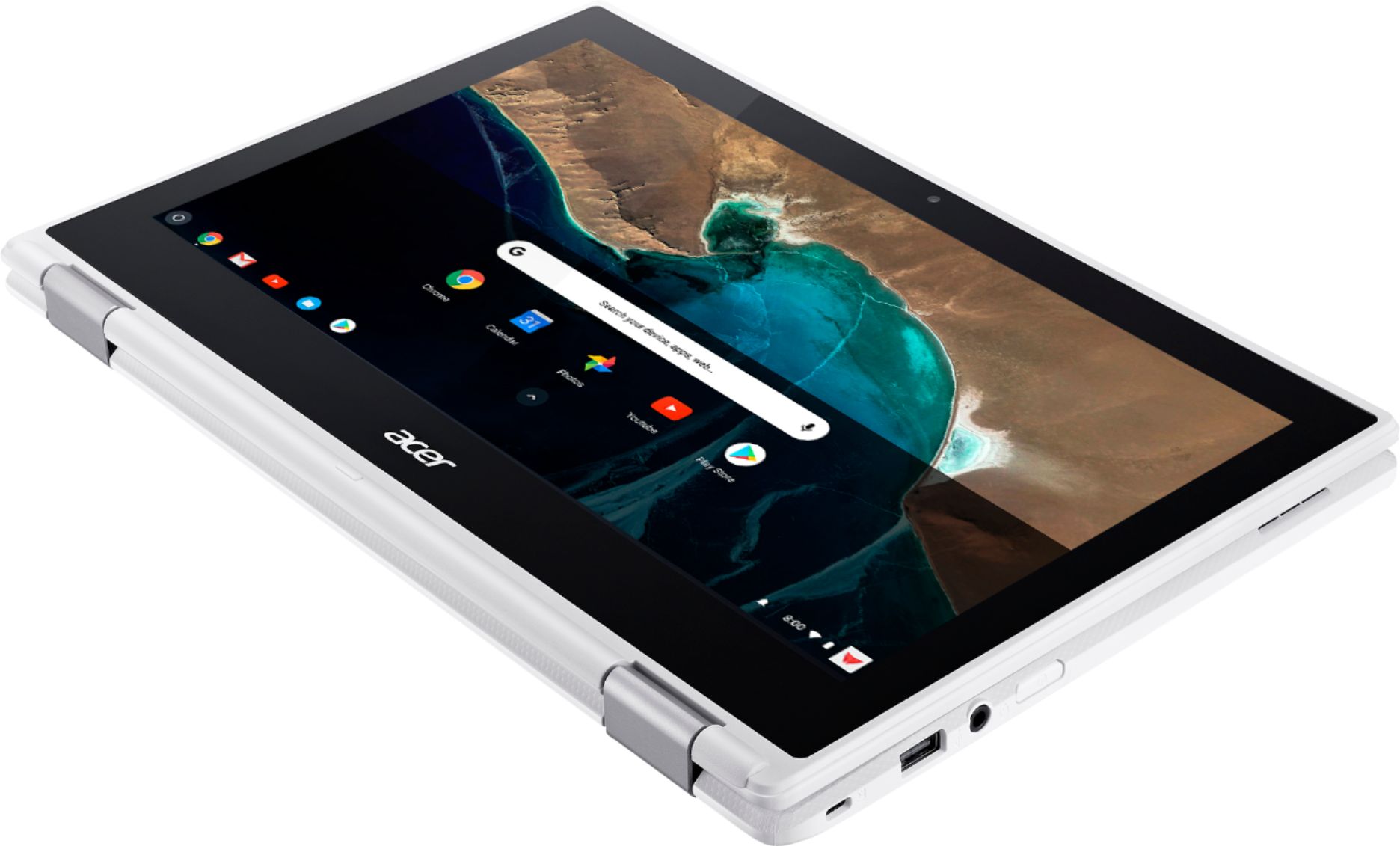
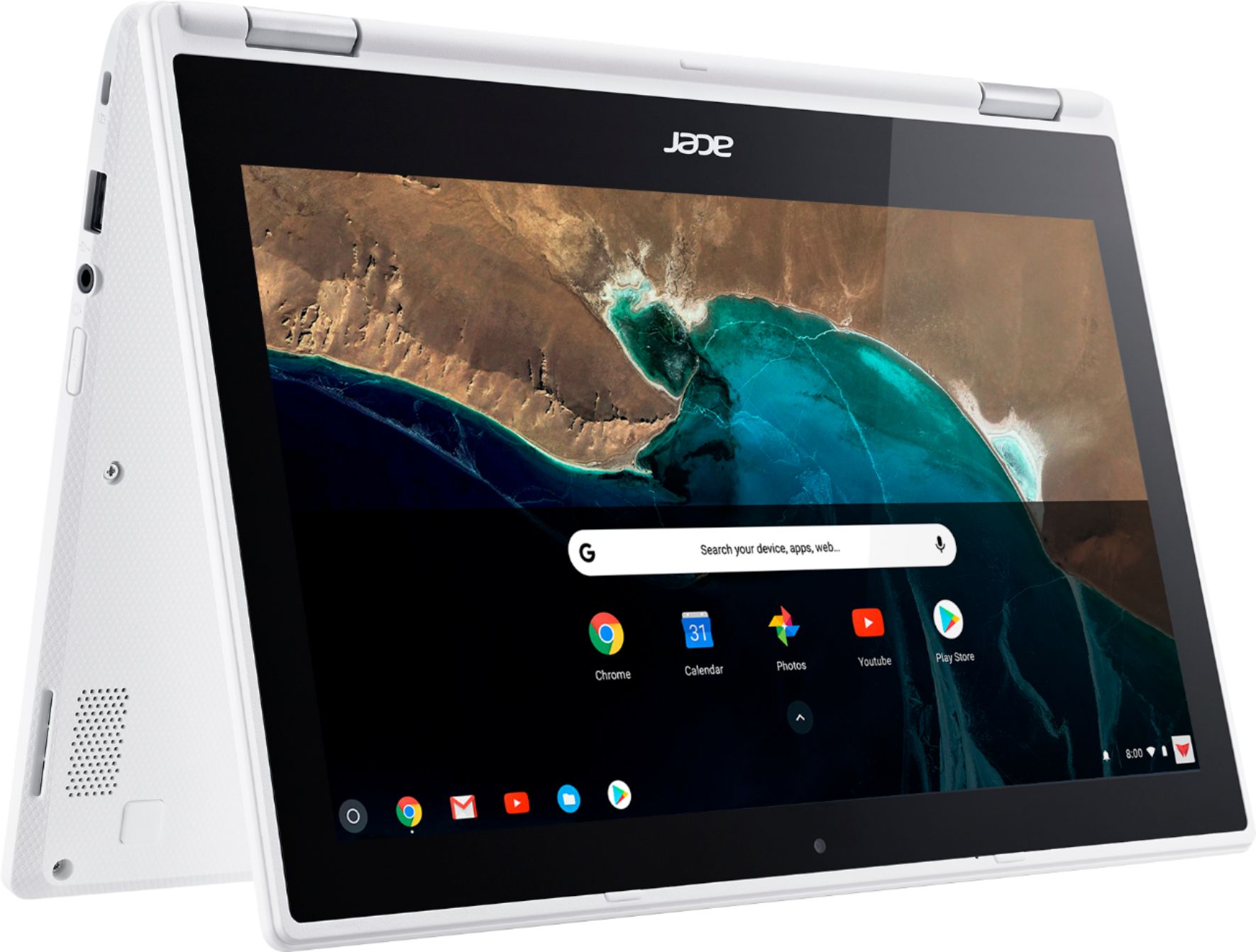
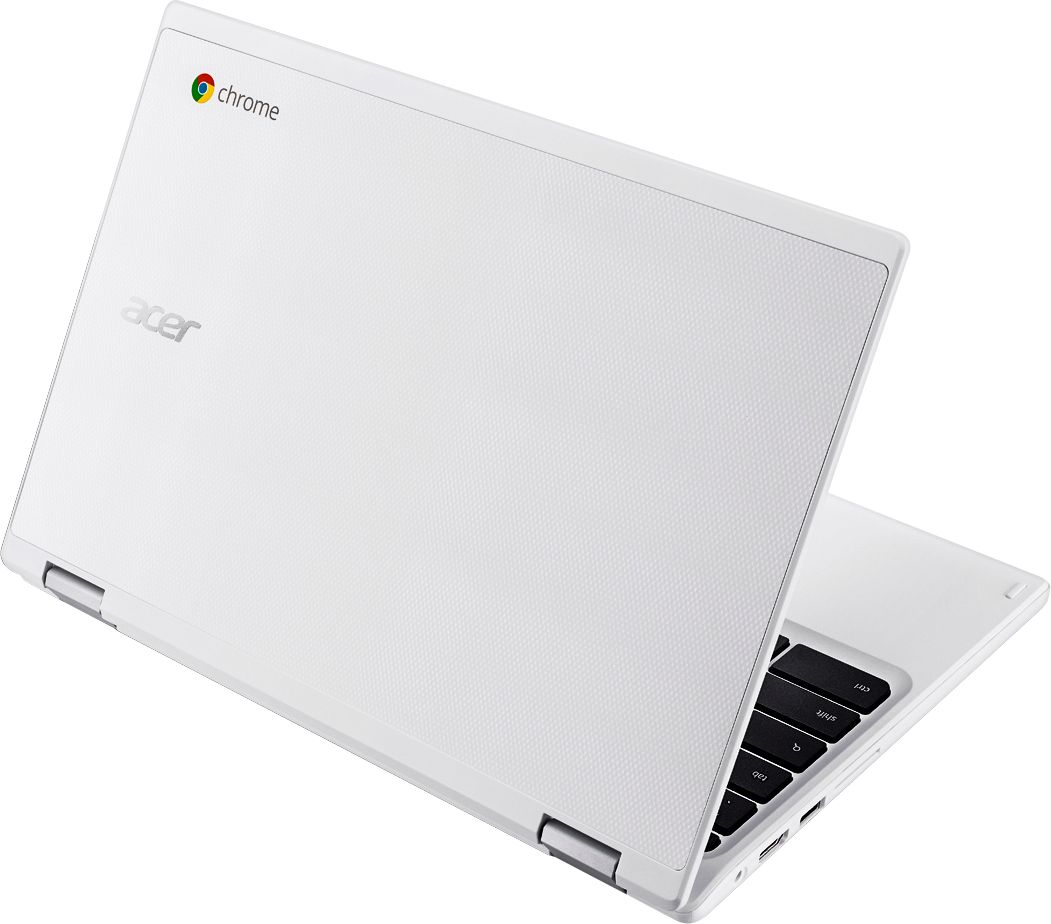
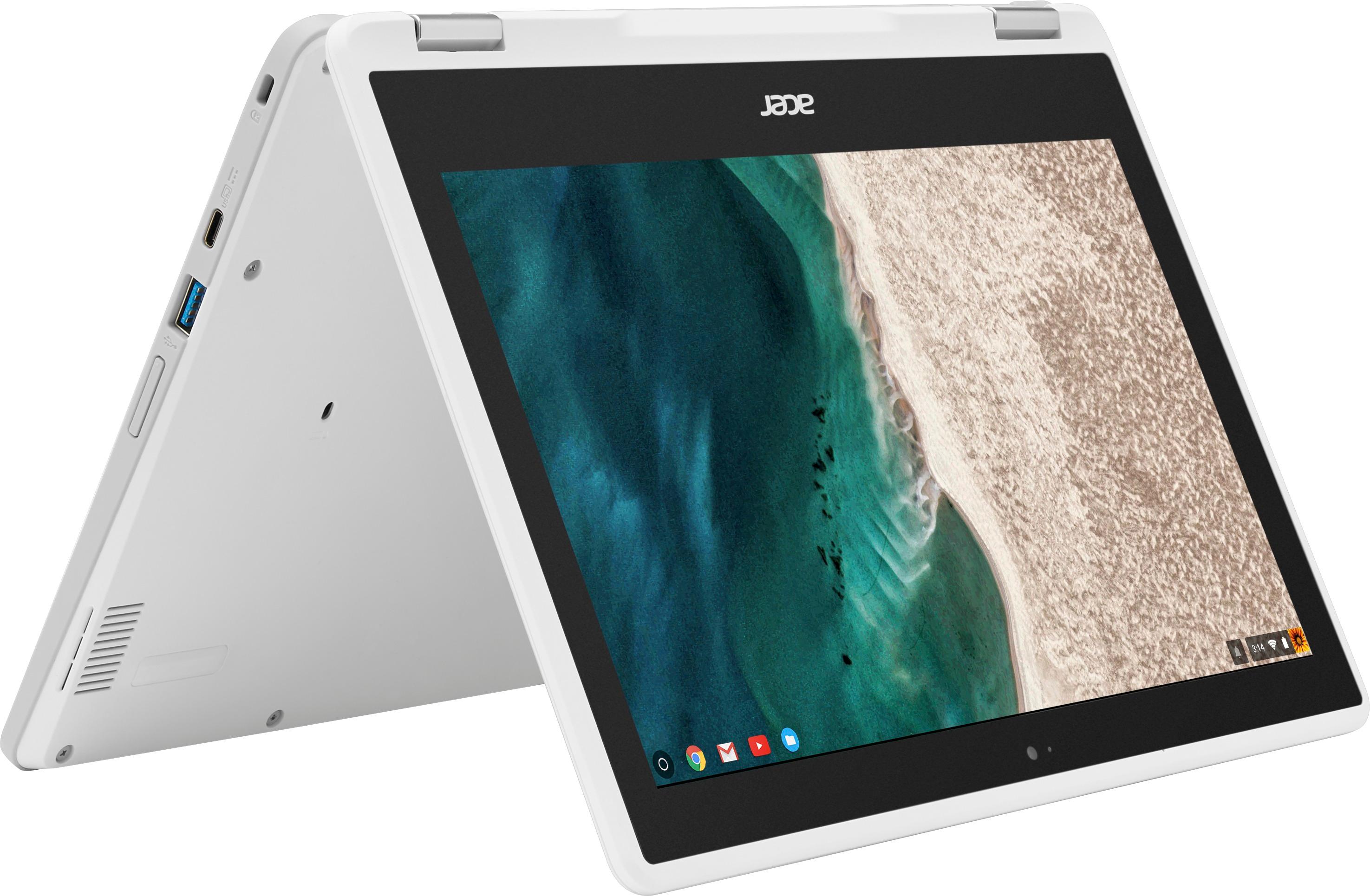
A:AnswerThis Chromebook is compatible with Google Playstore. We recommend you browse the Play Store and search for an movie editing app that offers features that you need. Here is a link you might find helpful: https://play.google.com/store/search?q=movie%20maker&hl=en
A:AnswerI use outlook downloaded from android and have no problem. I am a teacher and need outlook to keep up with whats going on at school! Hope this helps...I even run Word, powerpoint and excel from android on this computer.
A:AnswerYou can access the Google play store so whatever is available on the play store can be used on here.
Google docs is installed already on the Chromebook.
A:AnswerThis is a Chromebook not same as a laptop or PC. It doesn't have a hard drive for storing programs it's more for online applications. It does have some storage (32 GB) but again not really for loading programs, if you want that go for a laptop with a hard drive. I am not sure if Roblox is available thru Google play or online?
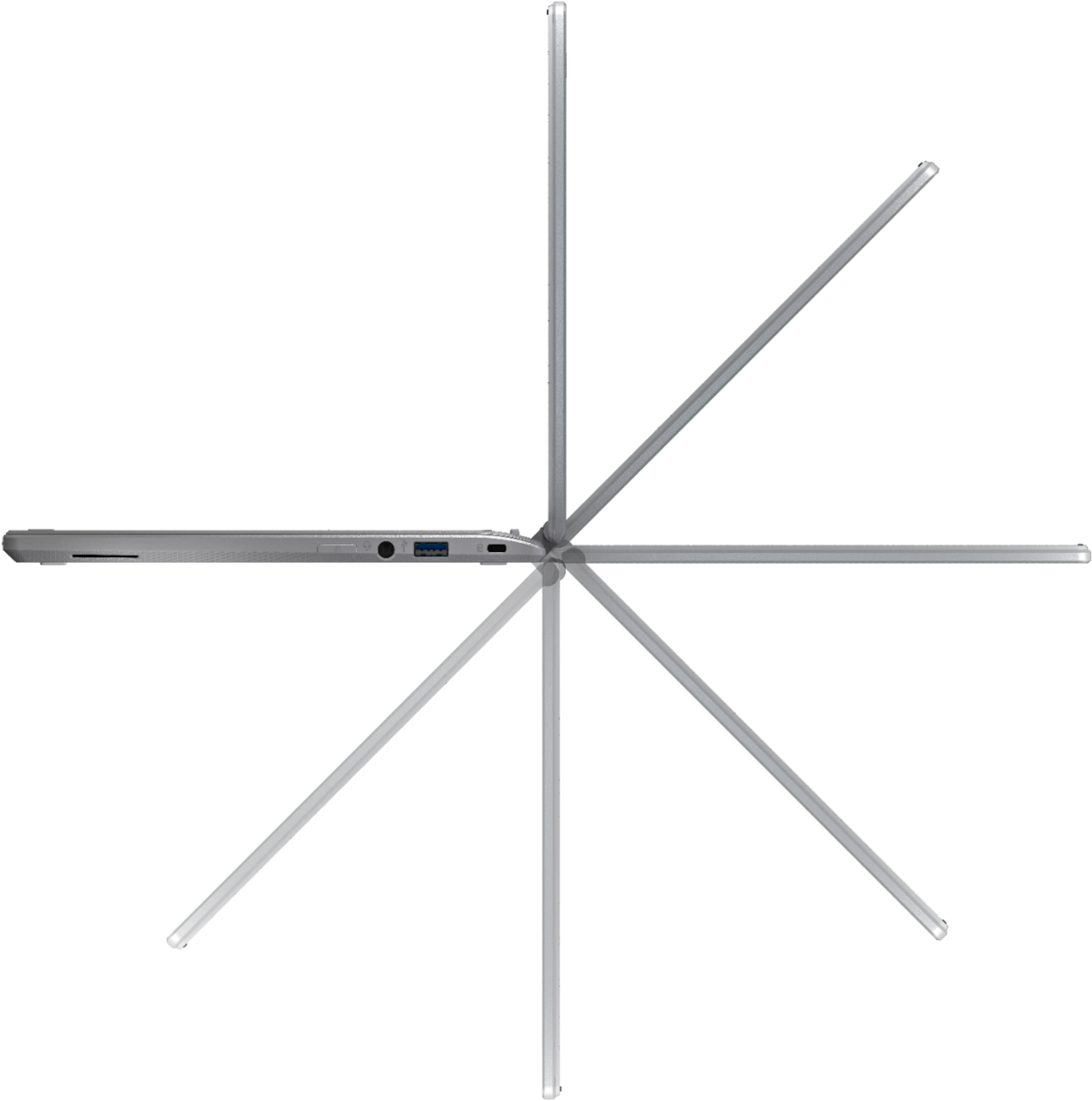
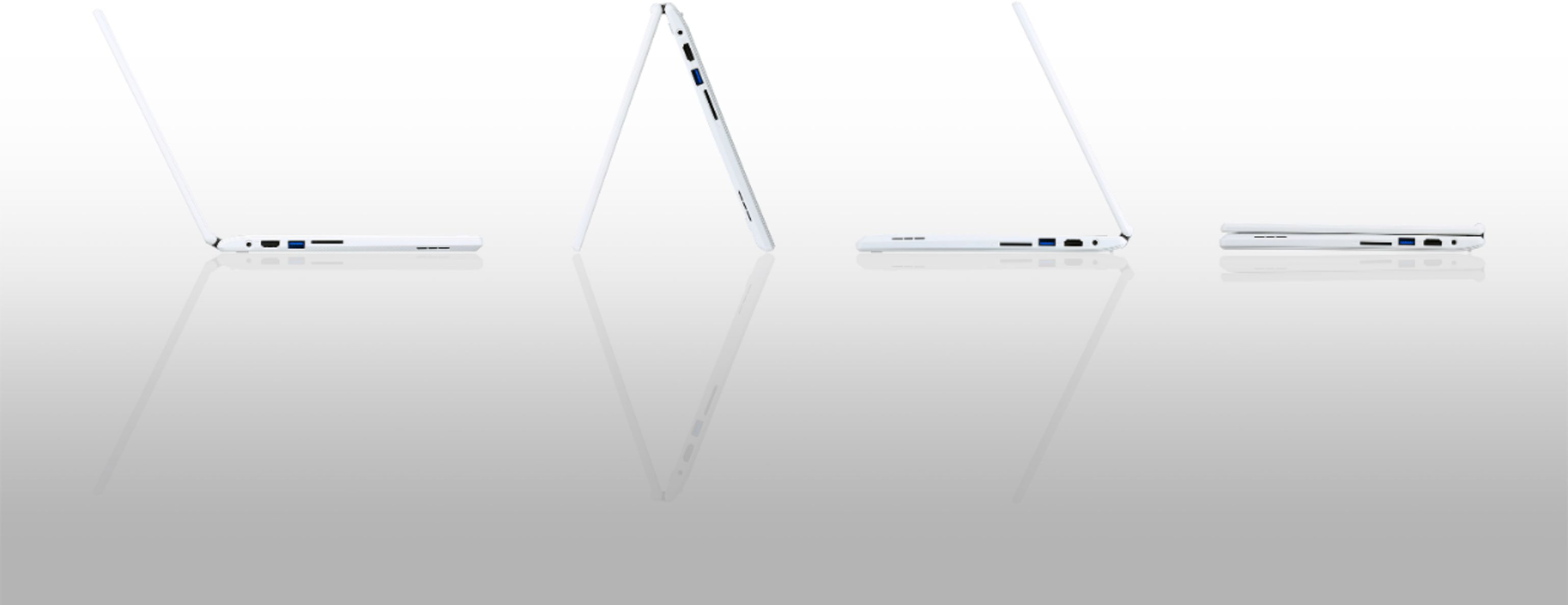
A:Answerone of the two usb ports on this laptop should provide a connection, as far as compatibility you will need to check with the manufacturer of your printer to see if Chrome OS will work with it. I have not tried because my printer is wireless.