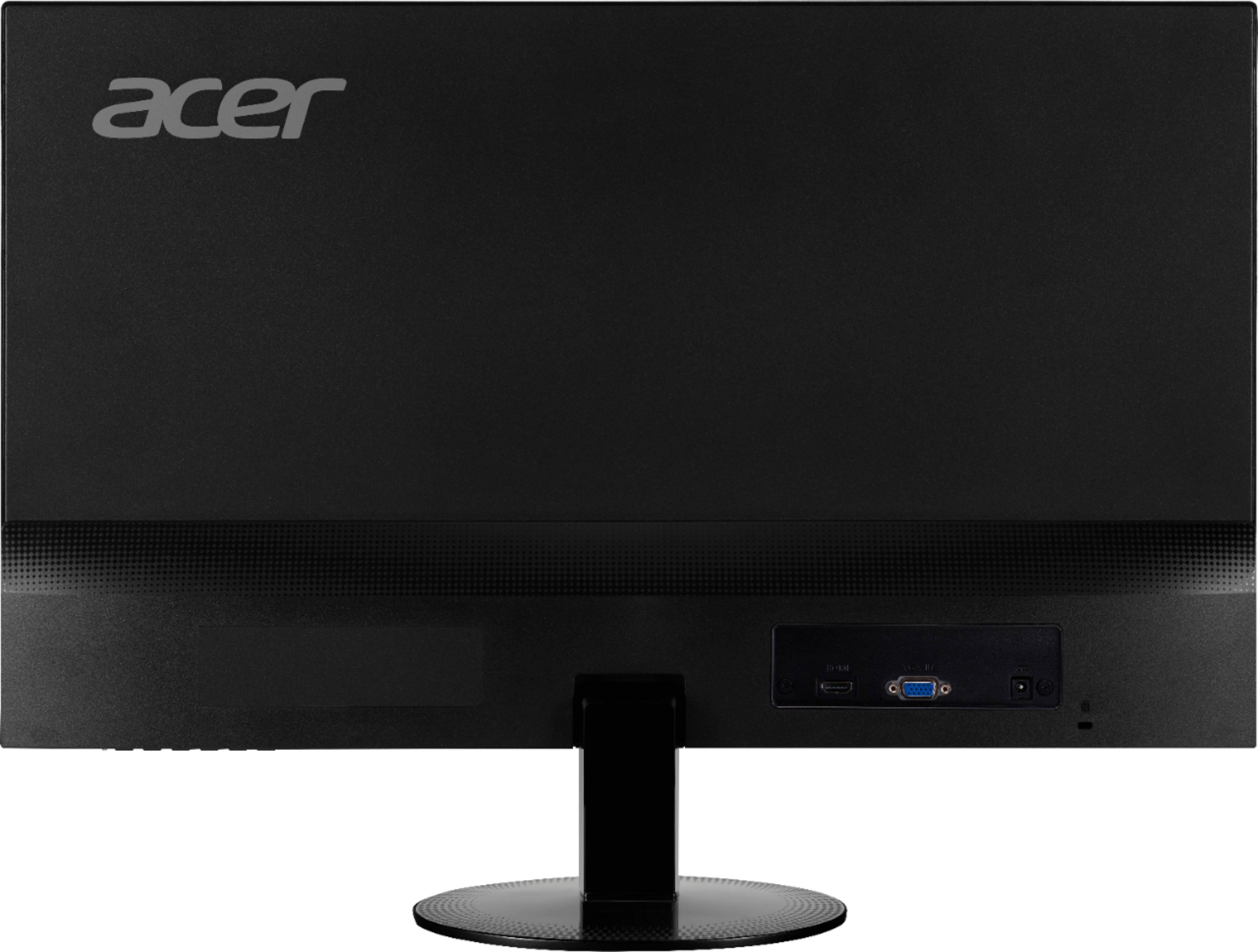
A:AnswerMy GF uses this monitor through HDMI with her laptop and it works great. Her laptop has an Nvidia graphics card. If your laptop has an HDMI slot you can test it on any modern TV with an HDMI connection.
A:AnswerYour best bet is to go to the Acer Community and post your questions there. The forum has many users that post questions and offer help and advice on Acer products. The link is: https://community.acer.com/
A:AnswerPlease check with Acer support to inquire about a replacement AC adapter/power cord. They can be reached at 866-695-2237, and are available 24/7 for in-warranty products.
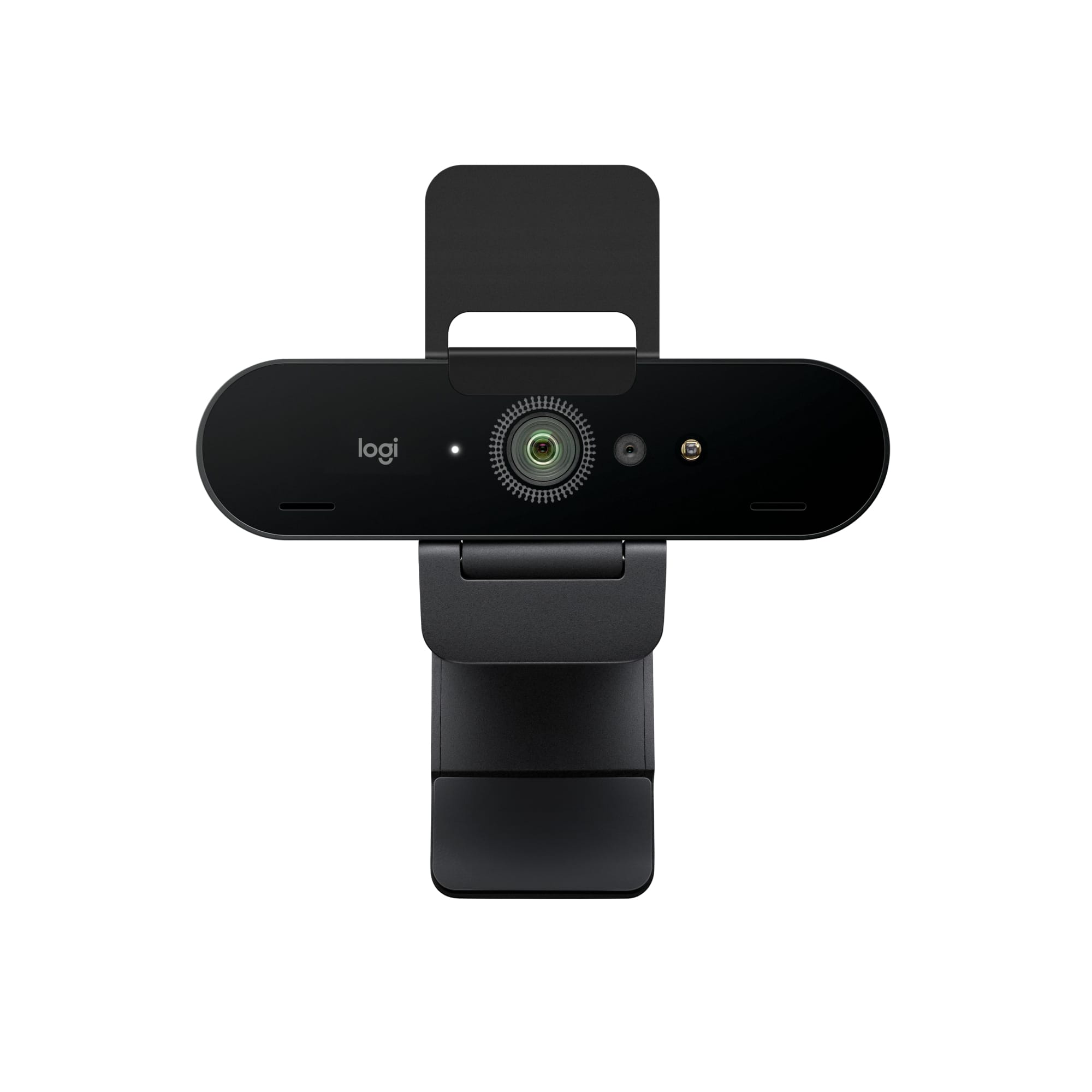
A:AnswerNo, it does not. I have not see any monitor in the market design for a desktop that comes with a camera installed. You can bay a camera that will adapt to use Skype or any other application that require a device to share images. A 'Logitech" brand camera will be a great choice for this purpose.
A:AnswerI really don’t know I am using it for my survalence cameras. But I can’t see why it wouldn’t work on 4K for games and shows. Good luck in trying.