A:AnswerNo, I just simply plugged it into my laptop and it worked fine. I am now using it with my desktop and it was simply plug it in to the computer. Of course, you have to plug in the power as well. ;).
A:AnswerDo you think that a monitor that costs $100 is going to have anything else but the essentials on them? You're looking at this bc you're on a budget. expect to get a budget monitor and nothing more. You can always but a video camera from logitech for under $20 or pay more for a monitor.
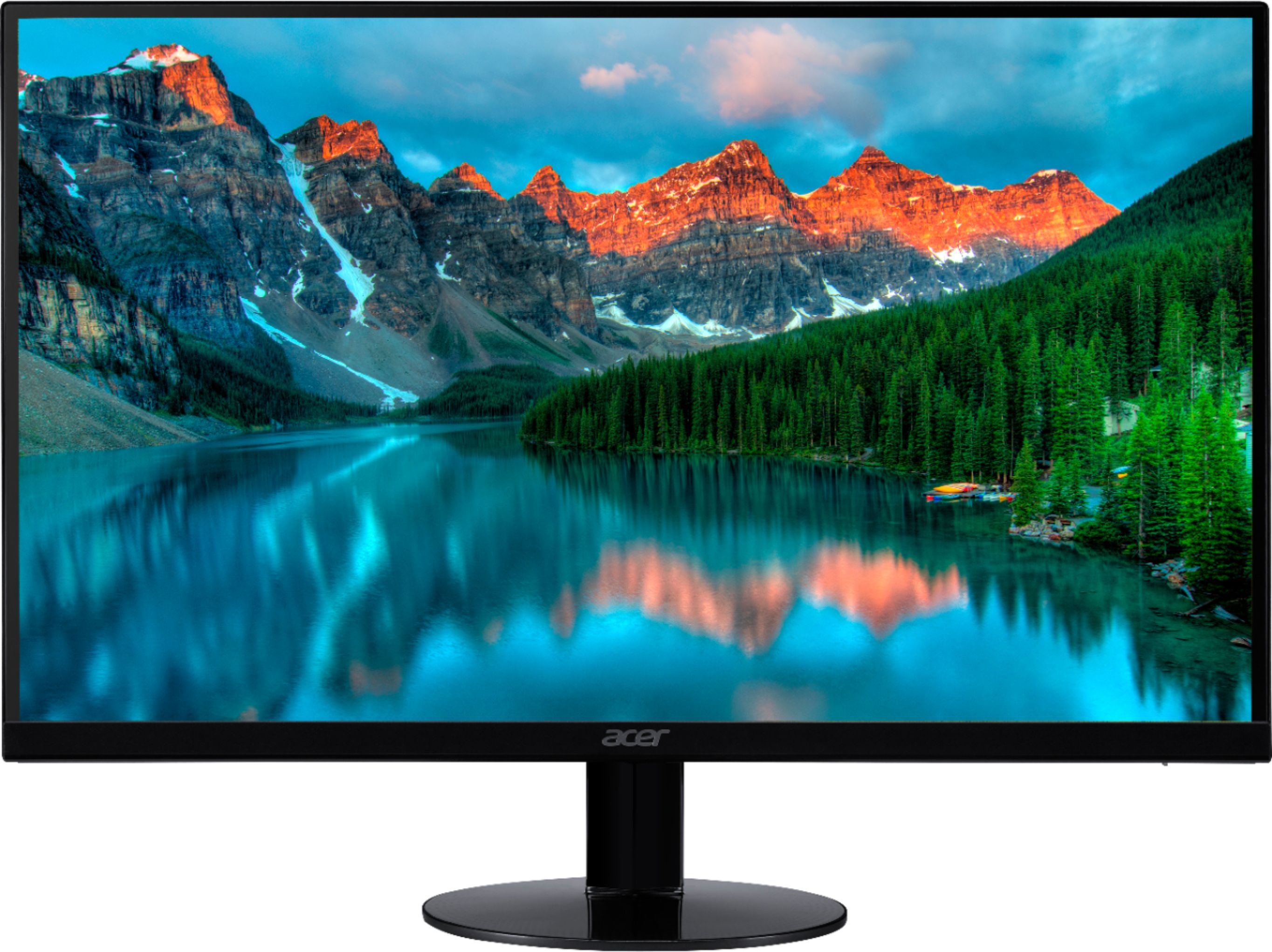
A:AnswerNo. They are stationary. they are about 8" off the base of the monitors. if you need them to be any higher and you're on a budget then I would suggest looking into monitor mounts/stands to bring it to your desired eye level. I'm currently using the monitors on top of a desk that is 2'6inches from the ground and the monitors are at eye level. I'm also, 6'1 so take that into consideration before buying. You could always be cheap and put a ream of printer paper until it's eye level and measure it and figure it out.
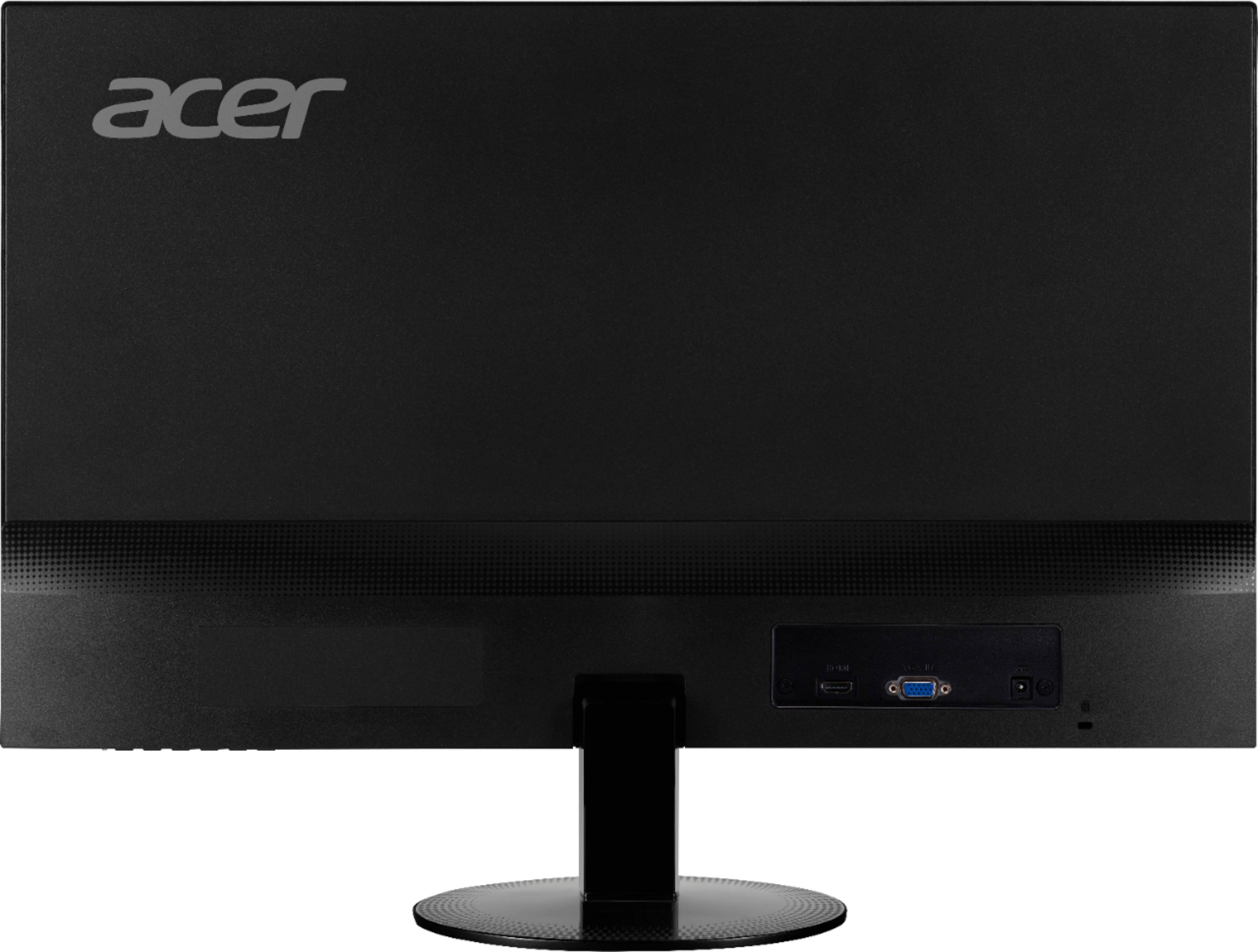
A:AnswerYes. you can. you would have to connect it to your laptop or desktop that you're using. you can not plug in anything to these monitors outside of the power adapter, HDMI and VGA cable.