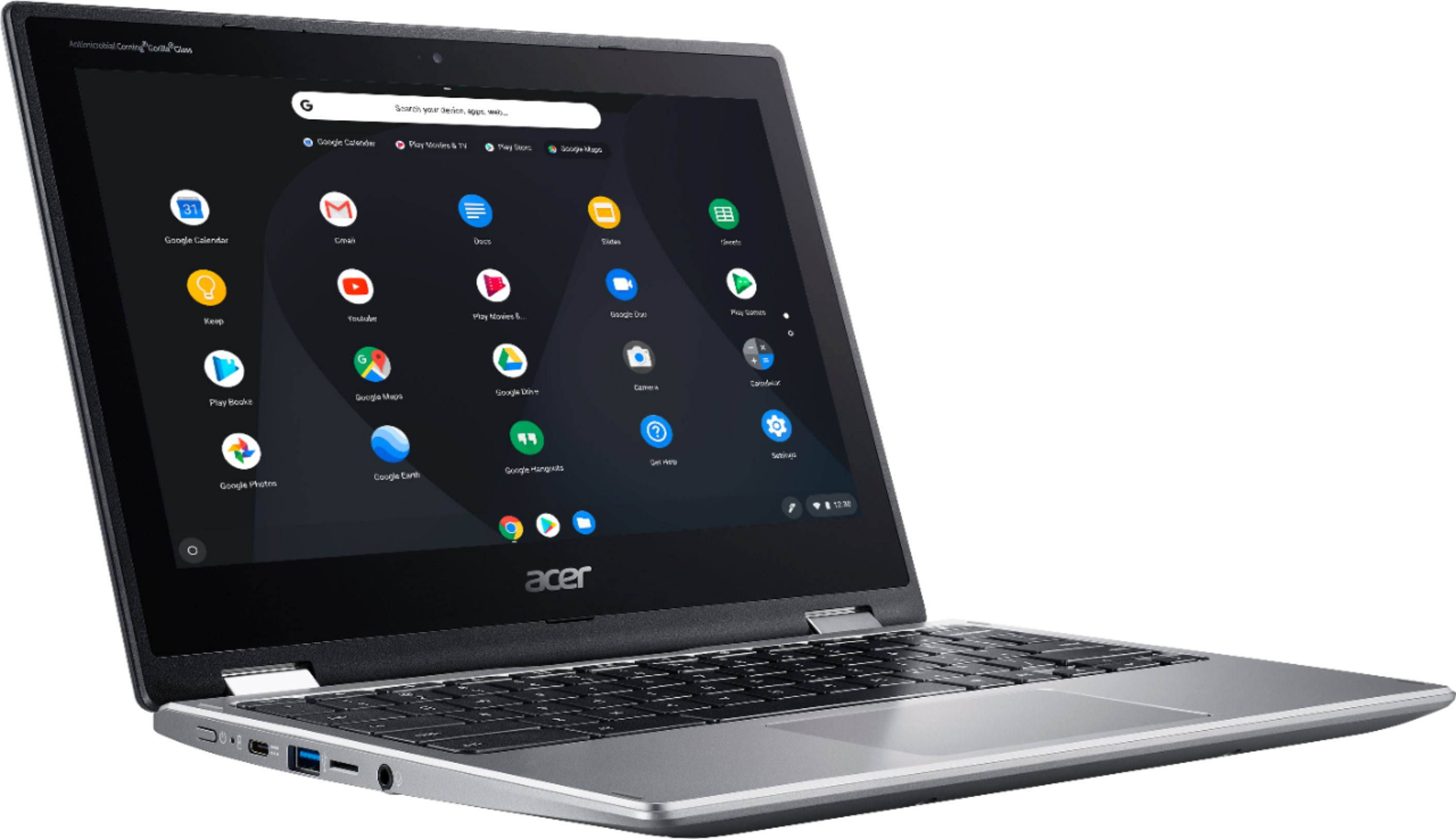
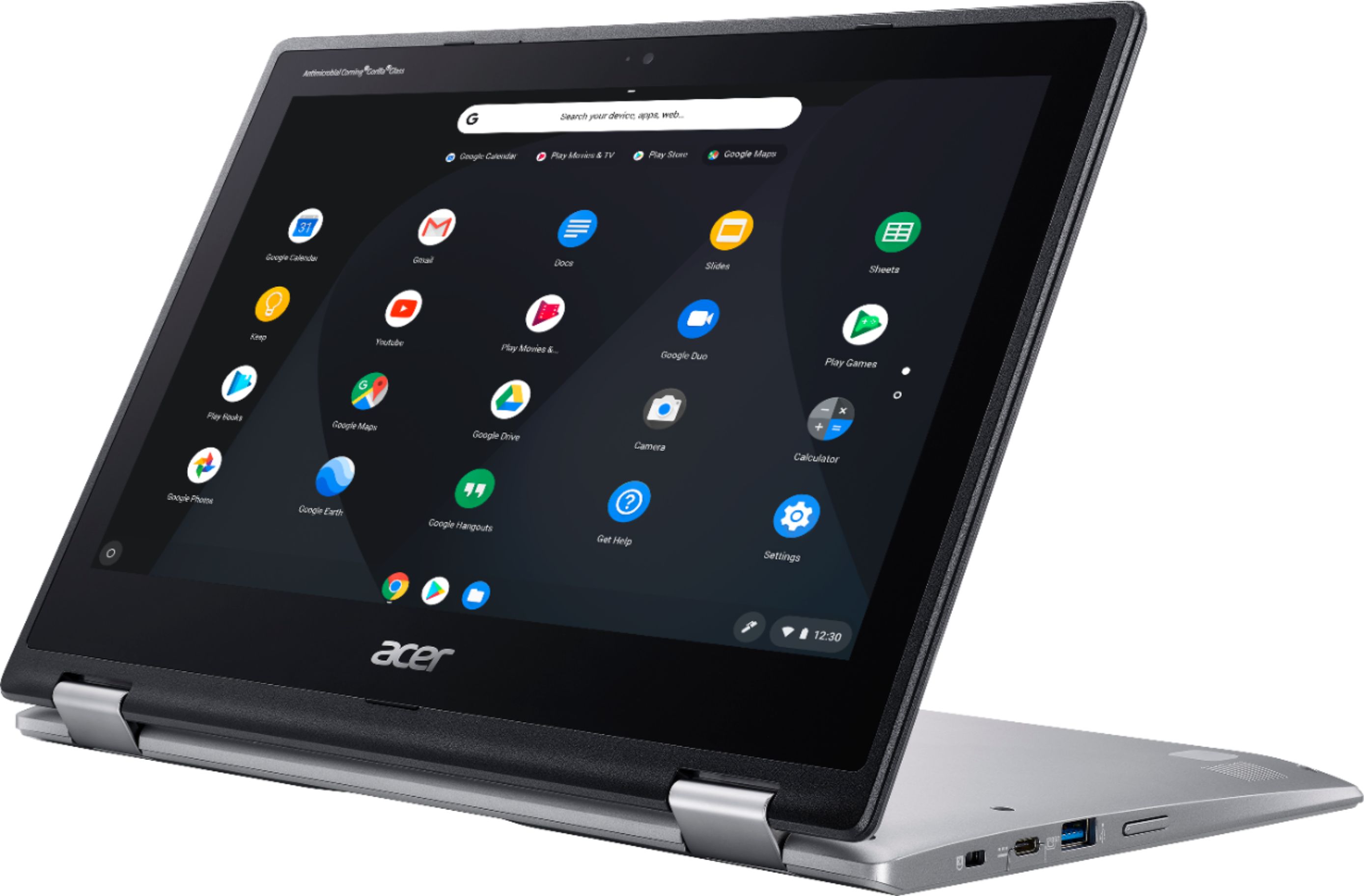
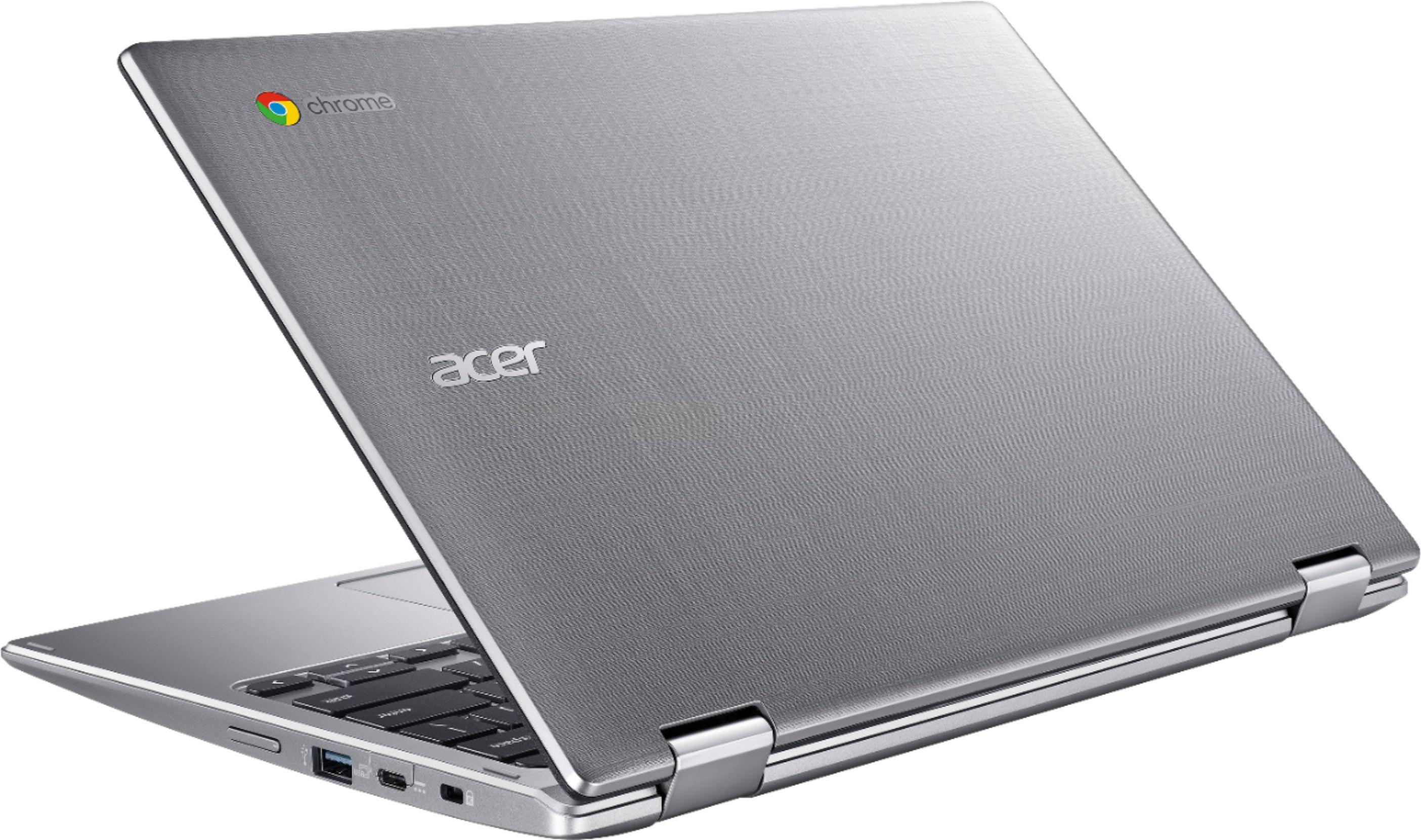
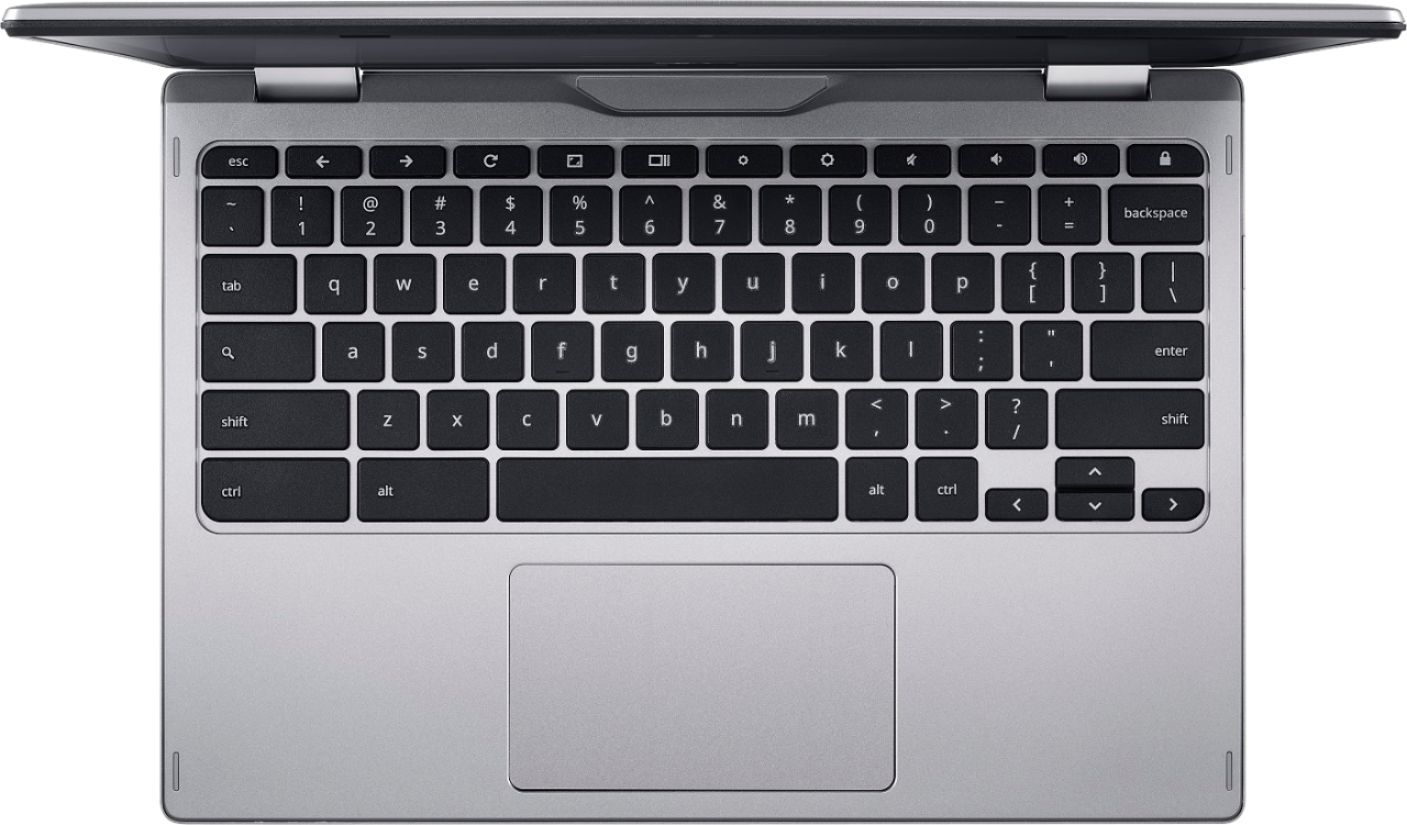
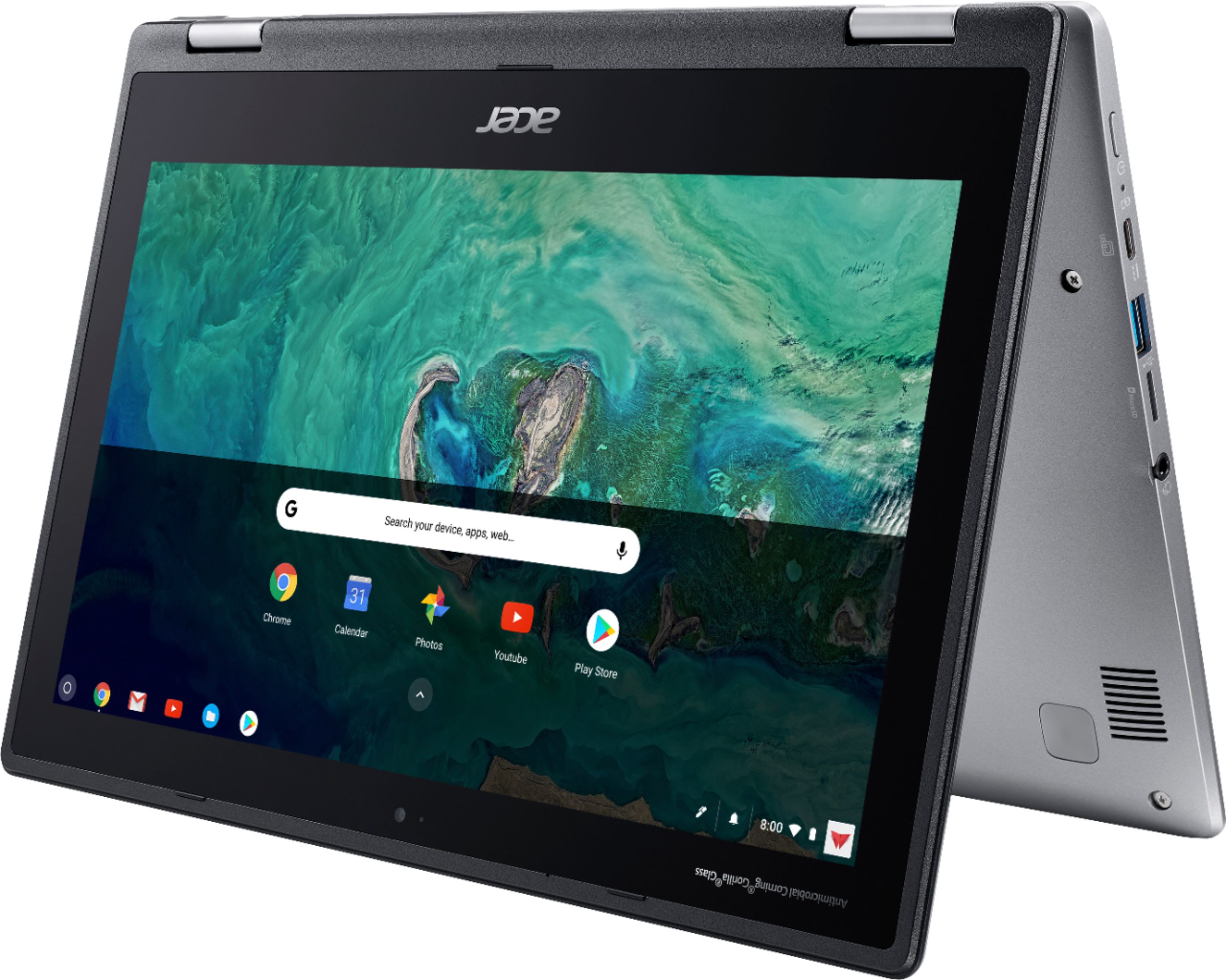
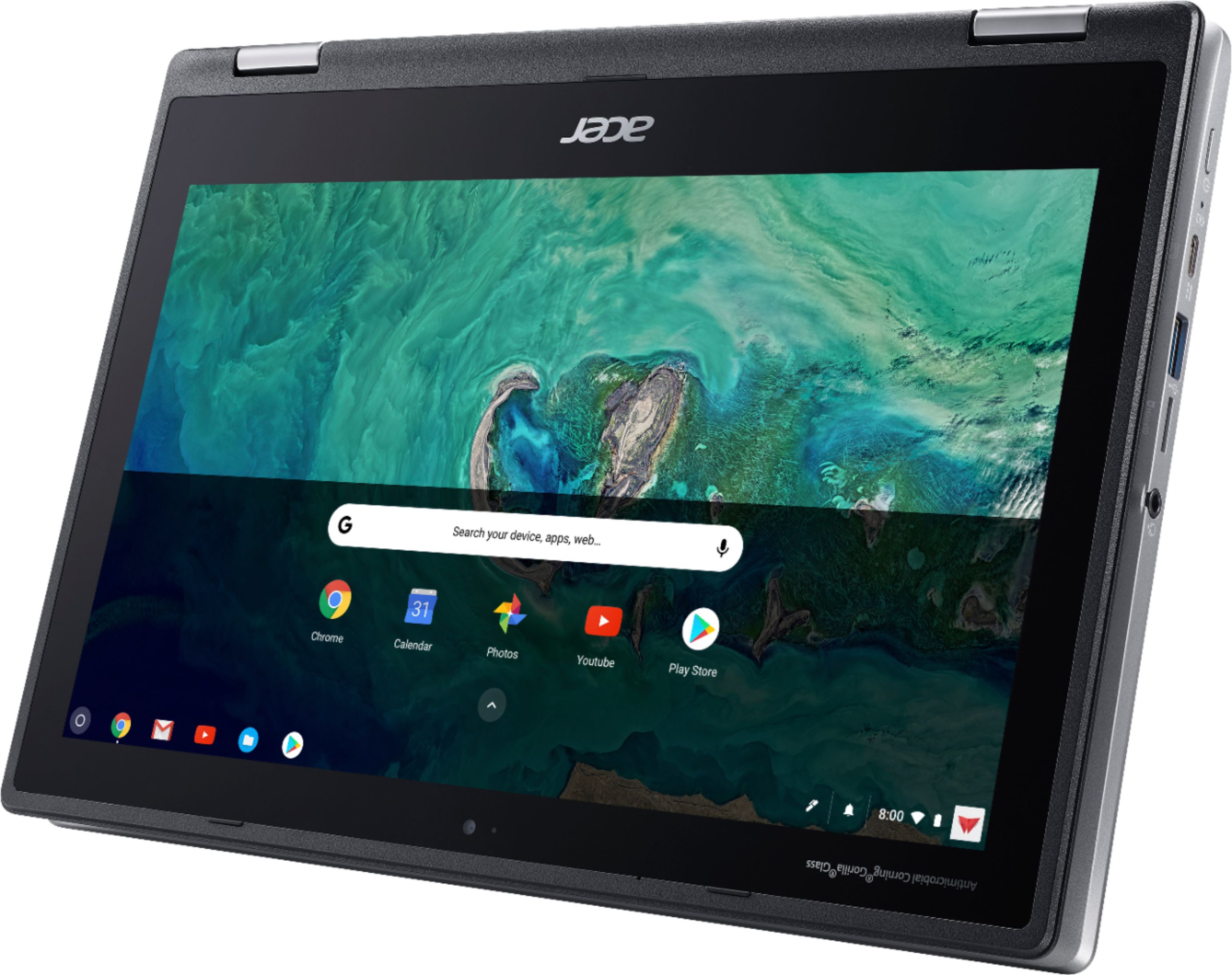
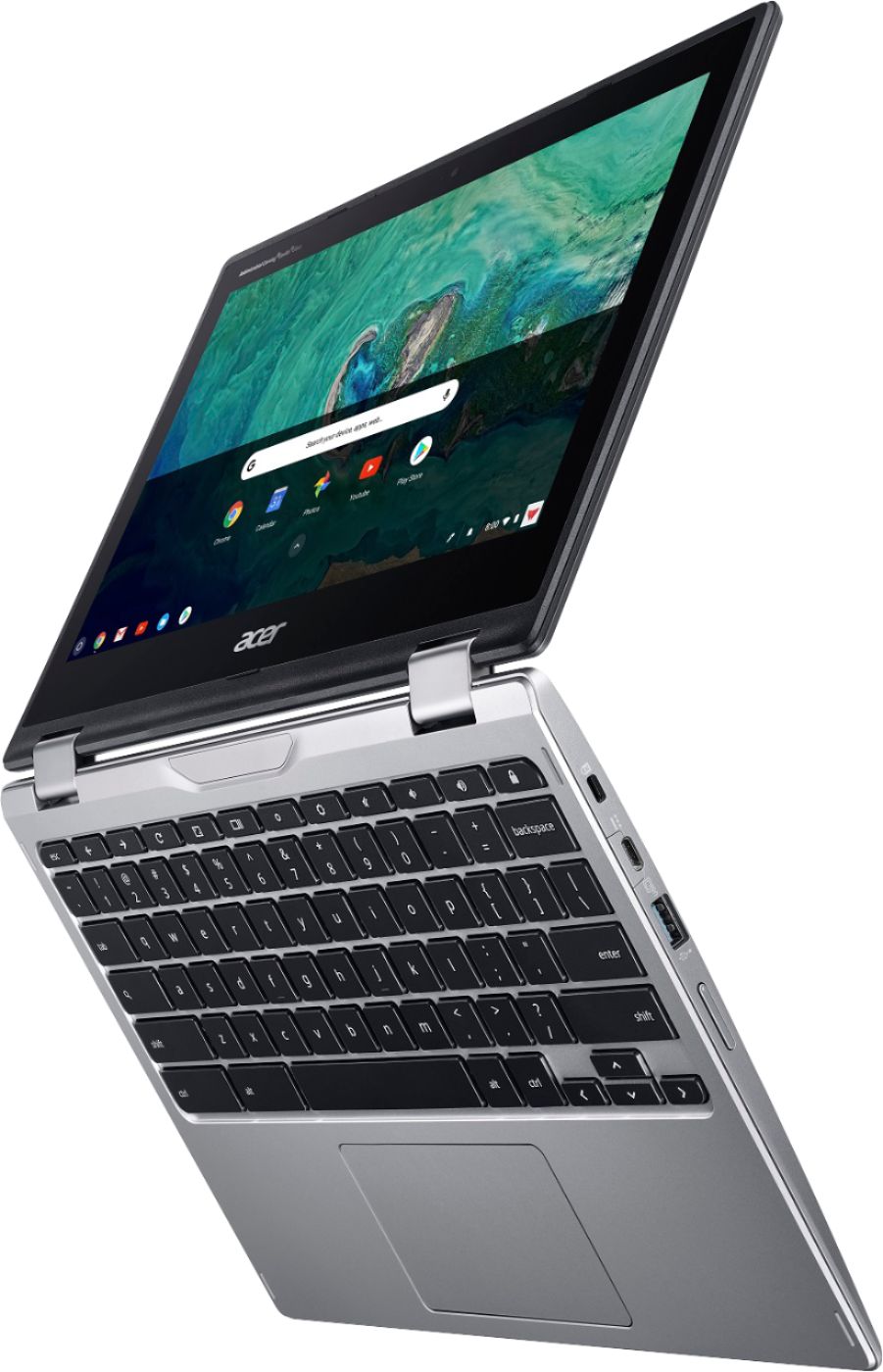
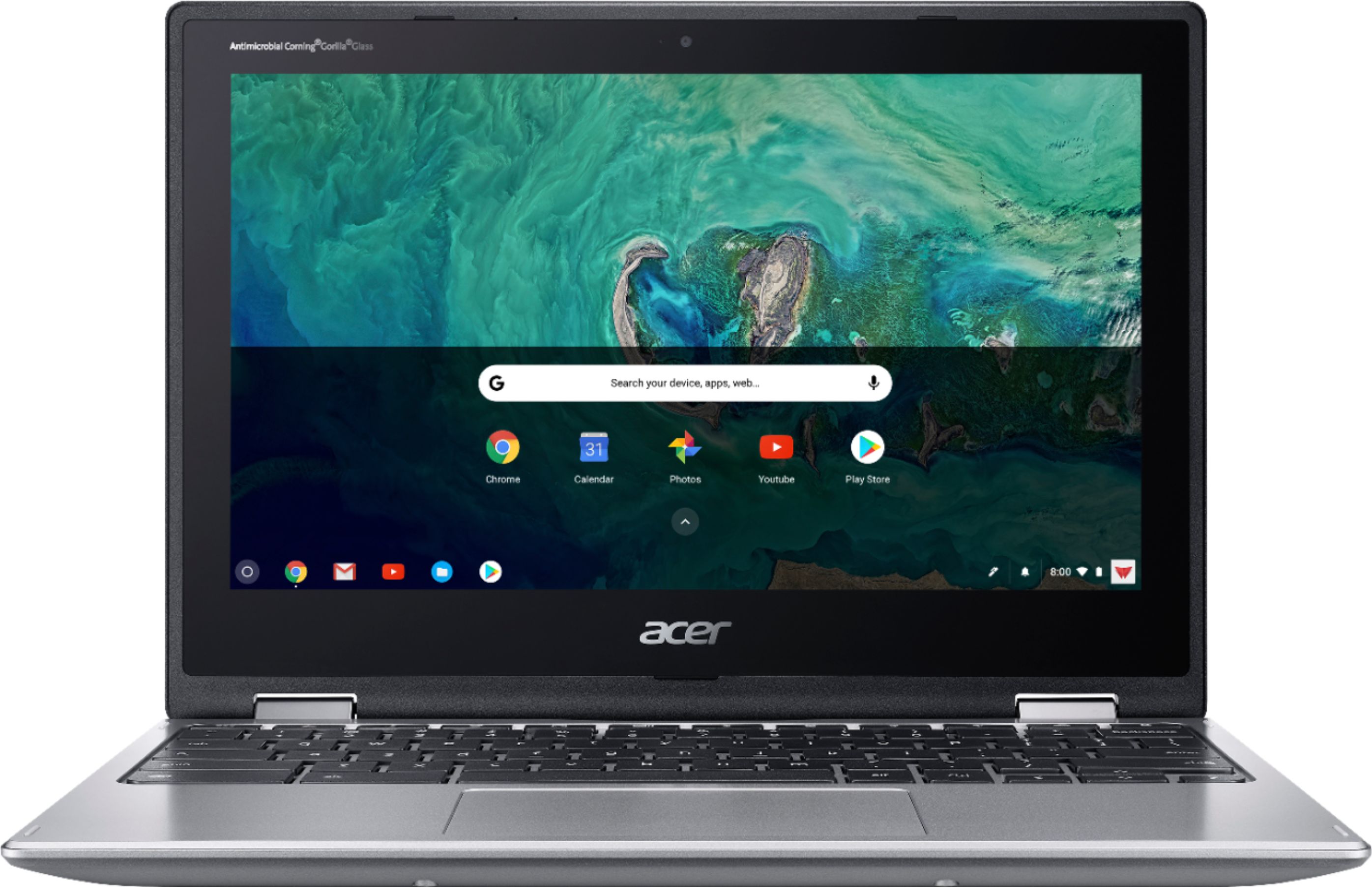
A:AnswerUnfortunately, you can't take a picture of something or someone else with this laptop like you can with your phone because it does not have the two-way camera. If you want to take a picture of something or someone else, then you will have to aim the camera at wherever it is you want to take a picture of.
A:AnswerI believe the expiration date would be June 2024. Refer to this Google Auto Update reference page for more information.
https://support.google.com/chrome/a/answer/6220366?hl=en
A:AnswerPlease contact Acer support for assistance with this issue. They can be reached at 866-695-2238; this number is available 24/7 for in-warranty products.
A:AnswerMaximum run time is 10 hours. Please note this is benchmarked at an idle state so this will change depending on how you are using the Chromebook.
A:AnswerAcer has not tested Apple airpods, but here is a link you might find helpful: https://www.lifewire.com/how-to-connect-airpods-to-chromebook-4707152. Chromebooks are designed to be used on the Internet so Netflix will work fine. If the games you play are available as an app from Google Play or Chrome Web store, they should work fine.
A:AnswerYes, when you rotate this to tablet mode, it disables the physical keyboard and an onscreen keyboard will come up. There is nothing in our documentation that indicates this is customizable like a Gboard.
A:AnswerChromebooks use apps like an Android phone or tablet. Microsoft Office is available for Chromebooks but you will need to check for other apps you need to use, to see if they are available.