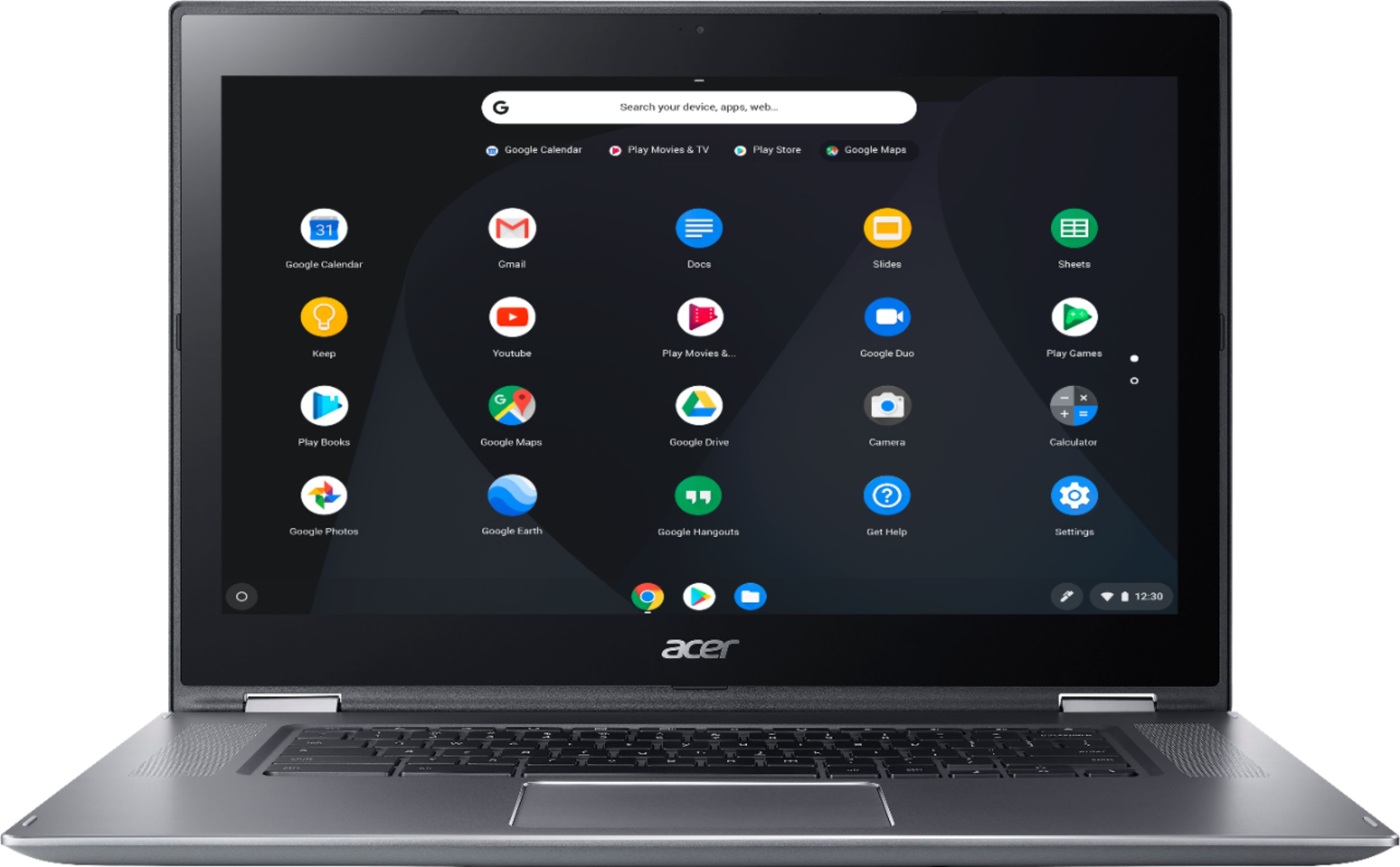
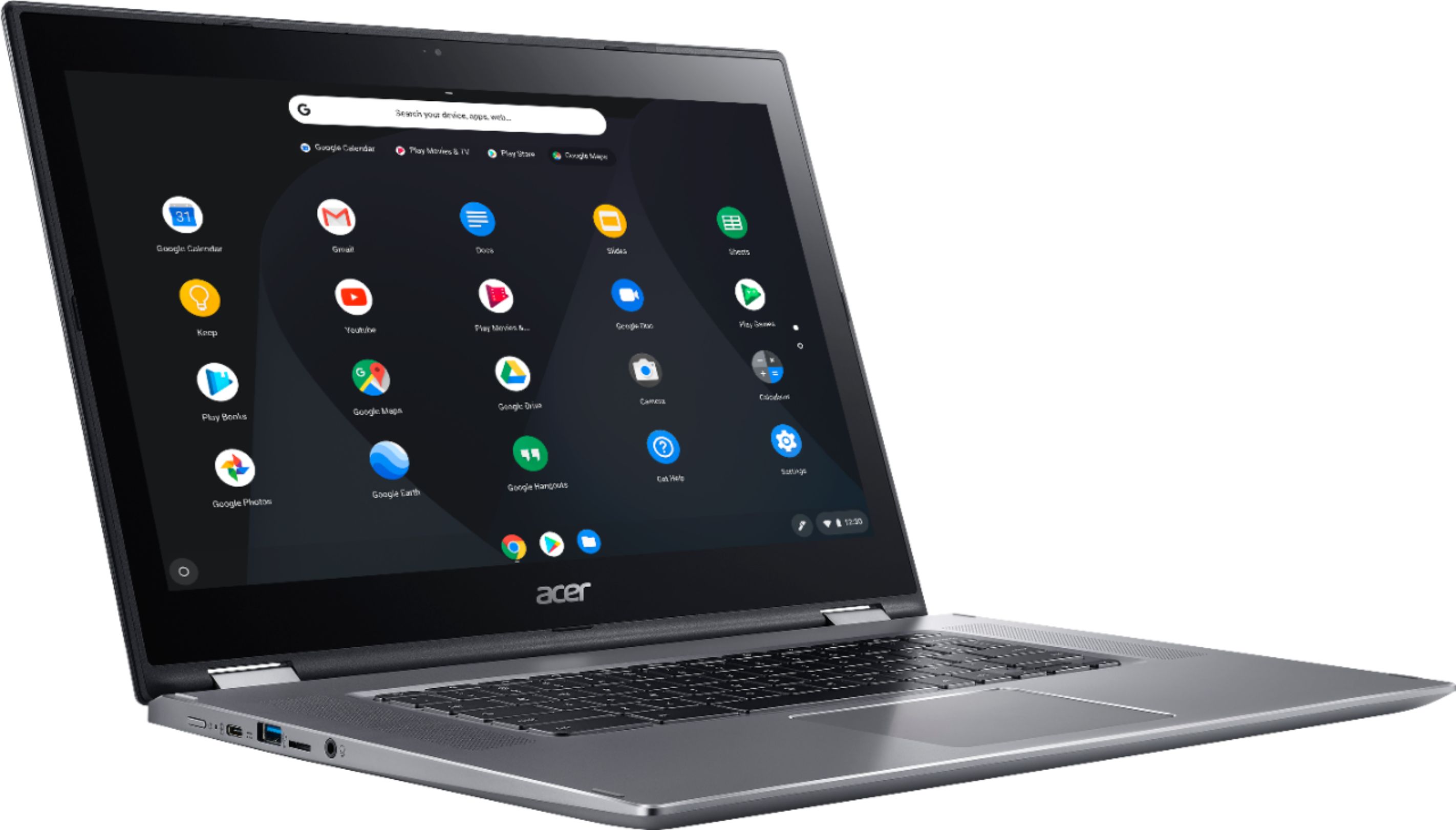
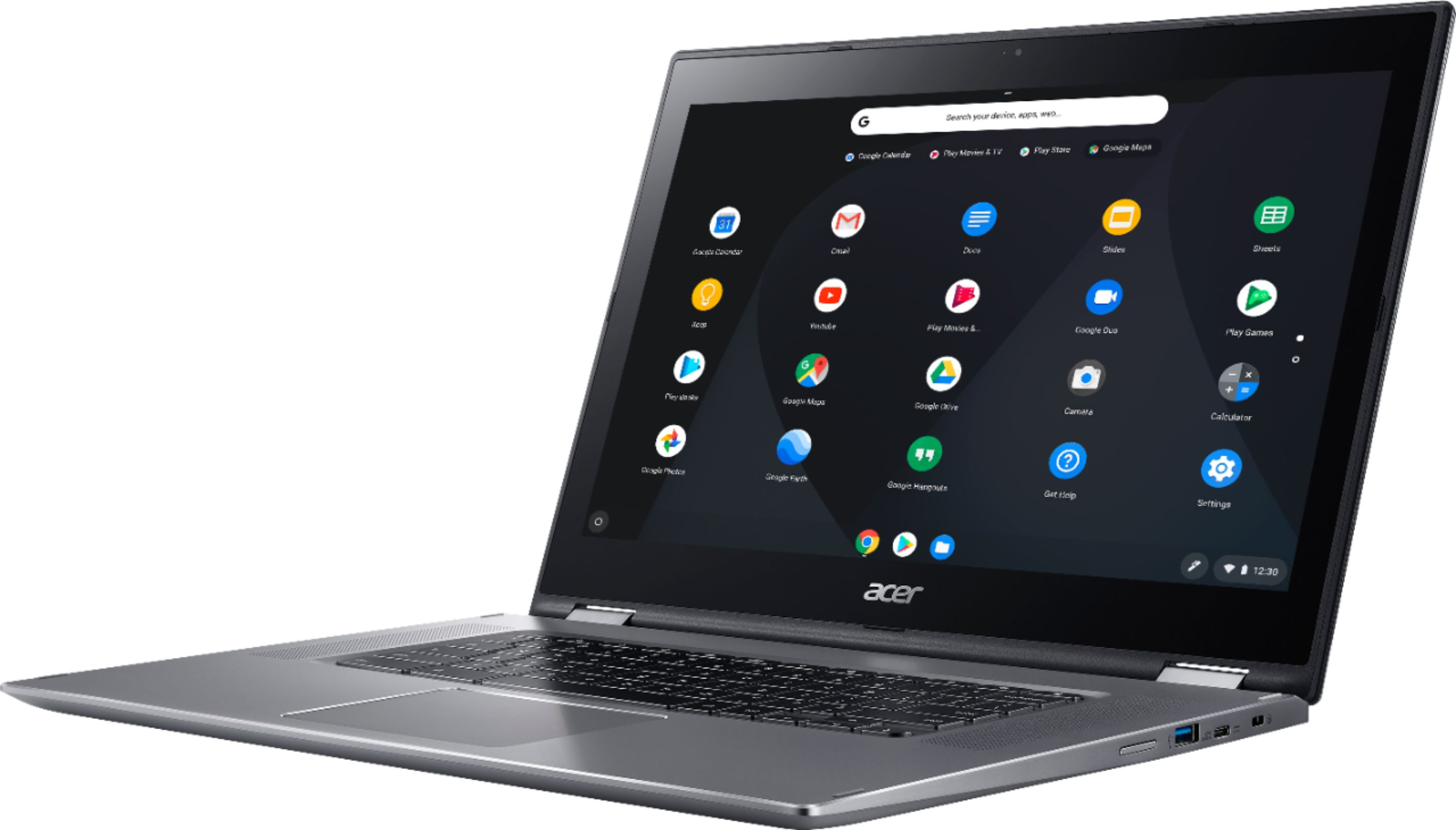
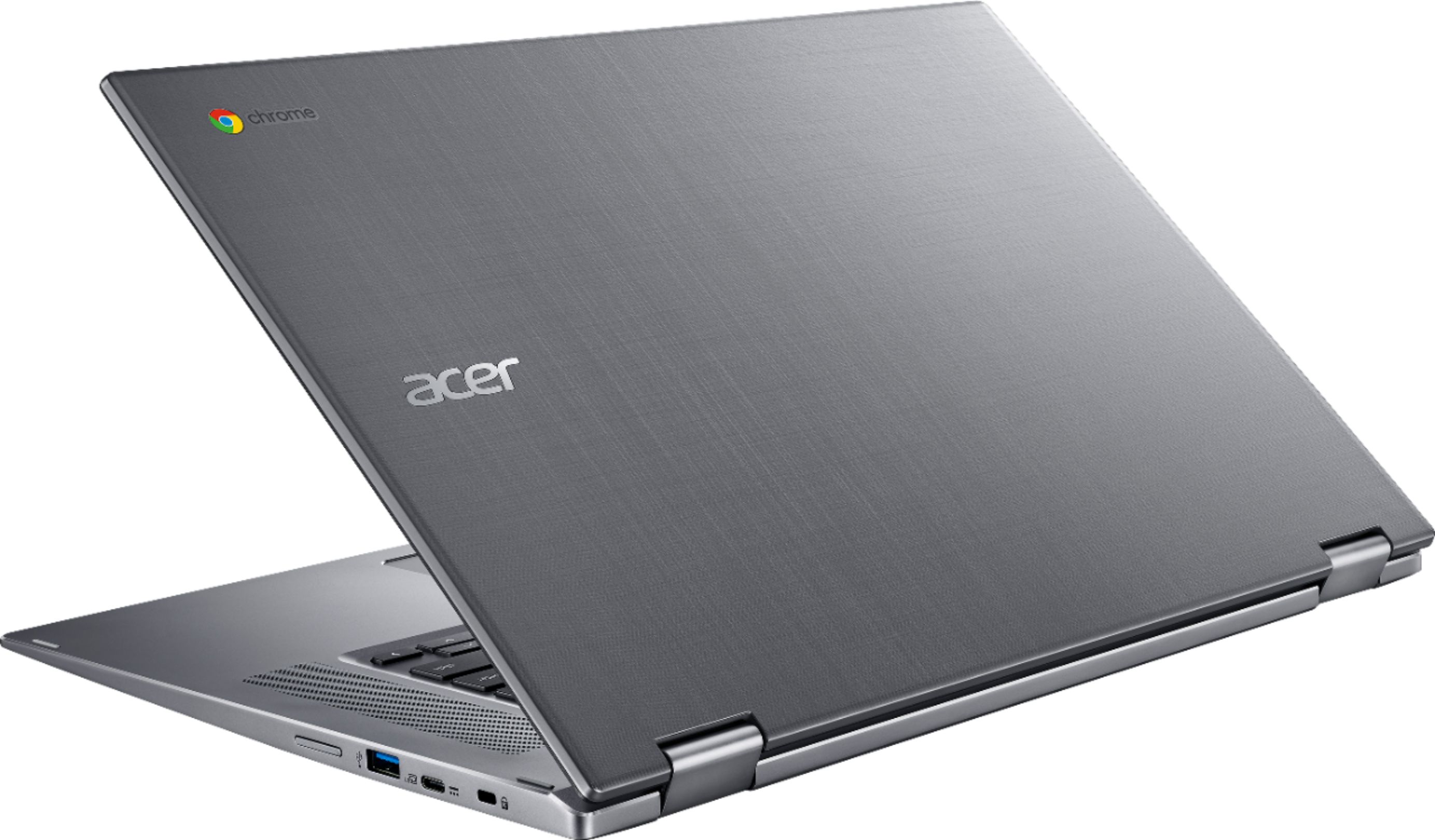
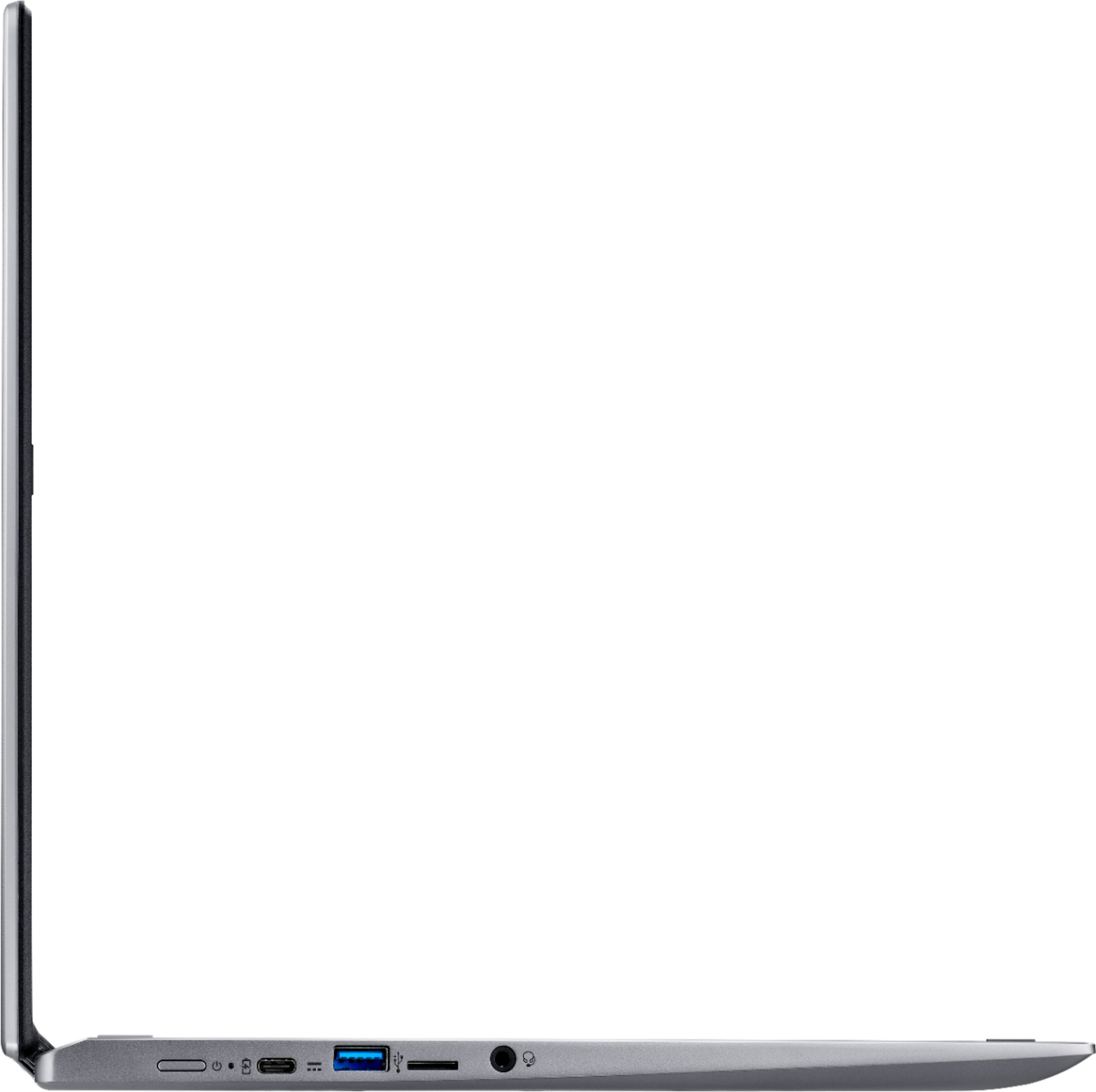
A:AnswerThis does take a mini SD card and USB drives. If you have a way to put info on an SD card you can get a mini SD, Most come with the adapter and put the info on it and then put the mini SD into this laptop in the slot on the left side. ...or use the USB port in the same way.
Hope that helps!
A:AnswerDoubtful. These do not run on windows 10. It’s uses it’s own google os program and it wouldn’t do what expected. I returned mine and got an windows 10 accer gamer one.
A:AnswerIt's just a slot where you push the SD card into it until it locks in place. To remove you push it in and it should pop out. If you still need help with this, please contact Acer support at 866-695-2237.
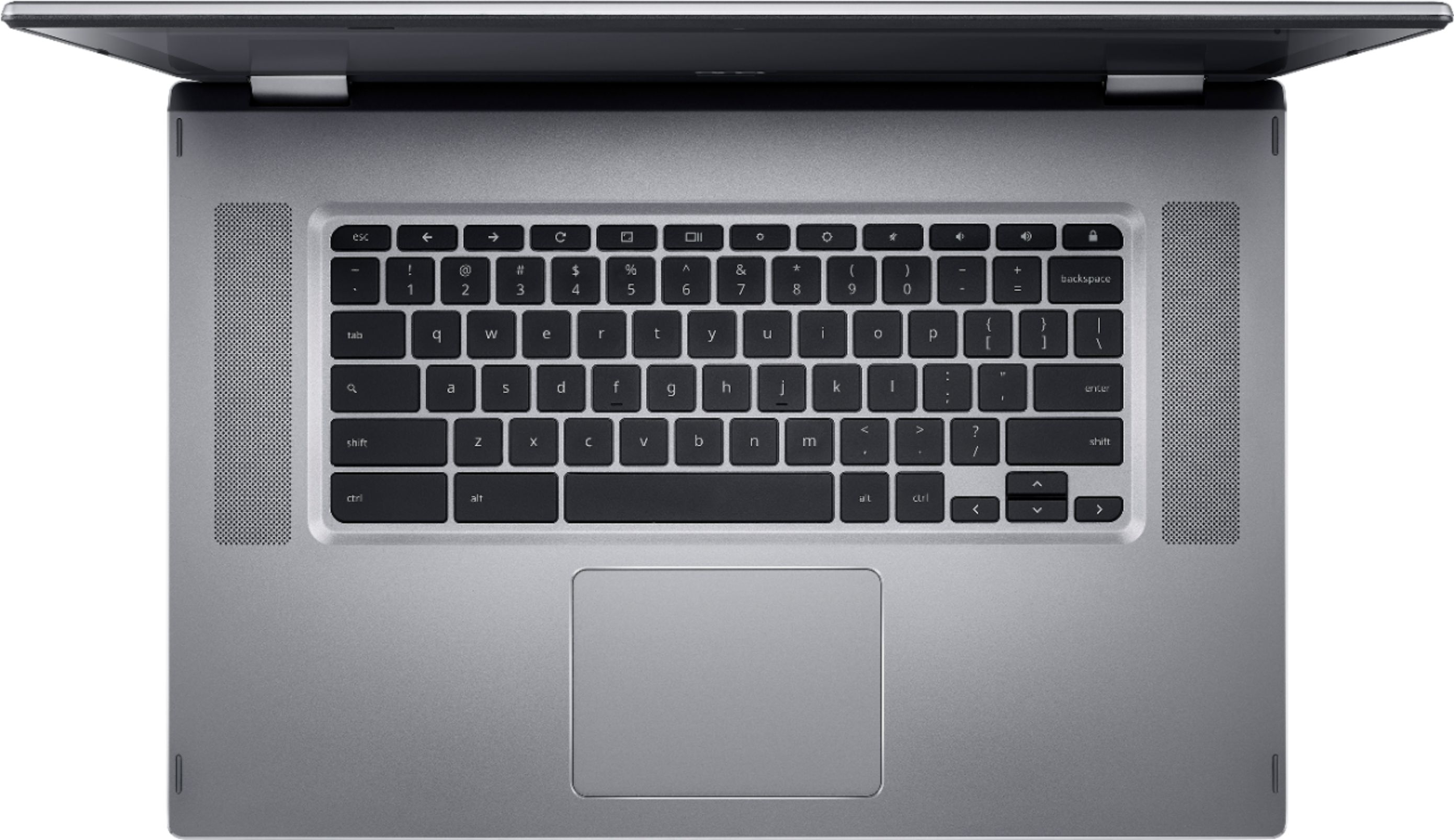
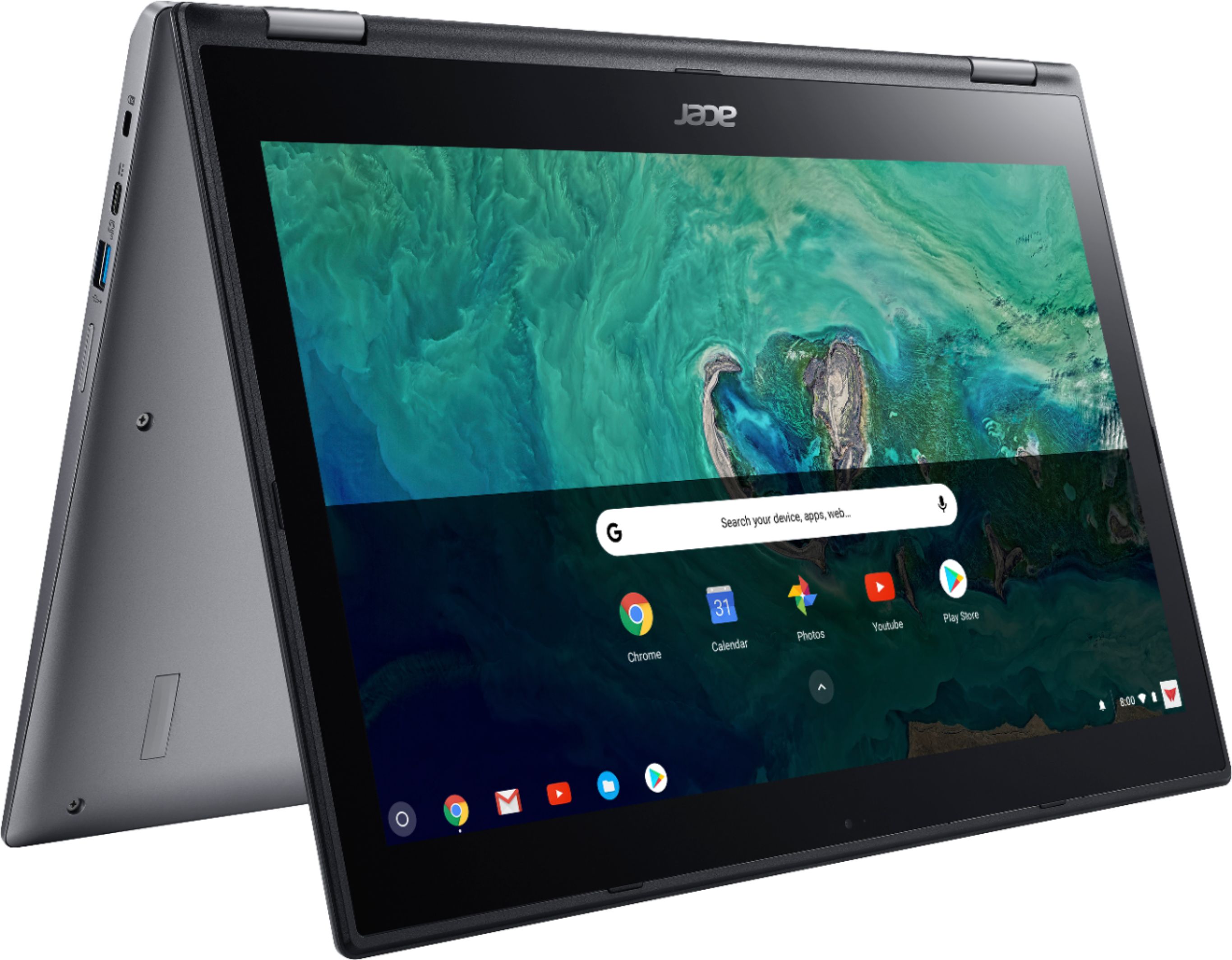
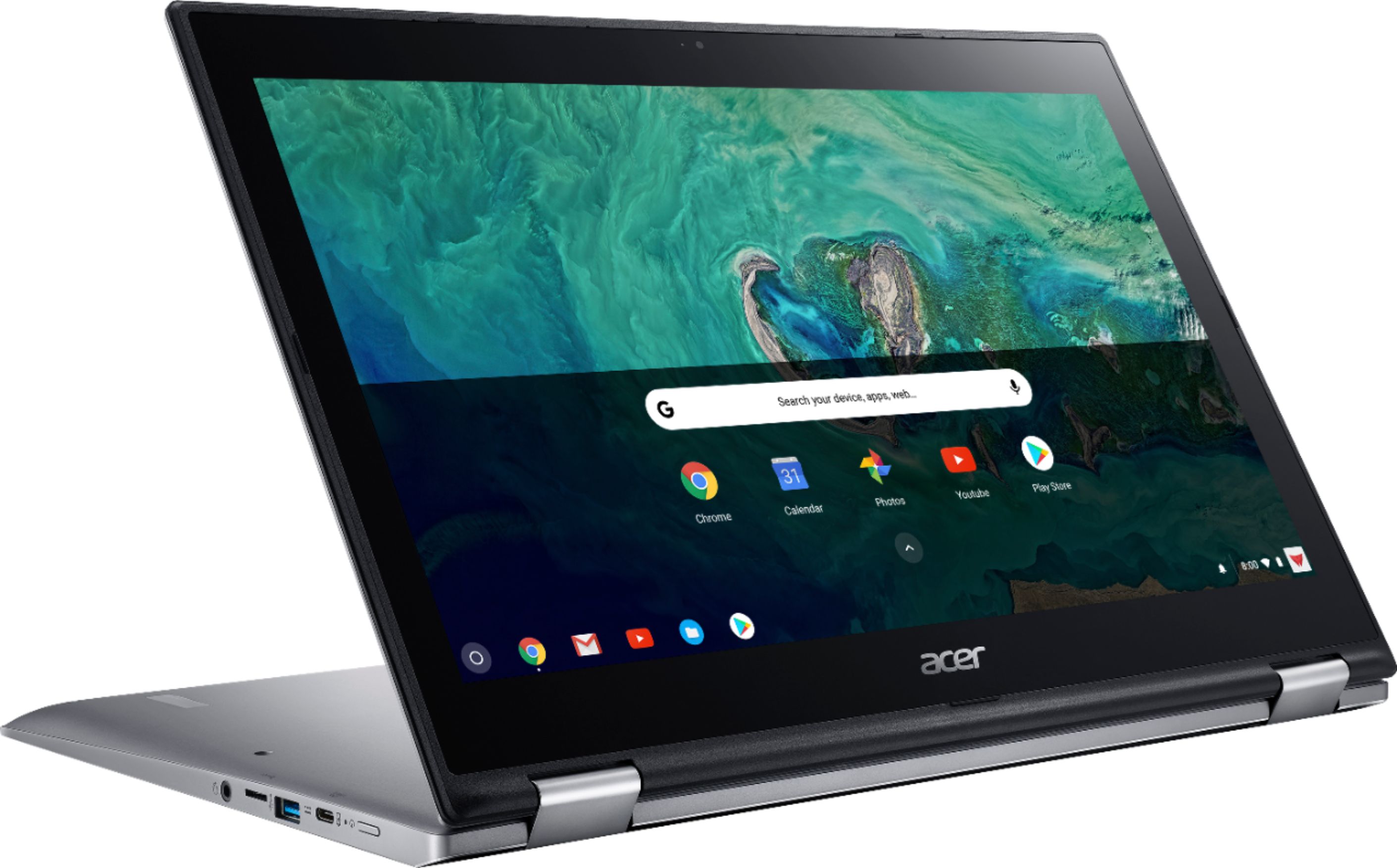
A:AnswerIt does not have an HDMI Port, but it has 2 Type A Ports and 2 Type C Ports! It's an awesome machine! I'm totally in love with my Acer Spin Chromebook 15!!
A:AnswerIt works with Nomad sculpt. That's a 3d sculpting app. It gives me no problems. Touchscreen is as sensitive as I need it to be. I don't use a stylus though. Works with some other drawing apps as well but I've never used SketchUp myself. Would recommend getting a glove though. It is multi touch so the risk of phantom touches exists.
A:AnswerThis Chromebook has a USB-C 3.1 that supports displayport, to connect to a TV. You may need an adapter since the Chromebook does not have an HDMI port.