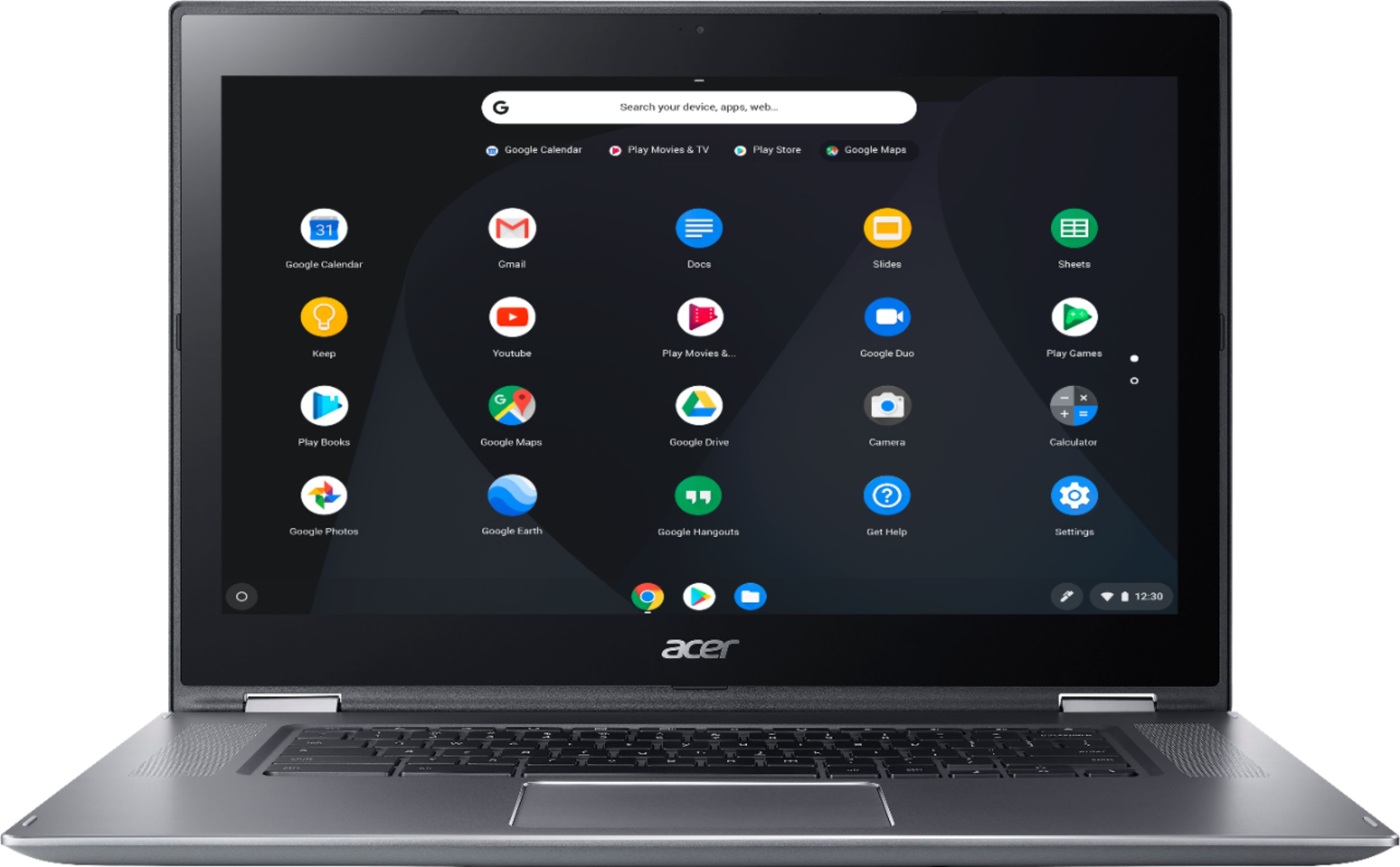
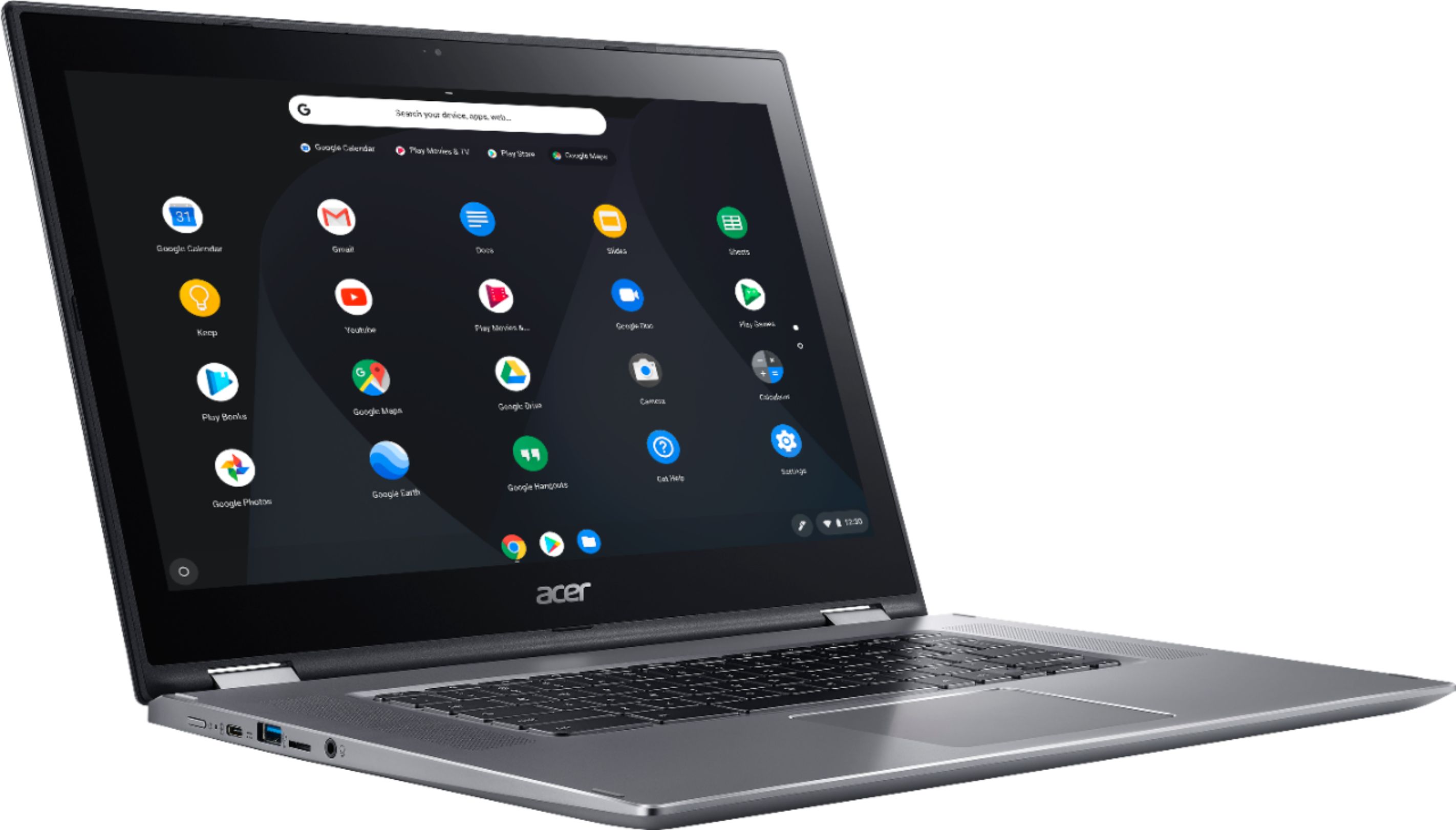
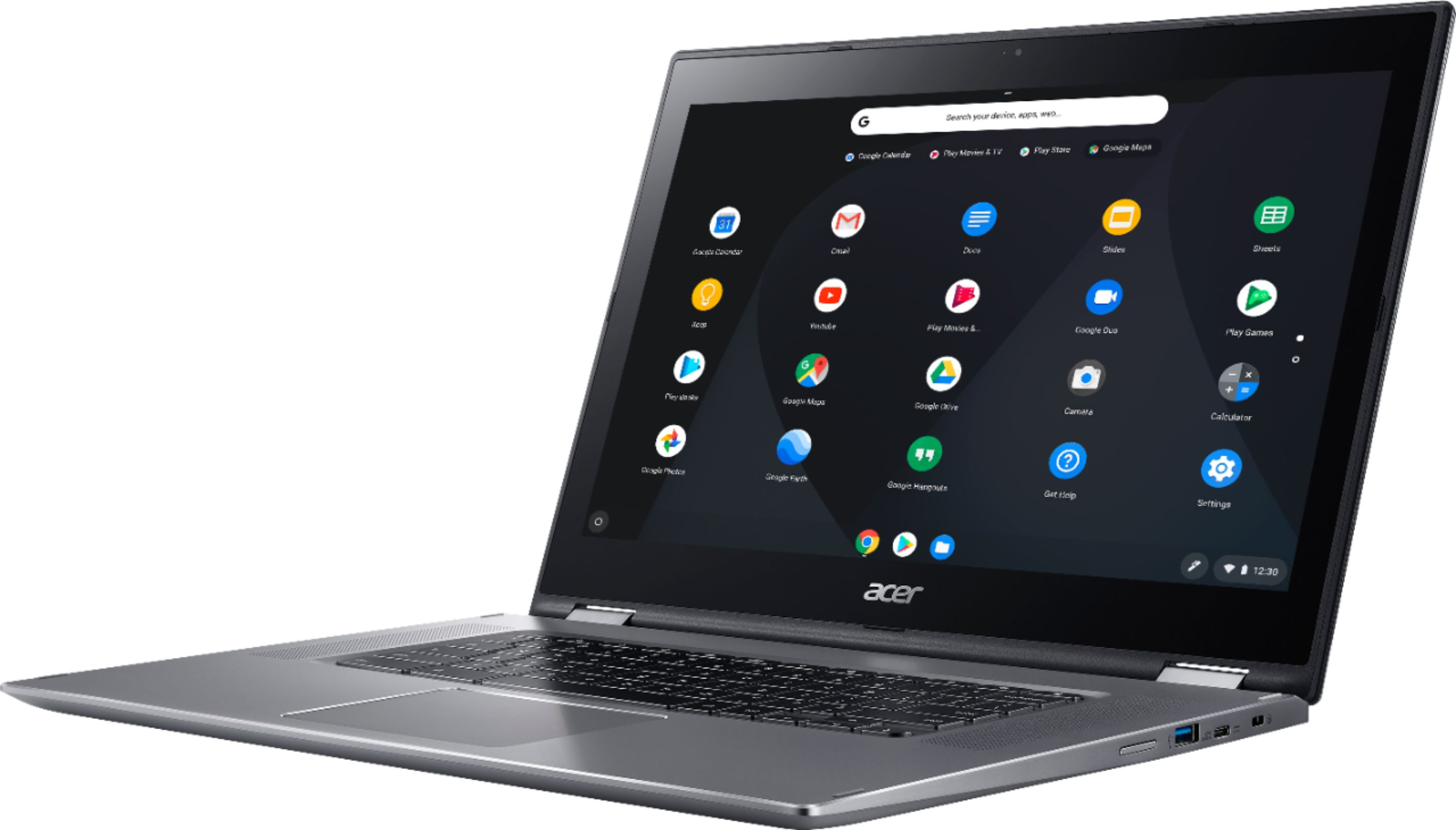
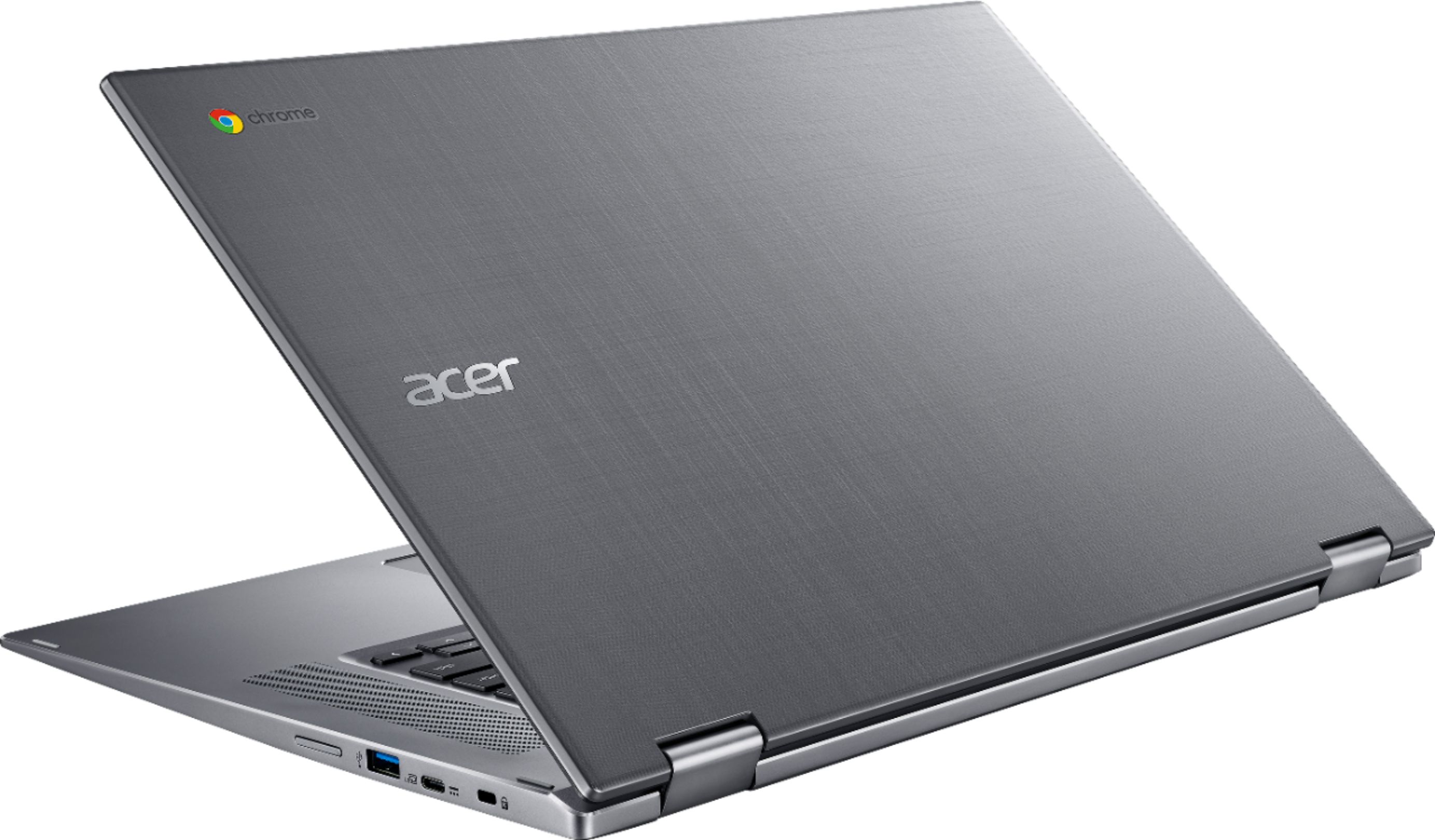
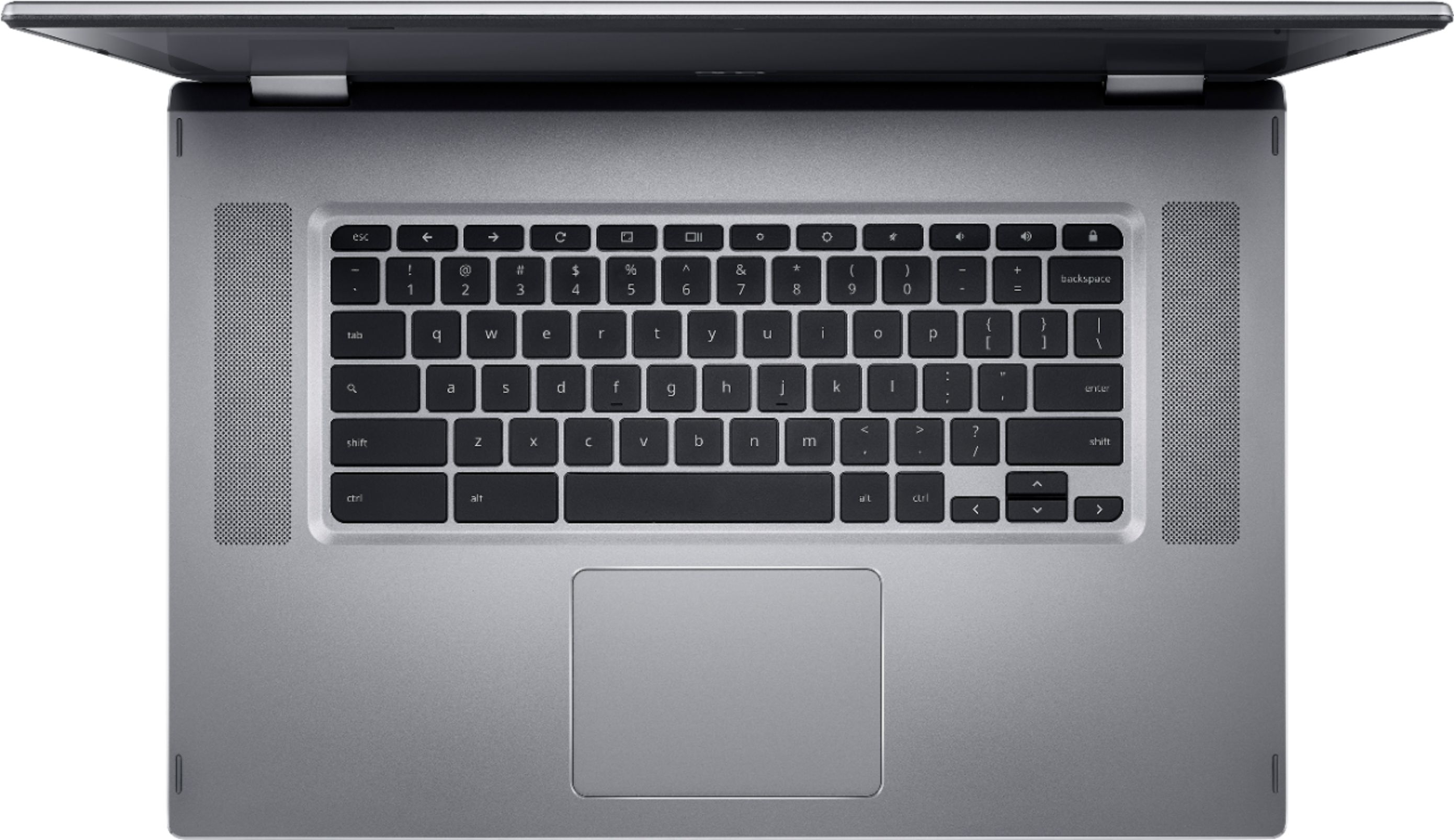
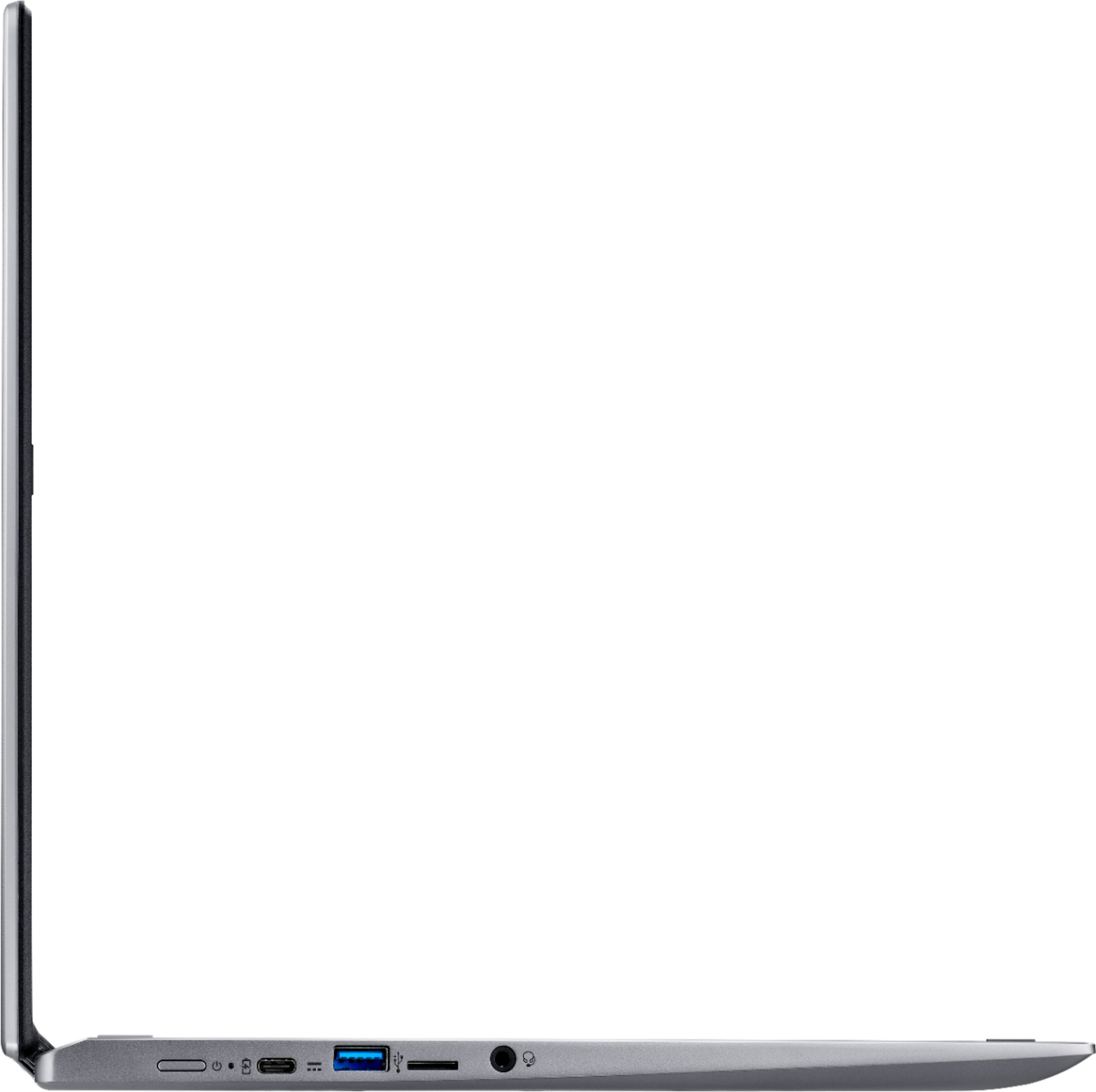
A:AnswerI’m not sure about plugging it in via usb, although it should work as this chrome book does have USB ports. My HP wireless printer connects and works with no issues.
A:AnswerI wouldn't, this machine's specs can't handle heavy software. It's really a very, very basic machine. Get something with higher specs, e.g. more RAM
A:AnswerHere is a link to the specifications; scroll towards the bottom for the physical characteristics: https://www.acer.com/ac/en/US/content/model/NX.GWGAA.003
A:AnswerWhile Acer does not test many gaming applications we would recommend you check that the computer meets the system requirements of the application/game to determine if it will work. You can also contact the software vendor to see if they can provide information on compatibility with their software. You might also post your question on the Acer Community where there are many users that post questions and offer help and advice on Acer products. The link is: https://community.acer.com/
A:AnswerThere are 11" Chromebooks available, if not in this exact model. You can view all the Chromebooks at this link: https://www.acer.com/ac/en/US/content/group/laptops At the top of the page click on Chromebooks to view the available Chromebook models.