A:AnswerIf you don't have a couple of extra hdmi cables, check with a friend or coworker to borrow a couple and see if that clears the issue (which would indicate new cables are needed due to a potential short in the cable or cables).
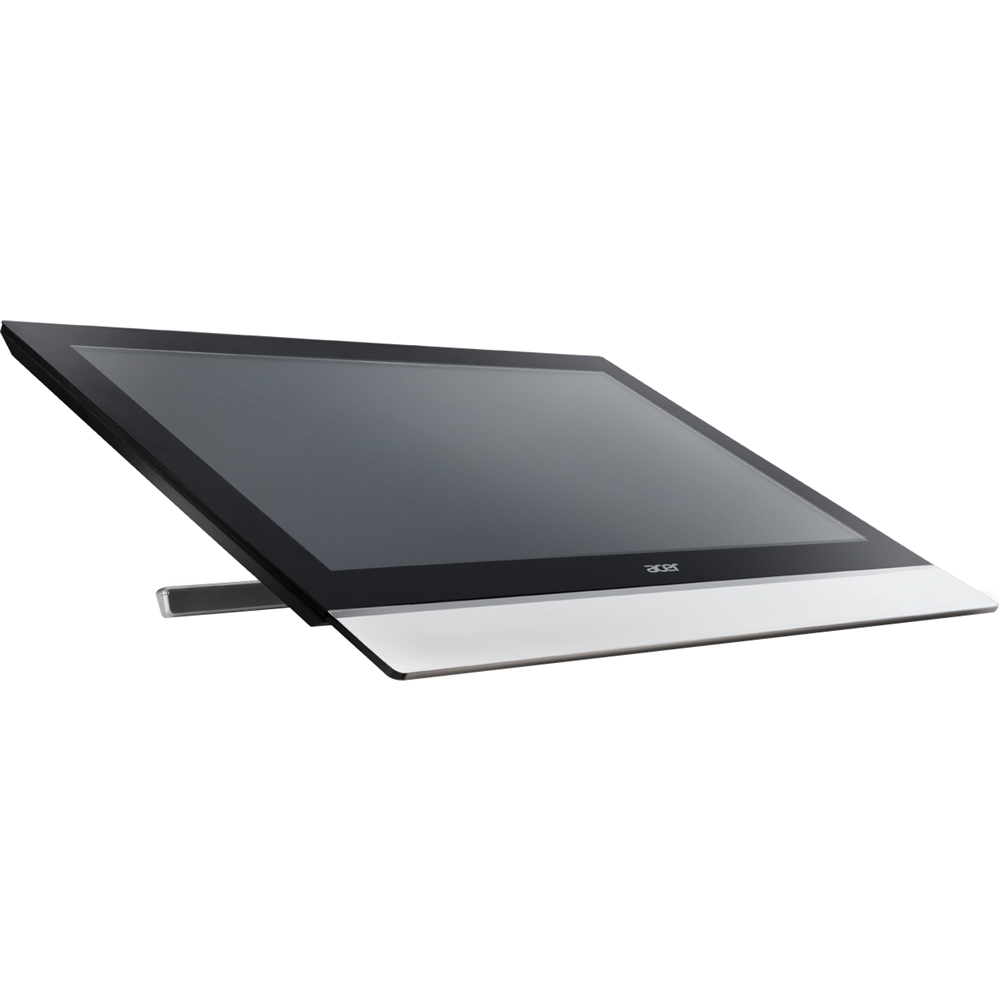
A:AnswerAssuming you buy a generic wall mount kit, you can always set this up as portrait. Now if you use Windows then you can right click on the desktop and select "Display Settings" where you can change the orientation of the display from Landscape to Portrait and vice-versa.
A:AnswerShort answer is Yes.
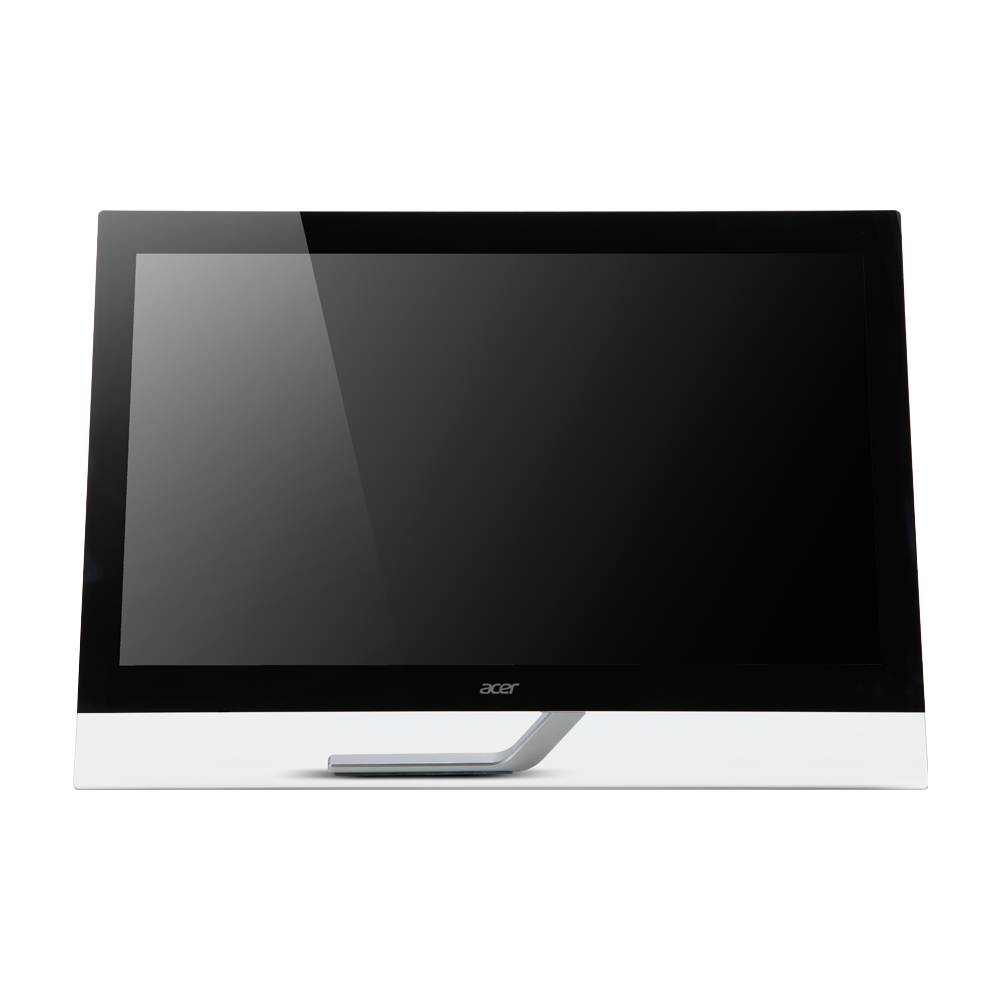
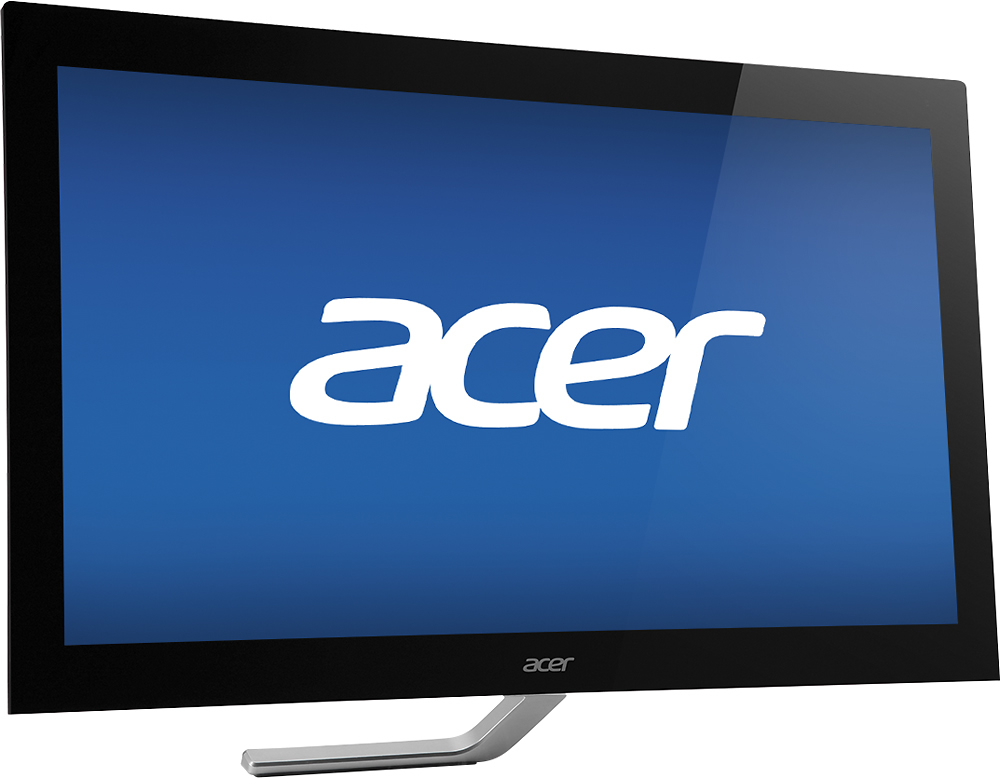
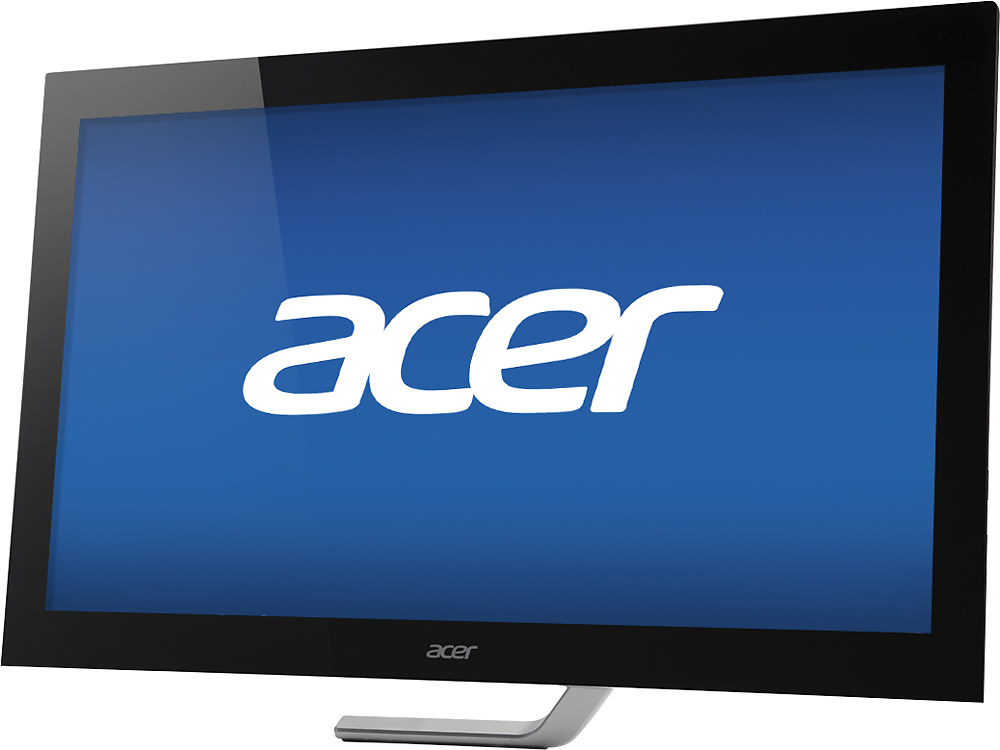
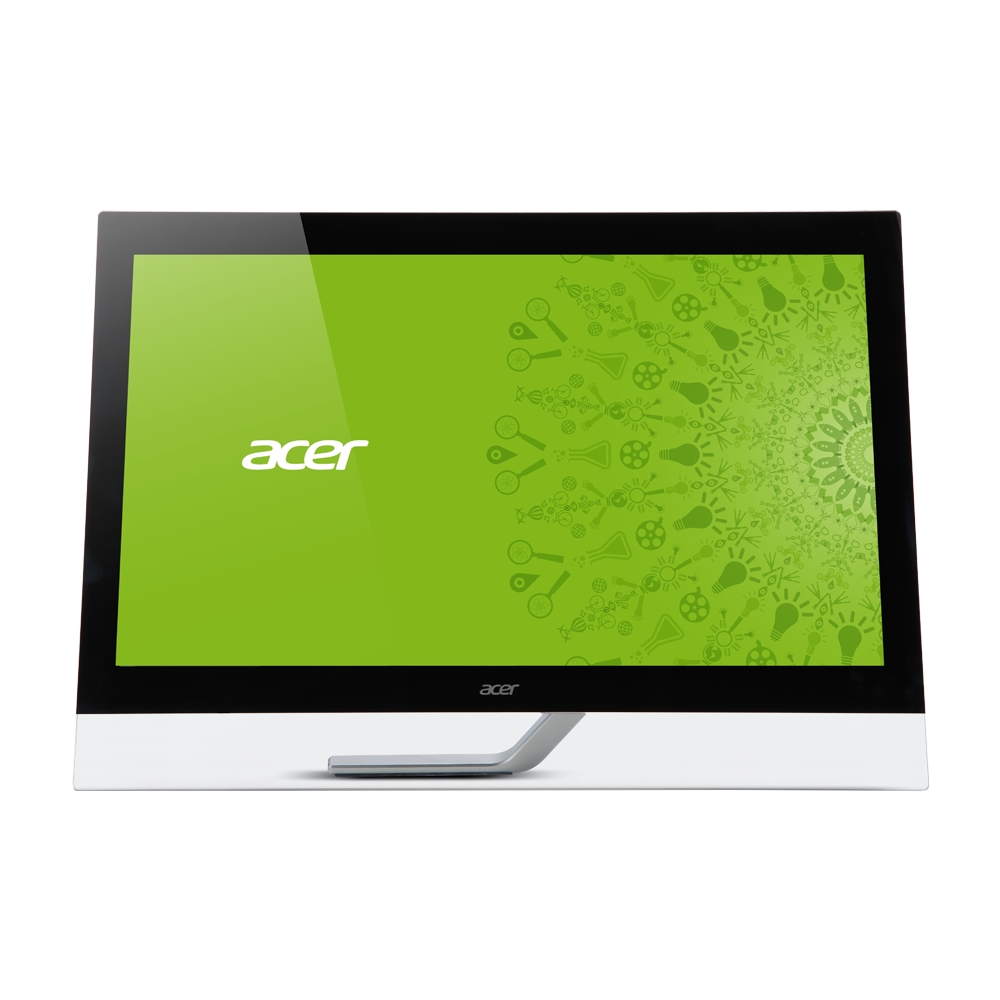
The Acer - 23" IPS LED HD Touch-Screen Monitor works with Windows 7, 8, 8.1, and 10. Enhanced features/gestures are only available in Windows 8 or newer.
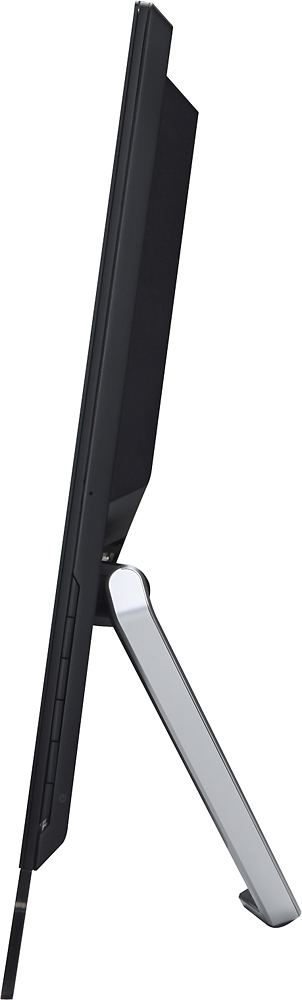
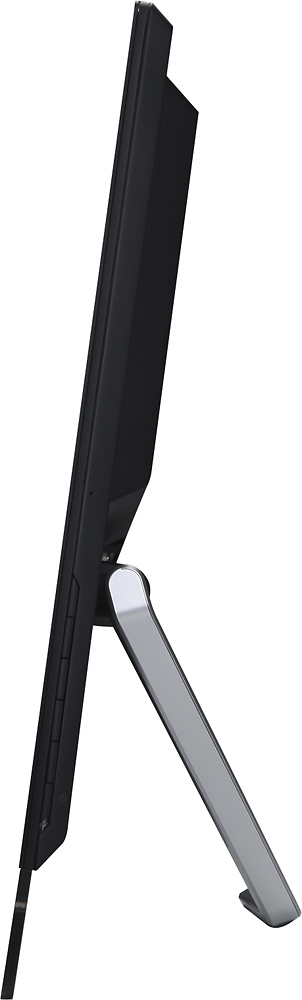
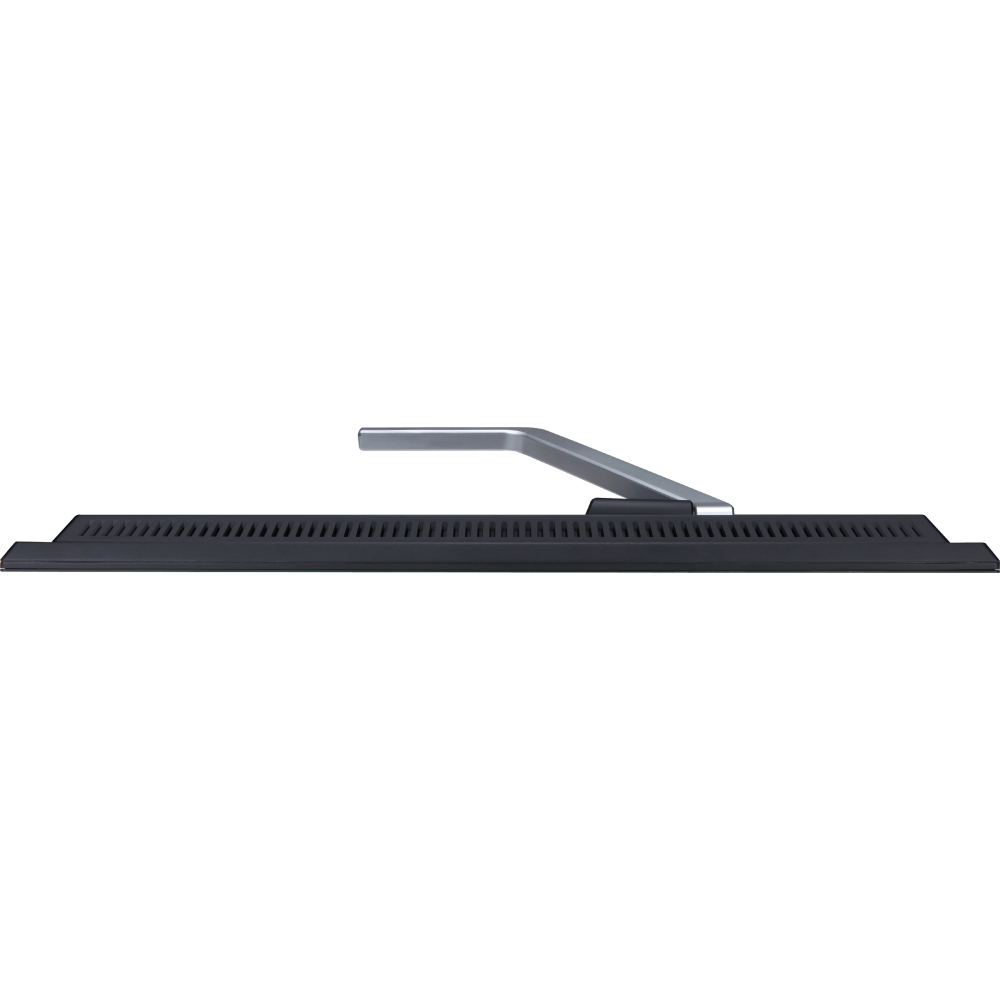
A:AnswerIf you need a replacement stand/base, you can contact our Service Operations number for price and availability. They can be reached at 866-658-2237 and hours are 8am-5pm CST, M-F.
A:AnswerShort answer is Yes:
The Acer - 23" IPS LED HD Touch-Screen Monitor has 2 HDMI and 1 VGA. You can have 3 devices hooked up at the same time and switch inputs via the side buttons.
However, there is only ONE usb output for touch and it is always active if plugged in.
There is also no PIP function.
A:AnswerMake sure all the cable connections are fully engaged (you may have to unplug/replug)
If that doesn't work, try reinstalling the monitor (power down the PC, unplug then replug the connections, power back up.)
A:AnswerYes...
It will be compatible with any HDMI output device. So the brand (HP) should not be affected.
The touch screen is a separate (additional cabled USB) feature for the monitor. I have two monitor connected through HDMI and am able to switch inputs to the tower I have connected. The touch screen USB is not plugged in the tower so it does not function but the monitor does show my towers screen.