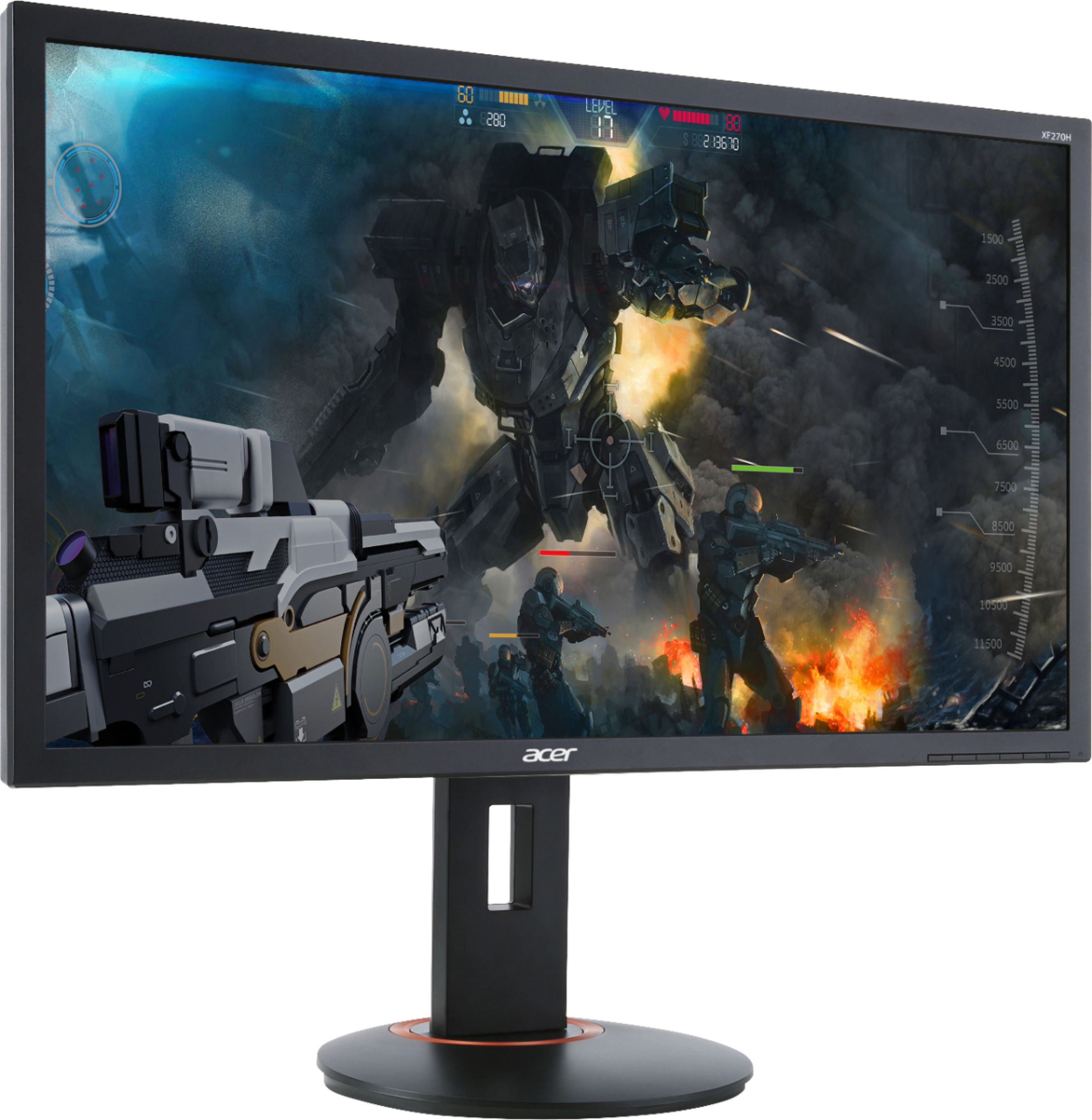
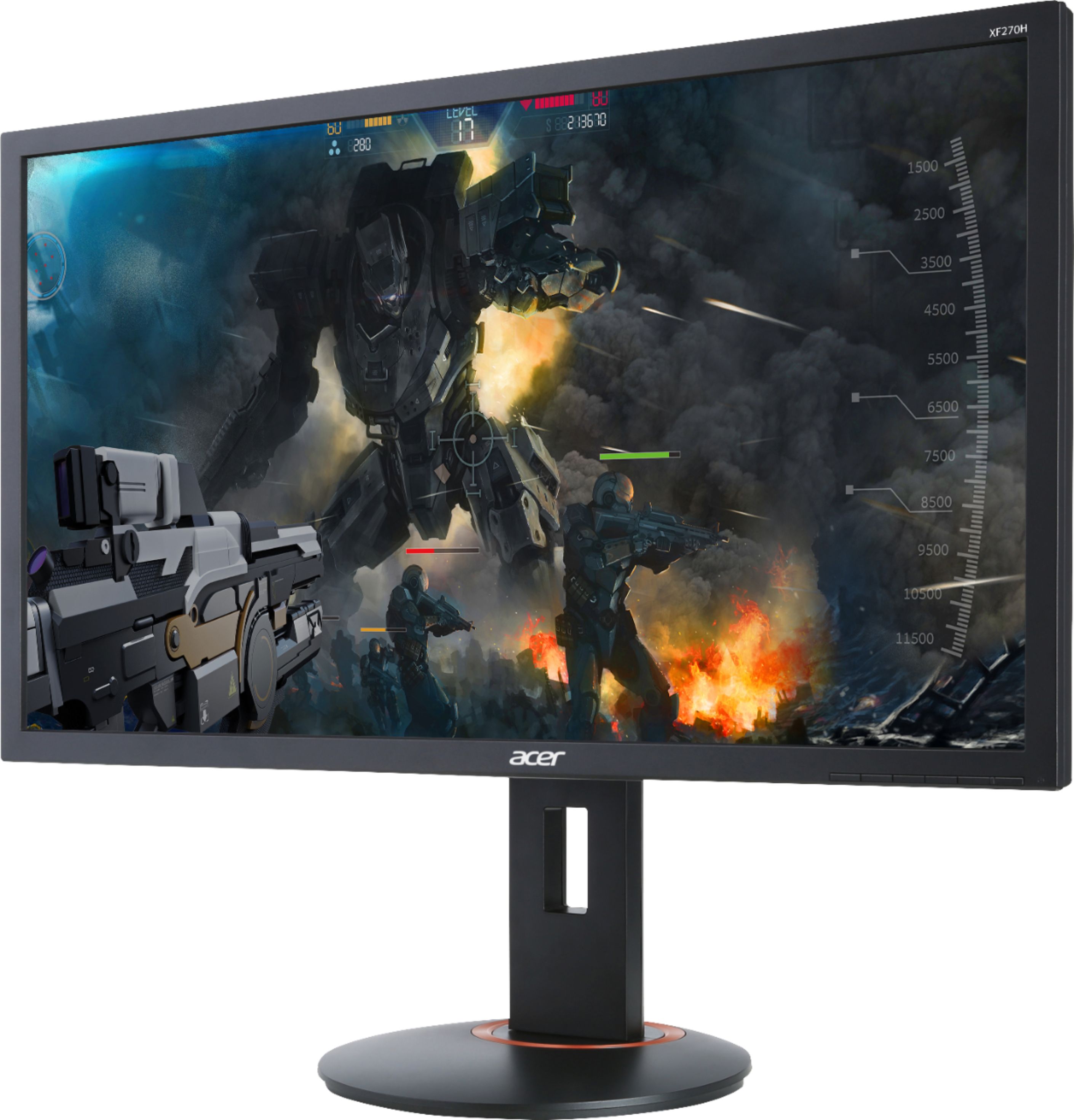
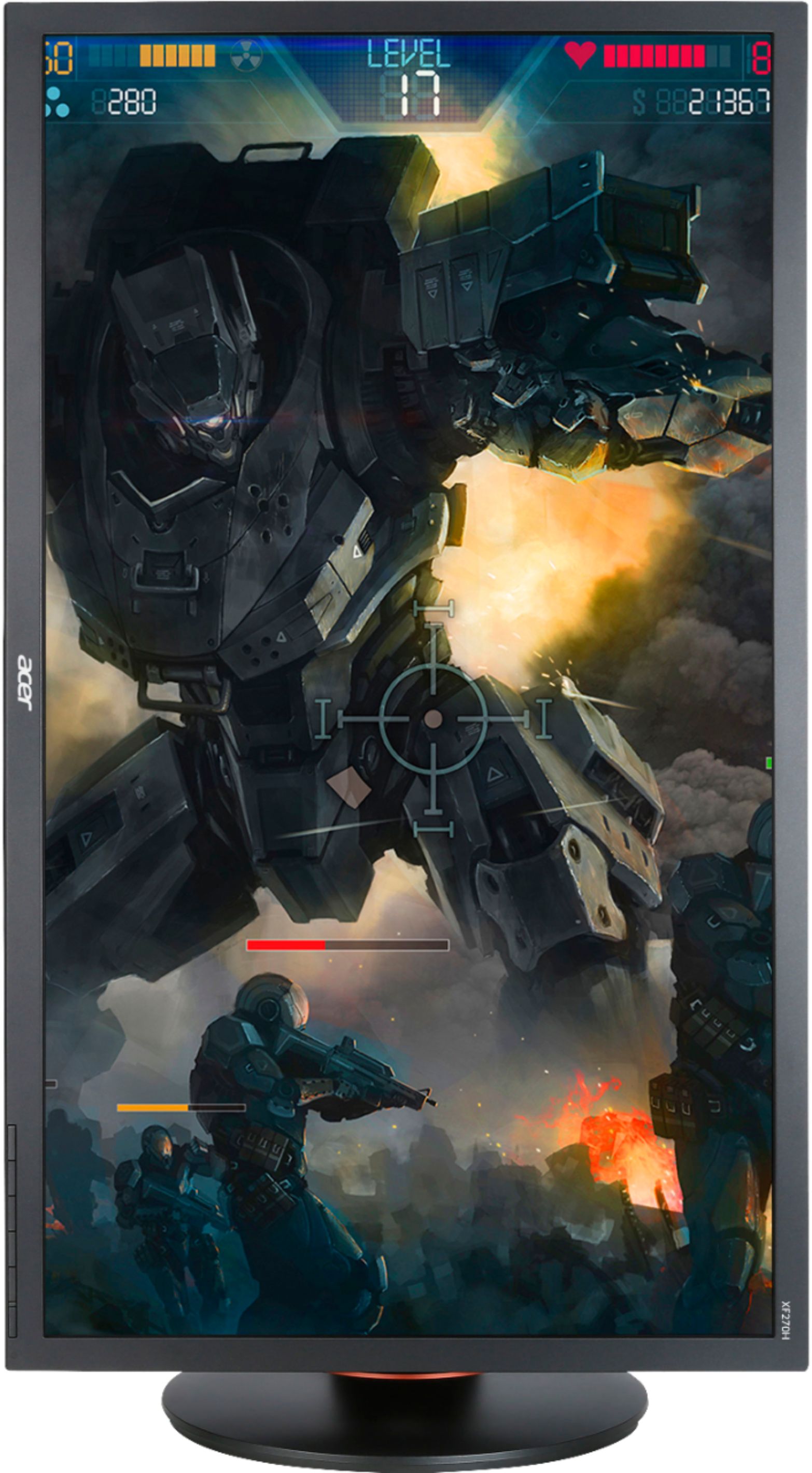
A:AnswerIt's a great monitor for Fortnite and other FPS games; 144 Hz is a must, you won't want to go back to 60 Hz; FreeSync or G-Sync is a waste, don't need it, set your screen to 144 Hz and fire away!
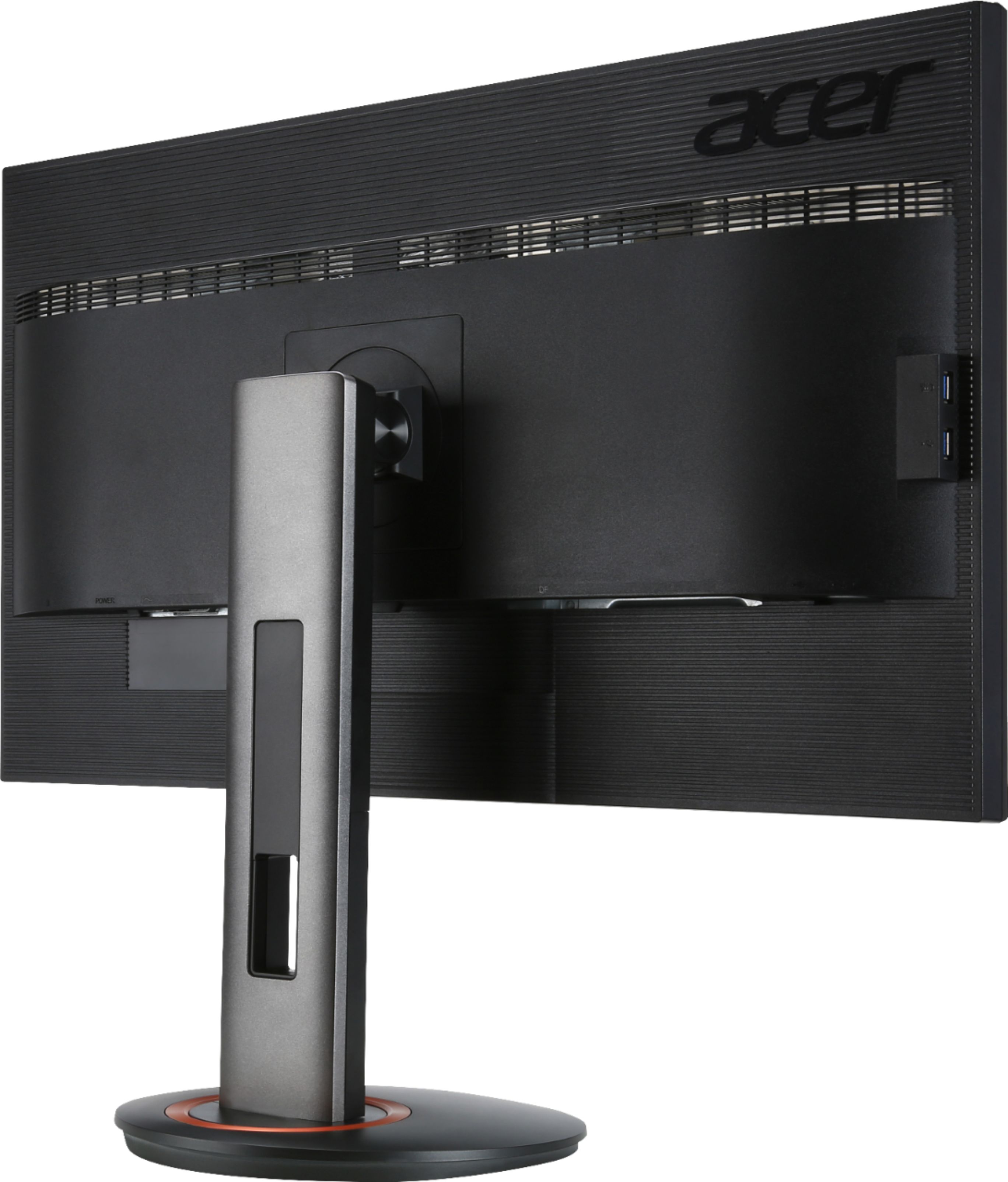
A:AnswerThere is an audio jack located by the display port on the back, i have tested headphones and it outputs audio to them when the monitor is selected as the playback device. It would only make sense that it would output to speakers as well.
A:AnswerIf it's not the same shape, it's probably not an HDMI port. There's probably display port on your computer, there is also one on the monitor.
You remove it from the base by hitting the button under where the screen mounts.
A:AnswerTry the monitor on a different PC or a laptop to test it. If it works fine on another PC/laptop the issue may be with the video card it's connected to. But we would recommend trying a different cable to rule that out. If you need further help with this please contact Acer support at 866-695-2237.
A:AnswerIt should but you can also post your question on the Acer Community where there are many users that post questions and offer help and advice on Acer products. The link is: https://community.acer.com/
A:AnswerTry connecting it using a different source such as a laptop or PC to try and narrow down a cause. Also try different cables and if these suggestions don't work, please contact Acer support at 866-695-2237.
A:AnswerPlease contact Acer support for assistance with your monitor. They can be reached at 866-695-2237 and are available 24/7 for in-warranty products.
A:AnswerWhen looking at the back of the monitor, all connectors are located underneath the overhang of the chassis. If you run your hand under it, you can feel the connections. If you tip the monitor you can see the ports. We recommend if you want to lie the monitor flat, to carefully place it on a soft surface like a towel, etc.
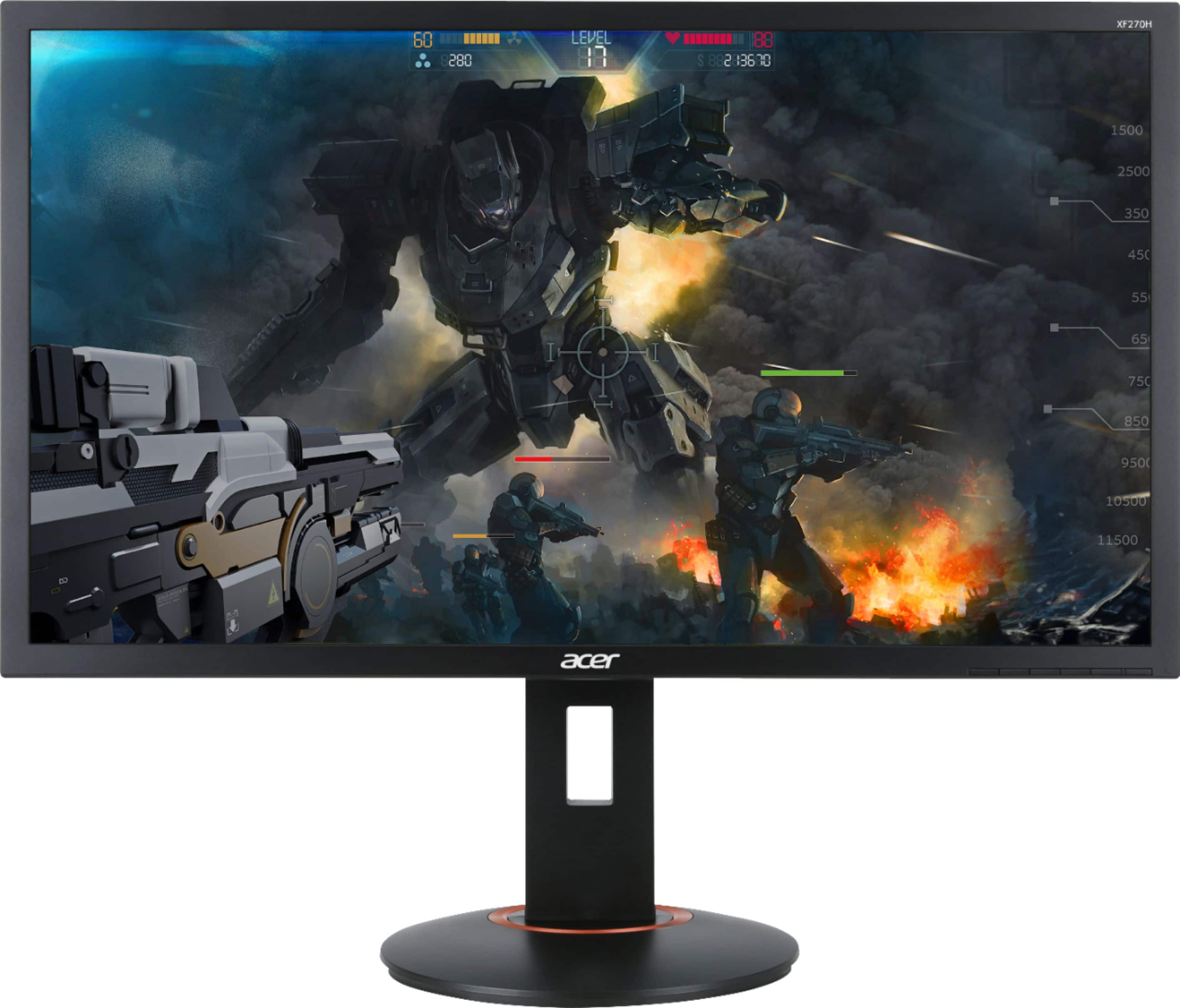
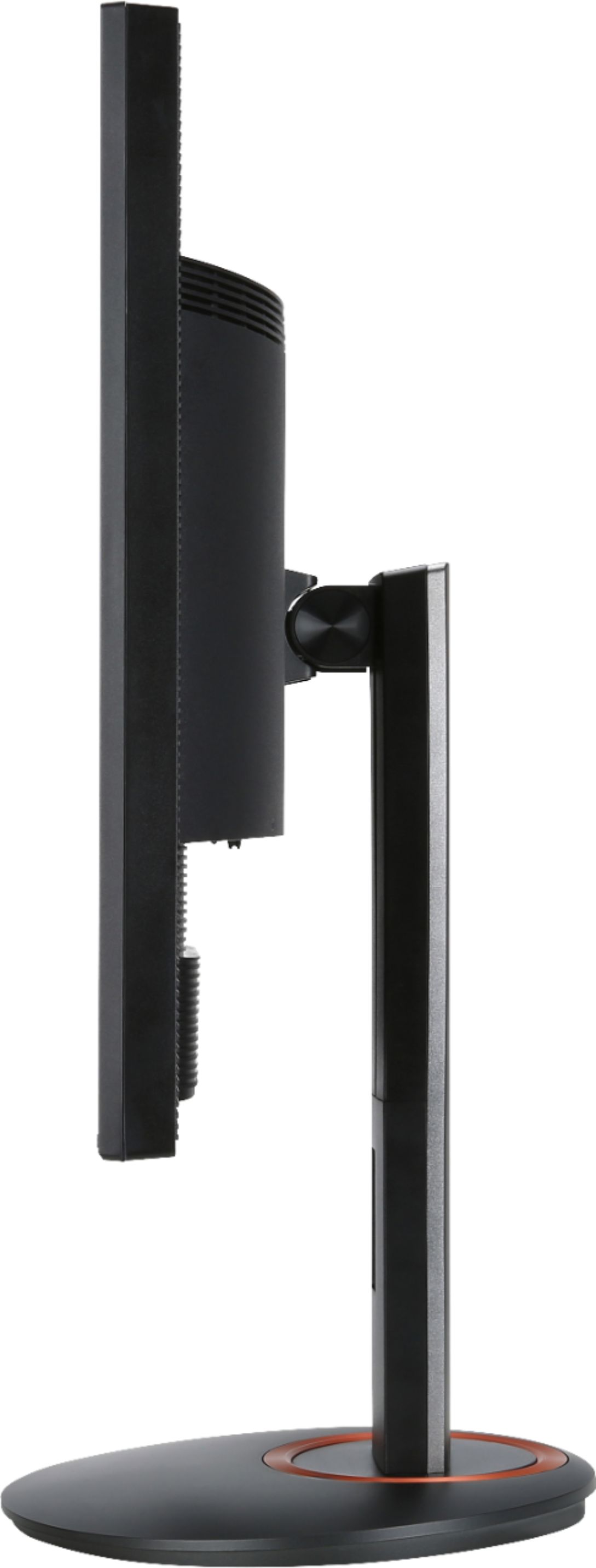
A:AnswerYes, this monitor has height adjustment and you just push the top of the monitor down, or raise it up the bottom by pushing up. If you need help with this please feel free to contact support at 866-695-2237.