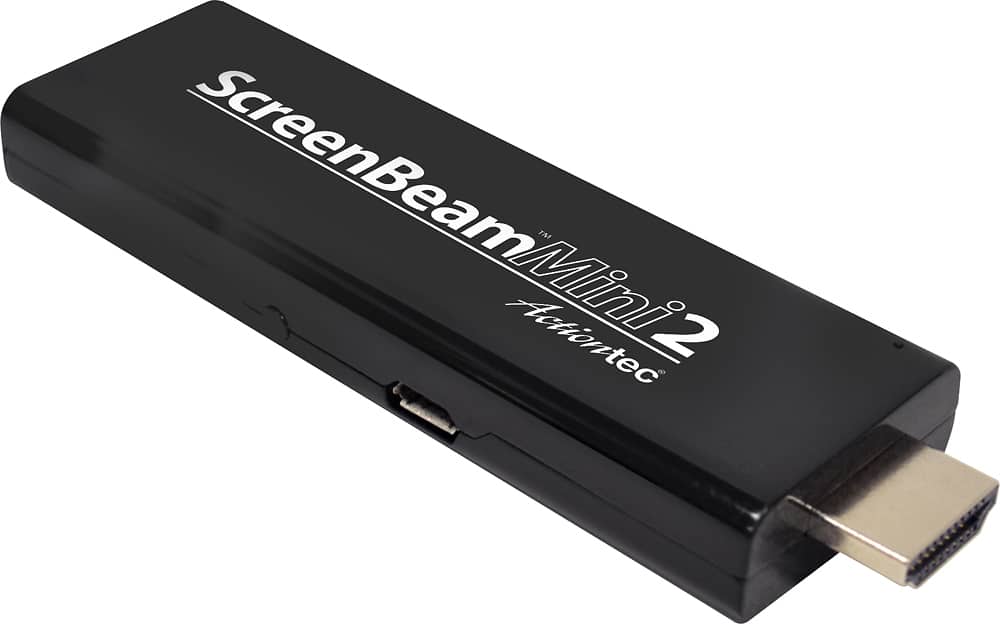
A:AnswerI was not able to mirror an iPad Pro as the Apple unit would not cast without wifi. However, my Android and Windows devices worked perfectly without wifi.
A:AnswerYou can cast to the Screenbeam Mini using screen mirroring.
From Screenbeam: Plug the wireless display adapter into the TV. It creates its own direct, wireless connection with a Windows 10 PC or laptop using Miracast technology.
A:AnswerMy Windows 10 computer projects perfectly. Just select project this PC from the notifications menu and the Screen beam name will pop up. Just click and they're connected! Exceptionally simple.
A:AnswerAs long as you have set it up correctly, the TV will display whatever is on your computer screen. Caution: You may need to play around with your computer display settings since the aspect ratio of the computer screen may differ from that of your TV.
A:Answer.......... no additional cost for its operation .... you beam what you wish that you are viewing or can view of your cell and need only that devices ability to make the connection wirelessly ....I use more often than not my samsung s10+ and its smart view feature... absolutely great