A:Answeryou may install on two computers. their intention is for you to have a desktop and a laptop. When you want to load the software onto another computer, you decide which of the two that you are currently using from which to delete the program. Then you install onto the new computer. Its like a perpetual license that you can keep loading but only up to a total of two computers.
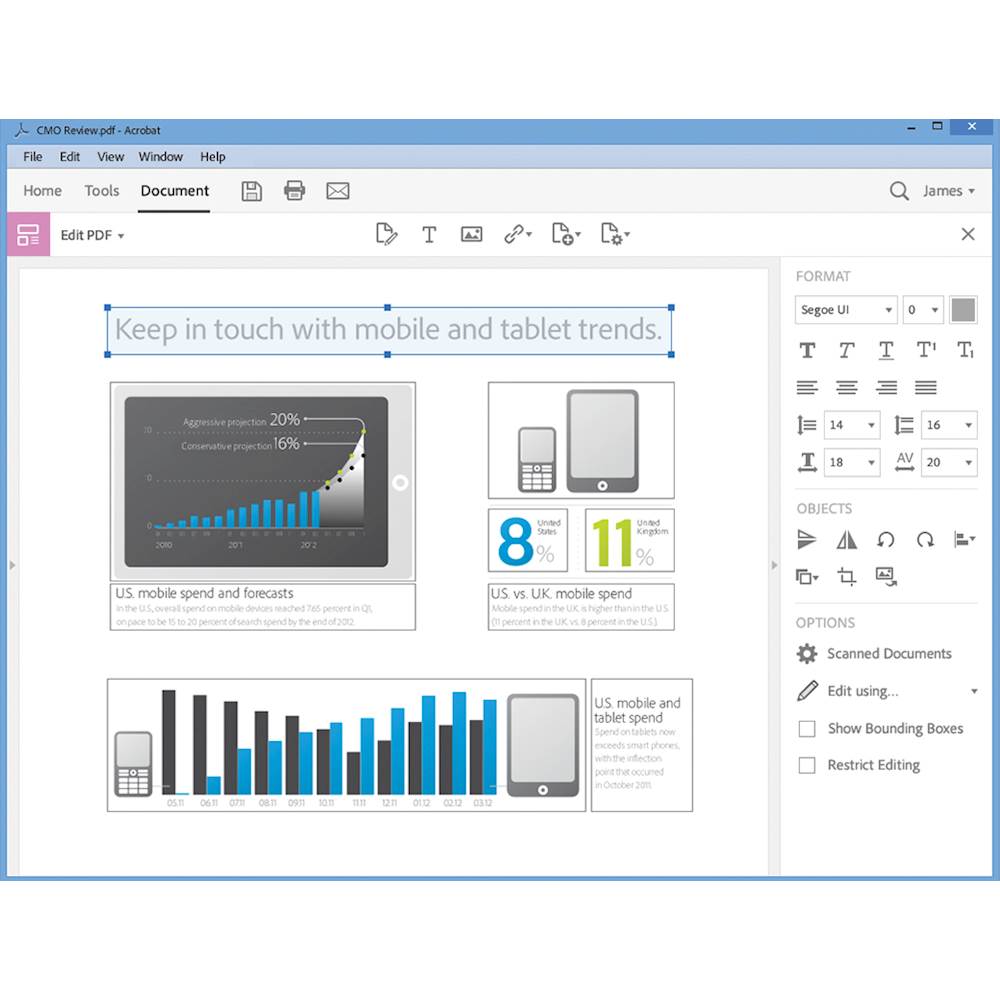
A:AnswerYes, PDFs are totally editable...I love it! A word of caution, though, the process is labor intensive unless you're a WIZ at editing in Adobe. I, sadly, am a novice.
A:Answeryou can download the software with the enclosed disk. however, you need a internet connection to contact ACROBAT code enclosed. They will then send you the serial number which you will need to activate the software on line. this is to prevent fraud and misuse of their software
A:AnswerIf you have to have updates after the first year then you have to keep paying for Adobe and you might as well just by the online version. If you just need it to work with what it comes with then you do not have to keep paying. It is on a disk and you upload it to ONE computer and you are good to go.
A:AnswerYou will know from the description. Adobe has their "Cloud" version where you can add virtually any product they make (for a subscription price).
Or... just order this one: Model: ADO951800F083
BestBuy # Sku: 5848551
It's good forever..perpetually.
A:AnswerDON'T THINK I WILL EVER BUY ANOTHER ADOBE PRODUCT AGAIN!!! After installing this product, all other instances of Adobe on 7 of my office computers (stand alone programs) stopped working, and support says I need to pay again for them to work...by the month!